vite-plugin-federation
 vite-plugin-federation copied to clipboard
 originjs
Preload helper is loading the resources from wrong urls
Versions
- originjs: ^1.1.6
- node: v16.15
Reproduction
I see the file preload-helper.js that is bundled could be wrong
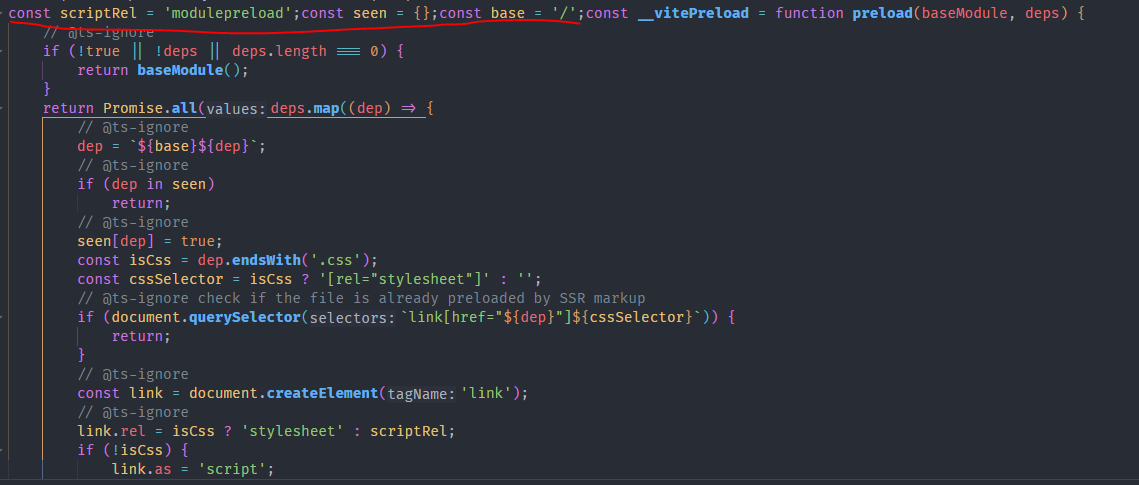
You can see in the above image, code will automatically set the URL with the base URL /, after that, It will be appended to <header> of the web.

But the host-app fetches preload-helper.js from remote-app and run on host-app. Actually, the host-app doesn't have those.
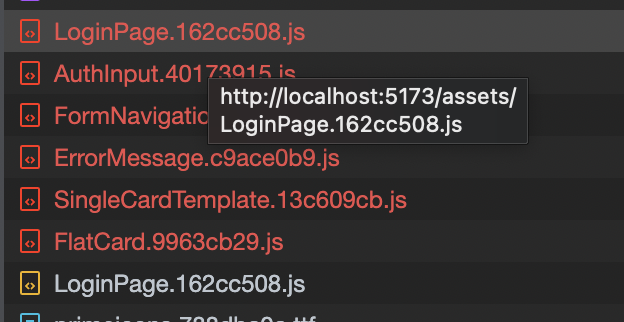
So we will get some errors like this

Did I get this problem right?
My vite.config.ts
export default defineConfig(({ command, mode }) => {
  const env = loadEnv(mode, process.cwd(), '');
  const antdLessConfig = createAntdLessConfig(env);

  return {
    plugins: [
      react(),
      eslint({
        cache: mode === 'production',
        emitError: true,
        emitWarning: mode === 'development',
      }),
      relay,
      dynamicImport(),
      federation({
        name: 'remoteULK',
        filename: 'remoteEntry.js',
        exposes: {
          './ULKApp': './src/bootstrap',
        },
        shared: {
          react: { requiredVersion: deps.react },
          'react-dom': { requiredVersion: deps['react-dom'] },
        },
      }),
      vitePluginImp({
        optimize: true,
        libList: [
          {
            libName: 'antd',
            libDirectory: 'es',
            style: (name) => `antd/es/${name}/style`,
          },
        ],
      }),
    ],
    resolve: {
      alias: [
        {
          find: '@',
          replacement: path.resolve(__dirname, 'src'),
        },
        {
          find: '~',
          replacement: path.resolve(__dirname),
        },
      ],
    },
    server: {
      open: true,
      port: +env.DEV_PORT,
      // https: 'http',
    },
    preview: {
      port: +env.DEV_PORT,
    },
    build: {
      target: 'esnext',
      minify: false,
      cssCodeSplit: false,
    },
    css: {
      preprocessorOptions: {
        ...antdLessConfig,
      },
    },
  };
});
What is Expected?
Loading resources properly

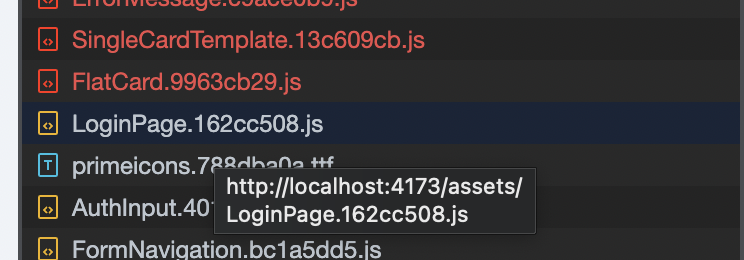
 The same problem, each component get wrong URL from `preload-helper.js`
but after that, I can get the component with right URL from chunk
I found a temporary solution:
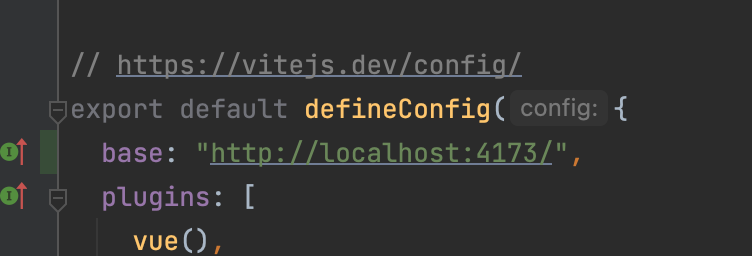 need to add a strict
 base option, and preload-helper.js will have right URLs. But it is bad way and hard to support if your application works in 2 envs.


@AndreiSoroka How can I reproduce the problem
I'll create reproduce repo this week
@ruleeeer https://github.com/AndreiSoroka/mf-reproduce-vite-preload
strange, but last time there were no problems with styles 😄
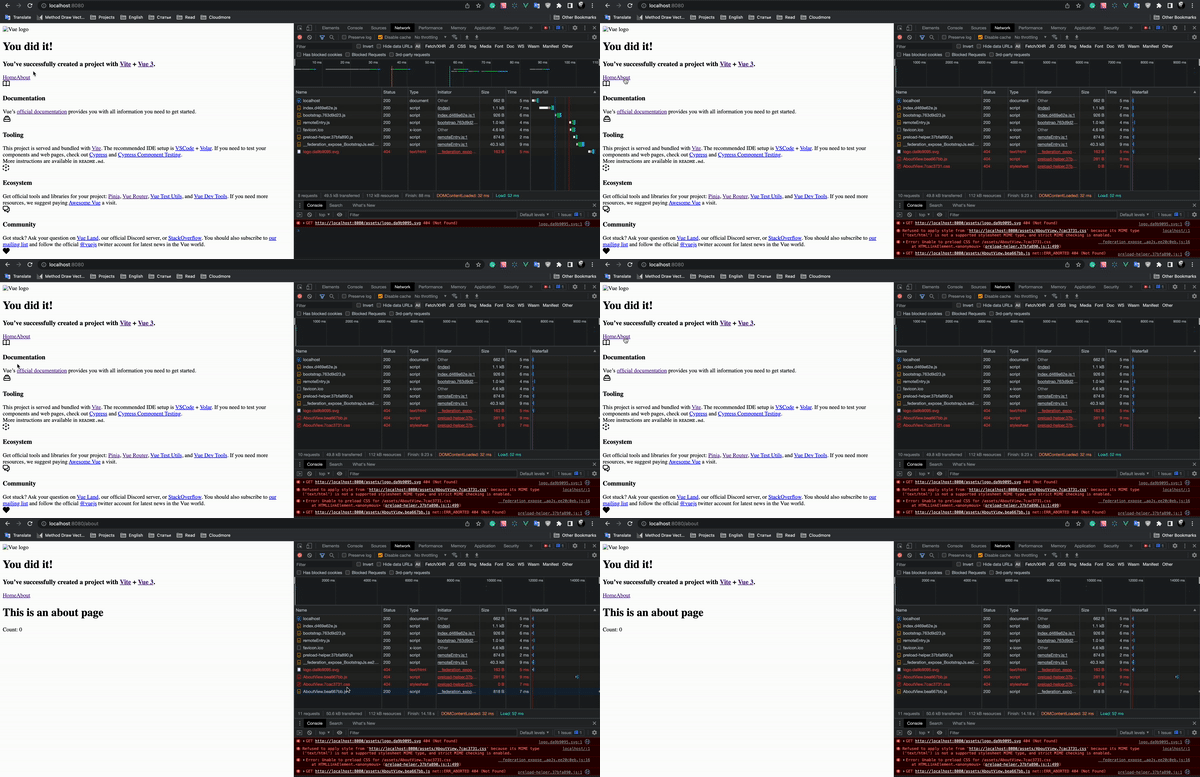
@AndreiSoroka HI , thx for your reproduce repo I changed the configuration and I see it locally like this and it seems to work
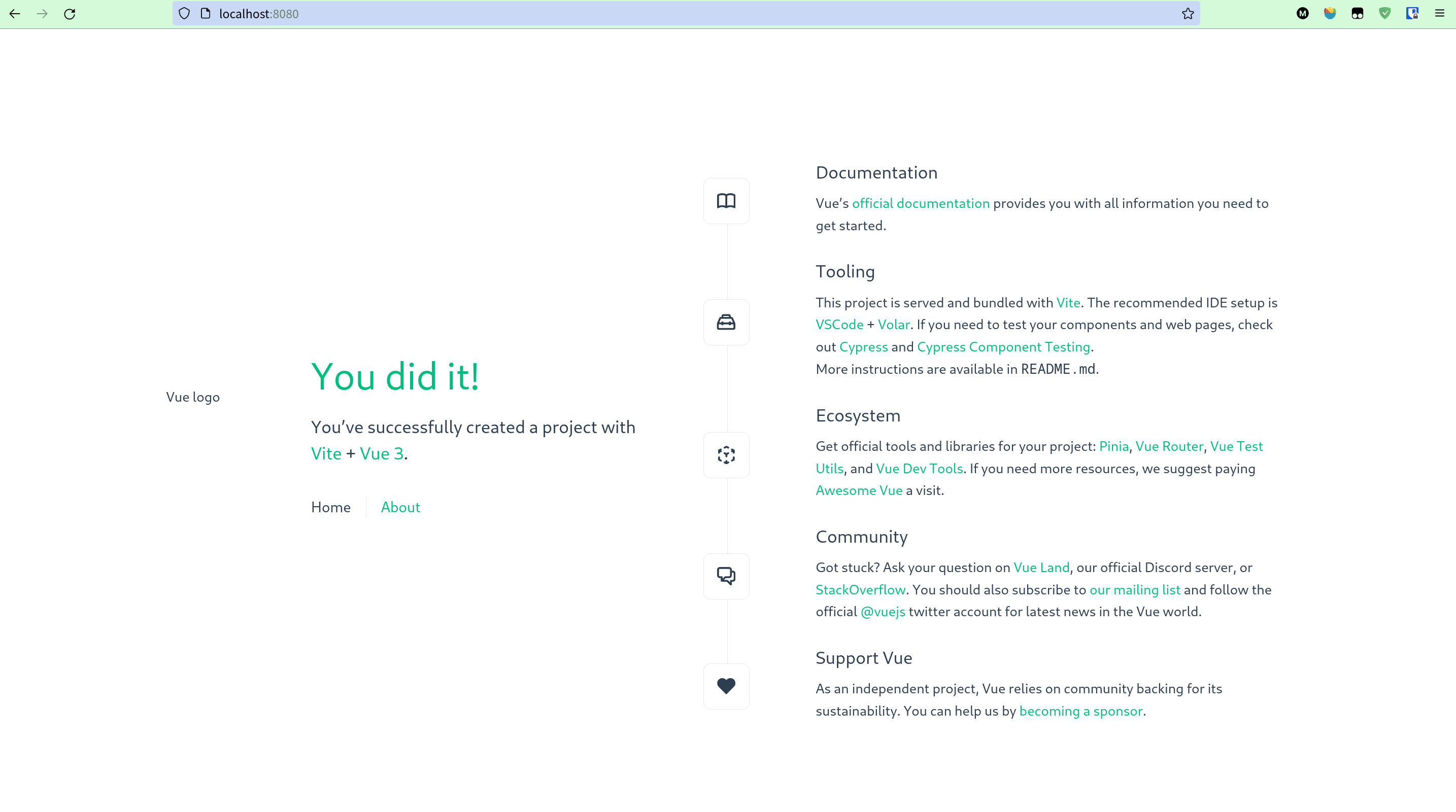
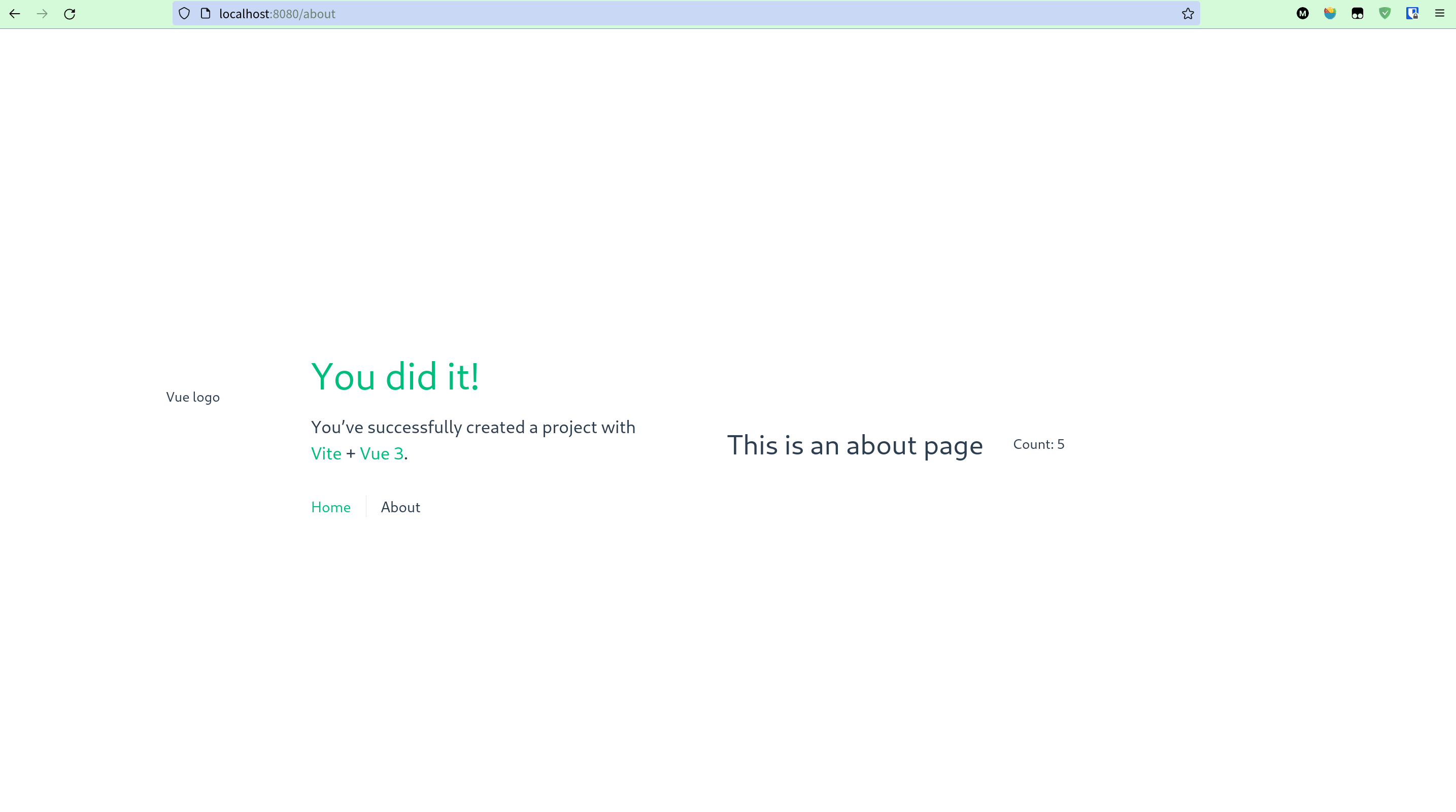
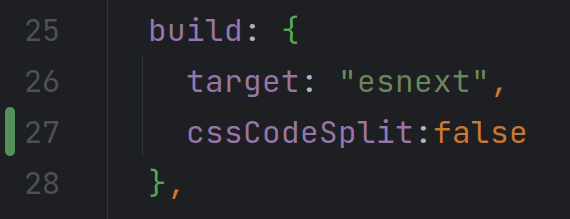
you only need to add cssCodeSplit:false into build:{...} in remote-app/vite.config.js