

 orchidsoftware
Filter and Sort not working
Describe the bug I can't filter or sort on any lists. Out of the box Users list can't even be filtered or sorted which I'd expect would work since it's the defaults. I can't filter or sort on other tables, but at the least I figured users and roles would work.
To Reproduce Steps to reproduce the behavior:
- Install clean copy of Laravel ^9.19 (9.29)
- Install Orchid 13.1 per instructions on site
- Add a few test users
- Try filtering by name or email address
Expected behavior I expect that sorting and filtering will work.
Screenshots
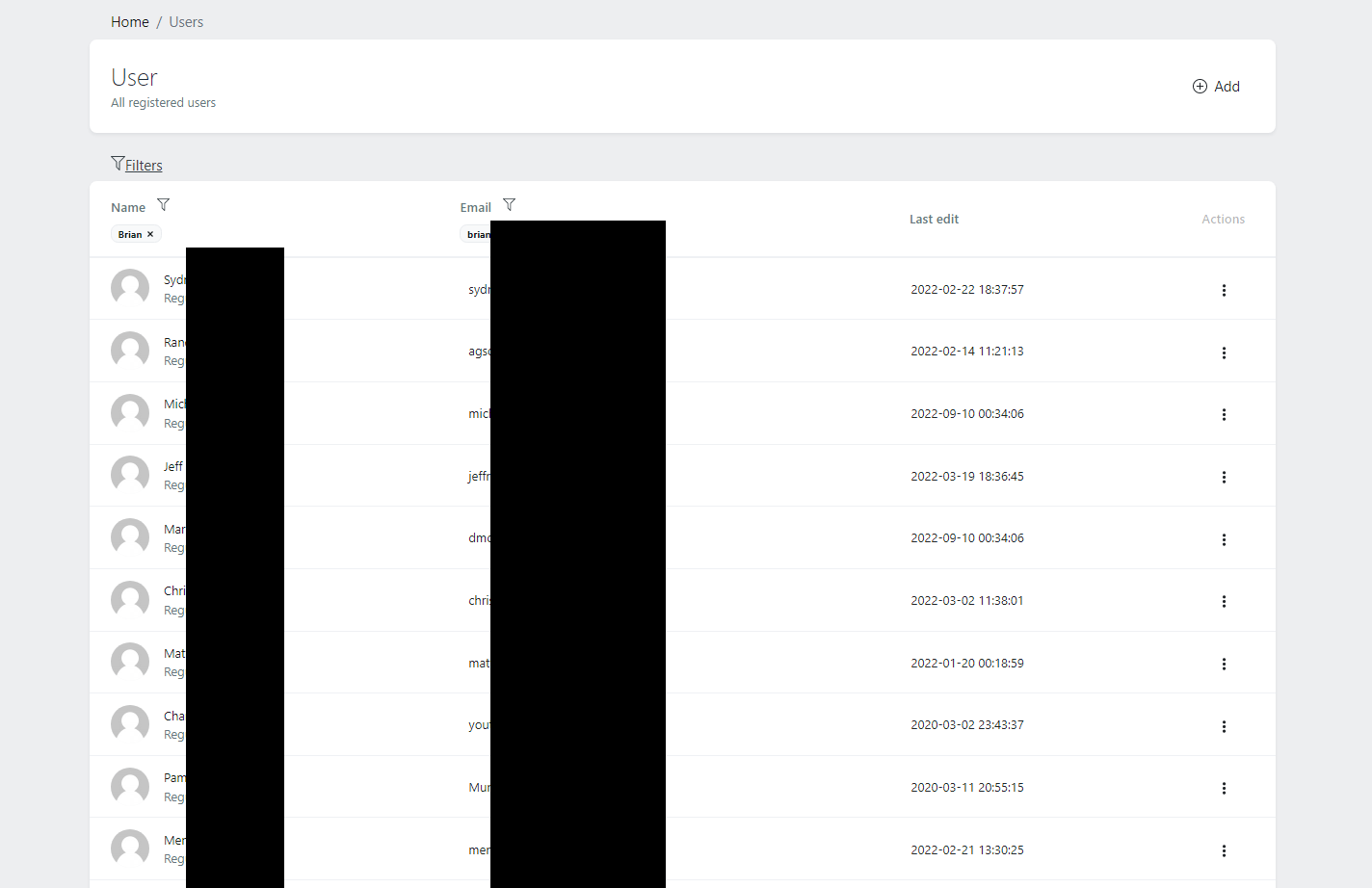
Desktop (please complete the following information):
- OS: Windows
- Browser Chrome 105.0.5195.102
- Version [e.g. 22]
Server (please complete the following information):
- Platfrom Version: Windows 10 running XAMMP 3.3
- Laravel Version: 9.29
- PHP Version: 8.1.2
- Database: MariaDB
- Database Version: 10.4.22-MariaDB - mariadb.org binary distribution
Additional context Add any other context about the problem here.


@Cregennan , thanks for the reply.
I commented out ->filters(UserFiltersLayout::class) in the query() method and UserFiltersLayout::class in the layout() method.
That did not fix the problem.
I'm doing some experiments to try finding the issue.
I've confirmed that the sort is being added to the query in orchid\platform\src\Filters\HttpFilter.php:203
@Cregennan
Oh, I get what you were saying. Change ->filters(UserFiltersLayout::class) to ->filters()
That fixes the filtering and sorting to work with name and email. However, I can't filter on role anymore. It's one or the other?
I also found that I had been calling defaultSort before the filters method on the other models. When I make sure to apply filters() first, I was able to get the other list screens to work. The order of things being called doesn't seem to be documented but the example found in "Automatic HTTP Filtering and Sorting" does show the order correctly. My bad.
Order that these are called in is very important it seems. The below code is working.
return [
            'users' => User::with('roles')
                ->filters(UserFiltersLayout::class)
                ->filters()
                ->defaultSort('name', 'asc')
                ->paginate(),
        ];
Call filters() empty after the other is what got it working.
I'd suggest either making it so that the order that these methods are called does not impact the query (besides paginate for obvious reason). Otherwise, document that the order is important.
@BrianWendt With the release of the update, this should be correct, please check.

@BrianWendt With the release of the update, this should be correct, please check.
For me not work. Same problem after update today to last release and using @BrianWendt suggestion.
In my case order of filter or change ->filtersApplySelection(UserFiltersLayout::class) to ->filters(UserFiltersLayout::class) don't solve the problem.
