openstyles
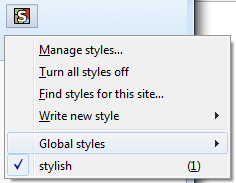
Sort styles in the popup
I'd like to sort the websites styles by added/installed date rather than alphabetical in the button popup, just like stylish v2 on firefox does.
There's sometimes when I activate a style for a short time and then disable it, but because it get auto sorted to first enable then disabled, my style goes somewhere up the list. If it stayed in the same position it would be better, because it would be much easier to find.
Please make it happen, thank you.

Please make it happen, thank you.
This is the politely condescending way bosses talk to employees, not how you ask volunteer devs to tweak functionality.

Read the docs, yo! https://github.com/openstyles/stylus/wiki/Manager#sorting

@Mottie That's not what I'm looking for... That only sorts in the manage list. I was asking for the styles to be sorted by installed date in the extension button, but the full list of styles to be sorted by title as it is by default.

global styles that apply styles to any page should be in a submenu similar to what stylish v2 on firefox has.
It would put the installed/written styles in the global styles submenu if it has a block that would apply to any page