
openbenches.org
 openbenches.org copied to clipboard
 openbenches
Uploads from iPhone broken
You’re probably aware but there seems to be some issues when uploading pictures from iPhone (however not on iPad). When I create a new bench, and use the file picker to attach three pictures (all taken with the iPhone & GPS enabled) the bench is created successfully and the first pic is uploaded, however the other 2 fail with an error related to lack of GPS data. If I create the same bench using my iPad and the exact same pictures - using drag & drop between the photos app and Safari then all works as expected. It would be great to fix this as currently it means I can’t create benches on the iPhone. This issue was present on my old 7 and also on my new X.

Thanks. I don't have an iPhone to test on, but I'll try to get to the bottom of it.

So I just did a test, I selected 3 photos, and the 1st uploaded ok, the edit screen comes up with just the one showing, if I then add the other 2 again, I get the attached error saying no GPS, and the second error message when I submit the edit.
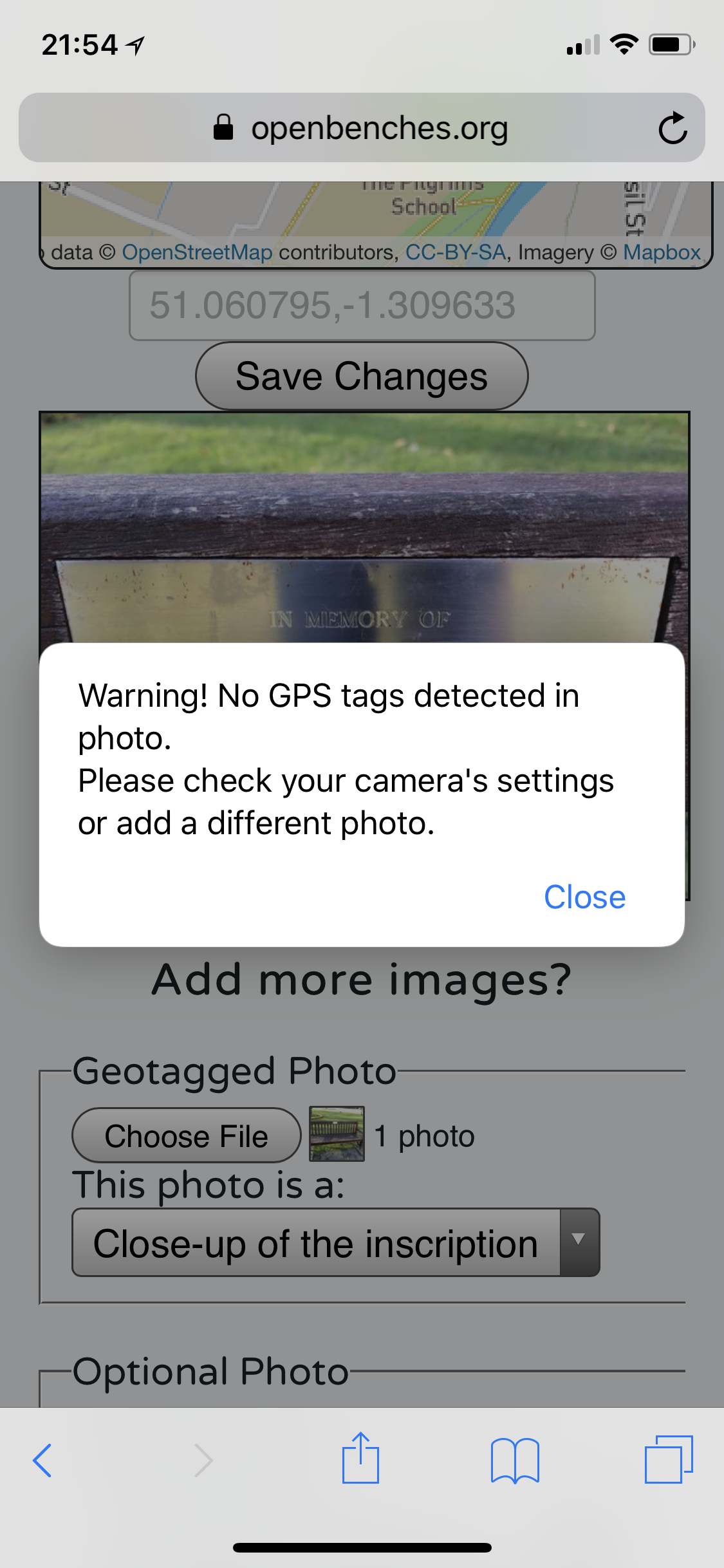

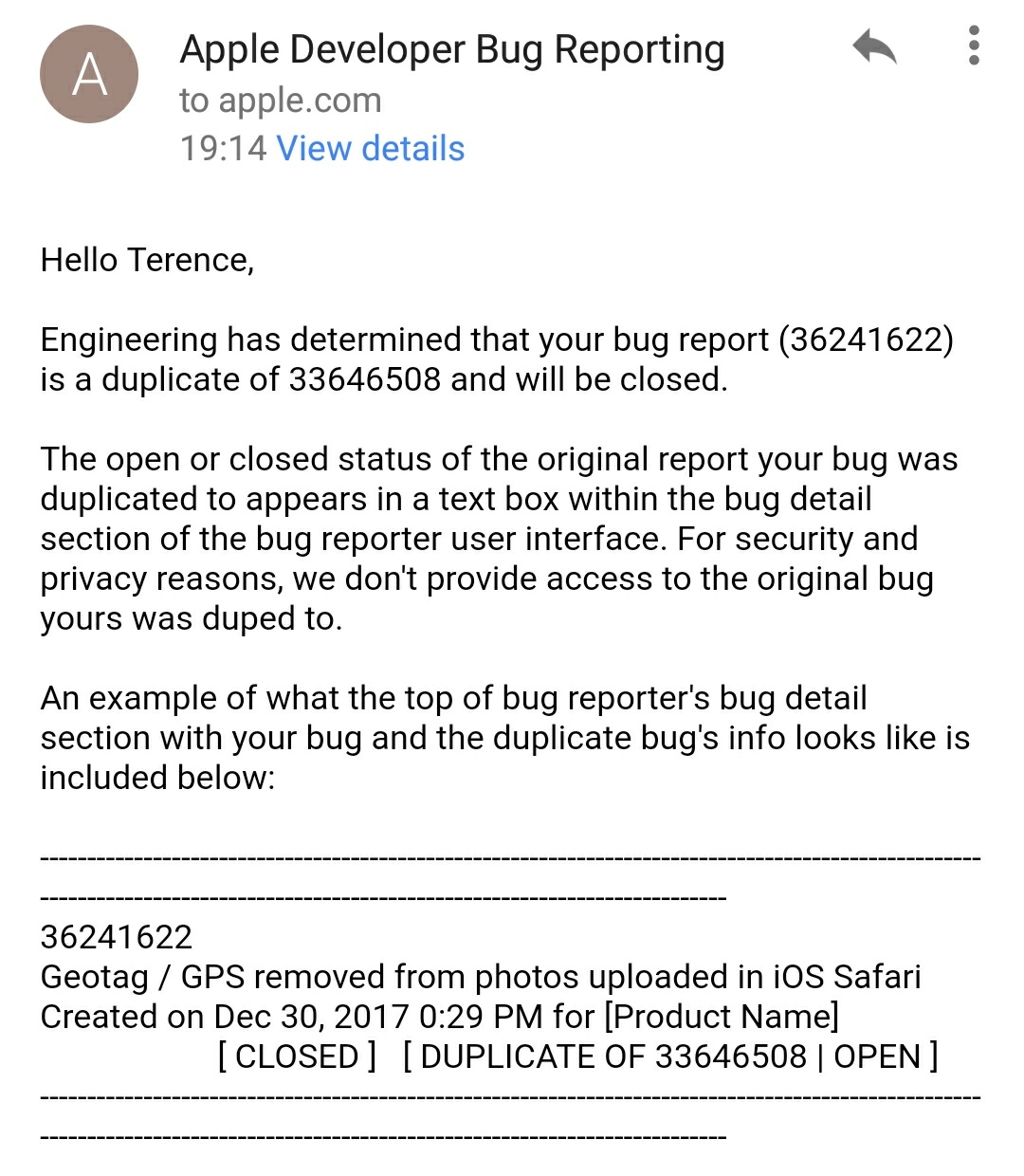
I've reported this bug to Apple, as it appears to be a Safari problem. Will see if there's any way around it.
It's a shame (but understandable) that Mobile Safari on iOS 11 doesn't seem to allow access to GPS data from uploaded photos - I had to export from Photos app on OS X instead
https://twitter.com/simonw/status/946309525115670528
Grrr!
Haha - it is, and this is amazing timing, I was sitting on the beach yesterday trying a few things out. Basically on the iPhone if I use the safari ‘Photo Library’ option to upload direct from the browser it fails to pass any GPS data and the creation fails. If I first share the photos from the Photos app to the Files app and then use the ‘Browse’ option in Safari it works perfectly. From the iPad if I drag & drop from Photos to Safari it also works. It’s not ideal as it means if I am out with just the phone I need to jump through the hoop of sharing the images twice...
Can you take a photo straight from the select photo menu?
I'm going to have to see if there's a better way to do this.
It is weird - and I don’t think it can be a widespread iOS issue with photo uploads missing GPS because there are loads of threads telling you how to upload without sending GPS and none discussing this problem!
I happily take photos on my iphone and upload direct to the site (using the standard camera app to take and then select photo option on upload)

This is so frustrating! It works for some people and not for others. @ukmoose which iPhone model & software do you have? Would you mind writing a quick step-by-step? Have you changed any privacy settings?
I don’t think it can be related to a specific model or software version as I have had this issue for a good long while and have been through many iPhones in that time!! Definitely a 7 and an X and running iOS 11 and 12 beta, probably 10 also.
One thing that does occur to me is that I have always used iCloud Photo Library - @ukmoose do you use that or are the photos only stored locally for you? I’m inclined to log a ticket with apple and see if they have any ideas.
no i don’t use icloud photo library
Sent from my iPhone
On 21 Aug 2018, at 10:03, ajhard [email protected] wrote:
I don’t think it can be related to a specific model or software version as I have had this issue for a good long while and have been through many iPhones in that time!! Definitely a 7 and an X and running iOS 11 and 12 beta, probably 10 also.
One thing that does occur to me is that I have always used iCloud Photo Library - @ukmoose do you use that or are the photos only stored locally for you? I’m inclined to log a ticket with apple and see if they have any ideas.
— You are receiving this because you were mentioned. Reply to this email directly, view it on GitHub, or mute the thread.
Very strange, but it seems to be working today...for no apparent reason! Only change on my end is that I am now on iOS 12 Dev Beta 12. Took some pics yesterday and they have uploaded just fine from the iPhone, so fingers crossed it stays that way...
I think I have found the solution - and understand why other users like @ukmoose aren’t having the same problem. From iOS 11 onwards iPhone 7 and above started using HEIF as standard instead of JPEG and they convert on the fly when needed. I think this drops EXIF data, and the reason it works sometimes is that the device may decide to shoot in JPEG. There’s an option in camera settings to always use JPEG instead (for compatibility) I’ve switched this on and will see but initial experience looks good! Fingers crossed & a shame Apple support didn’t know this...
Alternatively shoot with "live" on and then for the first photo to be uploaded for a bench, edit the photo in photos to turn "live" off
I've added instructions for iPhone users at https://www.openbenches.org/blog/2023/05/iphone-instructions/
I'll link to them from the upload page.