

 openatv
Open Screen2 Above Scren1 Probleme!!
i have Screen1 and i want Open Screen2 Above it as dialog with transparency
the probleme is The Screen2 remove The Screen1
exemple:
screen 1
<screen name="TestScreen" position="center,center" size="1920,1080" flags="wfNoBorder" backgroundColor="white"> </screen>
screen 2
<screen name="TestScreen2" position="0,0" size="1920,600" flags="wfNoBorder" zPosition="1000" > <ePixmap pixmap="/usr/lib/enigma2/python/Plugins/Extensions/Test/transblack.png" alphatest="blend" position="0,0" size="1920,600"/> </screen>"
python:
self.dlg = self.session.instantiateDialog(TestScreen2) self.dlg.show()
I am making a skin and I want to make a transparent volume
in dreambox it seem work without any problem
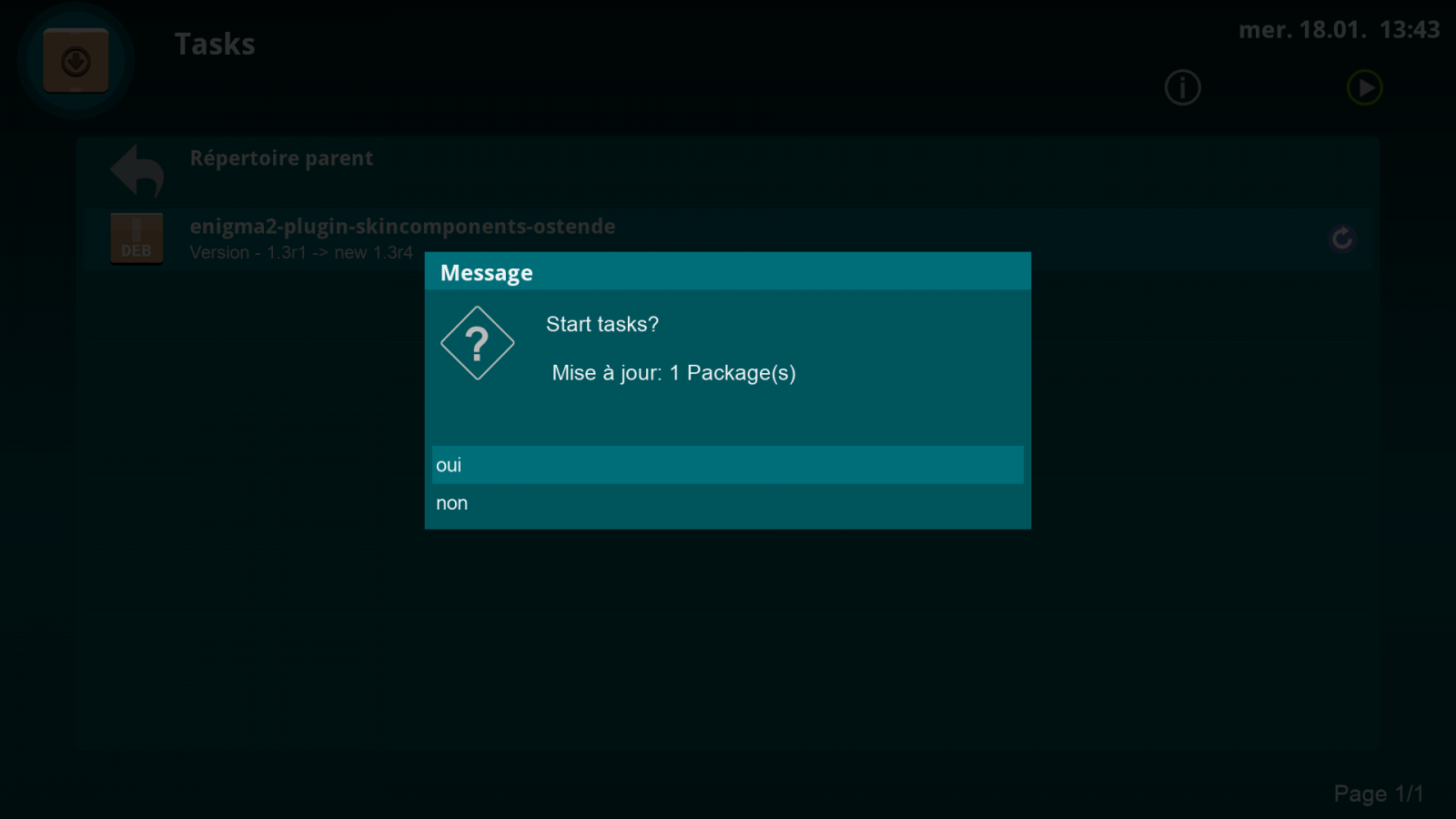
in opensource this is the problem
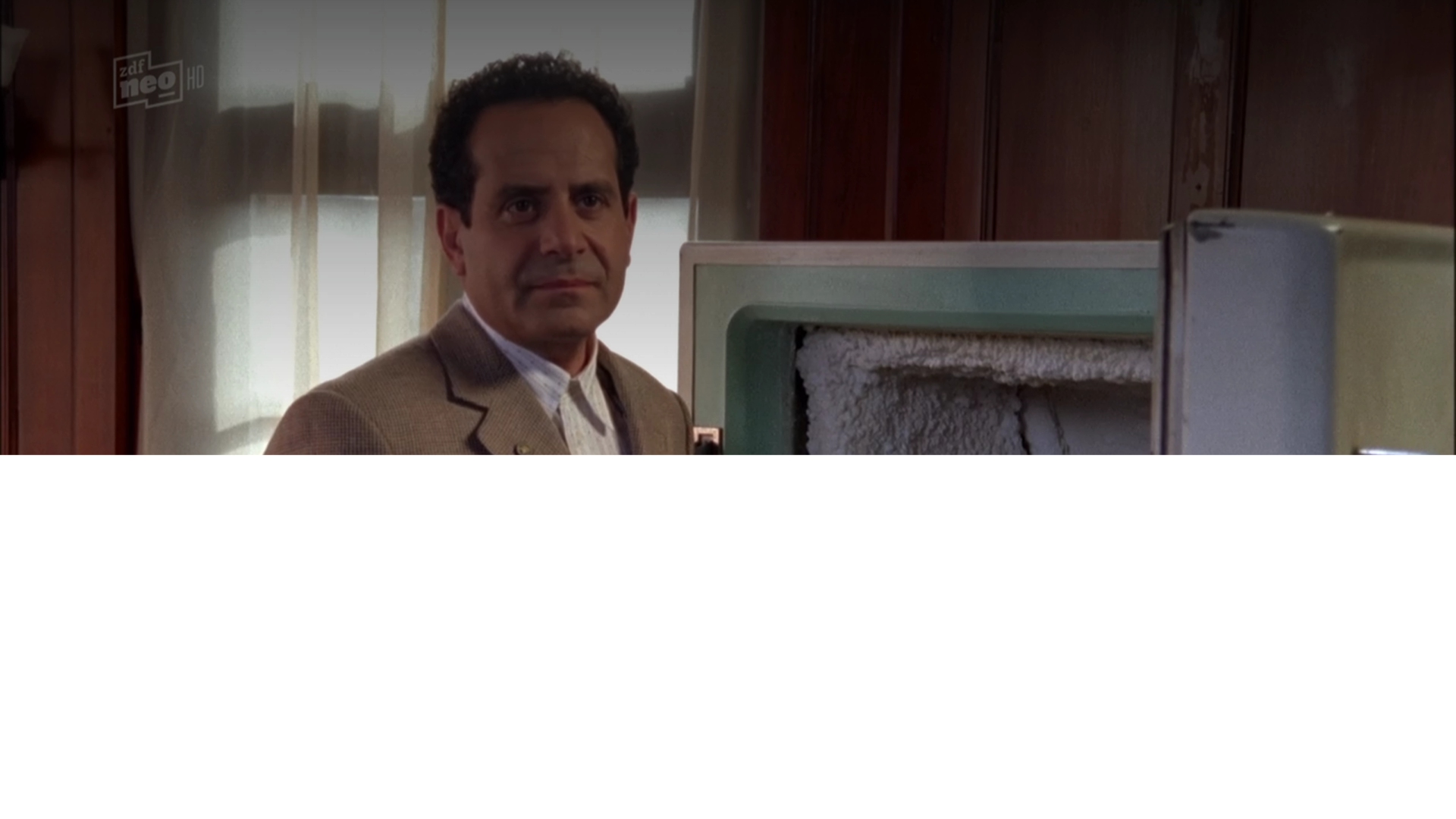
i want this result



Keep calm and don't get carried away. This is an open source project. We do this in our private free time and no one get paid.
I have tried to unterstand what exactly do you wanna have.
The message box screenshot like dream? A volume control screen?
What do you want do to with the half transparent image?
I'm a litte bit confused if I read your request more than one.
I have done a lot of investigations. There is only one option. Create a new persistent MessageBox Screen on boot time like the Volume Screen. This new MessageBox has a high z-order to be over all Screens and this Screen can have your half transparent background.
This solution is not finally tested but should work.
BUT !!
The current Messagebox code needs to change to support this new Screen and this can have probably negative side effects.
The Dreambox solution is not possible because we have only one framebuffer.
I have done a lot of investigations. There is only one option. Create a new persistent MessageBox Screen on boot time like the Volume Screen. This new MessageBox has a high z-order to be over all Screens and this Screen can have your half transparent background.
This solution is not finally tested but should work.
BUT !!
The current Messagebox code needs to change to support this new Screen and this can have probably negative side effects.
The Dreambox solution is not possible because we have only one framebuffer.
So it is not possible to have modal windows in oe images ? Because it would be a nice feature instead of clearing the whole screen you could open the messagebox or any screen as a dialog like they have in dreambox images with dimmed background but in this case alphablending is necessary and maybe adding a flag for dialog widgets so they don't clear the main screen.

To answer the original question. Thats always the weird way engima2 has done transparency. You can have transparent pngs over the tv picture. like I do in my slyk q skin for volume, mute and infobar etc. But a screen over a screen will just punch a hole and show the tv behind the screen if there is a tv behind the screen. If there isn't a picture behind the screen, you will just get a flat colour background behind your png. You got got to be a little clever but you can get desired results. Usually by avoiding rounded edges.
