

 opa334
I uninstalled TrollStore and all my apps are in null registration
No Duplicates Issue
- [ ] I'm sure I've searched on the issue tracker before creating one.
Expected Behavior?
When you uninstall TrollStore and click ‘Uninstall Apps’ it should uninstall TrollStore including all the apps.
Current Behavior?
When I uninstalled TrollStore and clicked ‘Uninstall Apps’ it uninstalled TrollStore but kept the apps installed. When I click on an app theres a button that says ‘Switch to “(null)” Registration’ when it should say ‘Switch to “User” Registration’ and be in system registration. If I uninstall a null registration app it instead looks for a reinstalled version of the app and uninstalls that including apps in a newer version of that same app.
Possible Solution?
Steps to Reproduce
TrollStore Version
1.4.5
iOS/iPadOS version
iPadOS 15.5 beta 4
iDevice Model
iPad 8th Generation
Other info of your environment
No response

Reload Icon Cache, no idea why the apps weren't correctly uninstalled though

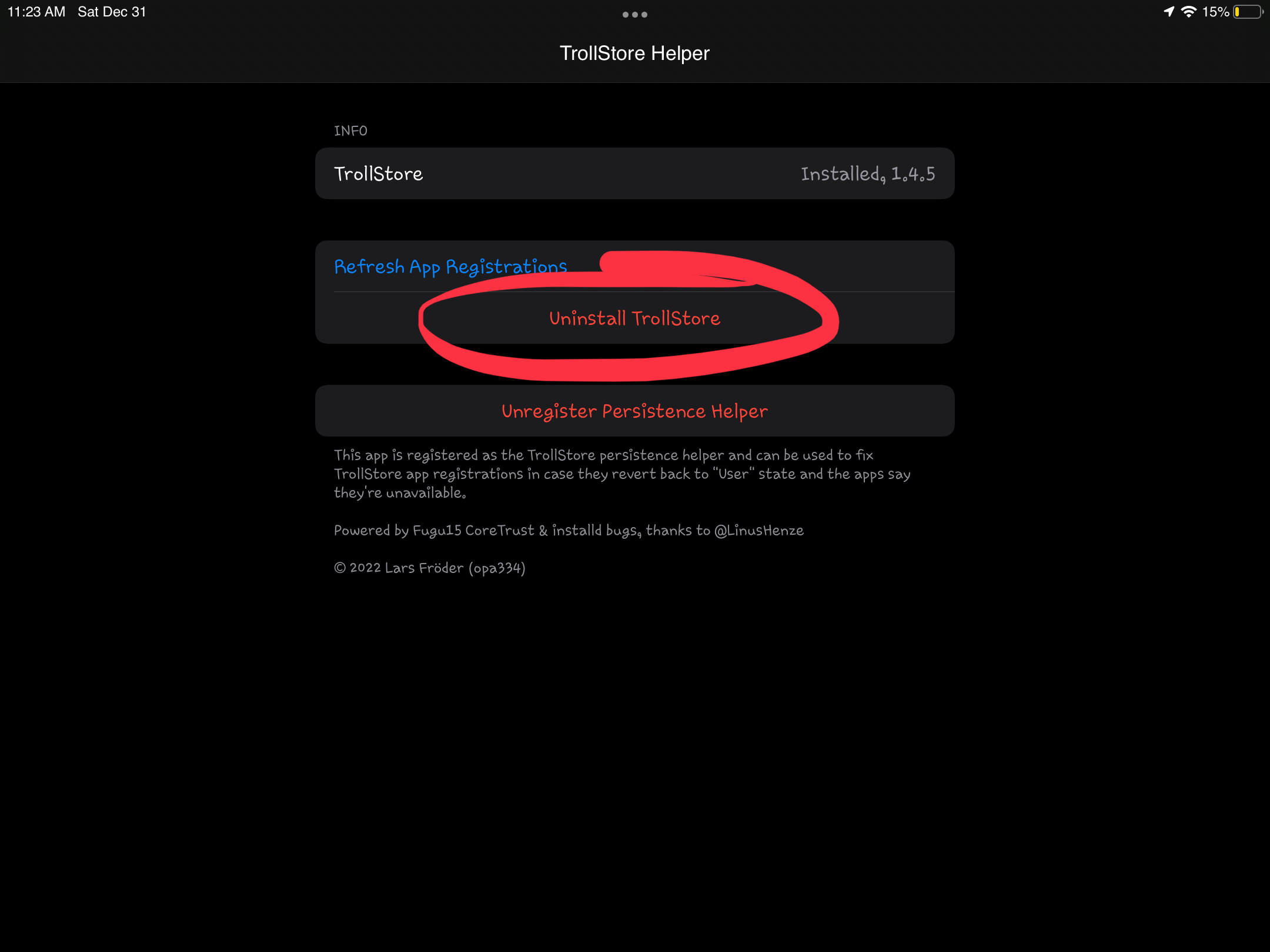
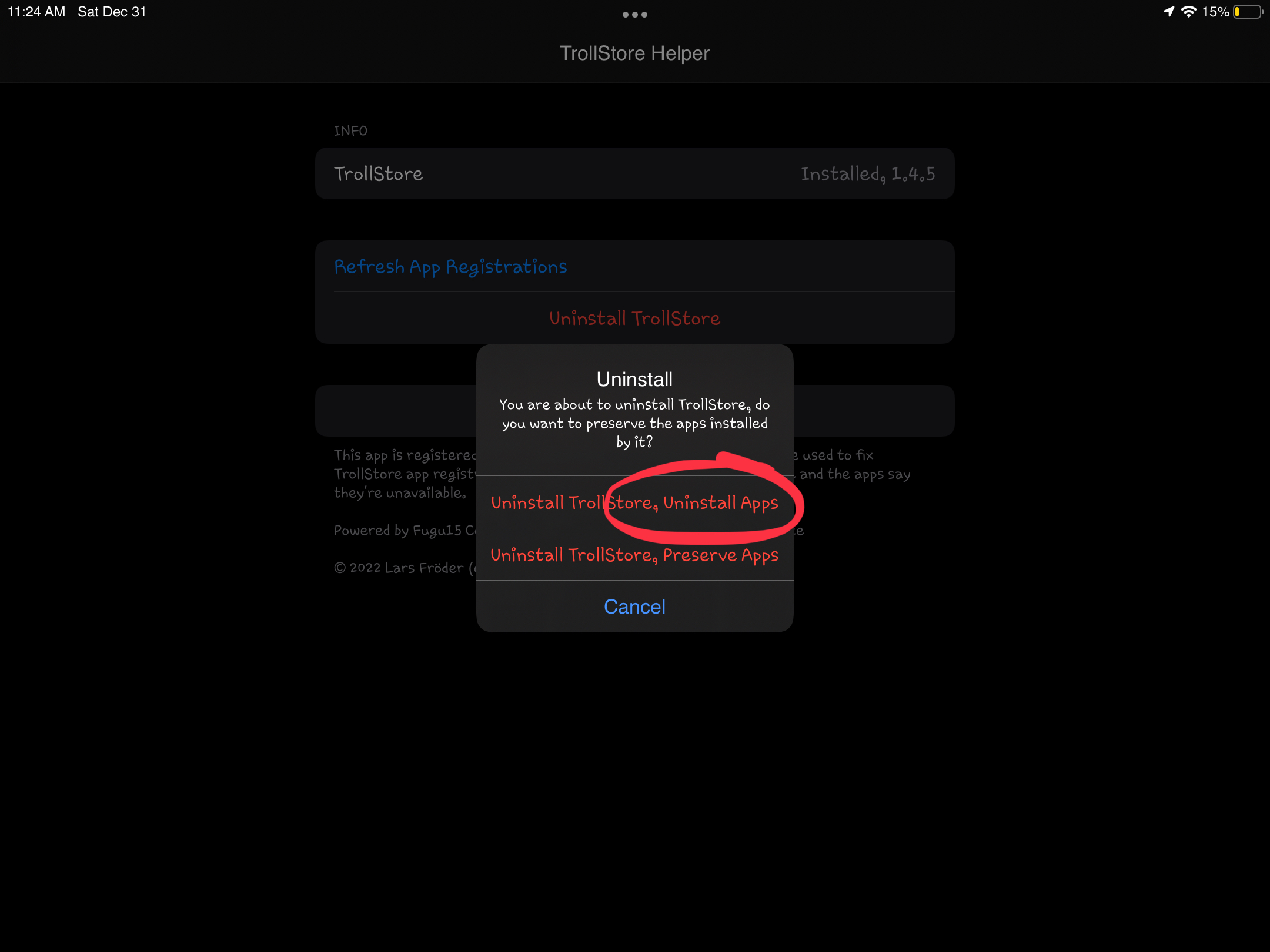
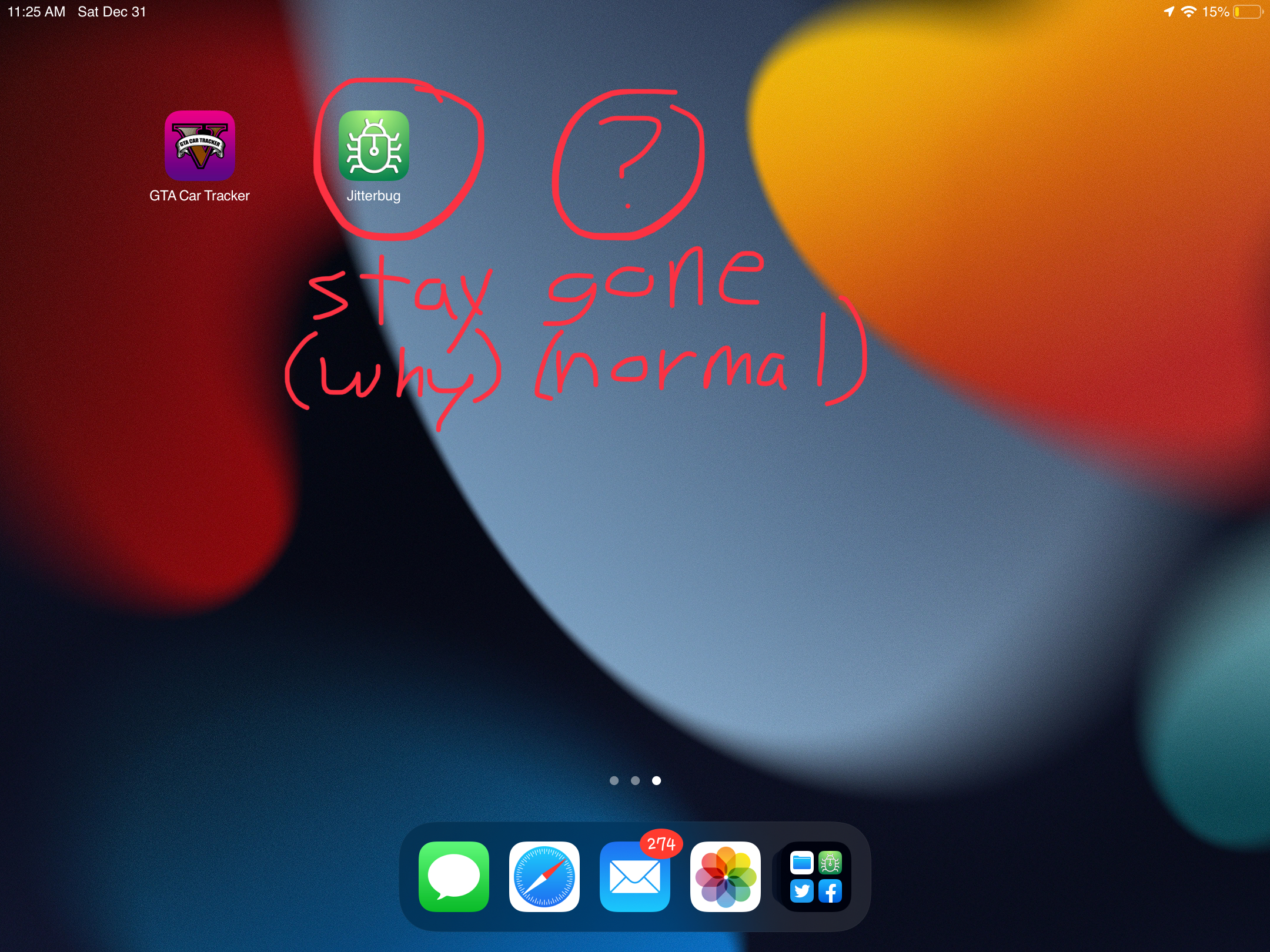
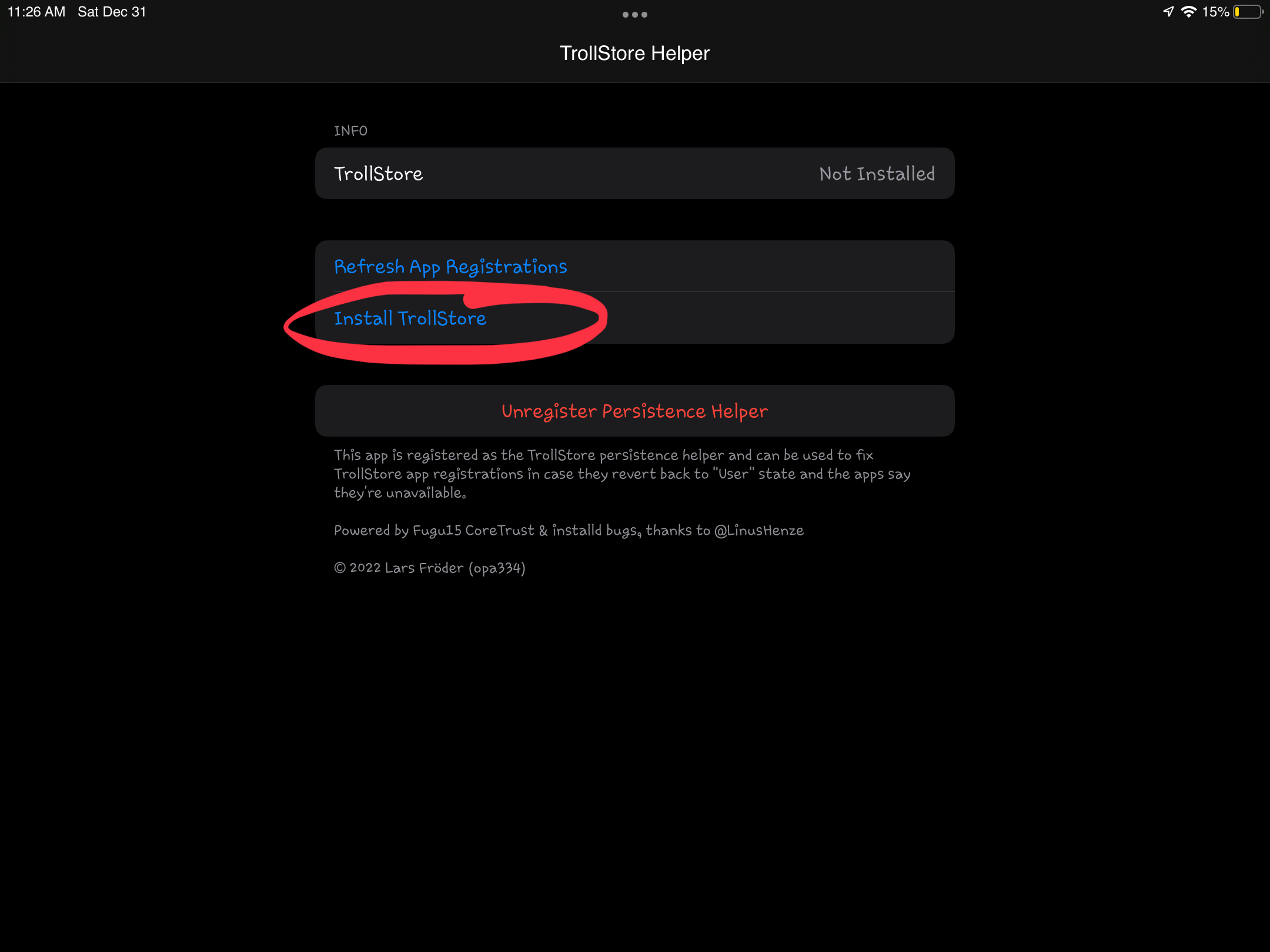
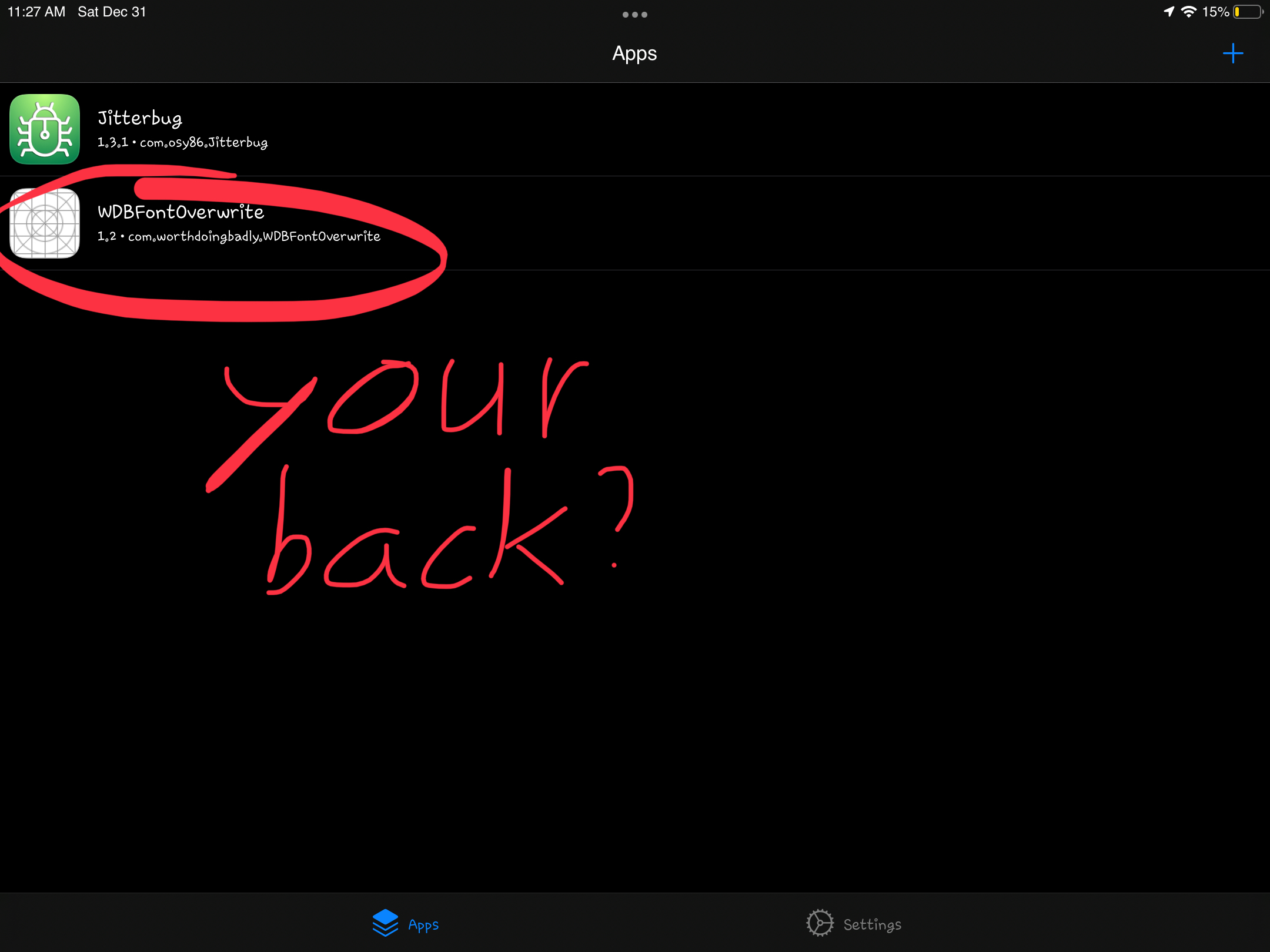
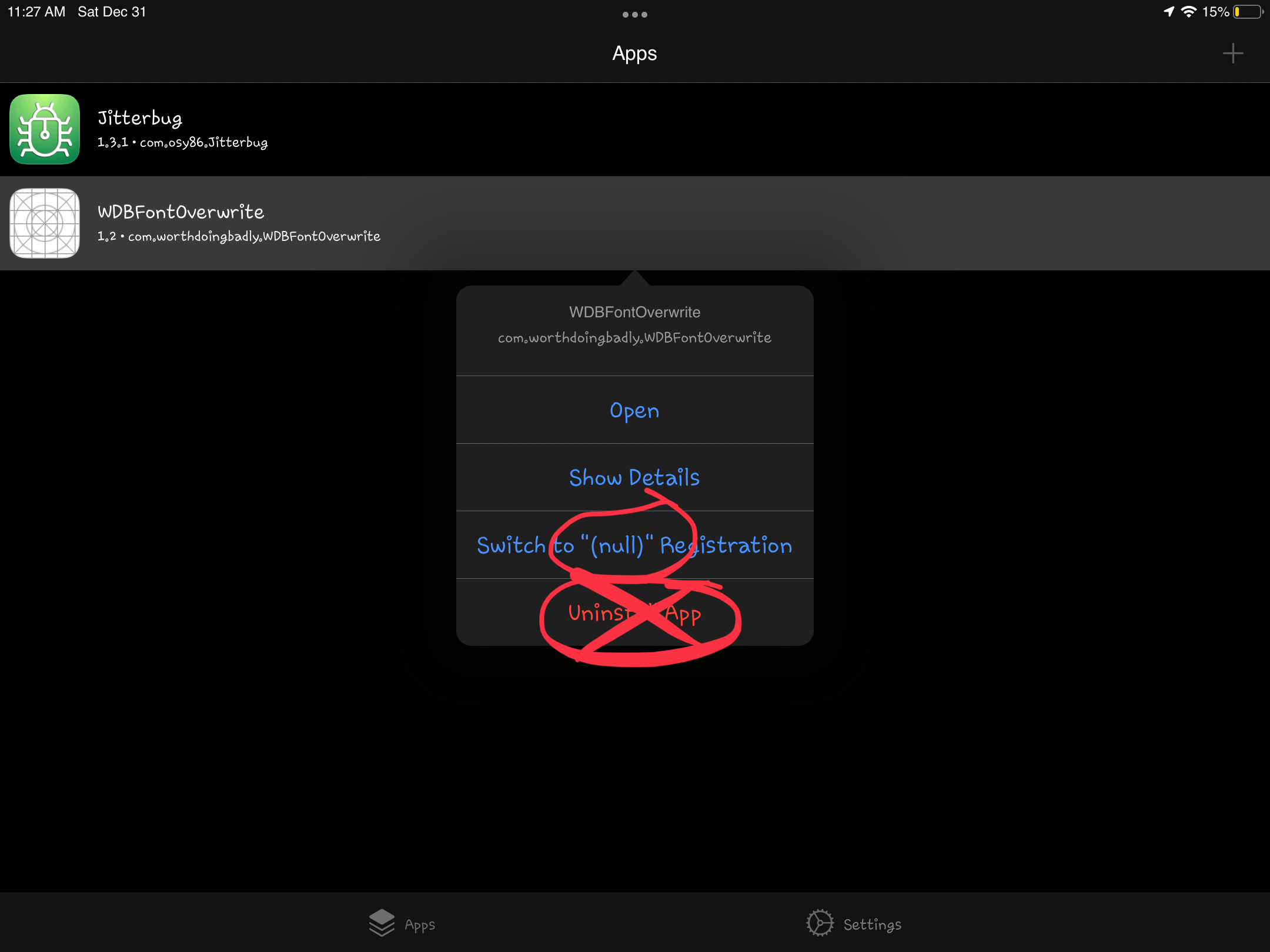
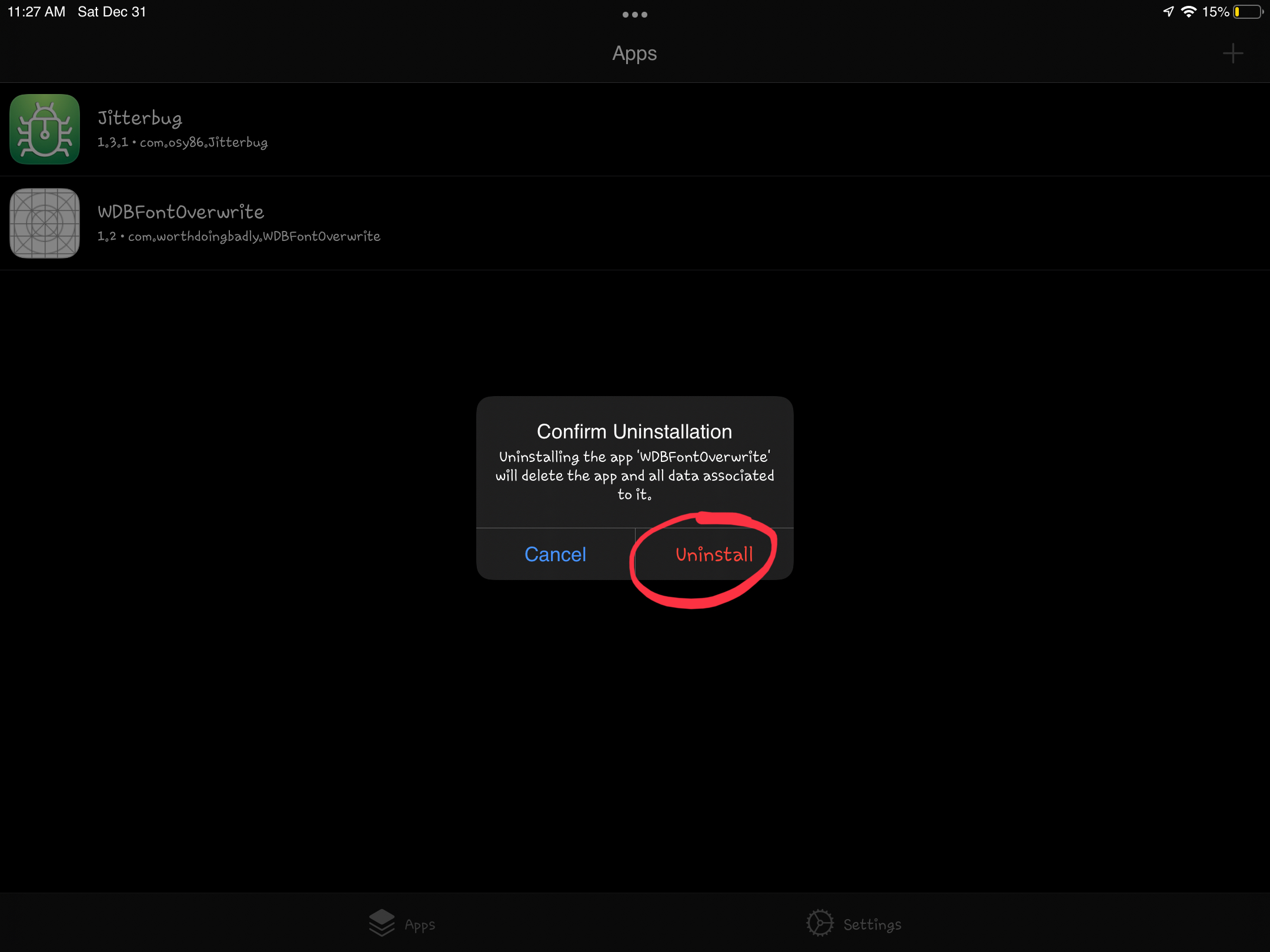
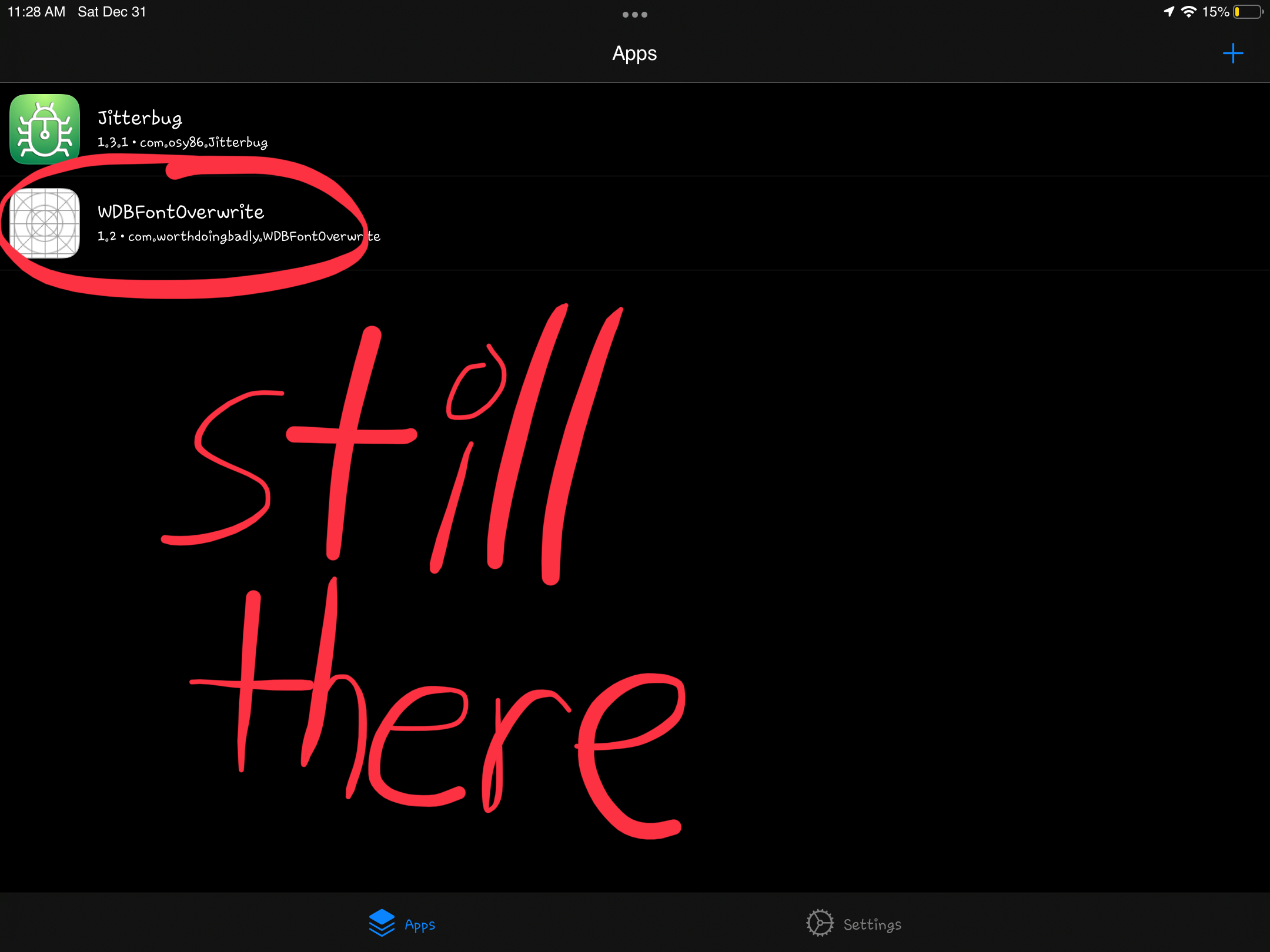
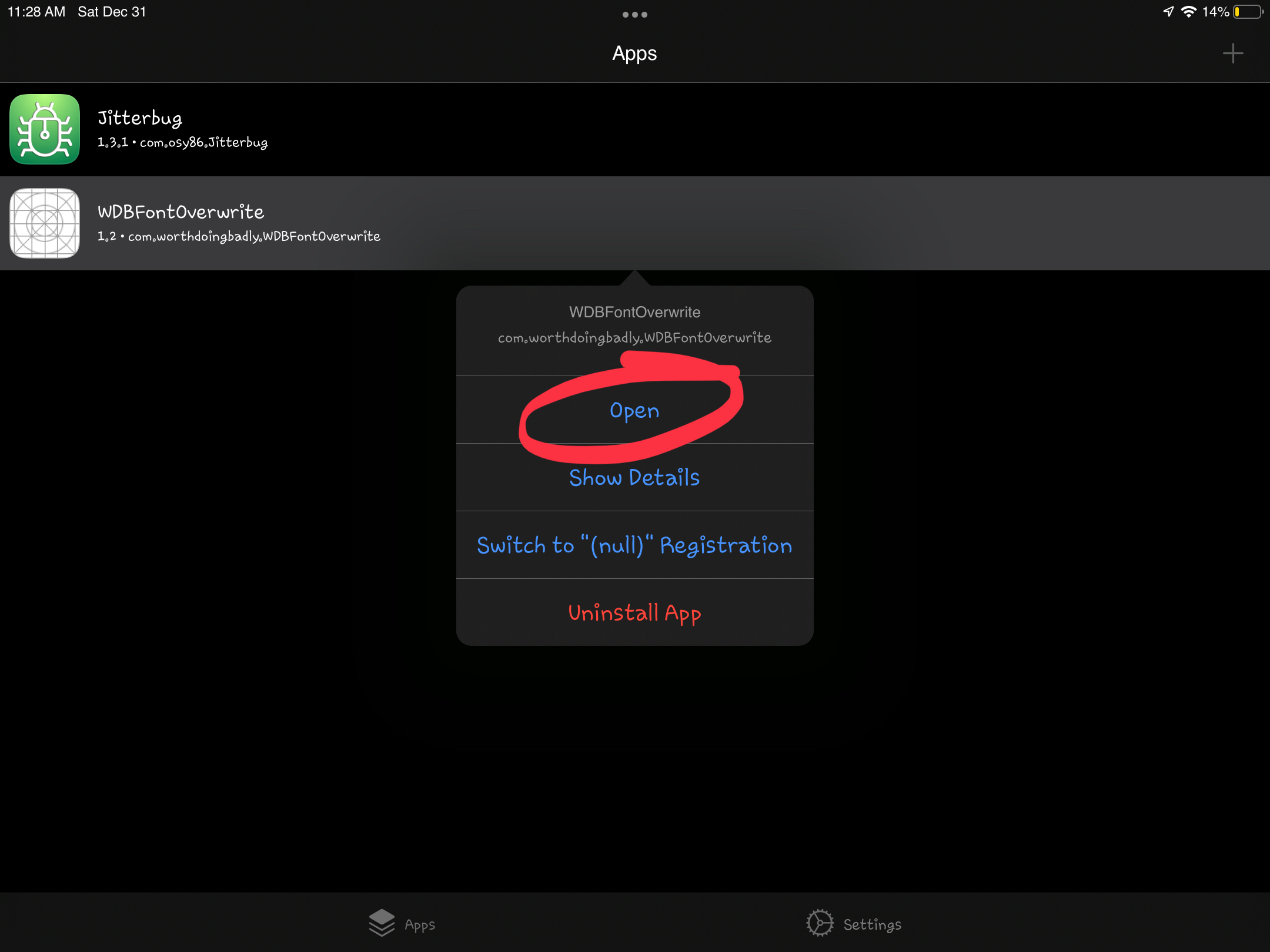

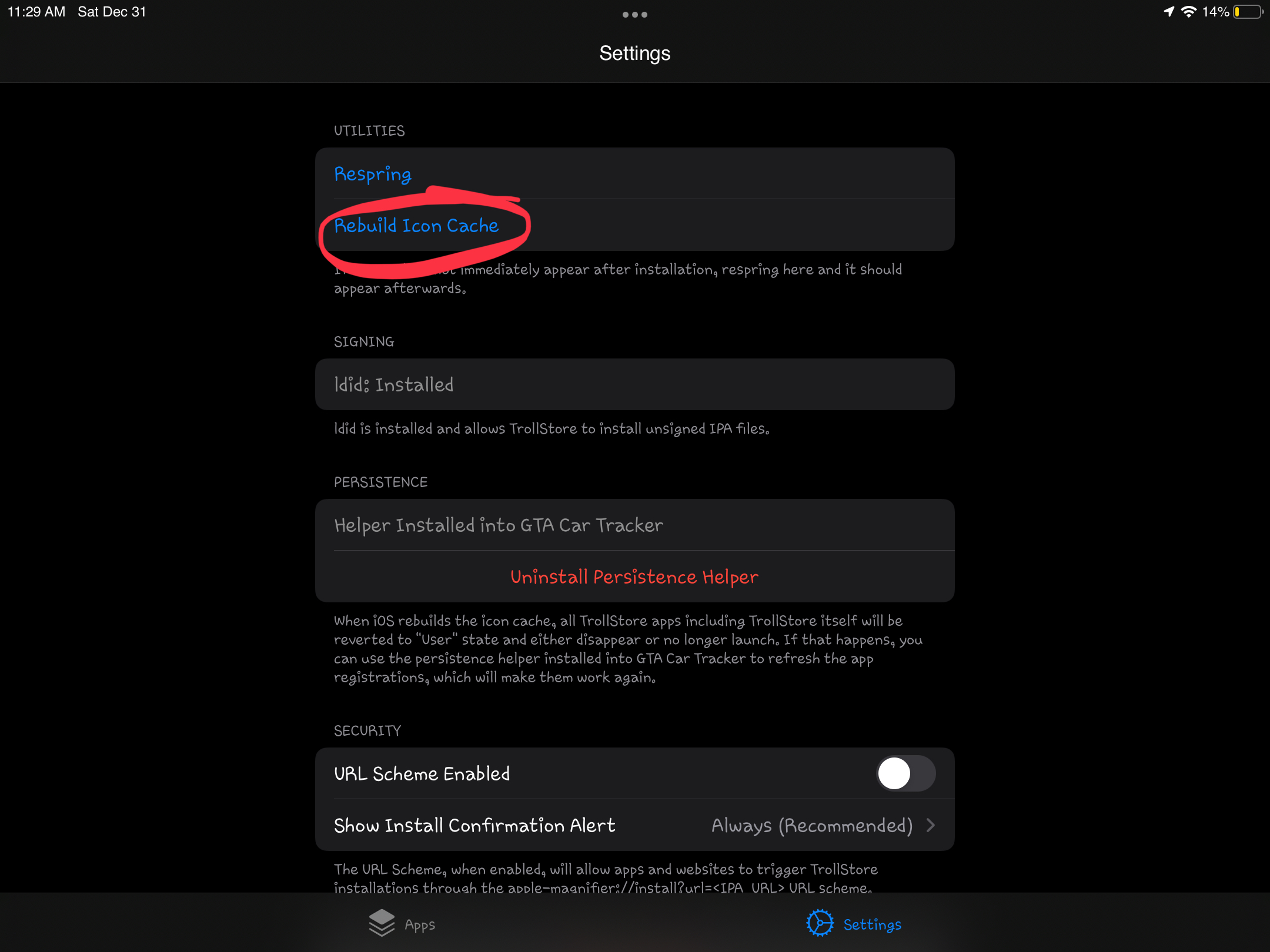
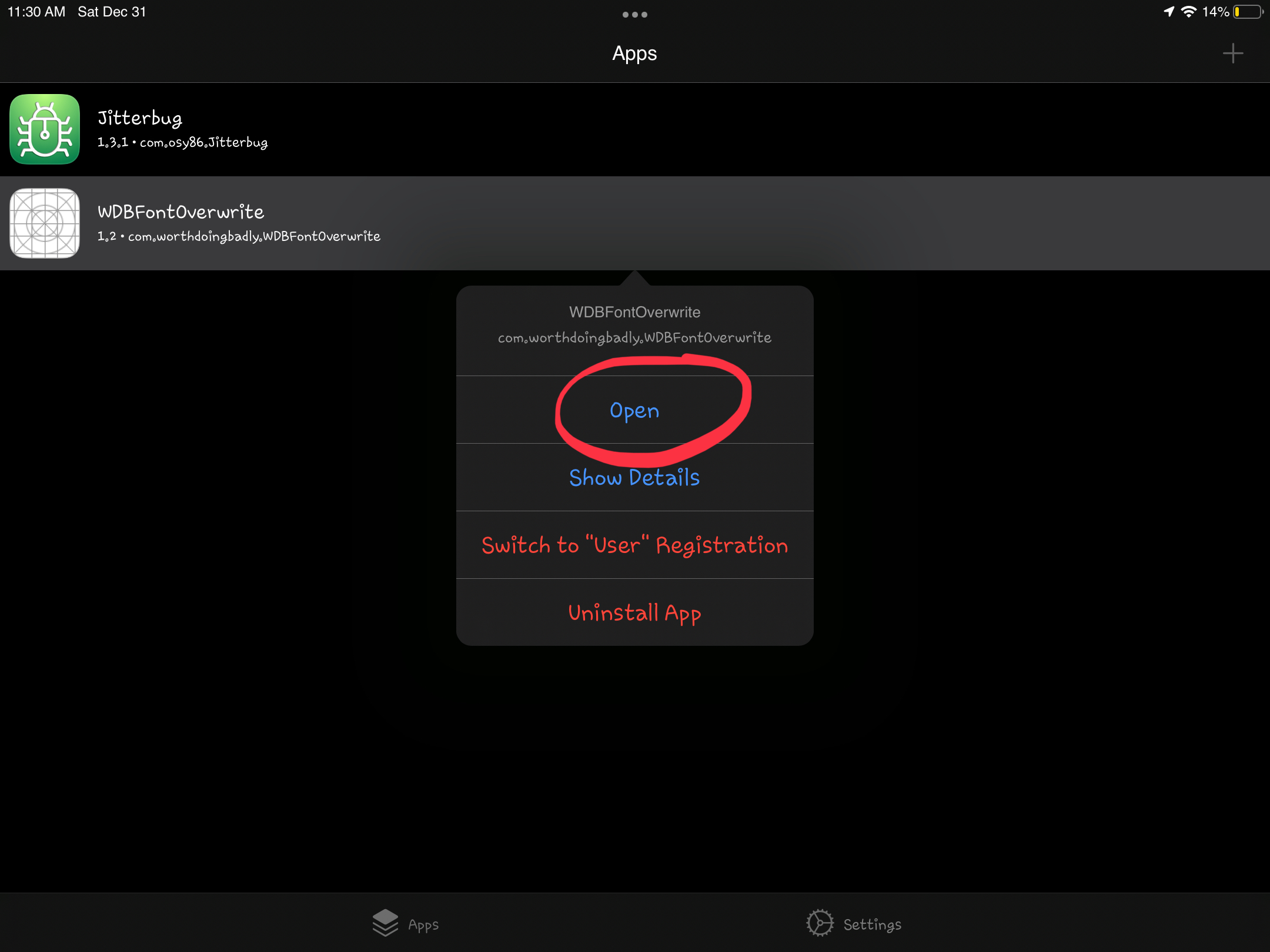
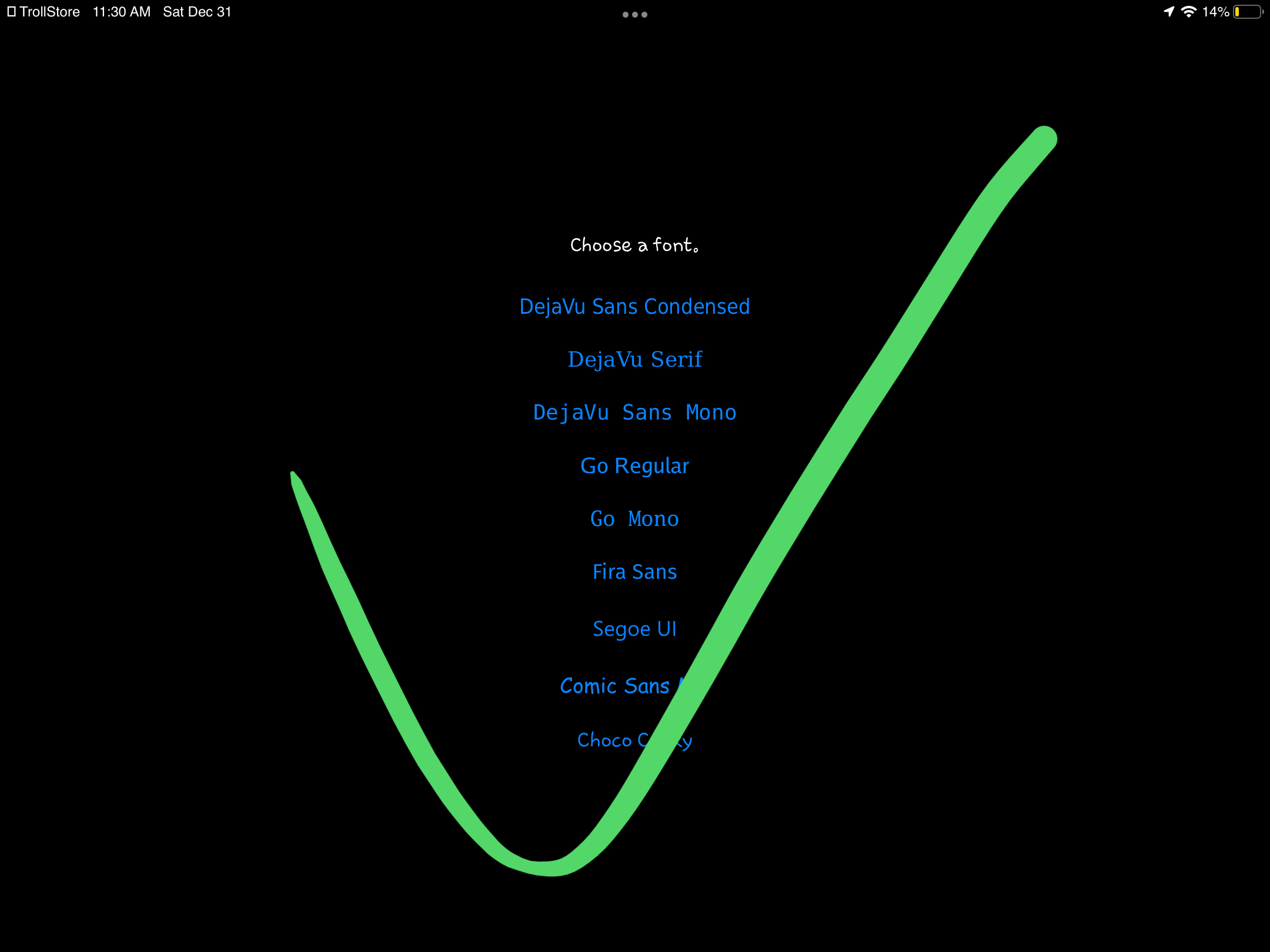
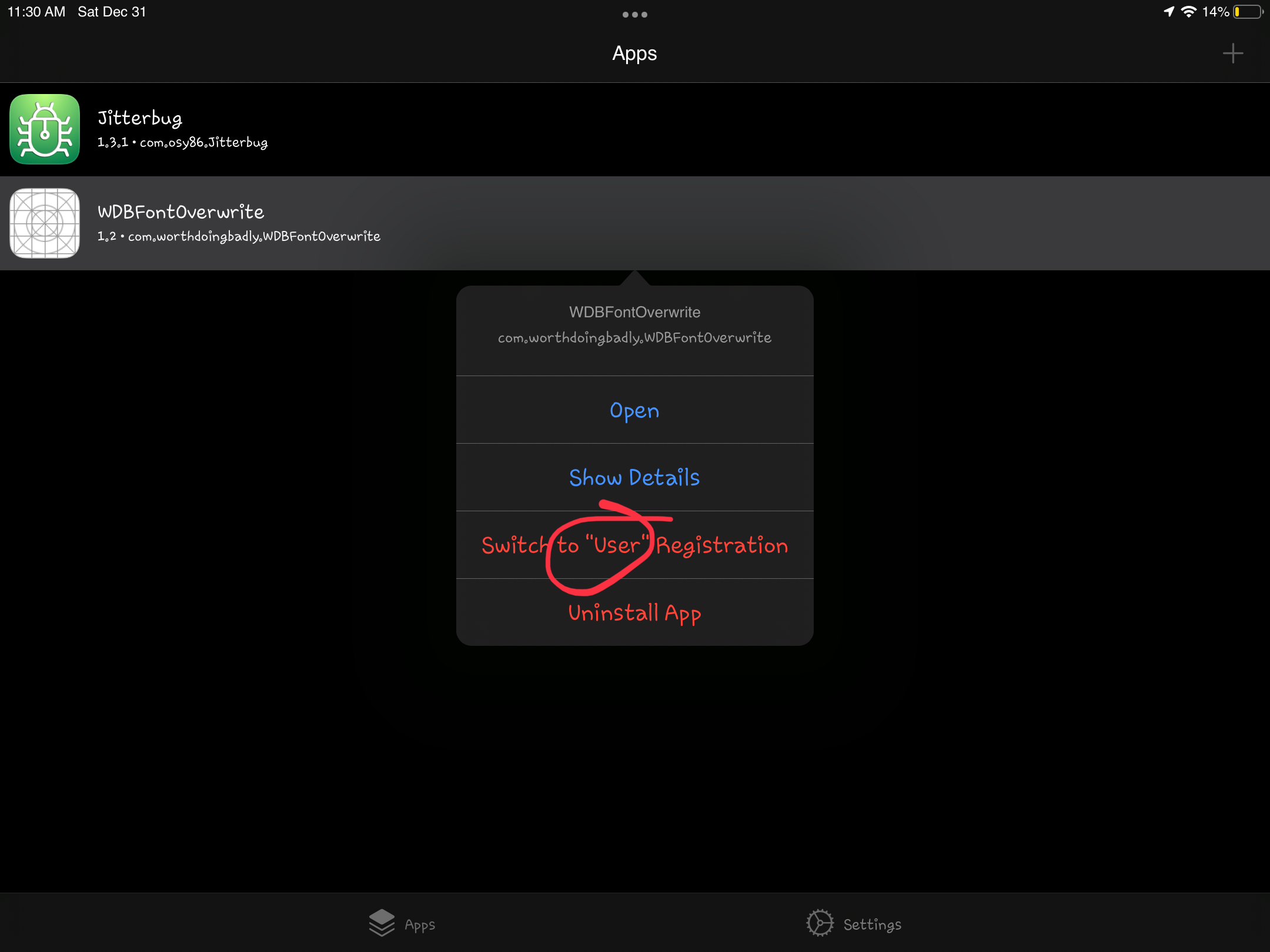
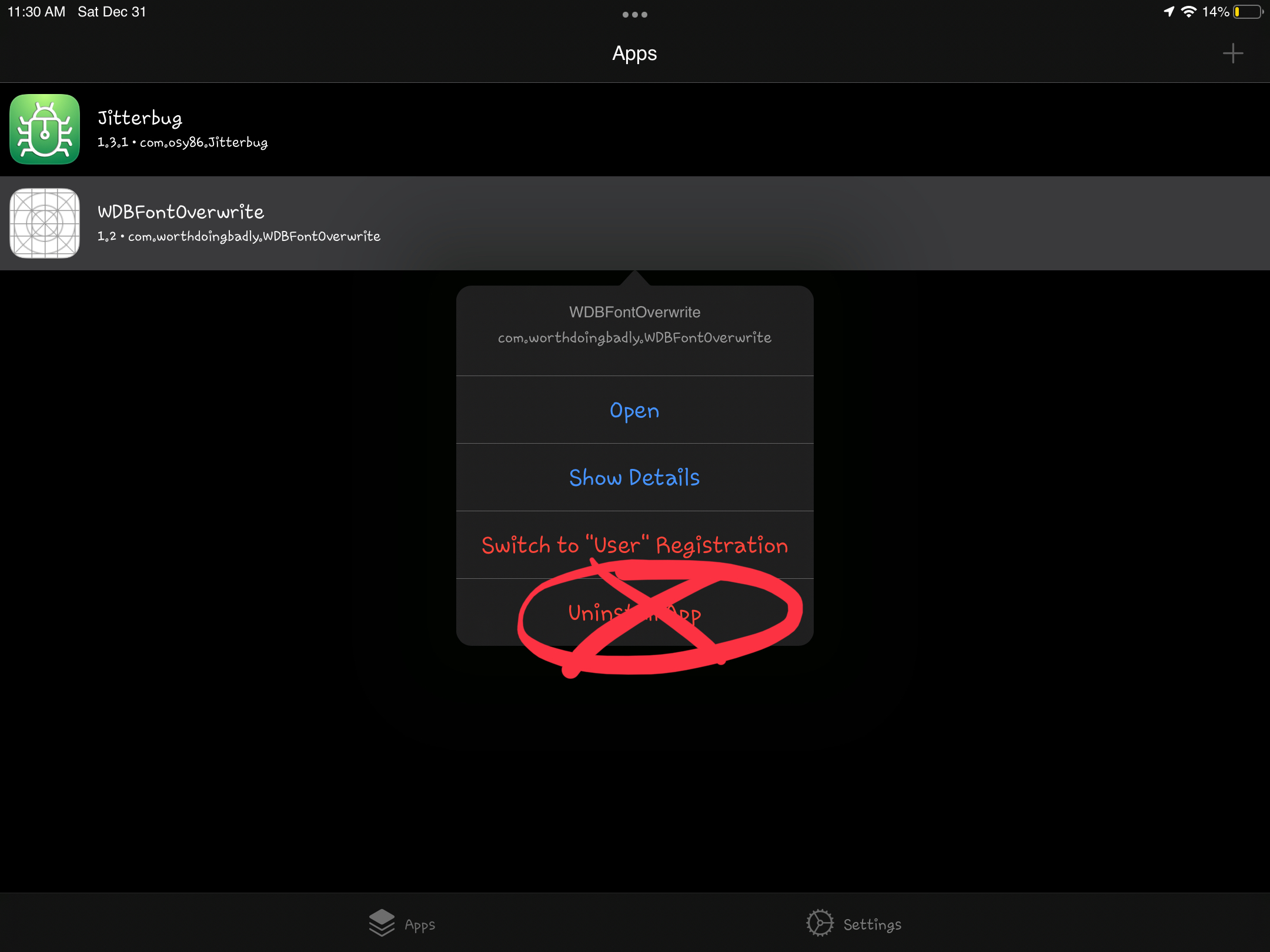

I uninstall TrollStore and uninstall all apps but Jitterbug still stays there but all of the other apps are gone. I reinstalled TrollStore all the other apps are back and it’s in null registration and I can’t uninstall it and when I open it it fails and but if I rebuild icon cache and open the apps it works but i still cant uninstall apps
Also when i install new versions it dosent remove the old versions so i cant even do that to try to remove apps
Ah that probably means the system API fails to uninstall it, I will have to add code to force remove them I presume.
In short i uninstalled troll store but the apps stayed and then i deleted the apps from my homescreen without trollstore installed and after reinstalling trollstore the apps got glitched and wont open without rebuilding icon cache
Can you make sure this is fixed in TrollStore 1.5.0~b2?
https://twitter.com/opa334dev/status/1616832734688694273