ondras
Displays only a single black box in Firefox 94.0.2 on elementary OS 6
My browser does seem to support webGL2, however fastiles fails silently. I've been able to make it work in chrome on this same device.


Hi @ppvk ,
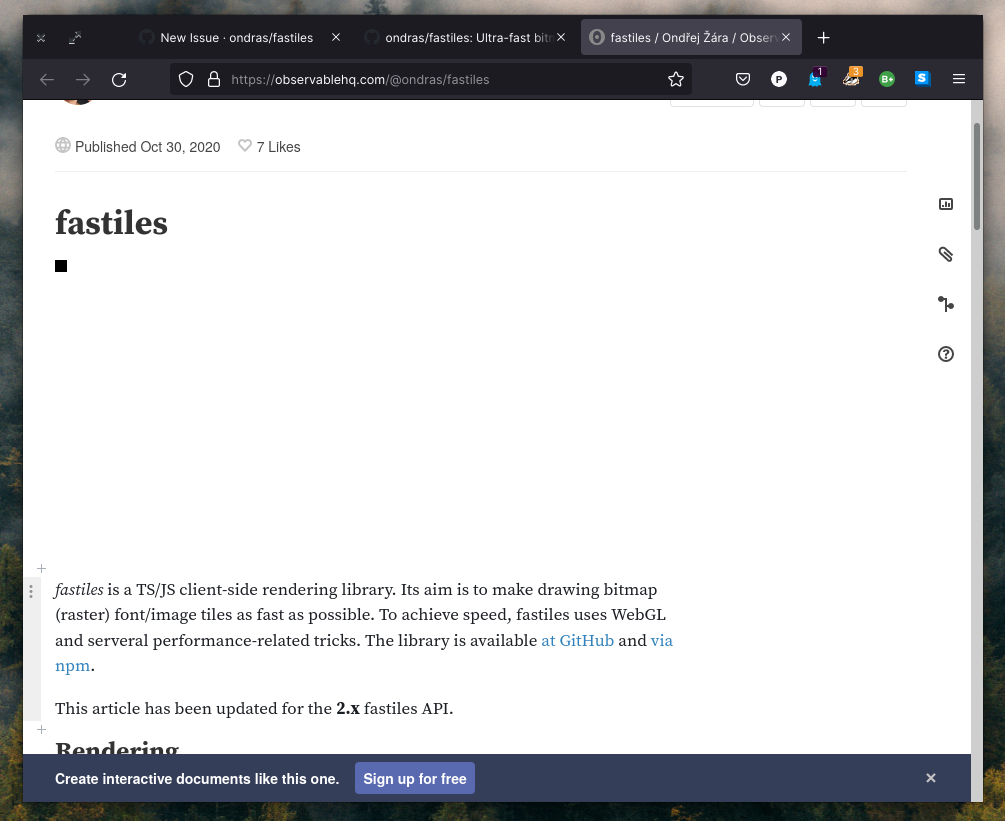
thanks for the bugreport. It might be related to Observable. What do you see (in browser, in console) when you simply open the Fastiles demo page? (Either by cloning and opening demo.html, or simply at https://raw.githack.com/ondras/fastiles/master/demo.html)

Thank you @ondras, looks like we have the same black box, and no console output at all. Attached is a screenshot.
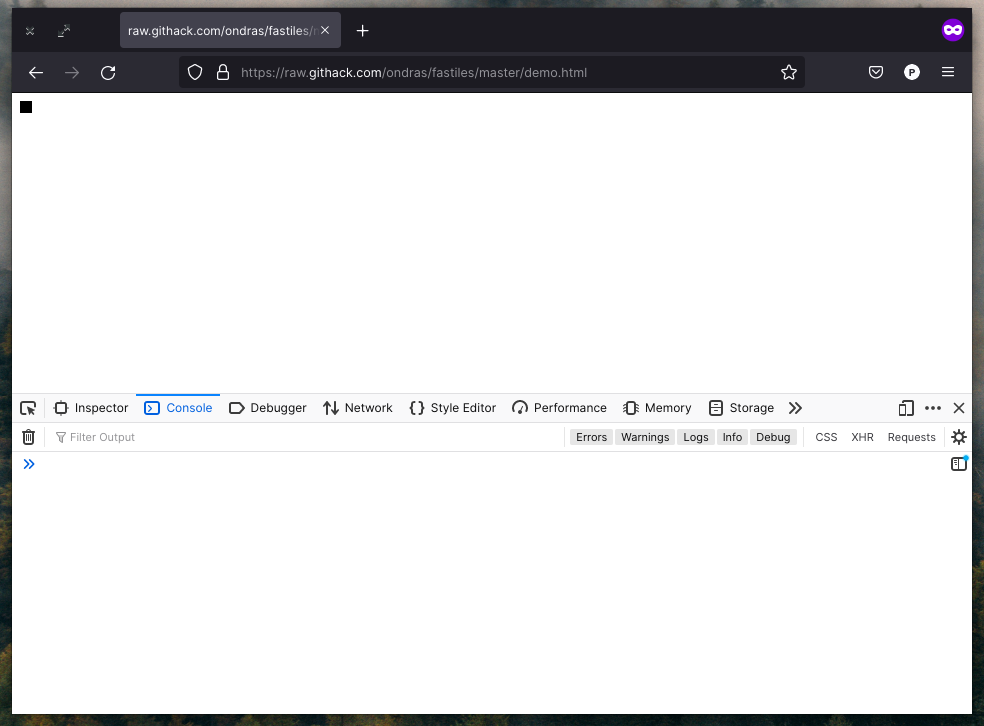
...and yet something happened, because the small black square is not the default HTML
I am not able to reproduce this, so I am going to need some more information. In particular,
-
can you show the "Network" tab in devtools?
-
what happens if you individually enter
s,SceneandPaletteinto the Console? -
what happens if you execute
s._draw()in the Console?
Looks like everything is loading (aside from the favicon), and the objects you mentioned are defined. I did test both the Flatpak version of Firefox and the one directly downloaded from firefox.com, and found no difference.
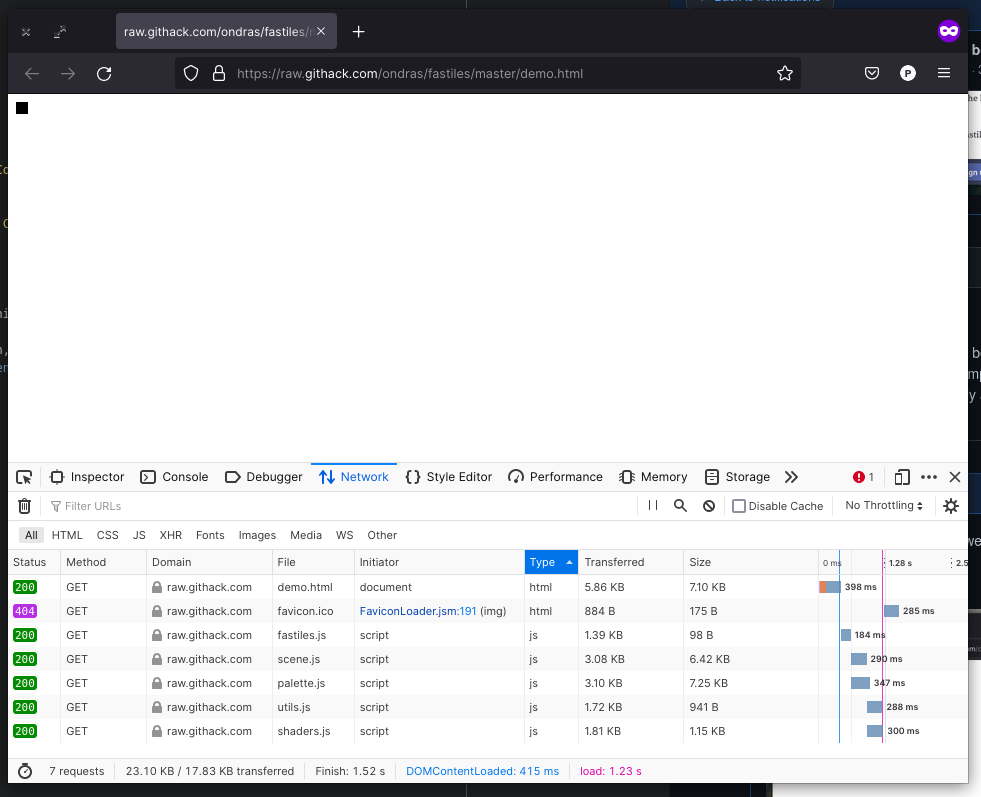
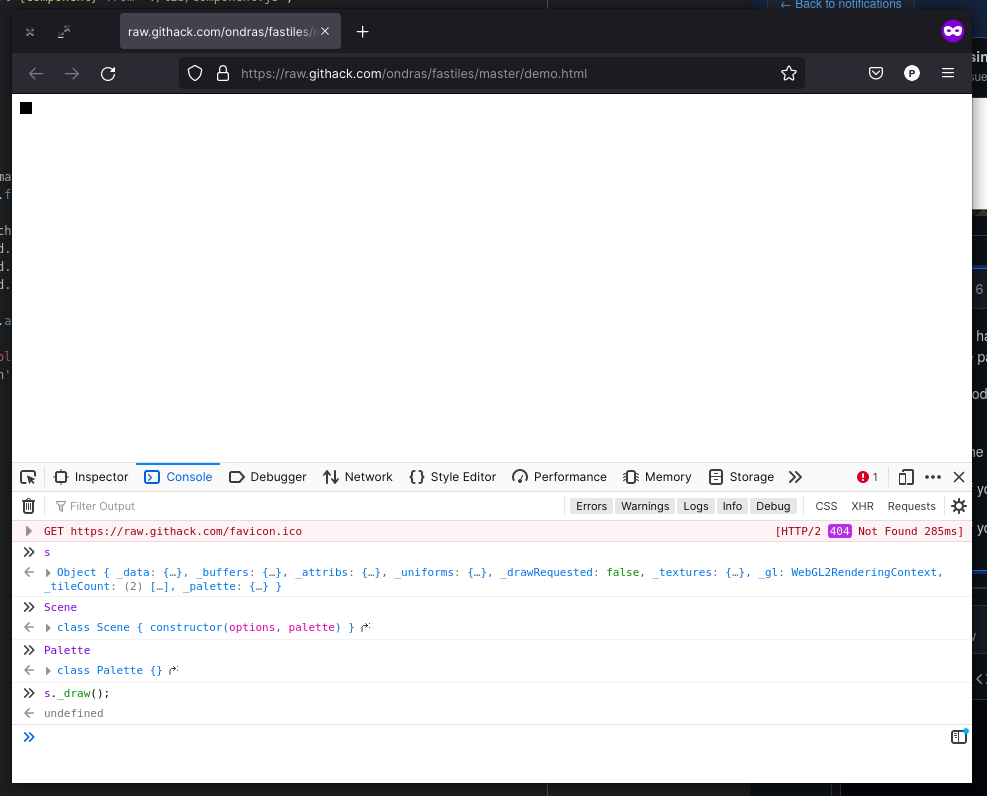
Hmm, looks like everything is correct in JS world. Just the video card is not rendering anything into the provided canvas :-(
If you edit the demo.html file and adjust the s.draw(...) line: what happens when replacing second/third argument (j*16+1) with 254? Is the output still the same black square?
Also, is the size of the resulting <canvas> correct? (You can check that using the "Inspector" devtool - should be 192x192px)
...and finally, what if you replace (still demo.html) the Palette.xterm256 with Palette.windows16, Palette.default or Palette.rexpaint ?
Changing the second and third argument to 254 results in the same black square, and inspecting the canvas does indeed show that it is 192x192px. The black square is the same size as a single tile. Changing the palette chosen also does not change the output.
Well, I am absolutely puzzled by this.
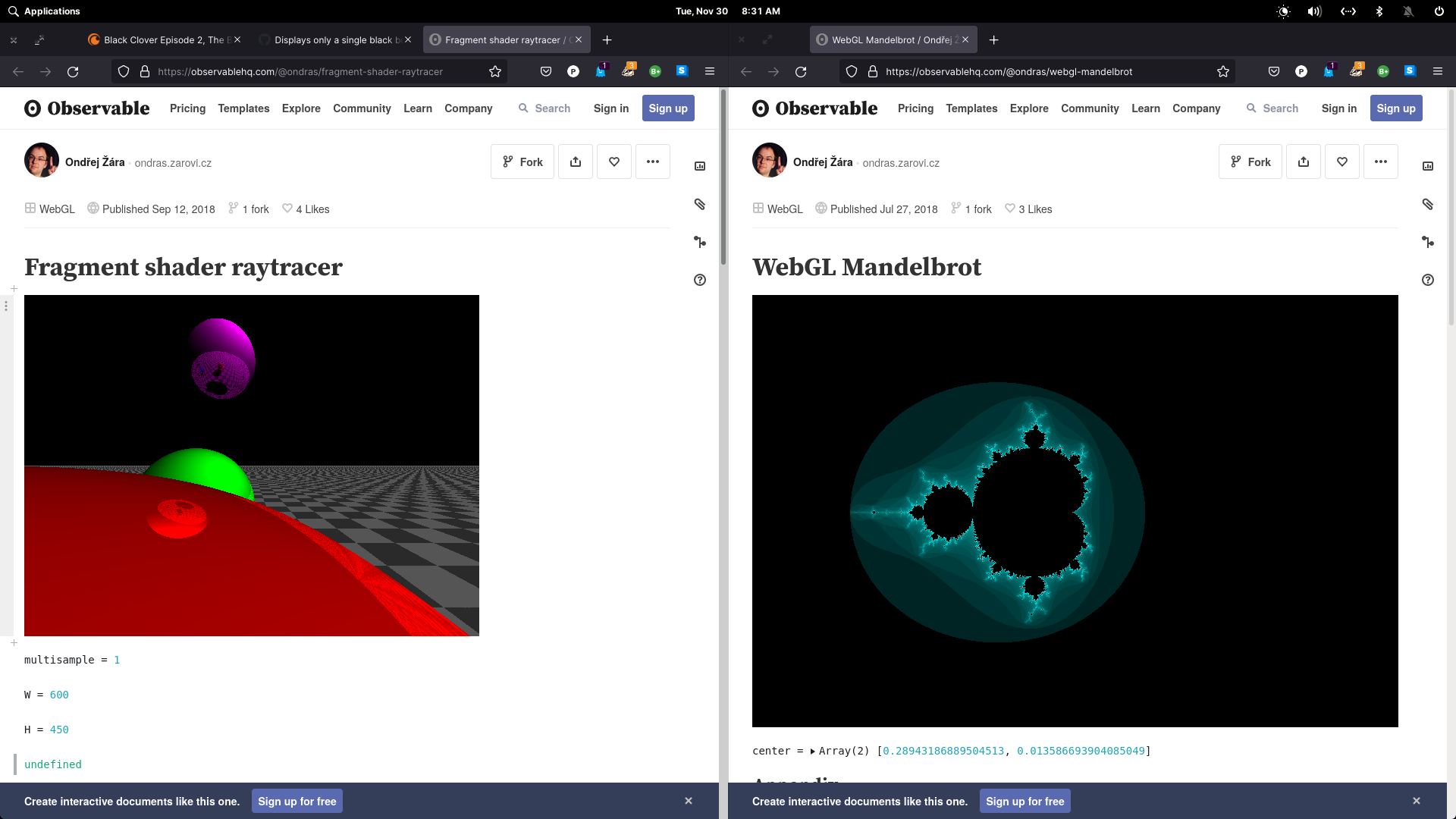
I have some other demos that use WebGL. Can you try them to see if they are also broken?
- https://observablehq.com/@ondras/fragment-shader-raytracer
- https://observablehq.com/@ondras/webgl-mandelbrot
I will try to find a setup similar to yours where the rendering is broken. That seems to be only way to correctly detect and debug what the hell is really going on.
I was able to view those other WebGL pages. There was no errors in the console.
I wonder if there's something undefined in the shader that is being ignored by firefox. As I stated before, it seems to only be firefox with this problem. I can get it to render properly on chrome. :/
In any case, there's no rush. I don't have a particular project in mind for this library, but I find it very interesting and wanted to contribute in some way, even if it's just reporting a bug or incompatibility.
Big fan of your work.