node-in-browser

node-in-browser copied to clipboard
 olydis
Got an error on `npm run build` process
After installing packages I try to build npm but have the following error:
> start cmd /c "cd nodeos/host && tsc -w" && start cmd /c "cd nodeos/node && tsc -w"

sh: start: command not found
npm ERR! file sh
npm ERR! code ELIFECYCLE
npm ERR! errno ENOENT
npm ERR! syscall spawn
npm ERR! [email protected] build: `start cmd /c "cd nodeos/host && tsc -w" && start cmd /c "cd nodeos/node && tsc -w"`
npm ERR! spawn ENOENT
npm ERR!
npm ERR! Failed at the [email protected] build script.
npm ERR! This is probably not a problem with npm. There is likely additional logging output above.
Here is the log file
0 info it worked if it ends with ok 1 verbose cli [ '/Users/vladimir/.nvm/versions/node/v9.3.0/bin/node', 1 verbose cli '/Users/vladimir/.nvm/versions/node/v9.3.0/bin/npm', 1 verbose cli 'run', 1 verbose cli 'build' ] 2 info using [email protected] 3 info using [email protected] 4 verbose run-script [ 'prebuild', 'build', 'postbuild' ] 5 info lifecycle [email protected]~prebuild: [email protected] 6 info lifecycle [email protected]~build: [email protected] 7 verbose lifecycle [email protected]~build: unsafe-perm in lifecycle true 8 verbose lifecycle [email protected]~build: PATH: /Users/vladimir/.nvm/versions/node/v9.3.0/lib/node_modules/npm/node_modules/npm-lifecycle/node-gyp-bin:/Users/vladimir/Desktop/WebDev/Node/node-in-browser/node_modules/.bin:/Library/Frameworks/Python.framework/Versions/3.6/bin:/Library/Frameworks/Python.framework/Versions/2.7/bin:/Users/vladimir/Documents/go/bin:/Users/vladimir/.yarn/bin:/Users/vladimir/.config/yarn/global/node_modules/.bin:/Users/vladimir/anaconda3/bin:/Users/vladimir/.nvm/versions/node/v9.3.0/bin:/opt/local/bin:/opt/local/sbin:/Library/Frameworks/Python.framework/Versions/3.4/bin:/usr/local/bin:/usr/bin:/bin:/usr/sbin:/sbin:/usr/local/go/bin:/Library/Frameworks/Mono.framework/Versions/Current/Commands:/Applications/MAMP/Library/bin 9 verbose lifecycle [email protected]~build: CWD: /Users/vladimir/Desktop/WebDev/Node/node-in-browser 10 silly lifecycle [email protected]~build: Args: [ '-c', 10 silly lifecycle 'start cmd /c "cd nodeos/host && tsc -w" && start cmd /c "cd nodeos/node && tsc -w"' ] 11 info lifecycle [email protected]~build: Failed to exec build script 12 verbose stack Error: [email protected] build: `start cmd /c "cd nodeos/host && tsc -w" && start cmd /c "cd nodeos/node && tsc -w"` 12 verbose stack spawn ENOENT 12 verbose stack at ChildProcess.(/Users/vladimir/.nvm/versions/node/v9.3.0/lib/node_modules/npm/node_modules/npm-lifecycle/lib/spawn.js:48:18) 12 verbose stack at ChildProcess.emit (events.js:159:13) 12 verbose stack at maybeClose (internal/child_process.js:943:16) 12 verbose stack at Process.ChildProcess._handle.onexit (internal/child_process.js:220:5) 13 verbose pkgid [email protected] 14 verbose cwd /Users/vladimir/Desktop/WebDev/Node/node-in-browser 15 verbose Darwin 17.7.0 16 verbose argv "/Users/vladimir/.nvm/versions/node/v9.3.0/bin/node" "/Users/vladimir/.nvm/versions/node/v9.3.0/bin/npm" "run" "build" 17 verbose node v9.3.0 18 verbose npm v6.3.0 19 error file sh 20 error code ELIFECYCLE 21 error errno ENOENT 22 error syscall spawn 23 error [email protected] build: `start cmd /c "cd nodeos/host && tsc -w" && start cmd /c "cd nodeos/node && tsc -w"` 23 error spawn ENOENT 24 error Failed at the [email protected] build script. 24 error This is probably not a problem with npm. There is likely additional logging output above. 25 verbose exit [ 1, true ]
Any ideas? This repo seems interesting to me

@VladimirTambovtsev - The npm run build command is executing start and cmd, which are Windows executables. On Linux, try running this command instead:
pushd nodeos/host && tsc -w & popd && pushd nodeos/node && tsc -w & popd
Then, in a separate terminal window, run npm start.

Thank you @jcoutch for correcting build script, I am using Mac 😁.
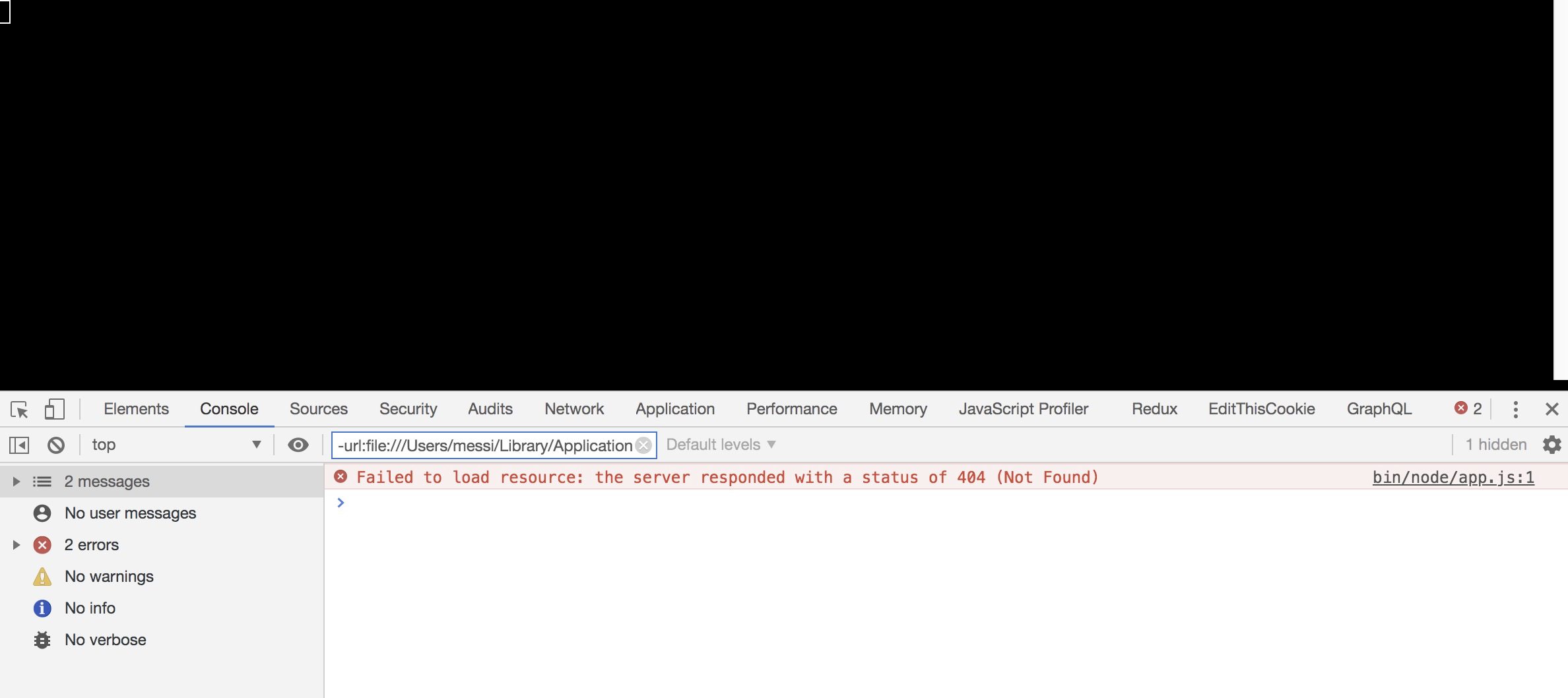
But there is an error when performed npm start here: