olive

olive copied to clipboard
 olive-editor
[UI] Improve polygon gizmos
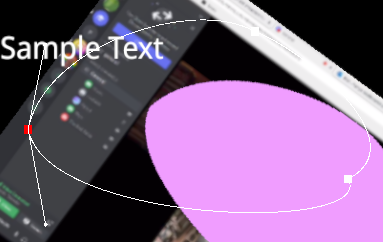
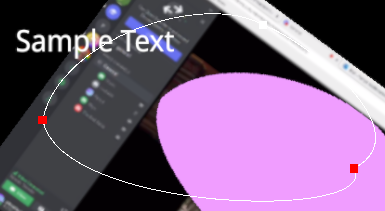
Summary Polygon are a little more cumbersome to edit than they should be with the current gizmos. This is a checklist of what I'd like to see:
- [ ] Allow polygon points to be selectable so that several can be moved at once
- [ ] Set reasonable defaults for bezier points if the user wants to use them
- [ ] Only show bezier points for selected points - tying into step 1, and allowing for less UI clutter/confusion
- [ ] After step 3, bezier points can be made bigger and more clickable because they're less likely to conflict/be confused with other points

I have some more issues with the polygon / mask editor gizmos:
- The editing lacks visual feedback (highlighting nodes that are within the grabbing radius of the mouse cursor)
- Editing requires pixel-perfect mouse inputs (no snapping distance to register a mouse click)
- There's no way to decide if you want to grab a Bezier handle or the point. They start out all stacked on top of one another and it seems random when you grab one - a modifier key could solve this.
- Polygon editing gizmo doesn't update until you move the playhead (the mask one does though ,strangely enough)
- Animating points should insert a keyframe for all points when triggered on the top level, and then auto-insert points for all nodes in sync - otherwise the curve points would be drifting between shapes and that'd be unexpected. let the users tweak the low-level per-point keyframes if they want, but make it easy to insert a keyframe set for the entire curve with one click, and then auto-keyframe all points when one of them is changed (maybe a checkbox for that would be good?)