

 oliexdev
Support for Beurer BY90
Scale name Beurer BY90 https://www.beurer.com/web/gb/products/babycare/baby-scale/by-90.php
- [x] I have read the how to reverse engineer a Bluetooth 4.x wiki entry
Step 2: Acquiring some Bluetooth traffic Attach 3 log files with the corresponding true values, read here for further information.
I used the Beurer BabyCare app for getting the data
- Bluetooth HCI Snoop log file
user settings in the vendors app:
sex: female
body height: 50cm,
age: 01.01.2022,
activity level ? (nothing)
measured true values in the vendors app for the 1. HCI Snoop log file:
weight: 6.120kg
date: 16:21
water, muscle , fat etc. (nothing like this is in the app)
btsnoop_hci_1-6dot120_1621.log
- Bluetooth HCI Snoop log file user settings in the vendors app:
sex: female
body height: 50cm,
age: 01.01.2022,
activity level ? (nothing)
measured true values in the vendors app for the 2. HCI Snoop log file:
weight: 6.875kg
date: 16:39
water, muscle , fat etc. (nothing like this is in the app)
btsnoop_hci_2_6dot875_1639.log
- Bluetooth HCI Snoop log file user settings in the vendors app:
sex: female
body height: 50cm,
age: 01.01.2022,
activity level ? (nothing)
measured true values in the vendors app for the 3. HCI Snoop log file:
weight: 8.230kg
date: 16:50
water, muscle , fat etc. (nothing like this is in the app)
btsnoop_hci_3_8dot230_1650.log
Step 3: Discover Bluetooth services and characteristic Read here how to create the openScale debug file
I have done it, but where can I find it? it's not in the description. will add it if you can tell me, where it is. thanks
--> Attach the openScale debug log file here <--
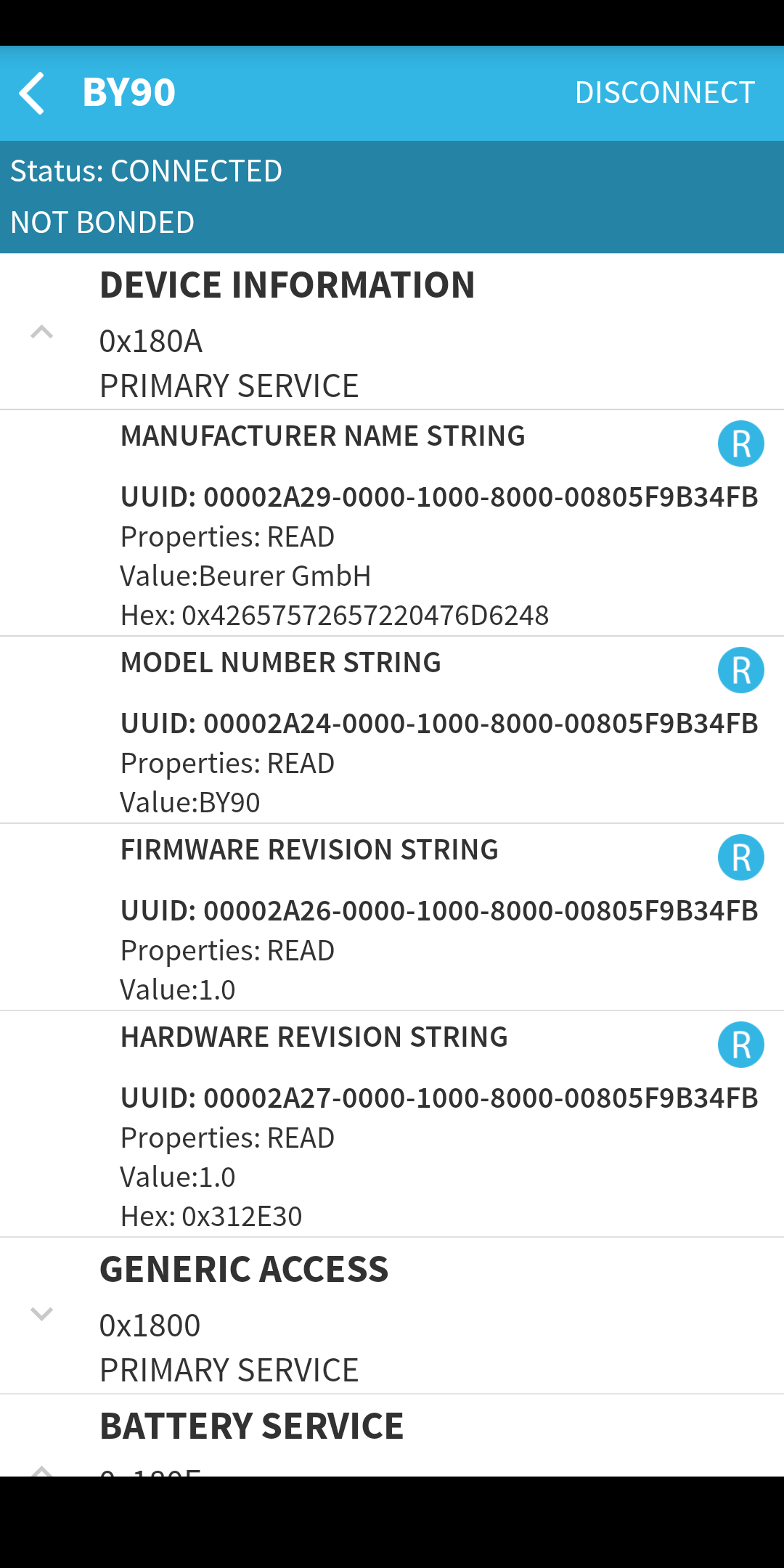
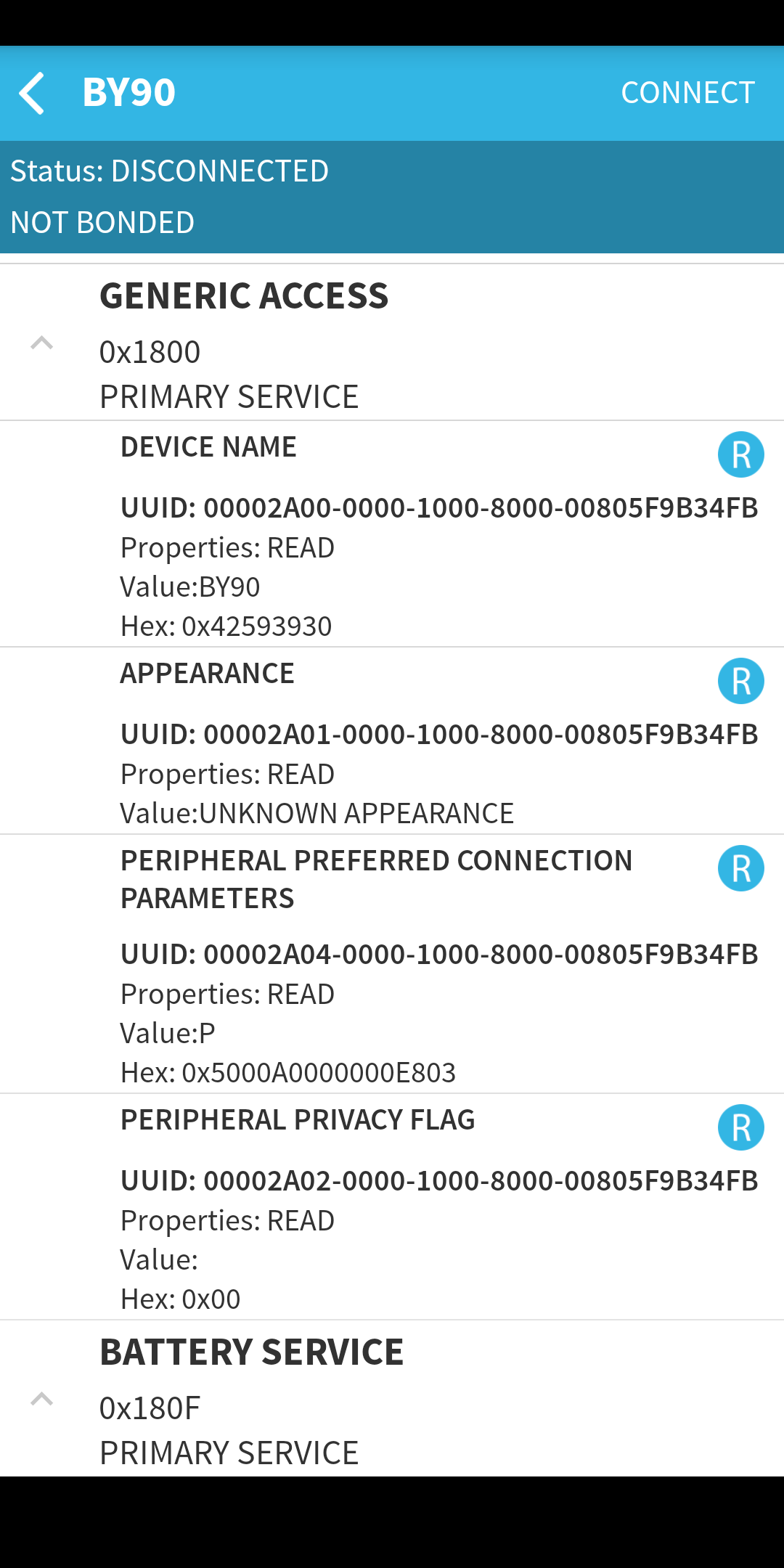
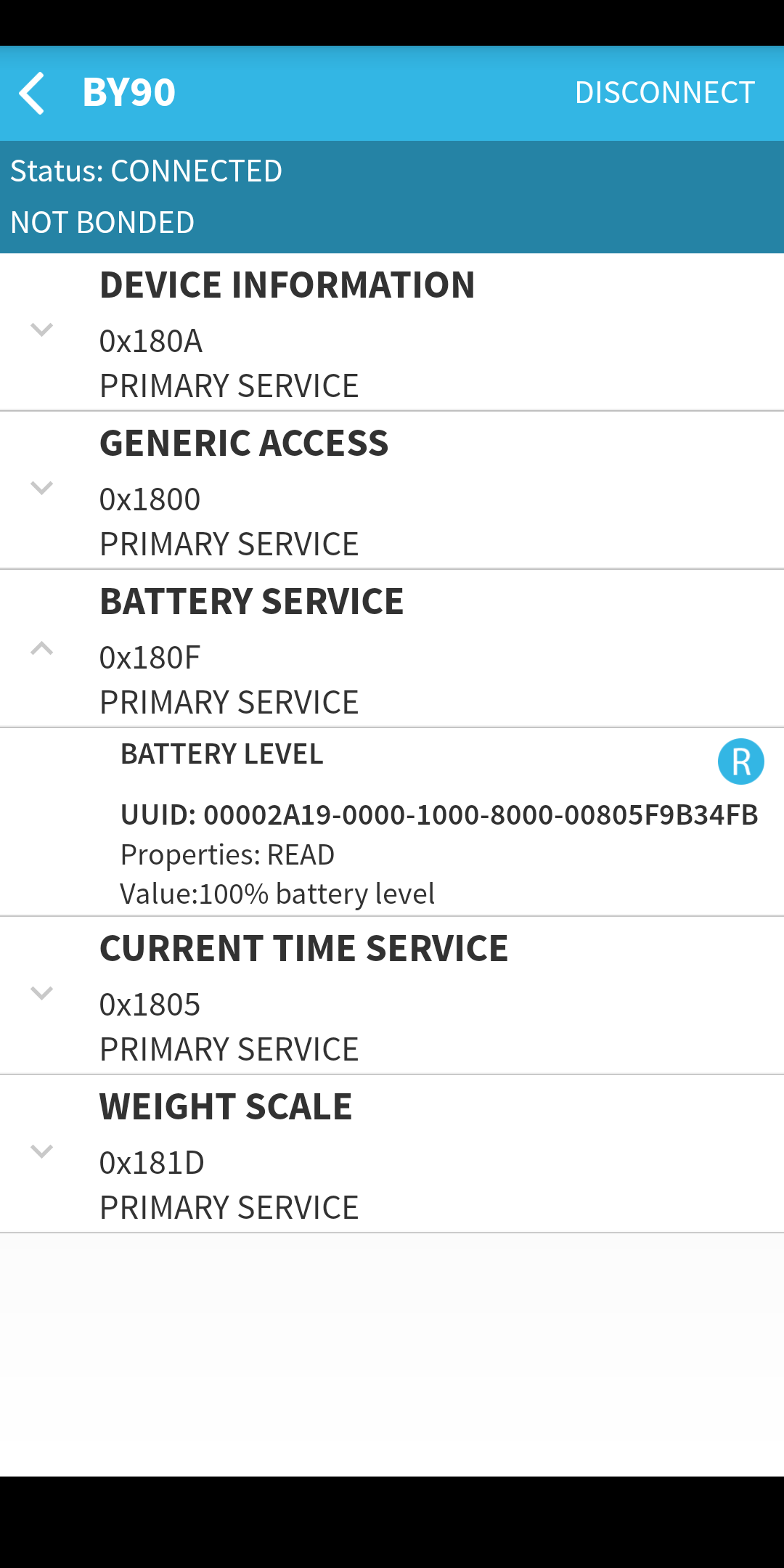
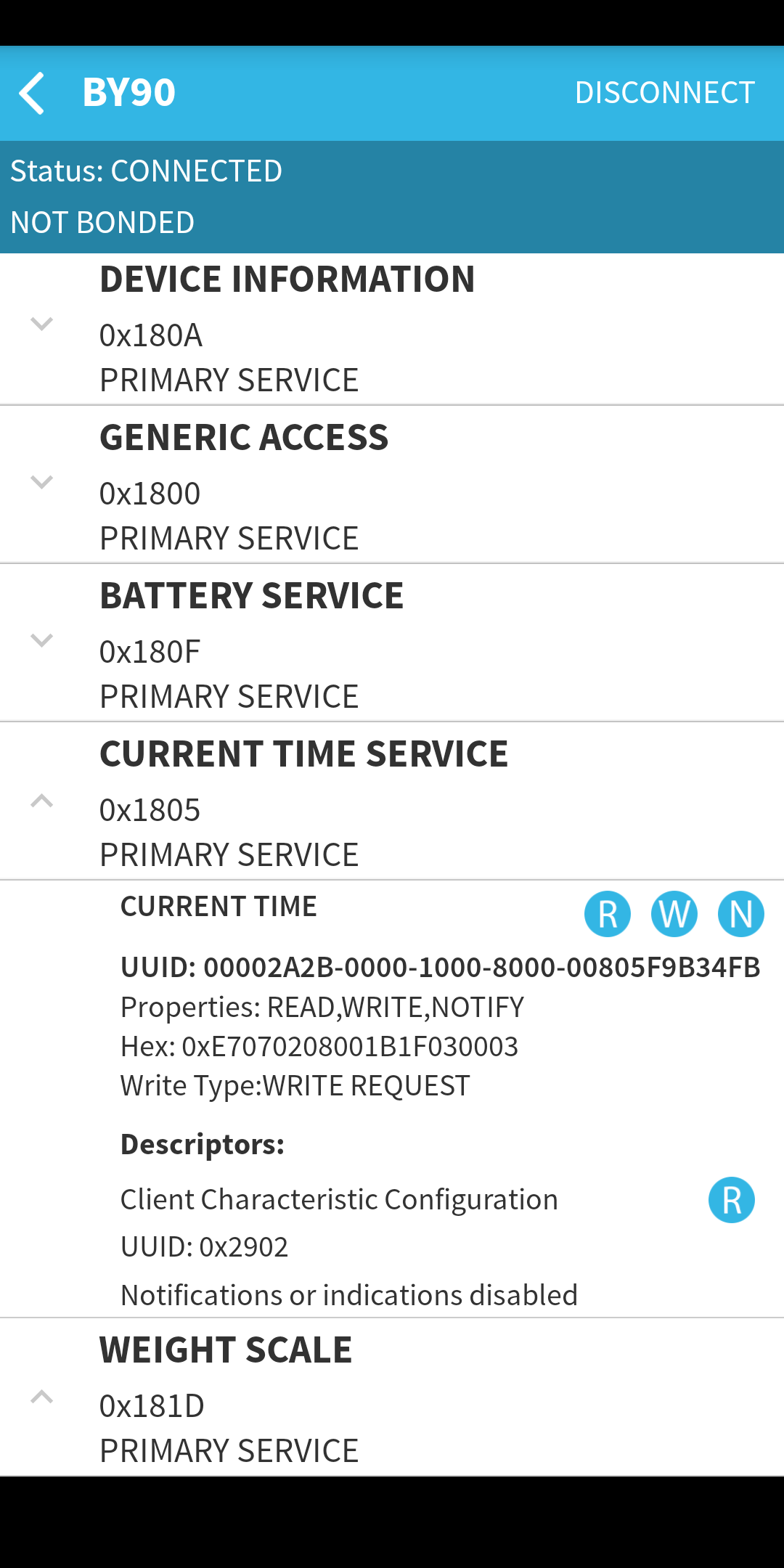
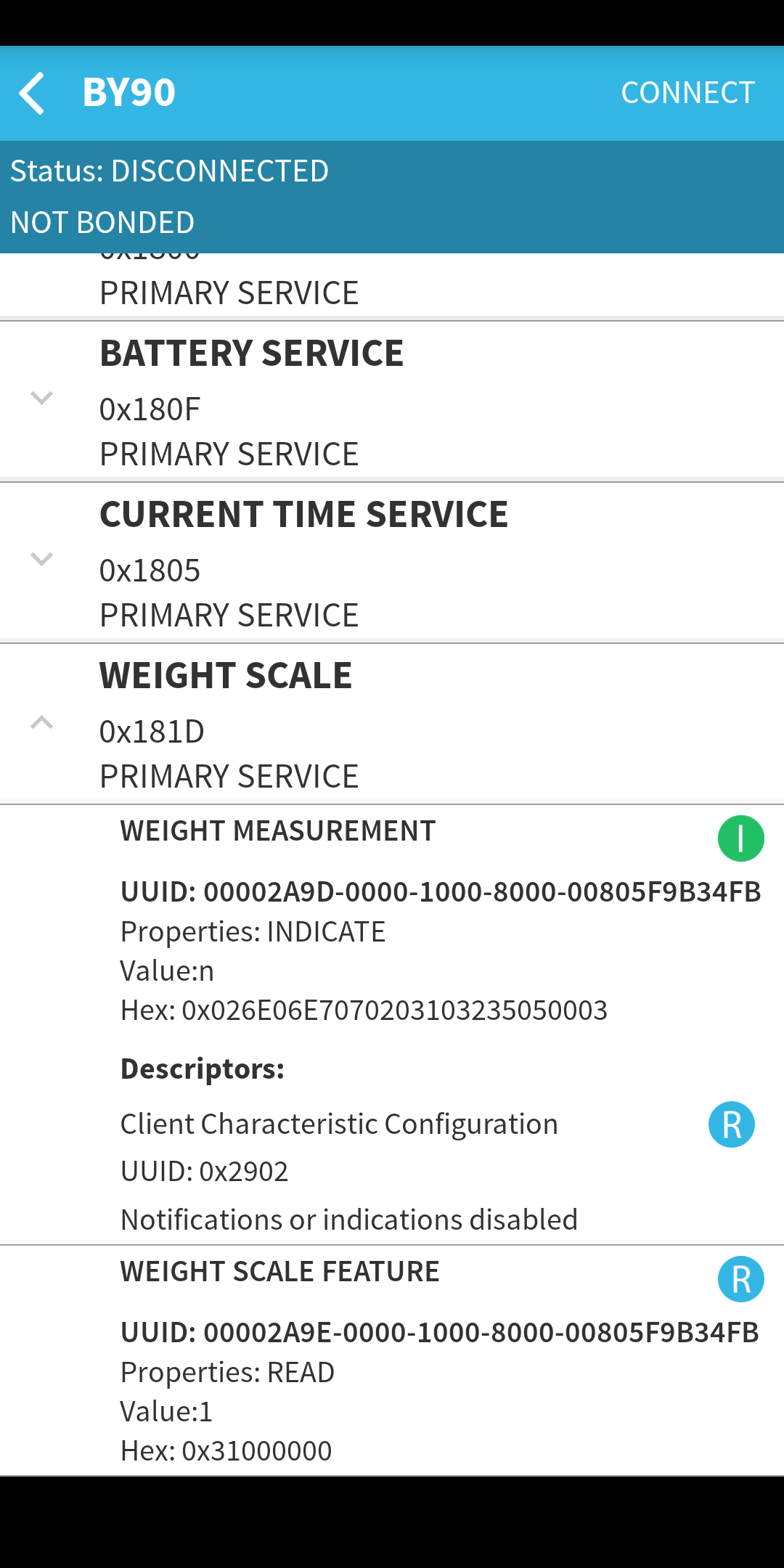

@joergi you could use the app https://play.google.com/store/apps/details?id=com.macdom.ble.blescanner to discover the Bluetooth services and characteristic make some screenshots

I added the screenshots to the opening issue post. Please let me know, if you need more information...
@oliexdev
@oliexdev have you been able to have a look if the data I posted are good? Can I provide any other information? (I was already looking into the logs but can't really help here...)
@joergi your HCI log files doesn't cover the Bluetooth weight process. It has unfortunately many other Bluetooth packets like Sonos or Apple. So you have some other Bluetooth communications. But from your screenshots your scale should use the standard weight bluetooth profile. Please try out the latest dev-build --> https://github.com/oliexdev/openScale/releases/tag/dev-build Please also enable the openScale log file while your using the openScale app and post here this log file.