
Stacer
 Stacer copied to clipboard
 oguzhaninan
Linux System Optimizer and Monitoring - https://oguzhaninan.github.io/Stacer-Web

Linux System Optimizer and Monitoring




Reviews



Required Packages
- curl, systemd
PPA Repository (for ubuntu)
sudo add-apt-repository ppa:oguzhaninan/stacer -ysudo apt-get updatesudo apt-get install stacer -y
Arch Linux (AUR)
- Install the stacer package with a AUR helper of your choice eg.
yay -Syyu stacerparu -S stacerpacaur -a stacer
Debian x64
- Download
stacer_1.1.0_amd64.debfrom the Stacer releases page. - Run
sudo dpkg -i stacer*.debon the downloaded package. - Launch Stacer using the installed
stacercommand.
Debian sid / Ubuntu 20.04+
- Run as root
apt install stacer
Fedora
- Download
stacer_1.1.0_amd64.rpmfrom the Stacer releases page. - Run
sudo rpm --install stacer*.rpm --nodeps --forceon the downloaded package. - Launch Stacer using the installed
stacercommand.
Fedora (with DNF)
- Run:
sudo dnf install stacer - Launch Stacer using the installed
stacercommand.
Build from source with CMake (Qt Version Qt 5.x)
mkdir build && cd buildcmake -DCMAKE_BUILD_TYPE=Release -DCMAKE_PREFIX_PATH=/qt/path/bin ..make -j $(nproc)output/bin/stacer
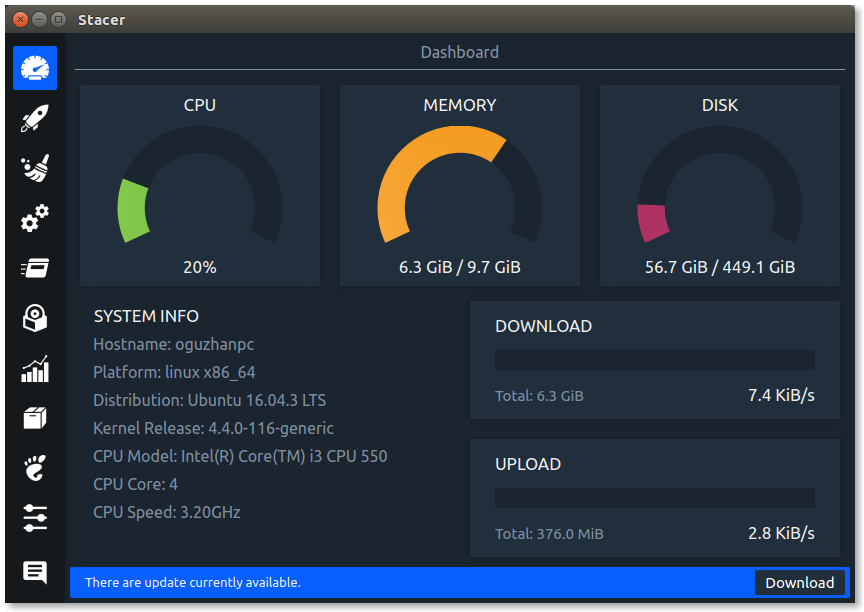
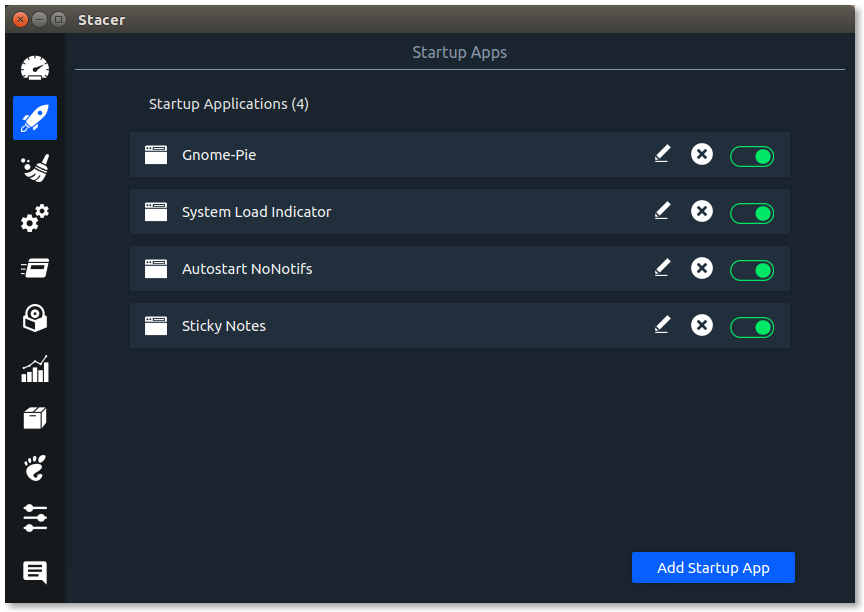
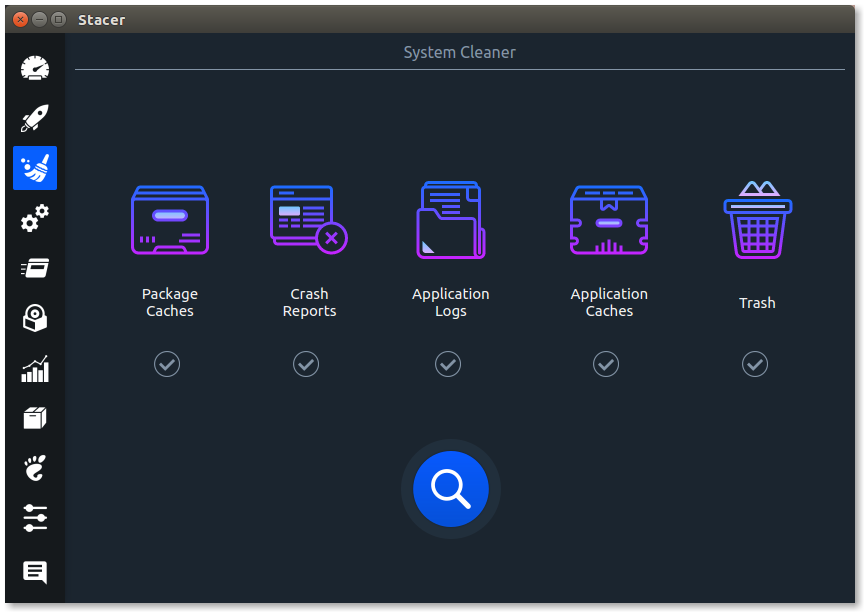
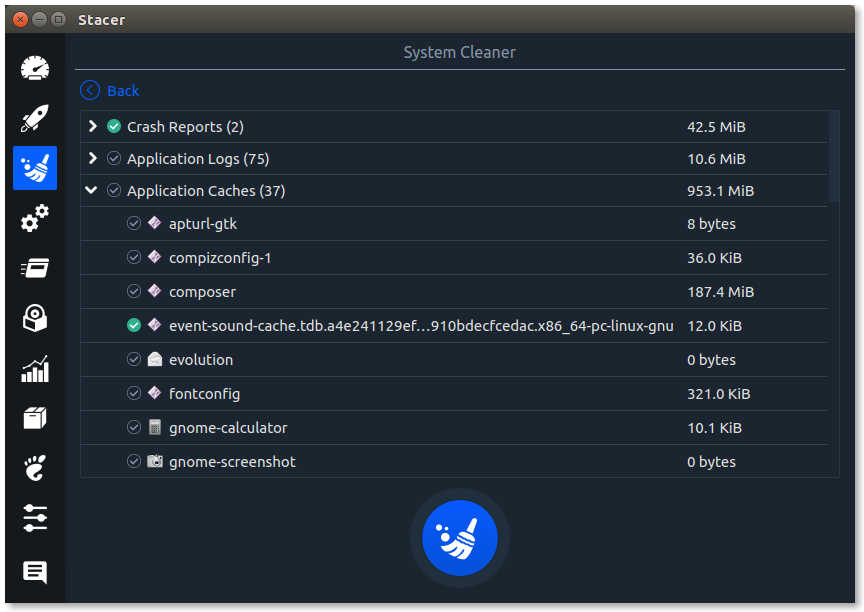
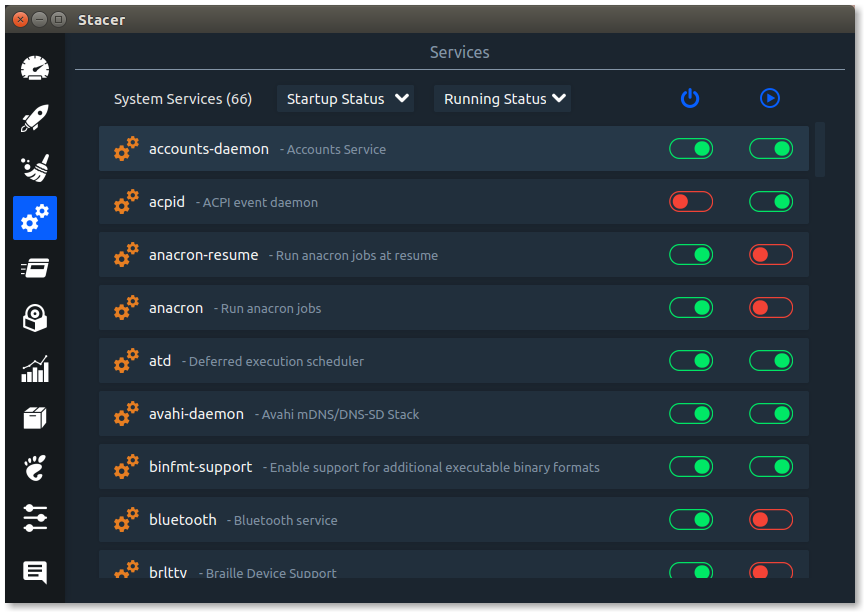
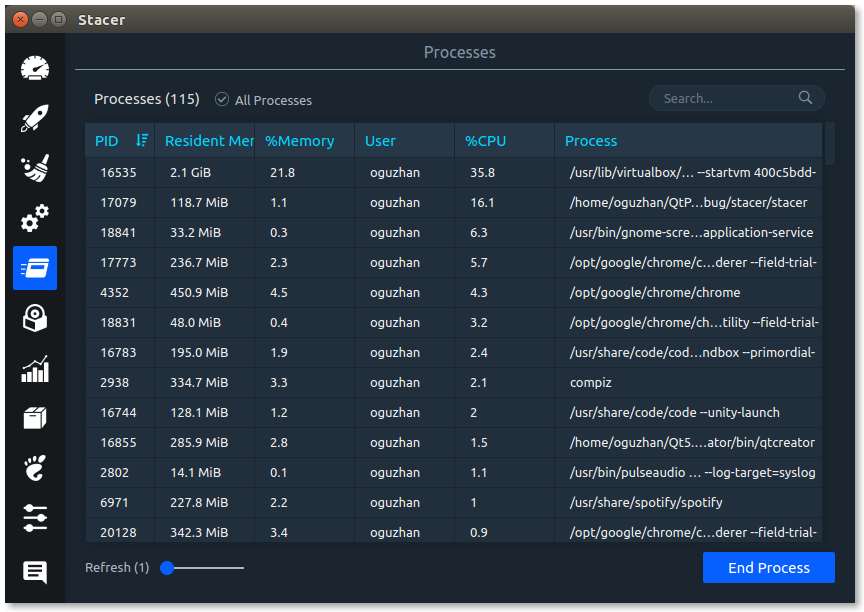
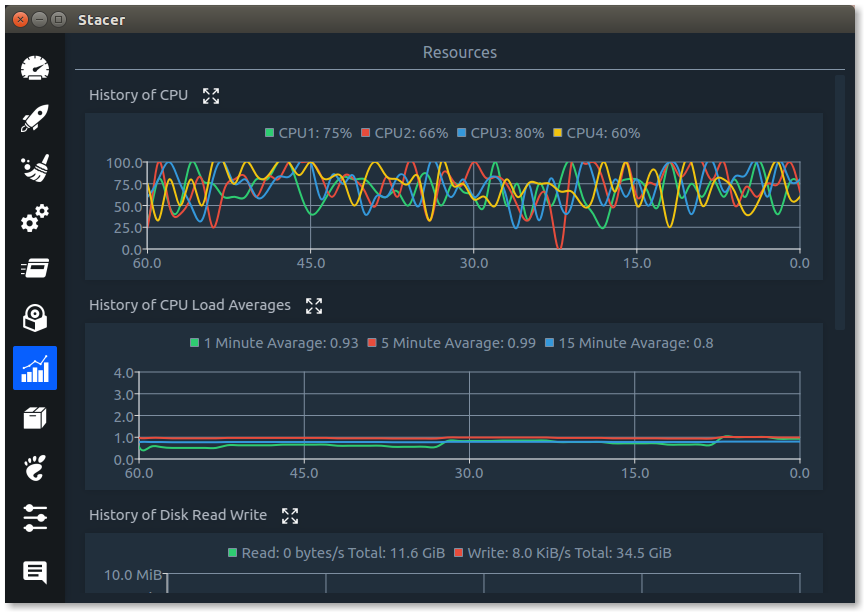
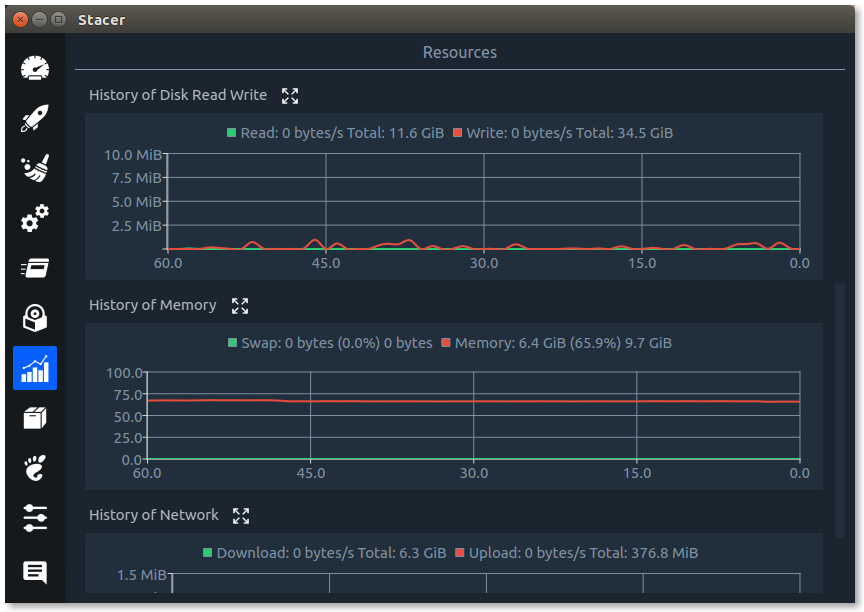
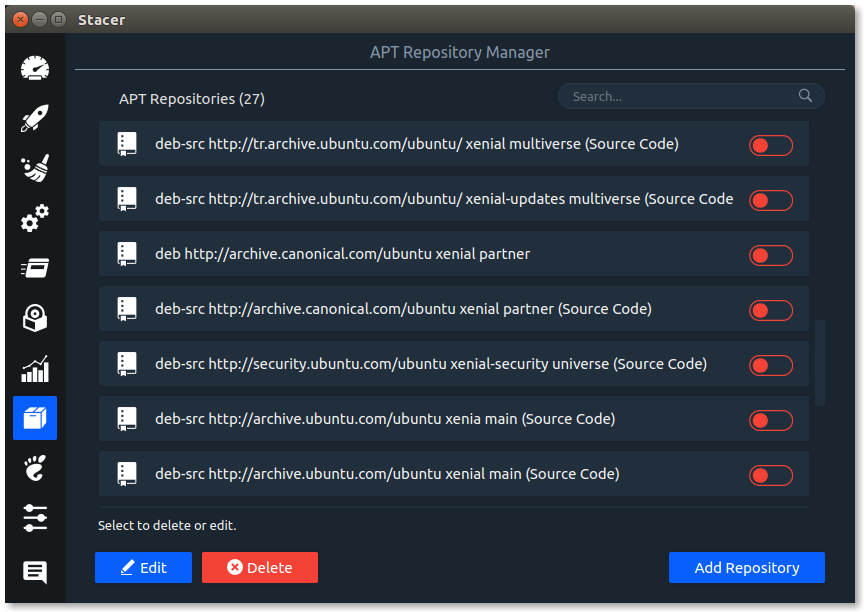
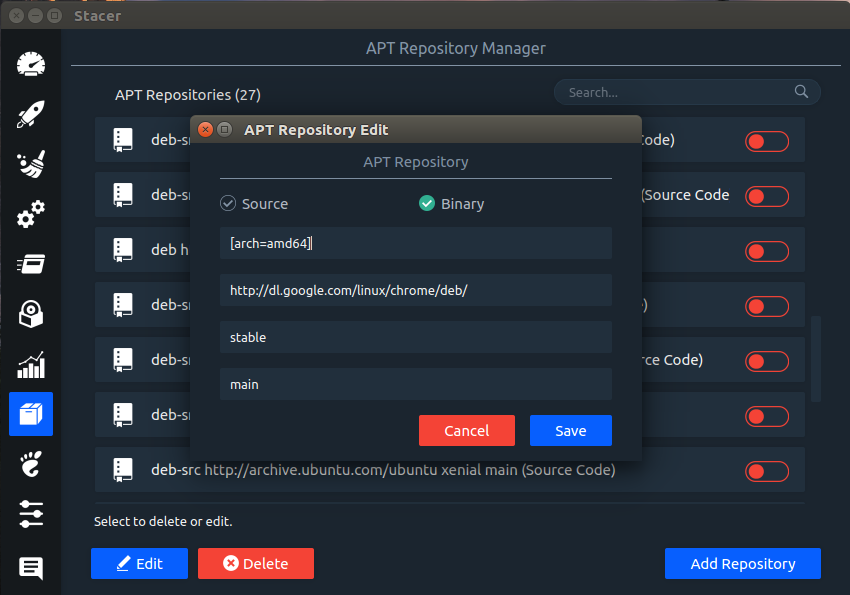
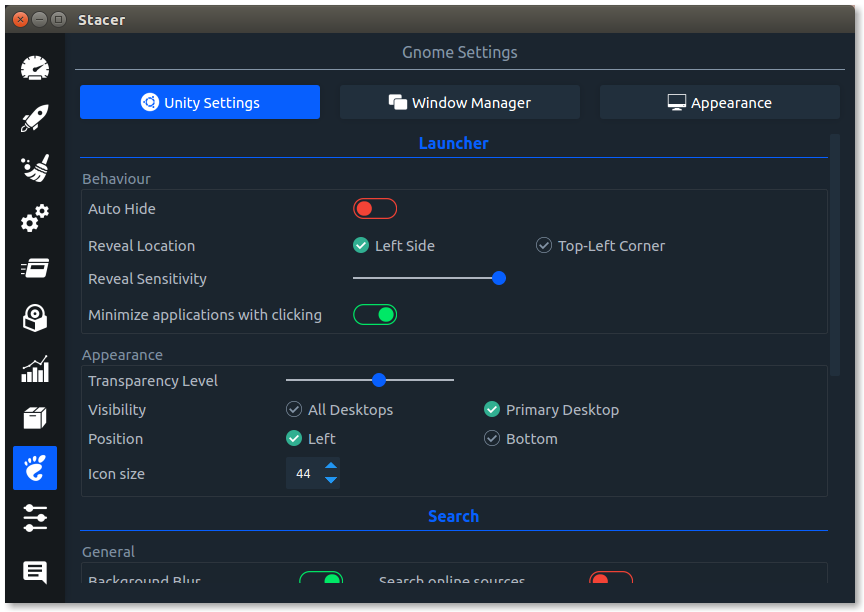
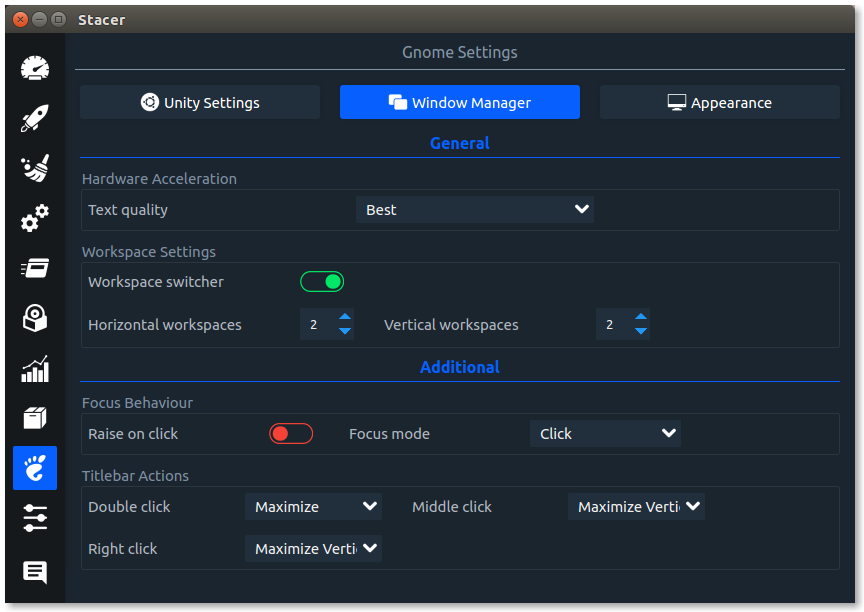
Screenshots

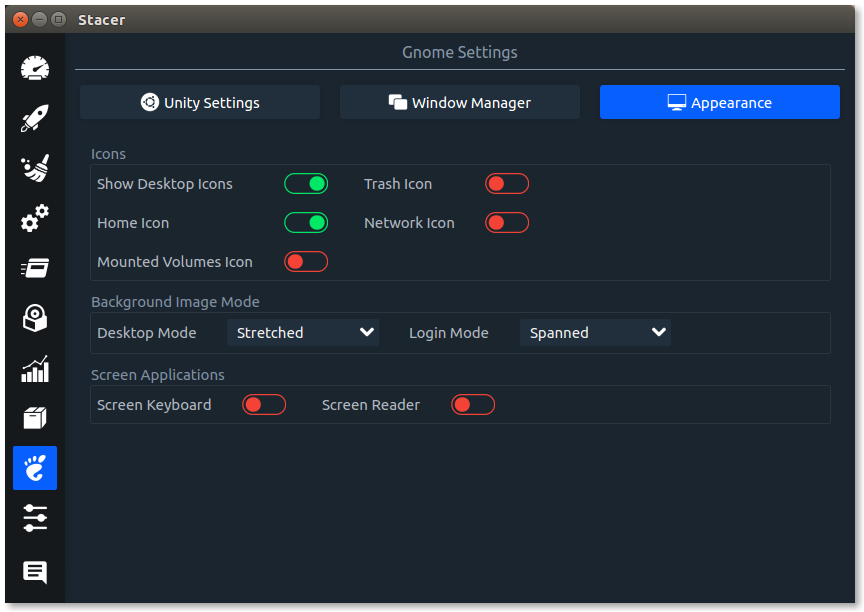
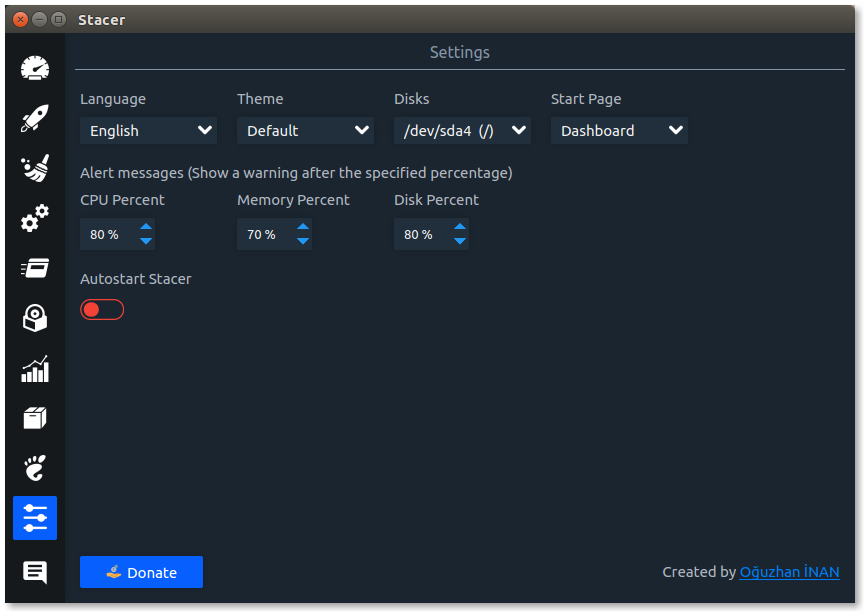
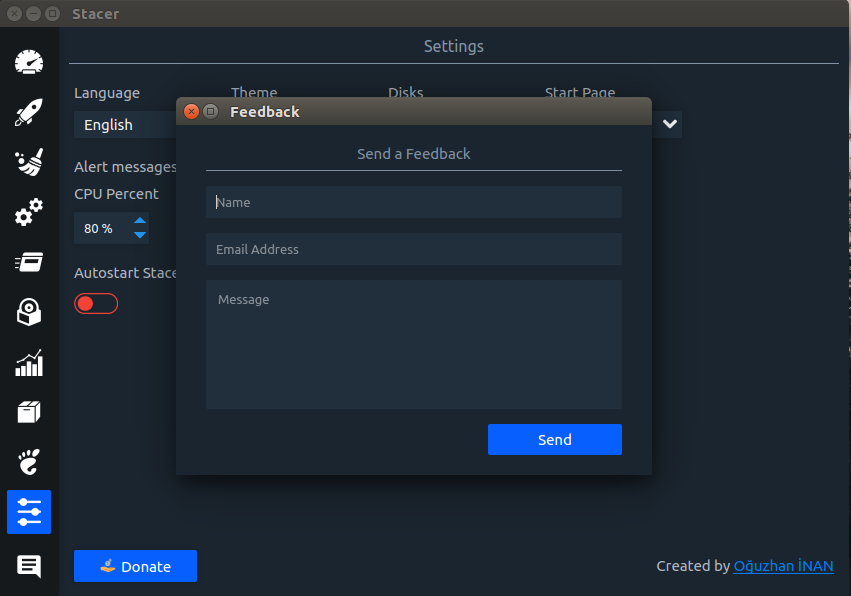
Contributors
Code Contributors
This project exists thanks to all the people who contribute. [Contribute].

Financial Contributors
Become a financial contributor and help us sustain our community. [Contribute]
Individuals

Organizations
Support this project with your organization. Your logo will show up here with a link to your website. [Contribute]




Metadata
8.8k
Stars
599
Forks
Watchers
Owner
 oguzhaninan
Metadata
Linux System Optimizer and Monitoring - https://oguzhaninan.github.io/Stacer-Web