

 obsproject
Display Capture appears dim with HDR enabled
Operating System Info
Windows 11
Other OS
No response
OBS Studio Version
Other
OBS Studio Version (Other)
Normally 28.1.2, but reproduced with 29.0.0-beta3
OBS Studio Log URL
https://obsproject.com/logs/sGhGGeUd-1rt_dHo
OBS Studio Crash Log URL
No response
Expected Behavior
Recording should have looked like this (as screenshotted with Snipping Tool / ShareX):

Current Behavior
Actual recording appears dim (screenshotted by OBS):
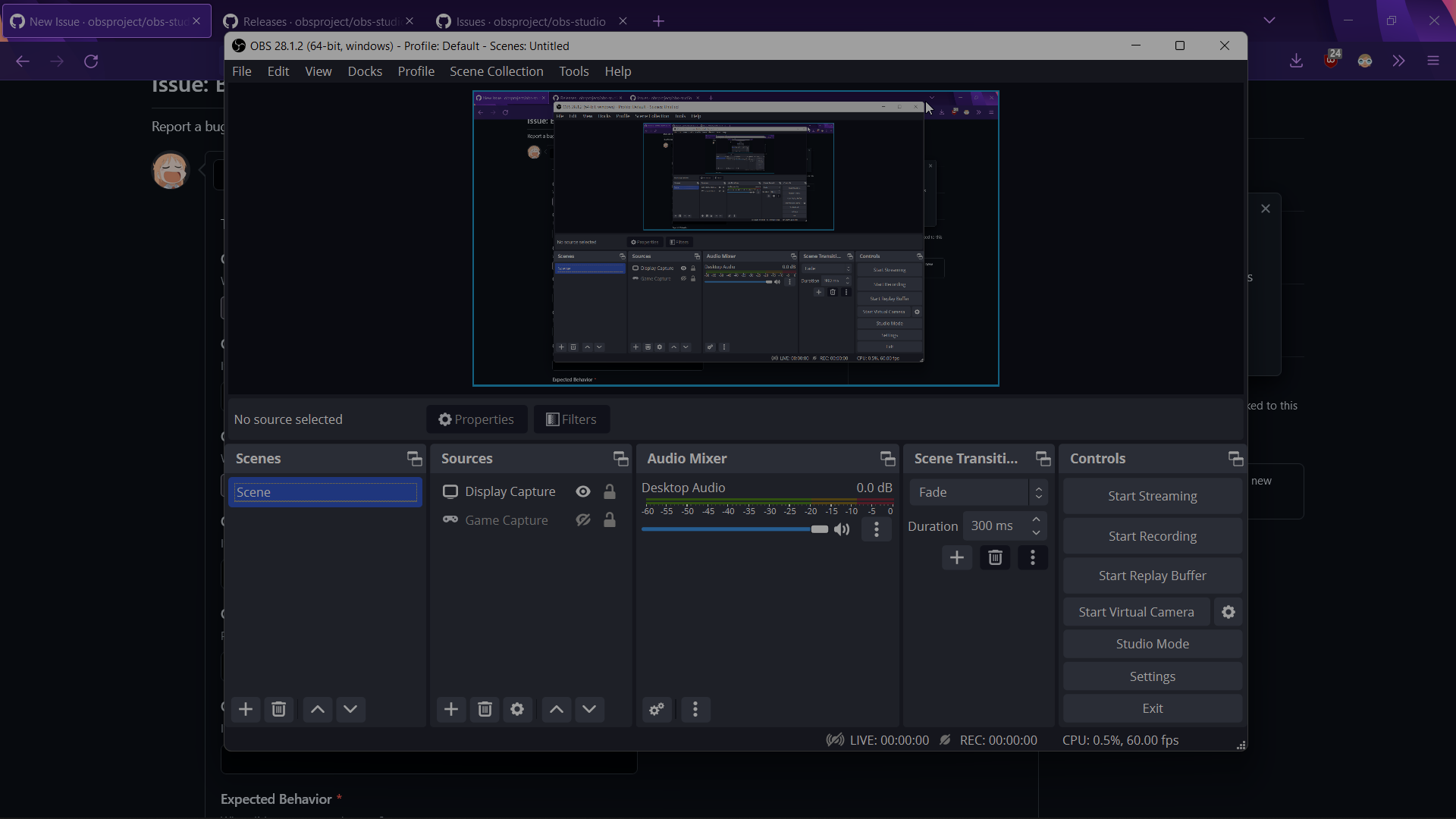
(sidenote: screenshots were taken earlier before I ran the test in the above log, the dimness looks the same on 29.0-beta3)
Steps to Reproduce
- Enable HDR through Windows
- Launch OBS and use a Display Capture source
Anything else we should know?
- Other sources like Browser, Image, and Game Capture are correctly exposed, regardless of Auto HDR.
- Issue appears for Window Capture, except when "Force SDR" is enabled in the properties, then it has the expected brightness.
- Issue is persistent across different color format/spaces, e.g.
NV12 + Rec.709 [Limited Range]andP010 + Rec.2100 (PQ) [Full Range], although the 10-bit format is slightly brighter than 8-bit. - Toggling Windows's "hardware-accelerated GPU scheduling" off and on had no effect.
- Switching between my two GPUs for OBS via Windows's graphics settings (integrated vs. discrete) only showed a difference in GPU usage within Task Manager, but did not solve the issue.
To make it clear, I'm intending to record SDR content while using HDR.


Have you found a fix for this yet, or has what jpark37 is working on done it?

@EchoLWS999 I'm not knowledgeable enough to write my own fix, but having just gone through the wiki's build instructions for master branch (https://github.com/obsproject/obs-studio/commit/e438037960b65d491a5ae4f0bd687b8ffb203e95), I can verify that the Force SDR option added by #7974 resolves the issue. I also locally merged #7978 afterwards, but I can't properly test it since the DXGI capture method has never worked for me.
@thegamecracks This may sound like a dumb question, but how would I use this for my own OBS? I've only ever used plugin installers, I apologize
the DXGI capture method has never worked for me.
DXGI capture does not work on laptops unless OBS is running on the iGPU.
@thegamecracks This may sound like a dumb question, but how would I use this for my own OBS? I've only ever used plugin installers, I apologize
You would either have to build OBS with PR #7978 yourself, get someone to build it for you, wait until it is merged and use a CI/nightly build, or wait until the next OBS release.

@RytoEX Gotcha, thanks for that tip. Second PR seems to work as expected!
Could this be related to the SDR content brightness?
DXGI capture does not work on laptops unless OBS is running on the iGPU.
Is that on the latest and shiniest Windows/drivers? Because it could be yours are too old (HDR is only supported on a high enough WDDM version) or too new (multiplanes and scanout are all nice and dandy, but somebody left behind tonemapping or anyway it's bugged).
