

 obsproject
Group in Studio Mode not in right position when start up
Operating System Info
Windows 10
Other OS
No response
OBS Studio Version
26.1.1
OBS Studio Version (Other)
No response
OBS Studio Log URL
https://obsproject.com/logs/4heLUgchATgxtBy2
OBS Studio Crash Log URL
No response
Expected Behavior
The position should be the same when start up.
Current Behavior
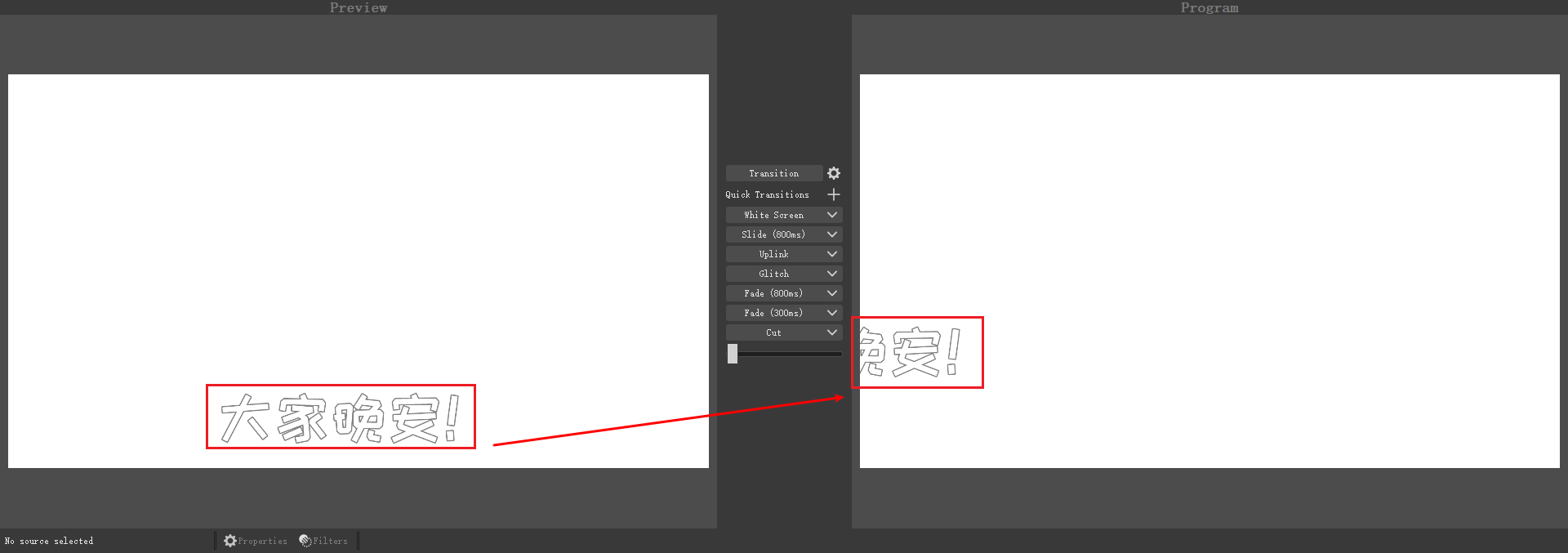
The position is not correct when startup.
Steps to Reproduce
- Select some sources and Ctrl+E, change
Positional Alignmentto something else likeBottom Center - Group the select sources
- Do a transition, make preview and program the same
- Exit OBS
- Start it again, and you should see the source is not in right place. ...
Anything else we should know?
I also find that sometimes when drag and drop source in or out of the group can make group's position goes wrong, but I can't find a way to reproduce it yet.

Update: Another way to make group position goes wrong.
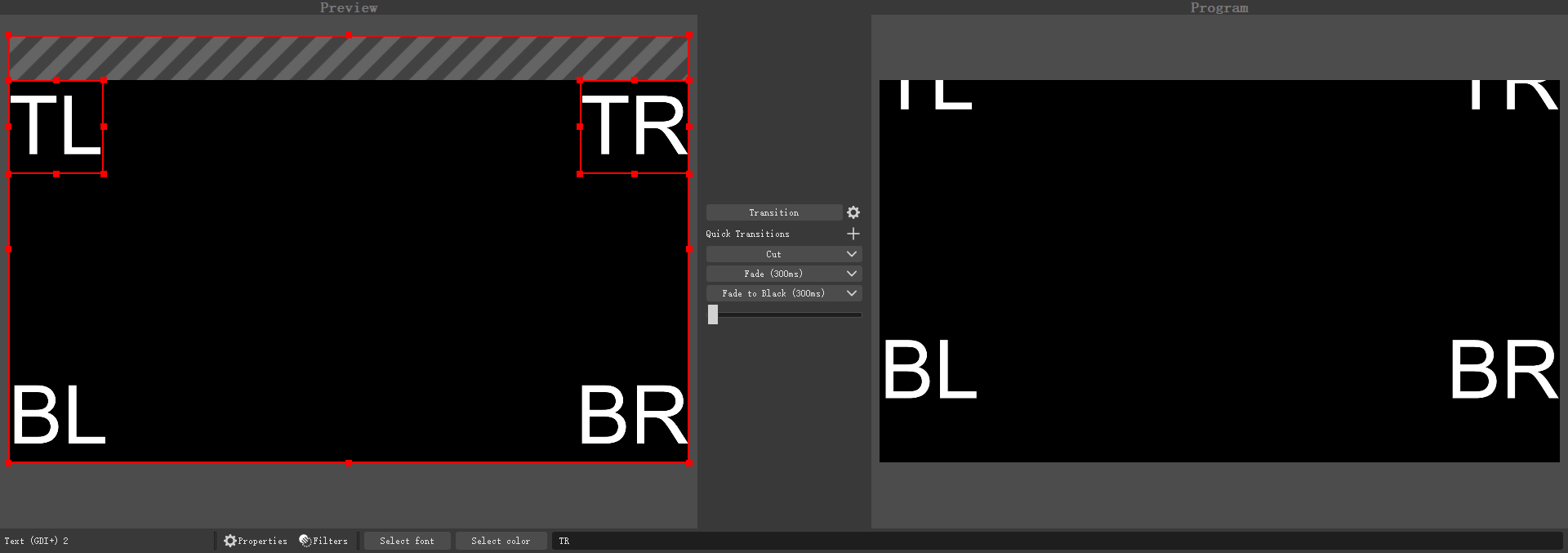
Steps to Reproduce
- Add some sources to a group
- Select the group then Ctrl+E, change
Positional Alignmentto something else likeTop Center - Then add a new source to the group, then make sure its outside of the
Positional Alignment, inTop Centercase, will need to make it to the upper corner or something
- Drag it in the group, then perform a transition
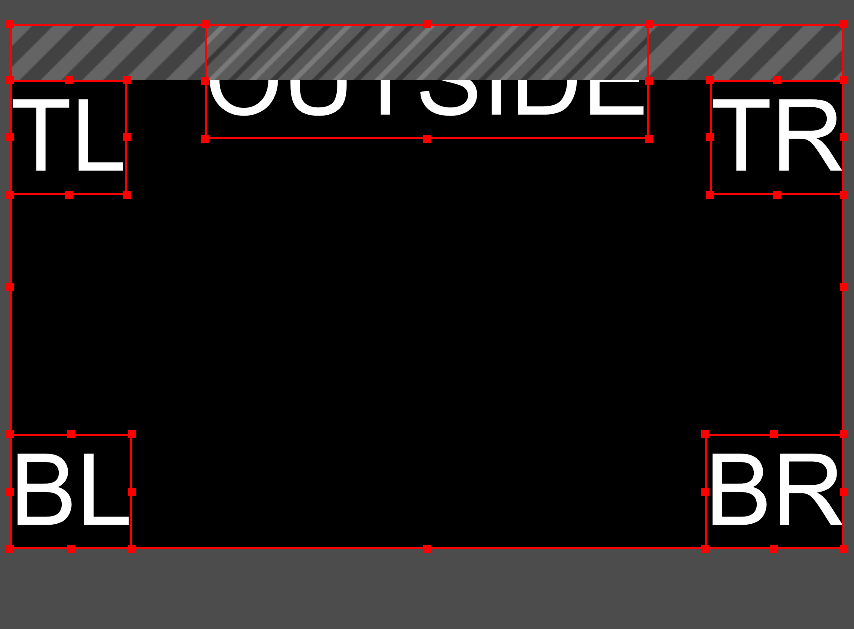
- Delete the source you just added, perform a transition again.

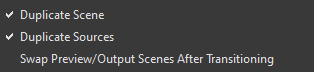
Important: all those behivor only happen when Duplicate Sources is enabled.
Log File
https://obsproject.com/logs/Qme0-a-cHE2AvP4E
I don't use studio mode at all and I've run into the same thing.
- Make group
- Put source in group
- Set
positional alignmentof group to anything other thanTop Left - Restart OBS
- Group has moved
It seems to only affect some source types. A group with just image sources stays in place on OBS restart, but a group with a browser source or text source moves around on OBS restart. I haven't tried every kind of source.
Version 26.1.1 on Windows 10


I've figured out some more characteristics of this problem. My current situation:
- Group contains 2 elements: Text (GDI+) and Video Capture Device [webcam]
- The bug does not affect the transform of the elements. It only affects the transform of the group on the canvas.
- Snapping the group to other groups/elements does not seem to affect the issue.
positional alignmentaffects how the transform for the group is changed when restarting OBS.- Meaning, some move the group vertically, some horizontally, and some both.
- If the webcam is active when OBS starts, the position will drift. If the webcam is not active when OBS starts, no position drift.
- To test this, turn on "Deactivate when not showing" in the Video Capture Device settings. Then, hide the group and restart to observe no position drift.
