

 obsproject
UI: Add notification widget
This is a refactoring of #1543
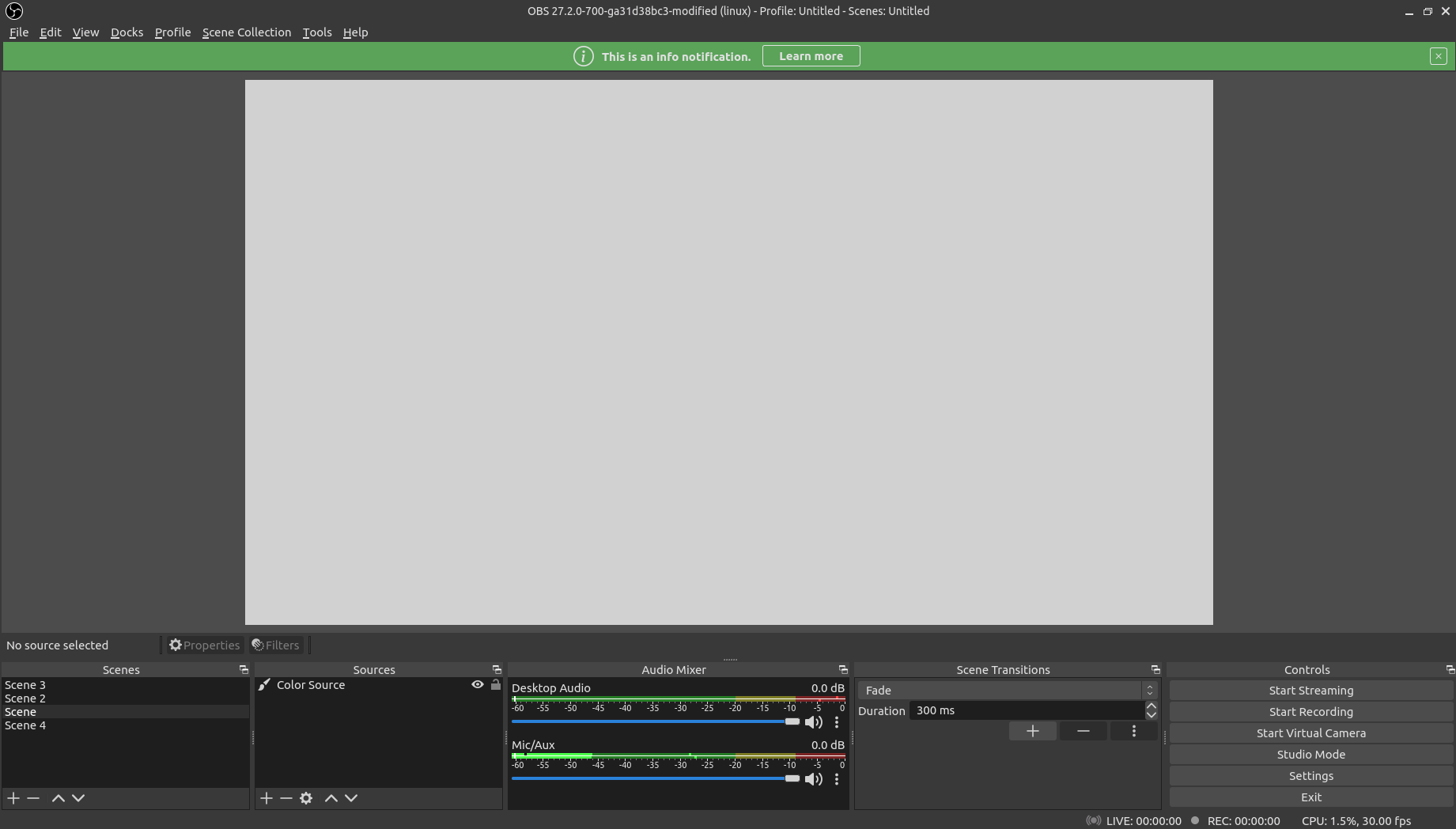
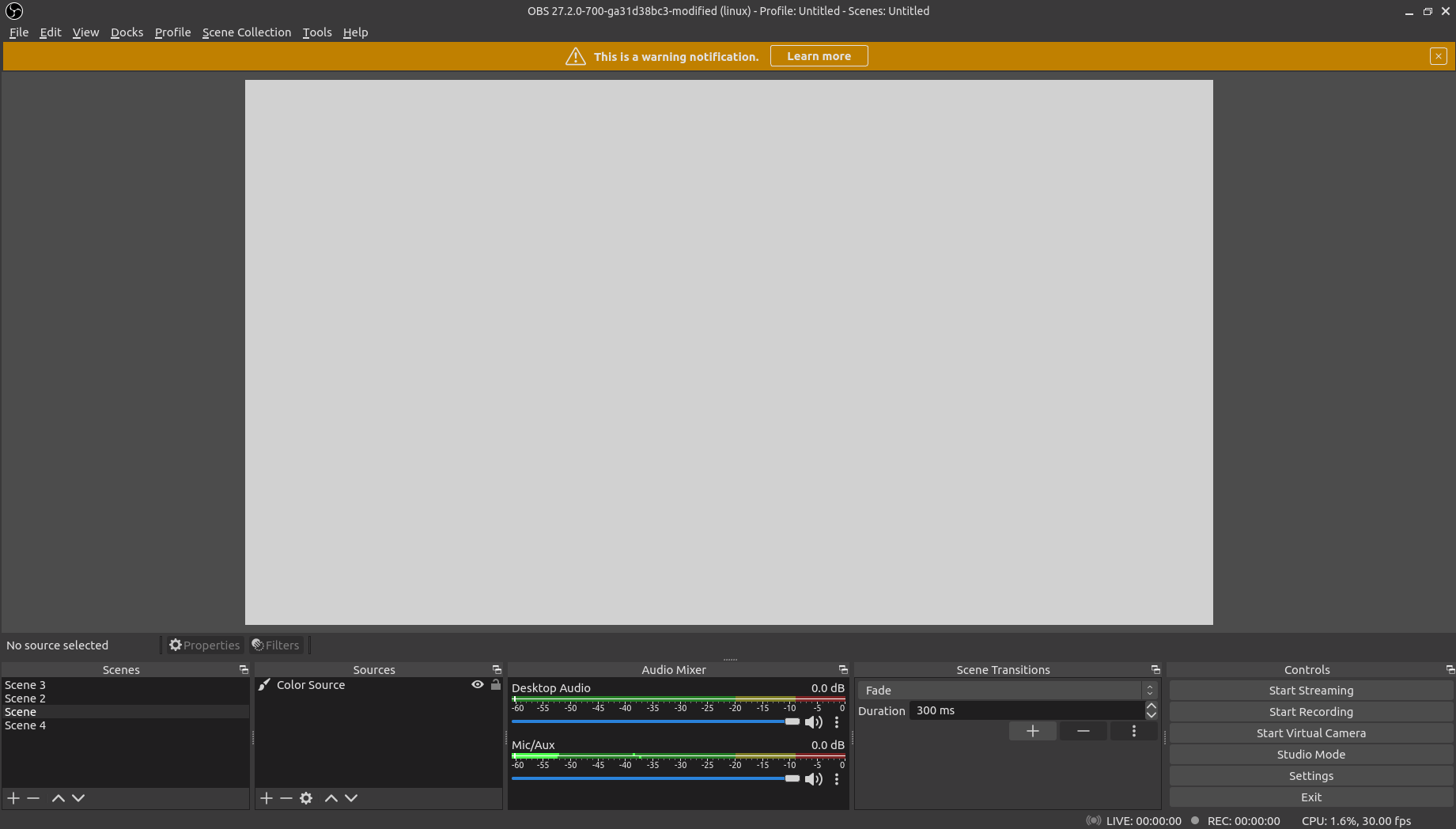
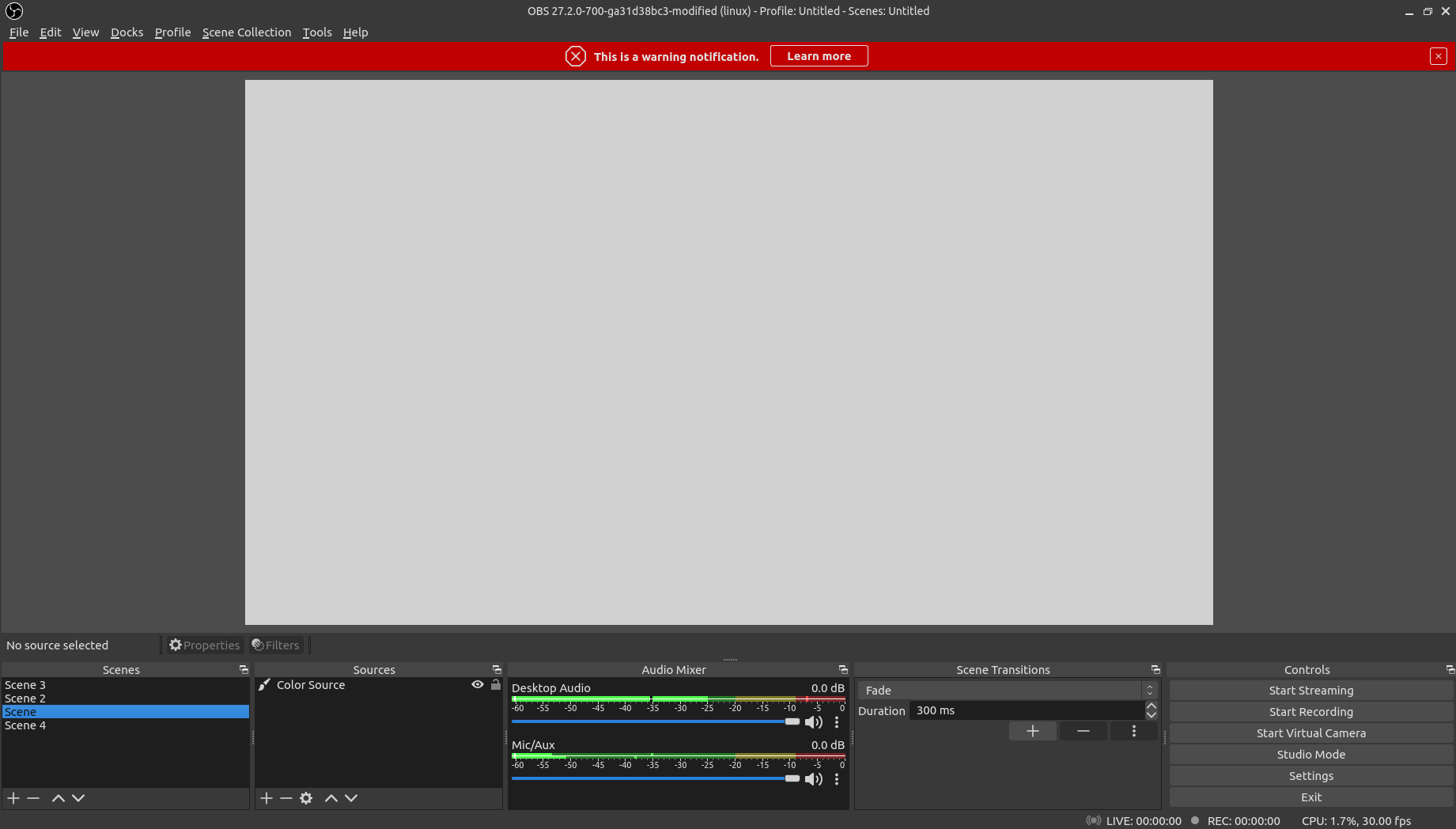
The warning and info icons are from: https://github.com/Keyamoon/IcoMoon-Free The error icon is from: https://github.com/feathericons/feather The close icon is from: https://octicons.github.com
This is based on the notifications RFC: https://github.com/obsproject/rfcs/blob/master/accepted/0019-app-notifications.md
- All of the features requested in the RFC are implemented, except an alerts window where all of the notifications would show up and a way to show a more detailed description of the notification message
- Since this is just v1 those can be implemented in the future
Info
Warning
Error

Wow this works very well and looks great. The only problem with this currently is that if the size of the bar exceeds the window's size, the window increases in size abruptly. I think that's the only major problem with it functionally at the moment.

This looks pretty cool, though I don't really like the idea of resizing the preview window to show notifications. I would prefer notifications be in their own separate window, opened from the UI by clicking on some sort of nag, like a ⚠️ or one of those notification dots that apps use.

I very much like the look of these notifications, but I have issues with this and it's implementation.
Taking up space in the UI layout comes at the cost of making the preview smaller whenever a notification is shown. This can be problematic for people in the middle of a stream who expect their preview to take up a certain amount of space, or are just in the middle of moving things around. I was able to make a widget sometime last year that could resize based on it's contents and the window, and would show on top of the preview instead, and I feel that would work better.

The fact that only one button is available, and that it must be a URL is sorely limiting. A source that uses an external device (Video Capture Device, Audio Input Capture, etc...) might want to notify the user of a disconnect, and take the user straight to it's properties to select another device, or attempt to reconnect. Or when the user finishes streaming, we could generate a stream report and notify the user that it's available. The former cannot be done with a URL, and the latter would require opening an HTML file generated by OBS, or an upload.
The ability to make a notification is limited only to UI code, since rather than a frontend agnostic API, it's tied directly to making a widget. This means any plugins wanting to notify the user of anything is required to link with the UI code. Given that Qt version changes already cause enough problems for plugins if there's incompatibility, this should be avoided if at all possible.
Even if it would be specific to the frontend, without having the notification object be returned, a plugin is not able to programmatically change (for example, if there's high rendering lag, showing the up to date percentage of rendering lag every few seconds) or dismiss a notification (for example, a notification about capture interference only makes sense if there's multiple captures in the currently active scene. Switching to a blank scene should dismiss any notifications about that.) This can also result in many notifications for the same thing, when it might make more sense for the same notification type to be grouped together (for example, if 10 media sources can no longer find their respective files, rather than show 10 notifications, better to have one notification with a number 10 or symbol to indicate that it's more than one source).
There's also no way for a user to explicitly dismiss a particular notification type forever, should they not wish to see it again. Also, you should ideally be able to click on the notification to get a dialog with the text, to deal with situations where the text needs to be truncated, or just as a default action should the notification have one. Otherwise there's a lot of unused space.
In cases where there has to be a lot of notifications at once, there should be a way to paginate, shrink or scroll notifications. There should also be a method to dismiss all. There should be an option for a notification to last for a certain amount of time (for example, stream reconnecting notices, or a notification to acknowledge a replay buffer has been saved).

The notifications in that screenshot are a bit too big, and thus eat up too much of the preview. I think it's because the icons are too big. I'm not sure if the icons are necessary, I think that's what's causing the excess unused space. In terms of aesthetics, I liked the way cg2121's look, but I'm just talking aesthetics.
My oh my, even more messages... And someone said that stats window should be shorter.

Reopening this as https://github.com/obsproject/rfcs/pull/19, is in the final comment period. This still needs libobs functions for sources, etc.
Updated to only show one notification at a time. The notification widget is now on top of the window.

I've updated this PR by simplifying a lot of the code.
Also, pinging @Warchamp7, for his review of the UI for this.
I've updated this PR by simplifying a lot of the code.
Also, pinging @Warchamp7, for his review of the UI for this.
There was a bit of discussion on the Discord but crossposting it here.
The canvas should be treated as holy ground and nothing but scene items and their preview controls should ever be in that space. Covering it or resizing it to fit notifications is a no-go imo. A user should never have to wonder if something in the canvas area is part of their stream.
I've shared some WIP mockups for ideas to work this into the existing status bar.
 Not a final design yet, but it's the direction I'm envisioning for this

Added link action types:
settings://general, open settings general tab
settings://stream, open settings stream tab
settings://output, open settings output tab
settings://audio, open settings audio tab
settings://video, open settings video tab
settings://hotkeys, open settings hotkey tab
settings://advanced, open settings advanced tab
source://properties, open source properties
source://filters, open source filters
As of right now, this PR is now complete.
It looks like there's a fair bit unresolved on the UI/UX side of this. To that end, I'd like to see the backend changes separated in a different commit to the UI changes. If the backend stuff looks good, we can merge it so it's available for plugins and such to start experimenting with even if there's nothing hooked up to the UI yet.
I glanced over the code, and I don't proclaim to be an expert, but hardcoded links (especially for notifications to guides which are always changing and evolving) make me a little nervous. I would prefer if there was a configuration file of some kind or some way these could be updated without having to recompile the program. The logistics of how that file gets updated can be addressed at a later time. I'd be open to suggestions here.

In addition to 3) I mentioned in my previous message, if you queue two notifications then only the first is displayed, the second never shows.
	obs_show_notification(OBS_NOTIFY_TYPE_INFO, "I am notification one", NULL);
	obs_show_notification(OBS_NOTIFY_TYPE_WARNING, "I am notification 2.", NULL);

All of the suggestions @WizardCM made, have been fixed with the latest update to the code.
Confirmed the mentioned bugs and usability issues are fixed. Will continue testing.
@cg2121 Could you please document in the PR description whch aspects of https://github.com/obsproject/rfcs/blob/master/accepted/0019-app-notifications.md are implemented, and include some up to date screenshots?
Thanks!
@WizardCM the PR description has now been updated with screenshots and details about the RFC
@cg2121 as per design call, please split the UI side of this PR into a separate on, and repurpose this PR to only cover the libobs API
