
react-native-keychain

react-native-keychain copied to clipboard
 oblador
prompt for savepassword screen not showing
"react-native": 0.62.2 "react-native-keychain": "^6.1.1",
ios10 device using.
already set in xcode associated domains: webcredentials:websiteurl and validated "site url /apple-app-site-association"
 <Input
                textContentType="username"....
and
<Input
                secureTextEntry={this.state.secure}
                textContentType="password".....
called onpressLogin
const resp= await Keychain.setGenericPassword(email, password)
on successful login
Keychain.getGenericPassword().then(res => console.log("Keychain saved creds", res)).catch(err => console.log(err))
returns
Keychain saved creds {username: "[email protected]", password: "xxxxxx", storage: "keychain", service: "xxx.xyz.ggg"}
but problem is not prompting savepassword screen after submit
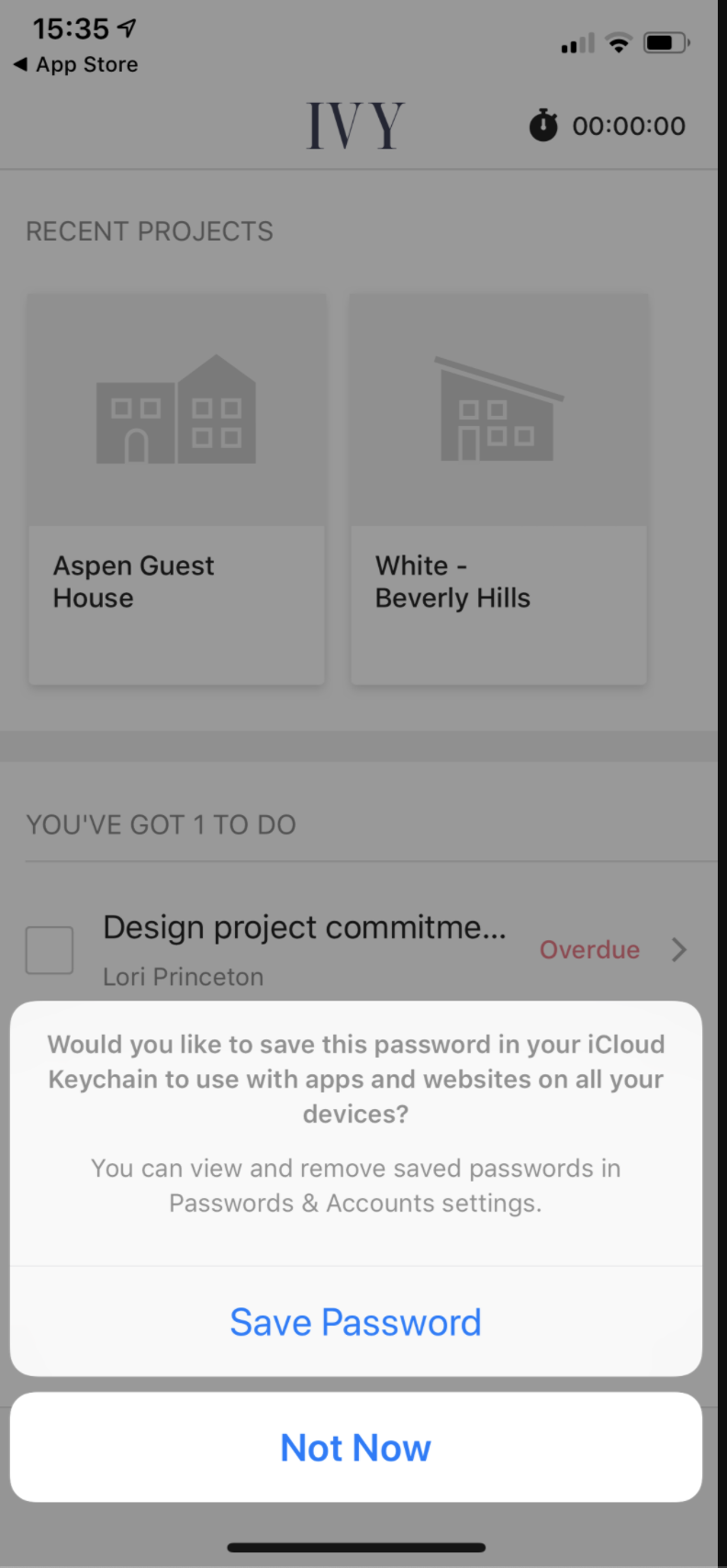
Please let me know what I am missing


@RupamShaw how did you manage it? even I am having a bit of difficulty understanding this
