
storybook
 storybook copied to clipboard
 nuxt-modules
[Storyshots] Error: No script available to transform
Hello,
I'm having the following error trying to setup @storybook/addon-storyshots to an existent nuxt project:
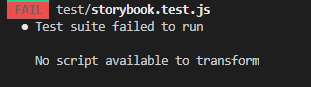
So I created a brand new nuxt project with Tailwind and Jest, and I installed nuxt-storybook + @storybook/addon-storyshots (here: https://github.com/EdisonHarada/nuxt-storyshots), and I still get the same issue.
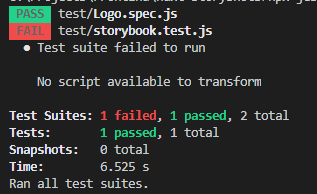
The command "npx nuxt storybook" works fine and shows the story, but when I try to run jest I get the error.
I also debugged the code and I find out where it's throwing the error. The file is: node_modules@storybook\addon-storyshots\dist\frameworks\configure.js, line 75:
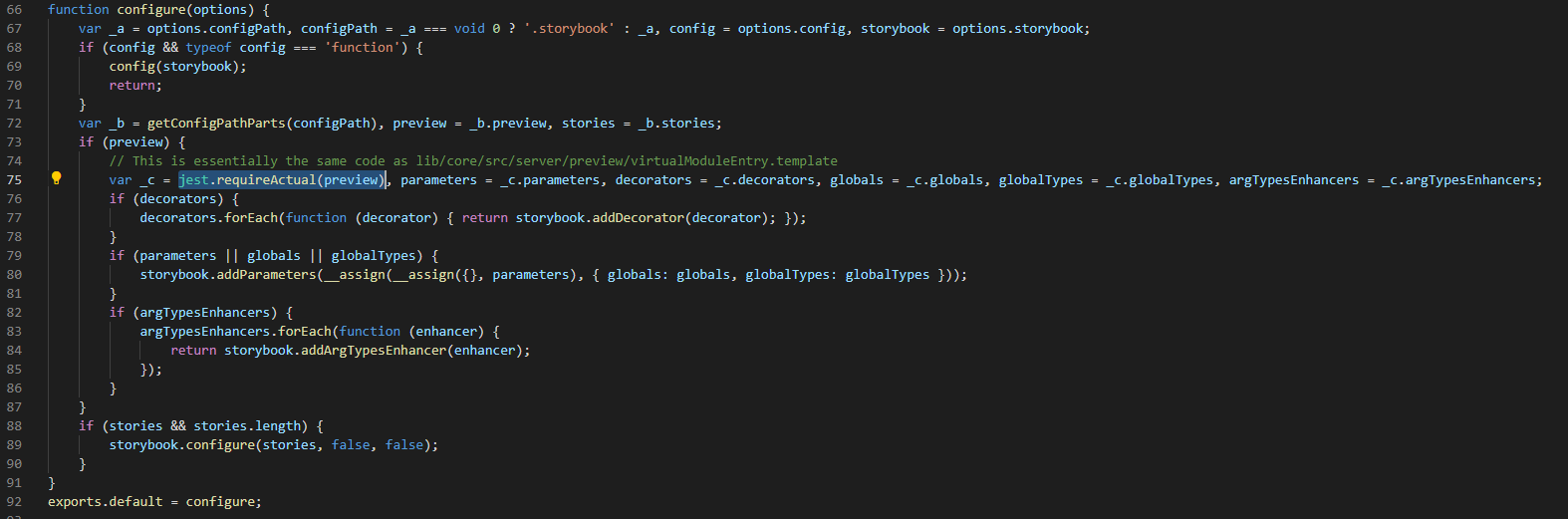 Apparently, when the method "jest.requireActual(preview)" is called with the preview.js file it throws the error message "No script available to transform".
I also tested that if I remove the file preview.js the storyshots works, but I need the preview.js file.
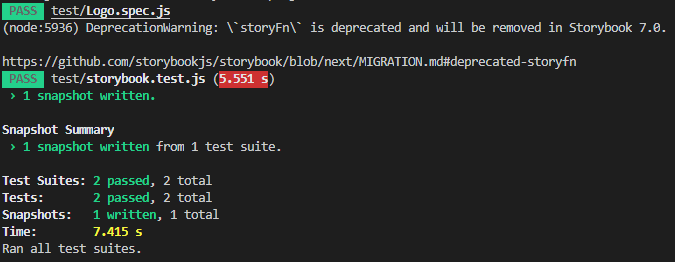
Does anyone know if I'm missing some configuration or there's something wrong with storybook?

@EdisonHarada I checked out your repo but when running jest I get:
Cannot find module '../.nuxt-storybook/storybook/main.js' from '.storybook/main.js'

Require stack:
  .storybook/main.js
  node_modules/@storybook/addon-storyshots/dist/frameworks/configure.js
  node_modules/@storybook/addon-storyshots/dist/frameworks/angular/loader.js
  node_modules/@storybook/addon-storyshots/dist/frameworks/frameworkLoader.js
  node_modules/@storybook/addon-storyshots/dist/api/index.js
  node_modules/@storybook/addon-storyshots/dist/index.js
  test/storybook.test.js

> 1 | const { nuxifyStorybook } = require('../.nuxt-storybook/storybook/main.js')
    |                             ^
  2 |
  3 | module.exports = nuxifyStorybook({
  4 |   webpackFinal (config, options) {

v4 of this module is no longer actively supported. Please try the newest version and open an new issue if the problem persists. Thank you for your understanding.
