

 nushell
Adding arguments to an alias with brackets
Question
What I am trying to achieve is:
alias locate = (rg --files | rg $* )
so that I can type "locate foo" into my terminal and get the results from ripgrep. Basically a replacement for find ./ -name foo since find is overwritten by nu and I prefer nu's use-case.
This does not work, because $* is not a valid variable. Sadly the only preset variable I could find in the docs was $in, which misses the point, since it seems to be only used in piping.
Questions:
Is there any documentation on preset variables other than $in?
Is there any preset variable for my specific use-case?
The brackets needed for functional piping seem to interfere with further arguments. Is there another way to achieve my goal?
Additional context and details
No response

- You can use
^to indicate you want to use external commands like^find - I'm not sure what
$*means in this context so I'm not sure how to help you. Maybe others know and can help further.

1. You can use `^` to indicate you want to use external commands like `^find`
Thanks
2. I'm not sure what `$*` means in this context so I'm not sure how to help you. Maybe others know and can help further.
$* as in Bash's "all arguments", aka for the command foo 1 2 3 $* is 1 2 3
We don't have such a thing as $* for aliases. We do have a ...rest argument for custom commands. I'm not sure it would work for you or not. e.g.
def locate [...rest] {
  rg --files | rg $rest
}
Is this what it's supposed to do?
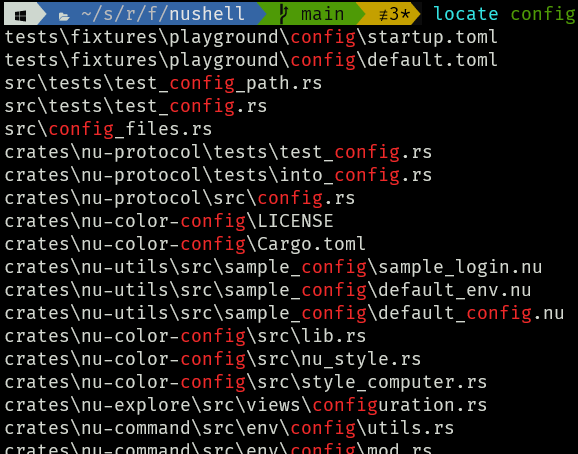
Writing a function instead of an alias didn't even come to my mind. Thank you, it's precisely what i was looking for.