
Daniel Novomeský

Daniel Novomeský
@jurplel If you don't want new dependency (like lcms2), use just this Qt function prior displaying a picture: `void QImage::convertToColorSpace(const QColorSpace &colorSpace)` Qt doesn't support all ICC profiles but it...
Yes, it is exactly for that purpose. It will work for all Qt-supported color profiles, where `QImage::colorSpace().isValid() == true` Some old, third party Qt plug-ins do not load color profile,...
I am sending you another test images: https://webkit.org/blog-files/color-gamut/Flowers-ProPhoto.jpg https://webkit.org/blog-files/color-gamut/Flowers-sRGB.jpg Now they look different in qView, but after colorspace conversion they should look almost identical.
Examples how to auto-detect monitor's ICC profile: on Windows: [WcsGetDefaultColorProfile](https://docs.microsoft.com/en-us/windows/win32/api/icm/nf-icm-wcsgetdefaultcolorprofile) https://gitlab.gnome.org/GNOME/gimp/-/blob/master/libgimpwidgets/gimpwidgetsutils.c#L675 on Linux/X11: `XGetWindowProperty` https://invent.kde.org/graphics/gwenview/-/blob/master/lib/cms/cmsprofile.cpp#L247 Usage of ICC profile in Qt: [QColorSpace::fromIccProfile](https://doc.qt.io/qt-5/qcolorspace.html#fromIccProfile)
Some libraries needed by `libjxl.0.7.dylib` are missing: - libbrotlidec.1.dylib - libbrotlienc.1.dylib - libbrotlicommon.1.dylib After building them from [libjxl](https://github.com/libjxl/libjxl/) source and adding them, qView works: 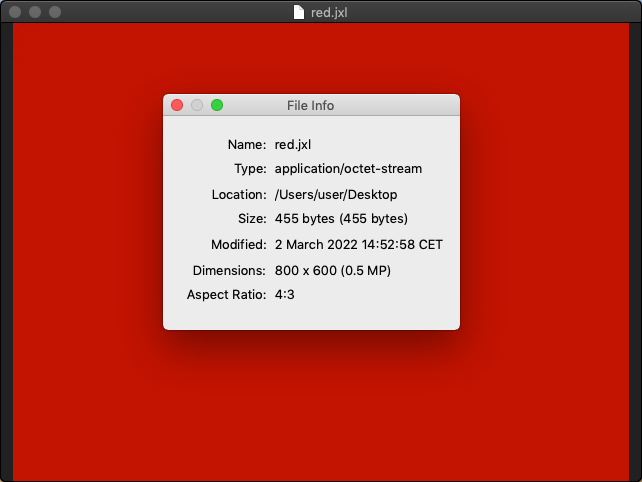
We have similar reports in kimageformats project: https://bugs.chromium.org/p/oss-fuzz/issues/list?q=summary%3Akimageformats%3Akimgio_heif_fuzzer&can=2
I also noticed that some of the issues were solved. However, few new cases appeared afterwards. For example ASSERT: scaling_list_pred_matrix_id_delta==3 on this line: https://github.com/strukturag/libde265/blob/e587ef6e8000662b91c35ccb866c2374d3a40e27/libde265/sps.cc#L931 ``` #4 0x6c7a94 in read_scaling_list(bitreader*, seq_parameter_set...
This line: https://github.com/strukturag/libheif/blob/b6a90de9e4667ea4ff81a97a01b02ef9ed3307b4/libheif/heif_encoder_x265.cc#L190
Removing the two lines and `-Werror` avoids the crash. It also makes the image grayscale-looking.
Please give me few days. I'll install MSYS2 environment again and try to reproduce the problem after building the libheif there.