

 nothingislost
[Feature Request] key modifier to activate the popup in the editor when only using the keyboard
what are your thoughts for hitting a key modifier to activate the popup in the editor when only using the keyboard? like how macos does it with macOS quicklook (using space).

big +1 for this. the mouse workflow really messes with me when I am trying to use hover editor. I'd rather make it activate on a hotkey or a hotkey + mouseclick.

Have either of you tried using Quick Explorer with Hover Editor? That allows for a pretty seamless keyboard only experience
If that's not filling the need here, I could use some more detail around the requirements for this FR

I haven't even thought of it, no! I'll try to take a look. can mouse hovering be turned off then?
Hmm, are you saying you want to be able to prevent the mouse from triggering popovers? Currently you can do that by turning off the page preview core plugin but doing that will prevent quick explorer from opening popovers as well. Let me know more about the use case and I'll see what we can do.
Yes! My use case is that I move my mouse near something, the CSS moves margins, and then the hover editor opens and closes or opens and I'm typing in the wrong note. I want to open hover editor and type in it with a keyboard command and not have it jump up and interfere with the note in case I forget to move my mouse everytime.
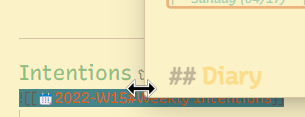
this is a bad example but here i was trying to edit the %% fold %% and hover editor jumped in
Here: I was trying to scroll down my note to edit something and hover jumped up. I know I can increase the delay but there are times I don't want to wait 10 seconds
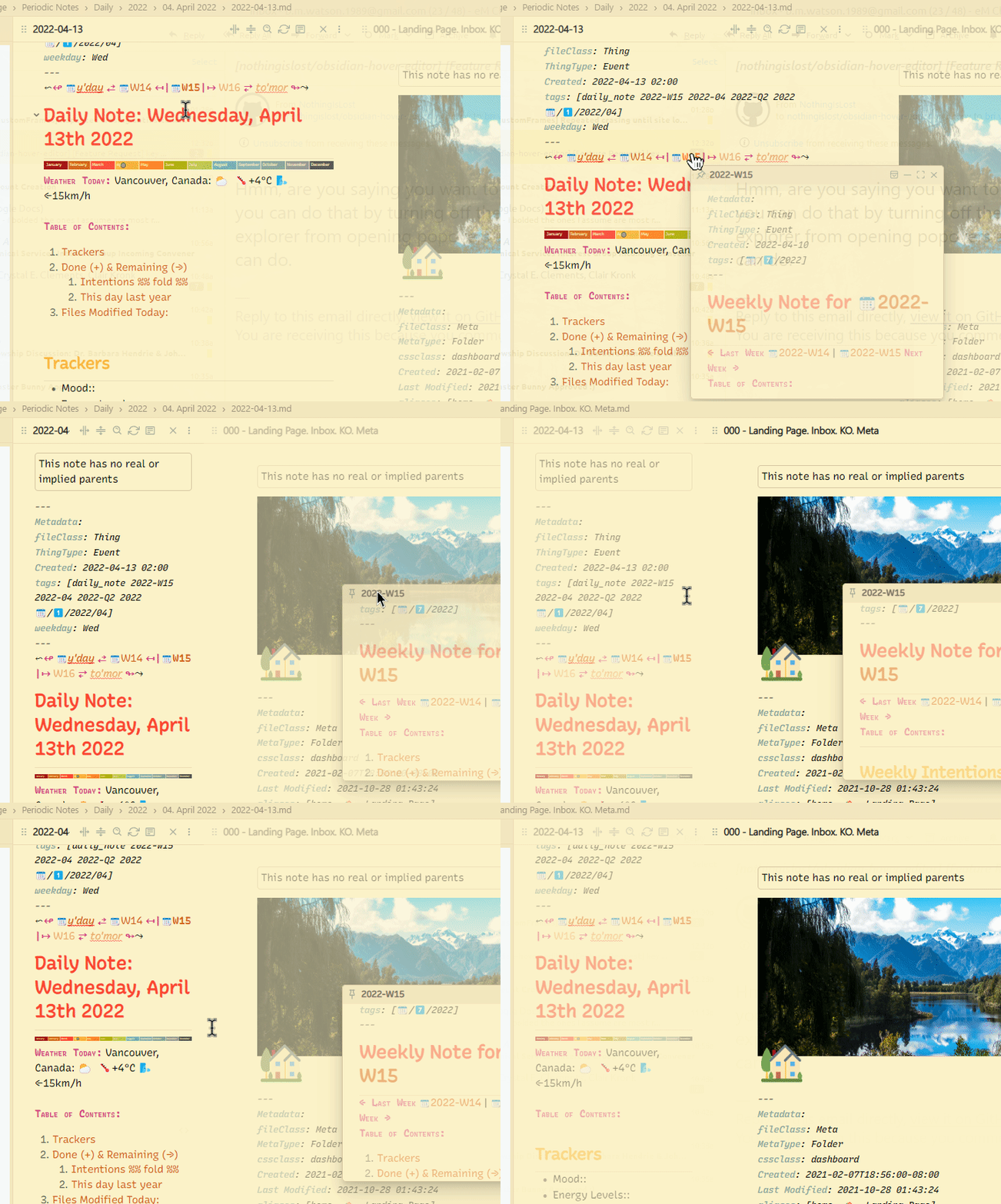
I don't have this issue with the popovers. i turned off auto focus so maybe that helps? It could be the page preview thing—if I turn that off will it stop hover editor?
@brimwats is it your preference not to use the modifier keys to trigger popovers as controlled within the Page Preview settings? That's the best way to control accidentally opening popovers currently.
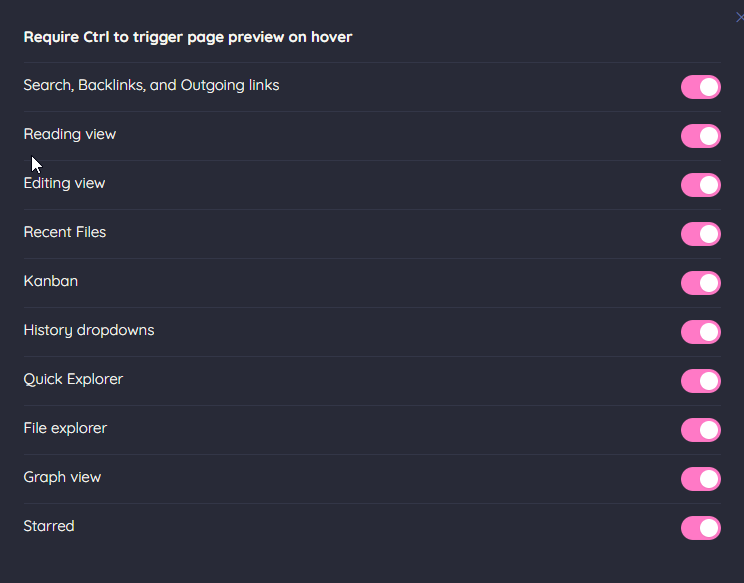
If you disable the Page Preview plugin completely, that will stop all hover spawning. You'll only be able to spawn popovers using the context menus and commands.
this may be on me! thanks for pointing out there settings, I've not seen them before. I still think a keyboard command would be a great feature but I'll try toggling these options on and off and seeing if it fixes things :)