
nomacs

nomacs copied to clipboard
 nomacs
Icon color reset returns wrong color in dark theme
Describe the bug
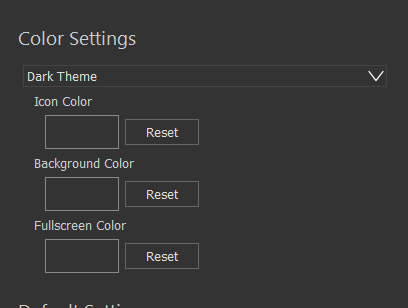
When the app in dark theme, you can click on icon color reset and the default dark theme color changes.
To Reproduce
Precondition:
The application is running.
Steps to reproduce the behavior:
- Go to Edit → Settings
- Make theme dark. Keep in mind the icon color.
- Click on icon color reset
Expected behavior
after clicking on reset, the icon color doesn't change
Screenshots
When you set dark theme:
 When you click on reset:
Environment:
version of app: 3.16.1709 date of the last update: Jul 17 2020 Windows 10

Confirmed, the color chooser is not initialized with the default (theme) color, it uses a hard-coded value. When the theme is switched it also does not update the chooser default.
