
nomacs

nomacs copied to clipboard
 nomacs
Optionally sharpen image after applying anti-aliasing
Is your feature request related to a problem? Please describe.
HoneyView has a really nice option that is "Soften + Sharpen" which makes image less blur after applying anti-alias ("Soften"). Here are some images for comparison.
(1) Nomacs with anti-aliasing
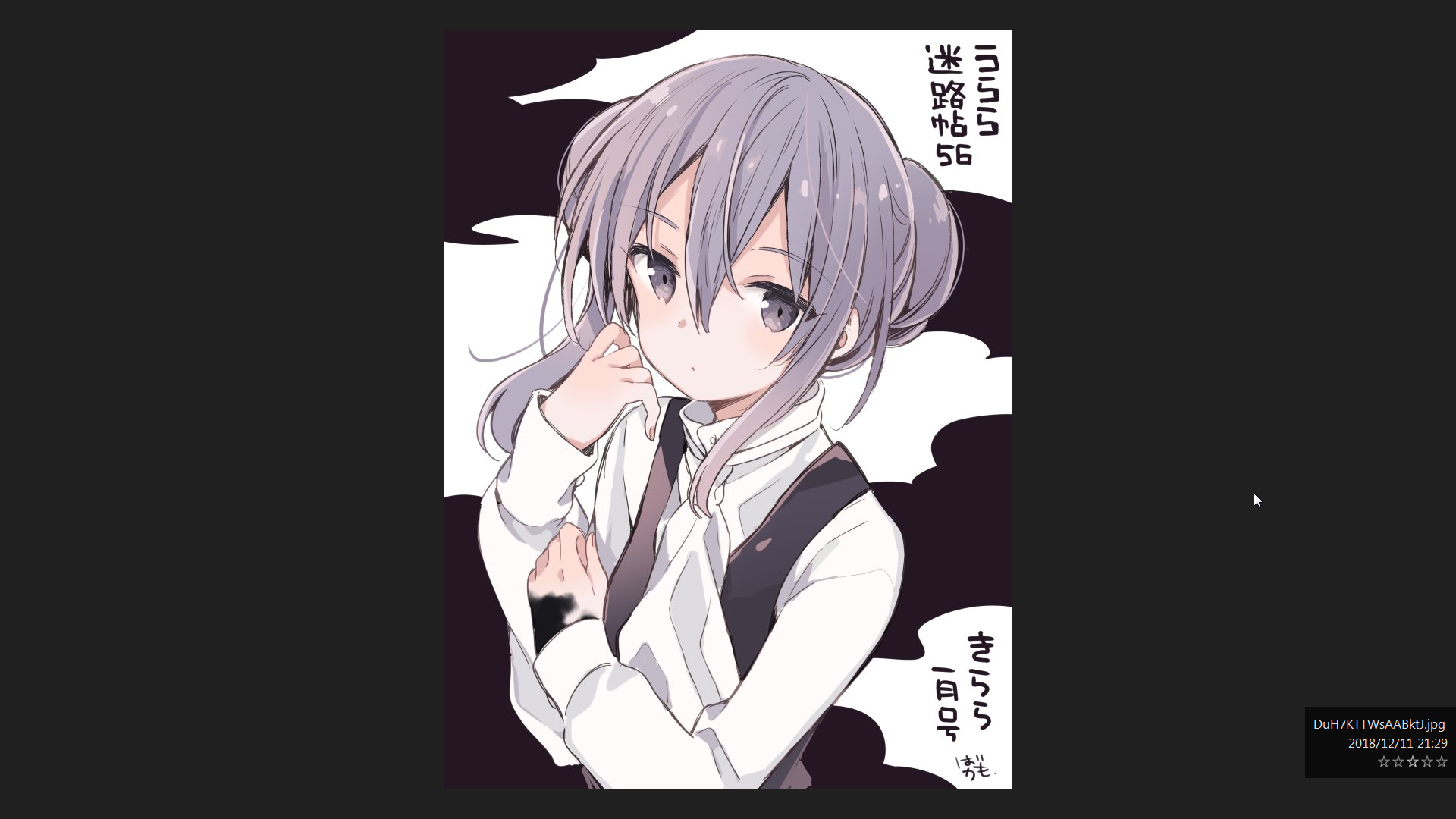
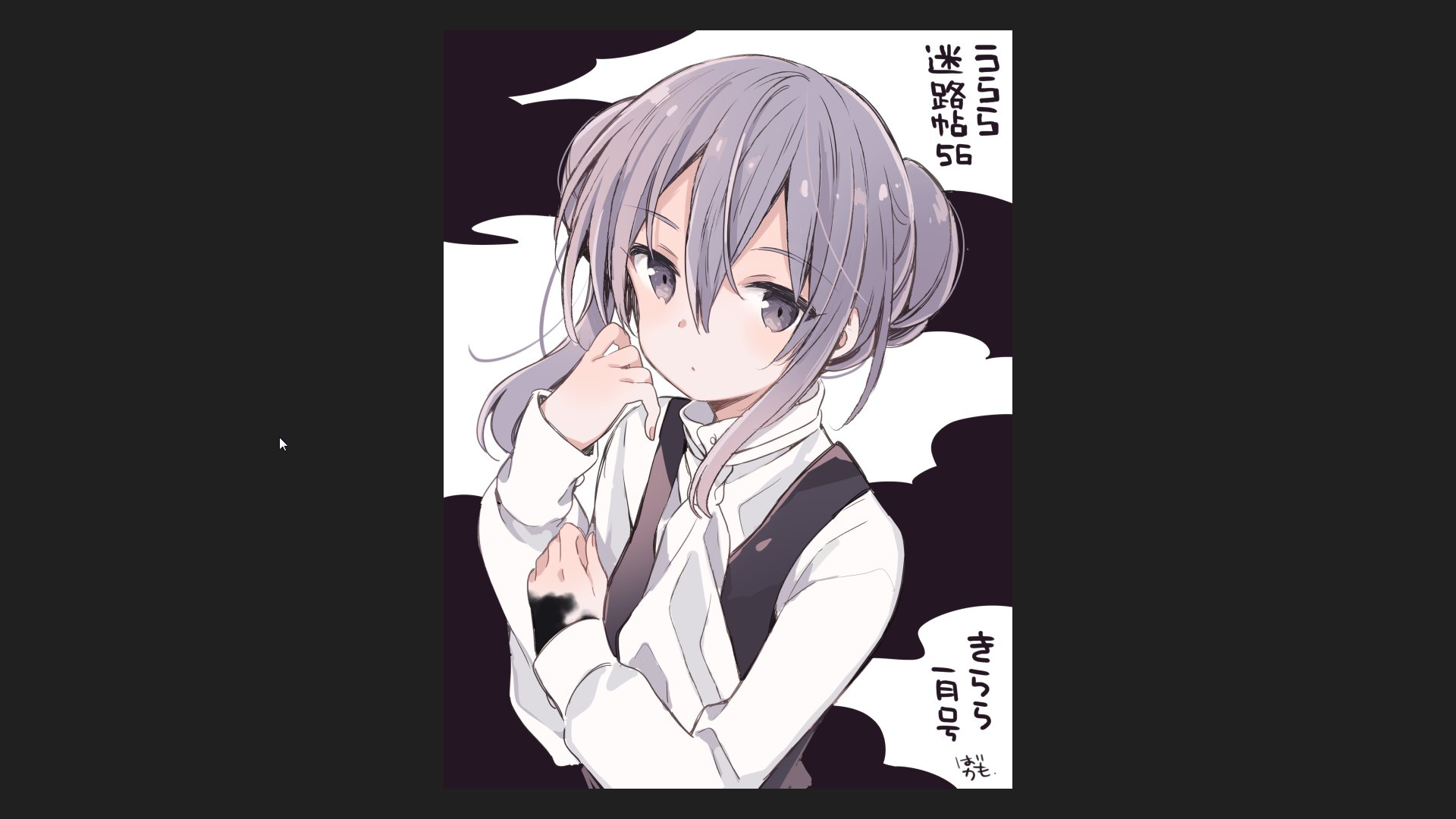
(2) HoneyView with "Soften only"
(3) HoneyView with "Soften+Sharpen"
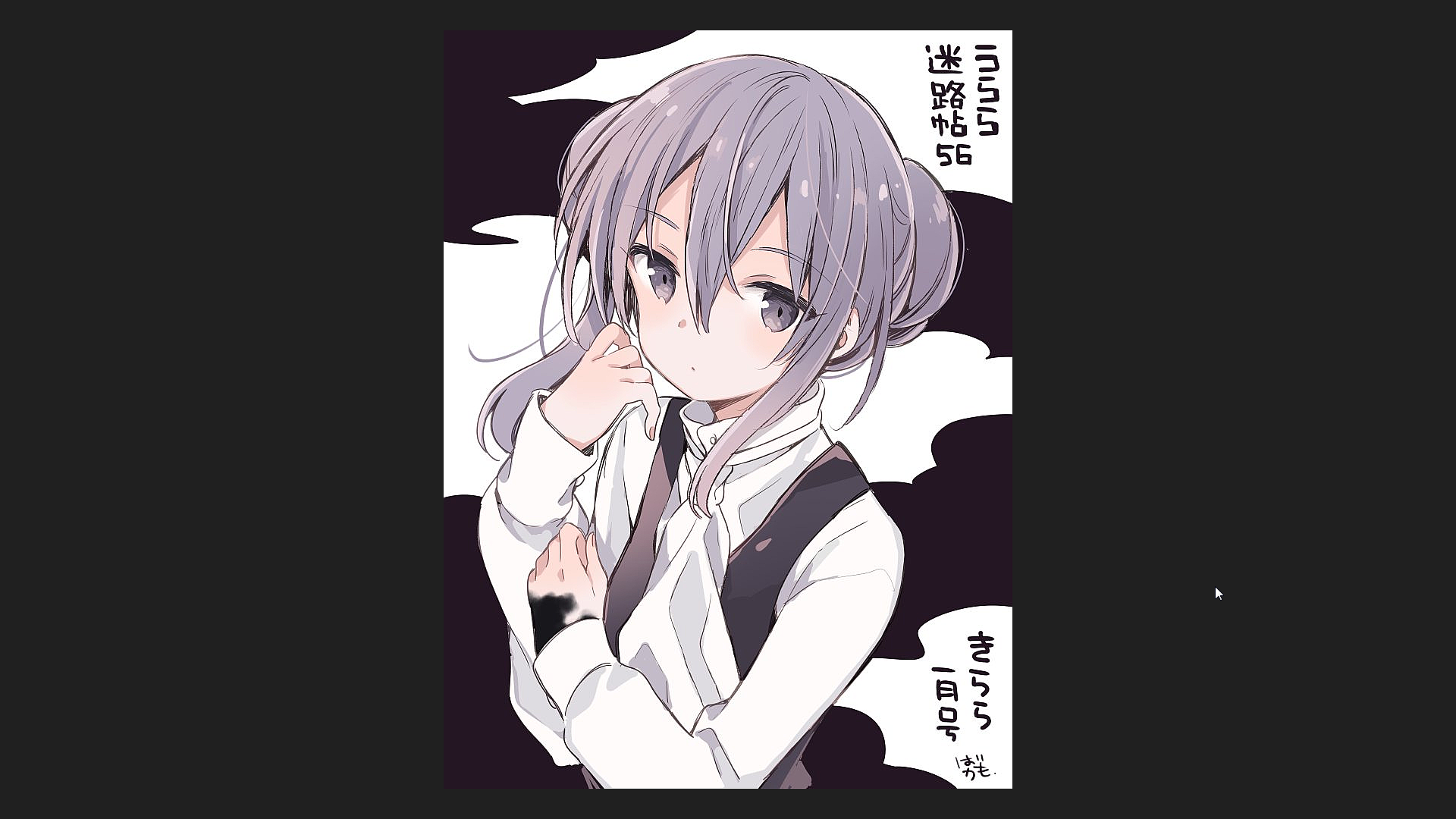
(1) and (2) are basically equivalent, while (3) is much more crisp and clearer (Open the images in two tabs and quickly switch between them)
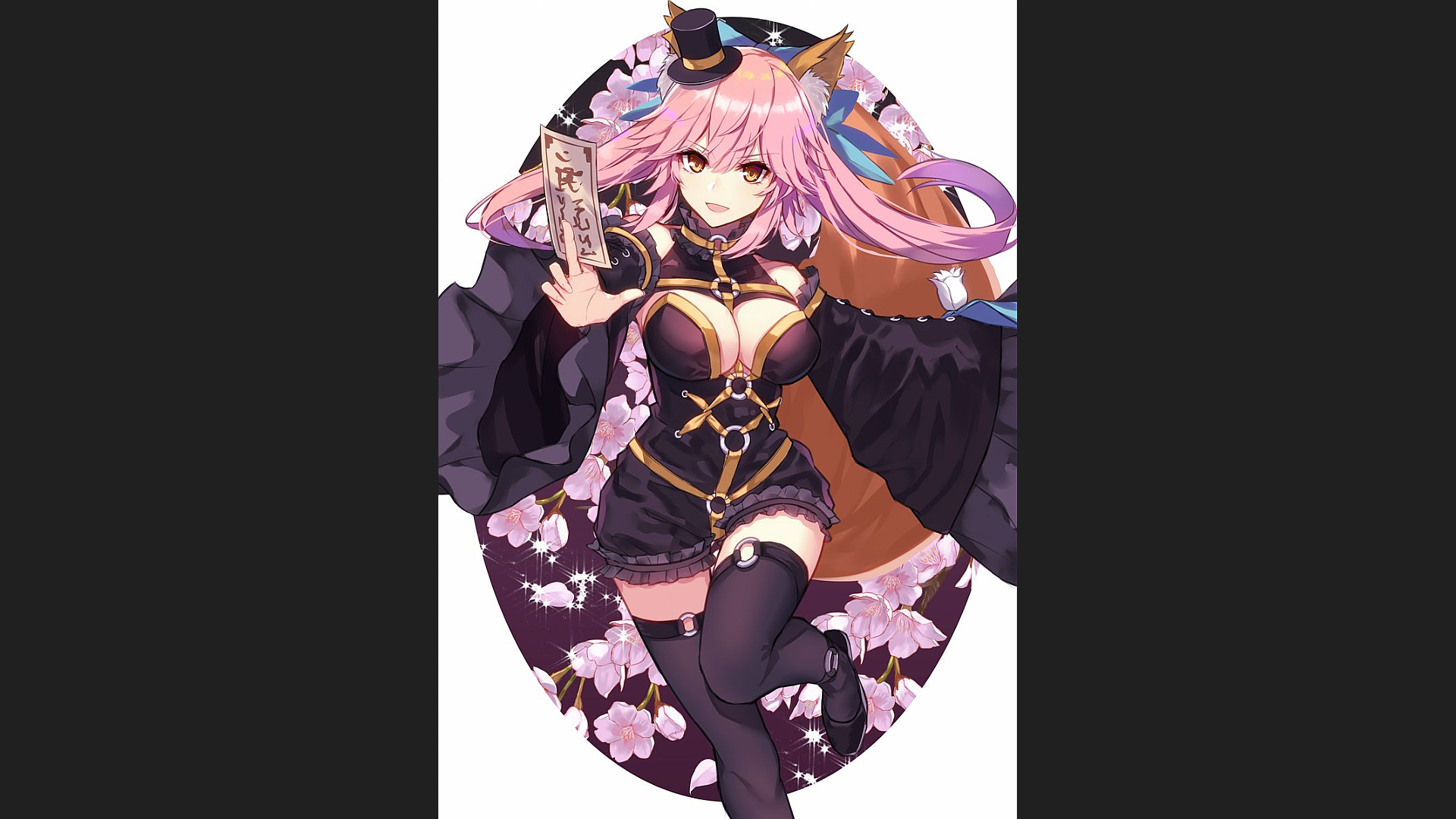
Another example
(1) Nomacs
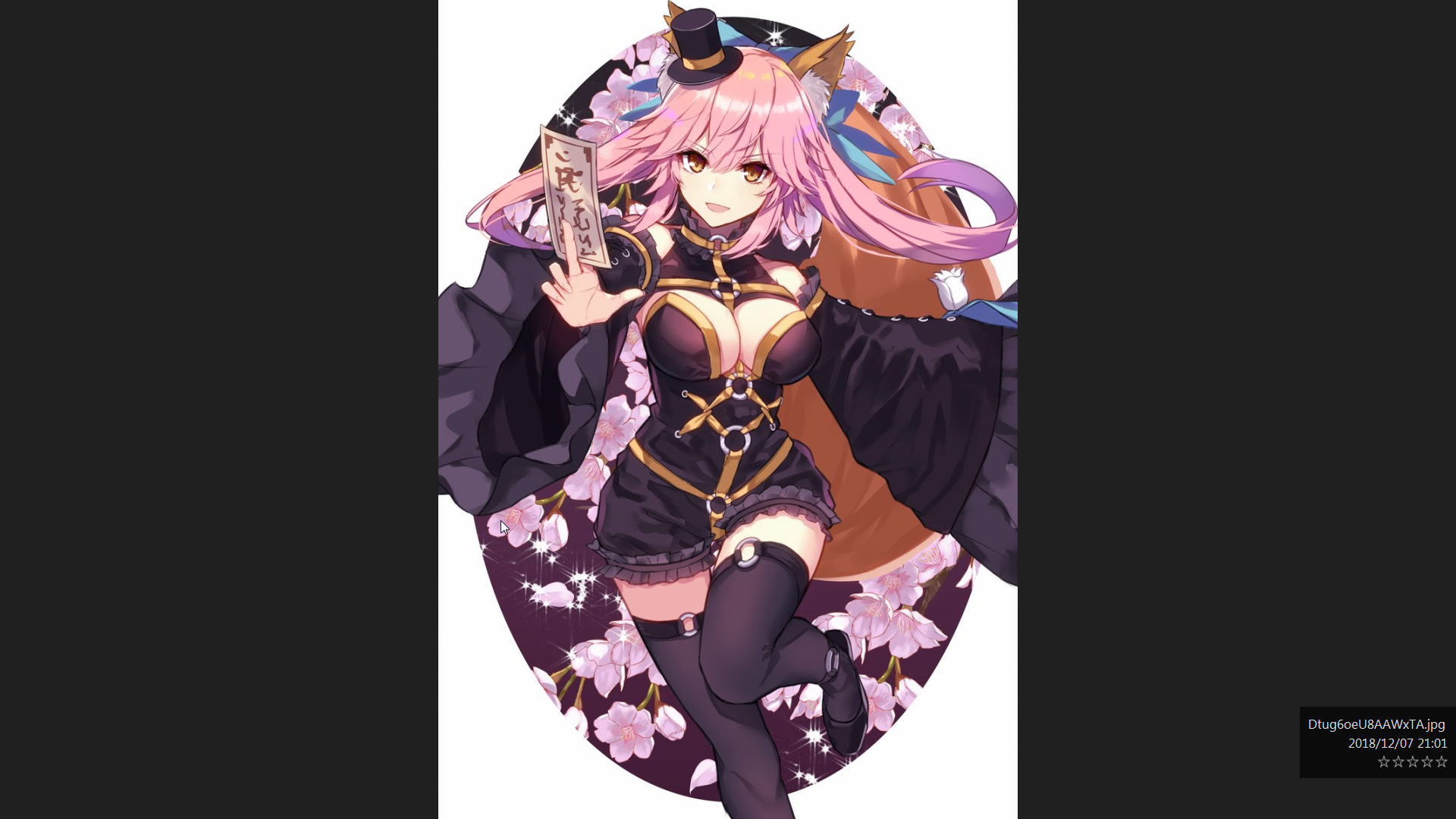
(2) HoneyView
Describe the solution you'd like
I would like an option to apply sharpening after anti-aliasing.
Additional context
Here are the original images in case you need it. images.zip

