
TSC
 TSC copied to clipboard
 nodejs
Configure the Zoom meeting so that TSC members can join as panelists
Today I tried to start a zoom and I could not promote people as panelists, the UI just comes out "blank". Could we have a separate link for TSC members to that they can join directly as panelists?

the promote as panelist function is non-deterministic and flaky. Whenever I used it, I had to press it multiple times before it is honoured - causes confusion for the person pressing it, and the person waiting. The above proposal looks great!

There's a password on the meeting. We could just have anyone join automatically join as a panelist (if that's possible with Zoom). We have never had a need for anyone to join as anything else.
Speaking of the password, it's probably a good idea to rotate it once every few years....We're overdue.

If that functionality existing they would be good suggestions, but I don't see any options for what is being suggested in the UI (Always happy to have somebody correct me on that one).
It was been suggested that we could switch over to a regular meeting instead of a a webinar. At one point this did not allow streaming to youtube (I think) but it's been asserted that it's not longer a problem. Moving over to a regular meeting would mean people don't need to be promoted. Since this meeting has a password I think that would be fine.

@mhdawson, there's an invitations section at the bottom of the Zoom Webinar. I'm not familiar with it, but I am guessing once we invite panelists in there it generates a direct link for panelist to join (as it does for attendees):


Just had a play. If we add panelists in there (name and email), Zoom can send each of us a dedicated link to join the webinar directly as a panelist. It does mean we'd each need our unique link to hand...but I suppose that's okay because we can always join via the attendee link and wait to be promoted as a fallback.
isn't it just a matter of reconfiguring the waiting room option in the zoom settings? I did not try it out, but disabling the waiting room looks like will work?
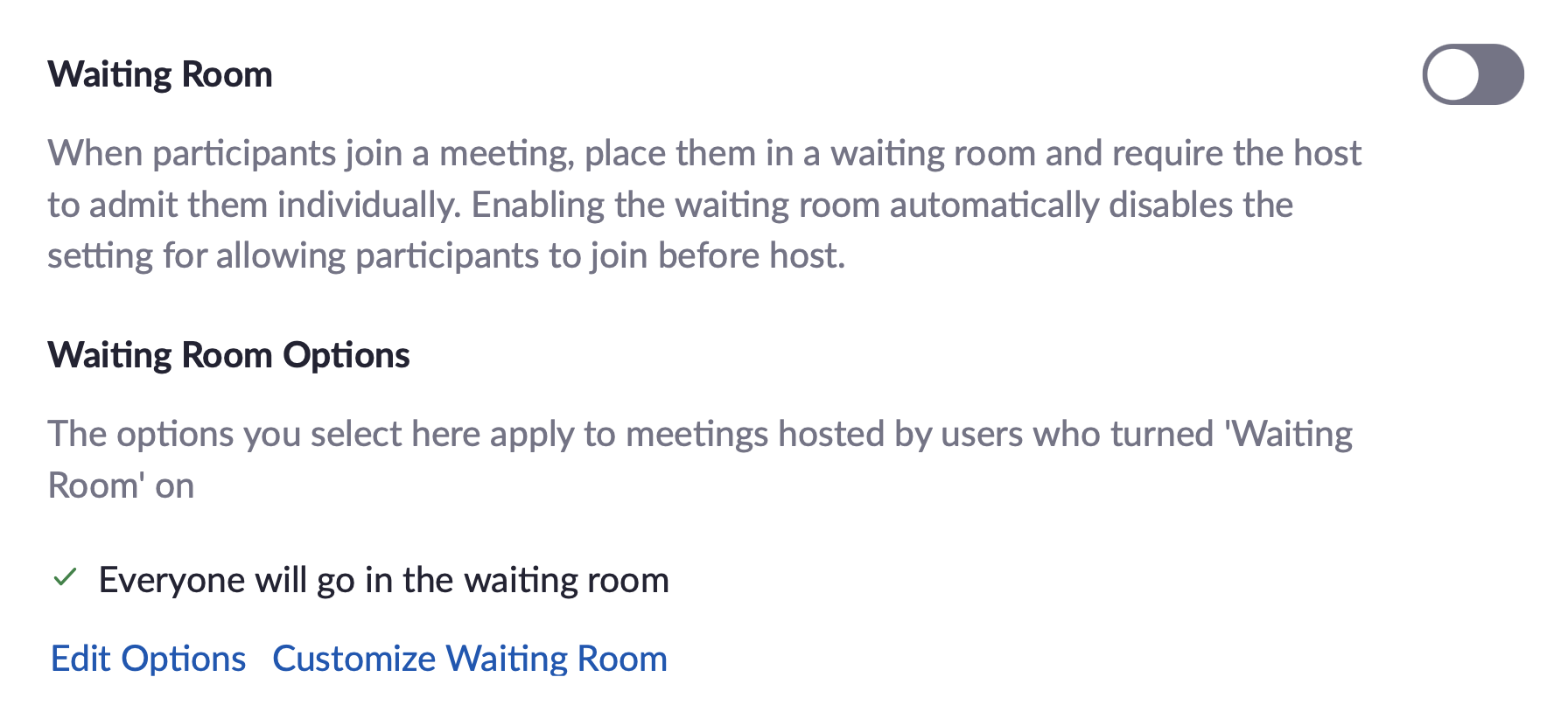
I think the best fix is to add the panelists directly. I will also disable the waiting room to simplify dealing with these issues.
@mcollina if you want to go ahead and add the panelist, sounds good to me.
Just had a play. If we add panelists in there (name and email), Zoom can send each of us a dedicated link to join the webinar directly as a panelist. It does mean we'd each need our unique link to hand...but I suppose that's okay because we can always join via the attendee link and wait to be promoted as a fallback.
While trialling this out, I discovered that if your email is specified in the list of panelists you can no longer join the call through the regular attendee link. You can workaround this by supplying a different email, but it did trip me up a few times.
@nodejs/tsc if somebody is going to push this forward I'll leave it open, otherwise I think it can be closed. If I don't hear otherwise I'll do that in a few weeks.