

 niklasvh
Images are not properly generated on v1.4.0
Please make sure you are testing with the latest release of html2canvas. Old versions are not supported and issues reported for them will be closed.
Please follow the general troubleshooting steps first:
- [x] You are using the latest version
- [x] You are testing using the non-minified version of html2canvas and checked any potential issues reported in the console
Bug reports:
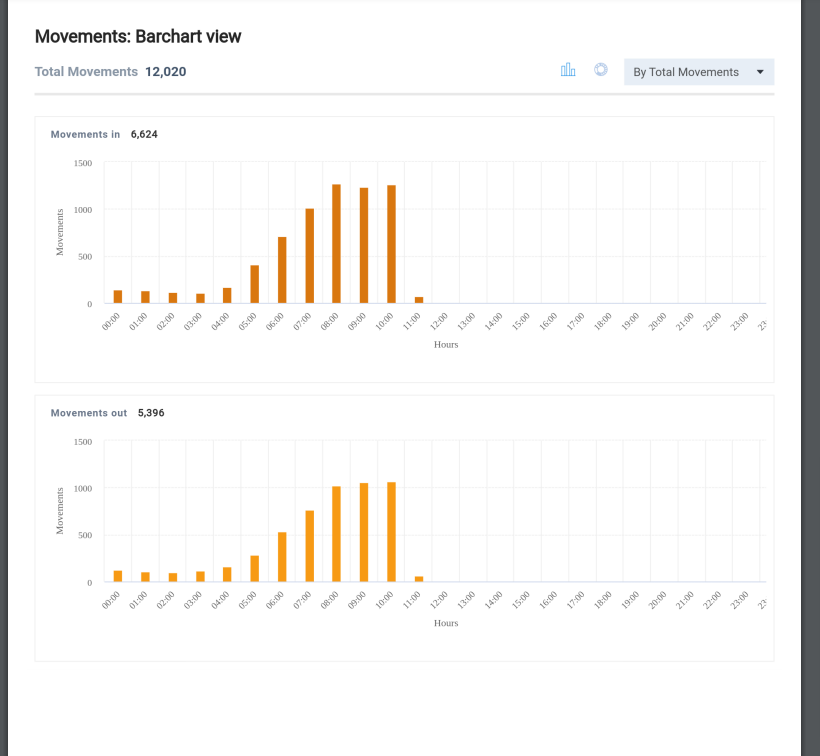
I am facing an with 1.4.0 version. Canvas is not properly generated on on this. when 1 am using vesion 1.3.3 my feature works fine but after we switch to v1.4.0 its is not generating complete canvas with proper height canvas. Canvas height always remain 1px
Images on v1.4.0
 Image on v1.3.3
Specifications:
- html2canvas version tested with:
- Browser & version:
- Operating system:


uninstall grammarly chrome extension, then all will be normal again
How to uninstall grammarly chrome extension? @K0wd
uninstall grammarly chrome extension, then all will be normal again
How to uninstall grammarly chrome extension? @K0wd
https://www.youtube.com/watch?v=j1yfnO9Eomc @jacky-yanglei
I don't install grammarly chrome extension, I still have the same problem. @K0wd

uninstall grammarly chrome extension, then all will be normal again
Just spent several hours trying to figure out why it would render properly on load but not on function call. Figured I'd try this on a whim, worked like a charm. Seems really bizarre, but I guess grammarly was somehow conflicting with this?

I don't install grammarly chrome extension, I still have the same problem.
Try uninstalling other extensions, or try in incognito. @jacky-yanglei

uninstall grammarly chrome extension, then all will be normal again
same here! thanks 👍🏽

There seems to be an issue with Grammarly and the Shadow DOM, so in order to workaround it, you need to skip the elements which are not properly created:
function fnIgnoreElements(el: any) {
  return typeof el.shadowRoot === "object" && el.shadowRoot !== null
}

const canvas = await html2canvas(input, {
	ignoreElements: fnIgnoreElements,
})


I confirm that @ospfranco solution fixed the problem with the Grammarly Chrome Extension. Thanks!
Grammarly Chrome Extension - 14.1050.0 html2canvas - 1.4.1

@antoniotorres I encountered it only recently (yesterday) on 1.4.1, but I don’t know which version of the Grammarly was causing issue.
Issue: Chrome profile with Grammarly installed was not saving and generating base64 encoding for images using html2canvas correctly. Worked ok after Grammarly was uninstalled.
I reverted back to html2canvas 1.3.4 which works ok. I will try again with 1.4.1.
There seems to be an issue with Grammarly and the Shadow DOM, so in order to workaround it, you need to skip the elements which are not properly created:
function fnIgnoreElements(el: any) {
  return typeof el.shadowRoot === "object" && el.shadowRoot !== null
}

const canvas = await html2canvas(input, {
	ignoreElements: fnIgnoreElements,
})
I confirm that too
I will add:
if you are using jspdf and .html() method, make sure to pass the ignoreElements() as follow
doc.html(pdf_el, {
	callback: function (doc) {
		// Save the PDF
		doc.save('search_result.pdf');
	},
	// ...
	html2canvas: { // <<<<<<------- html2canvas options
		ignoreElements(el) {
			return typeof el.shadowRoot === 'object' && el.shadowRoot !== null;
		},
	},
});
