

 nicoboss
Compress nsz got corrupt when install with Tinfoil but using DBI is working
I use nsz 4.1 to compress my NSP file then upload to my webserver.
then I try to install it with Tinfoil install is fine but when run it, I got corrupt error.
But when I use dbi to install over network then it run without problem
the command I use to compress is :
nsz -l 22 -V -m 1 -o
Ps: I use NSC_builder is work for both dbi or Tinfoil.

Can you please --verify the original file and check if NSZ marks it as corrupted? If it marks it as corrupted make sure your dump is clean and not modified in any way. If this only affects a single game maybe let me know which one.

I tried and still the same. the whole process is :
- Verify source NSP file is 100% without corrupt
- Compress with command : nsz -l 22 --verify -C
==> 100% verified - Put file into localhost nginx webserver.
- Go to tinfoil and install it protocol http.
- Run it and got error.
- Go to DBI check intergity and it said got corrupt.
If I go to dbi and using network install with the same file from nginx (protocol http also) then I can run without problem

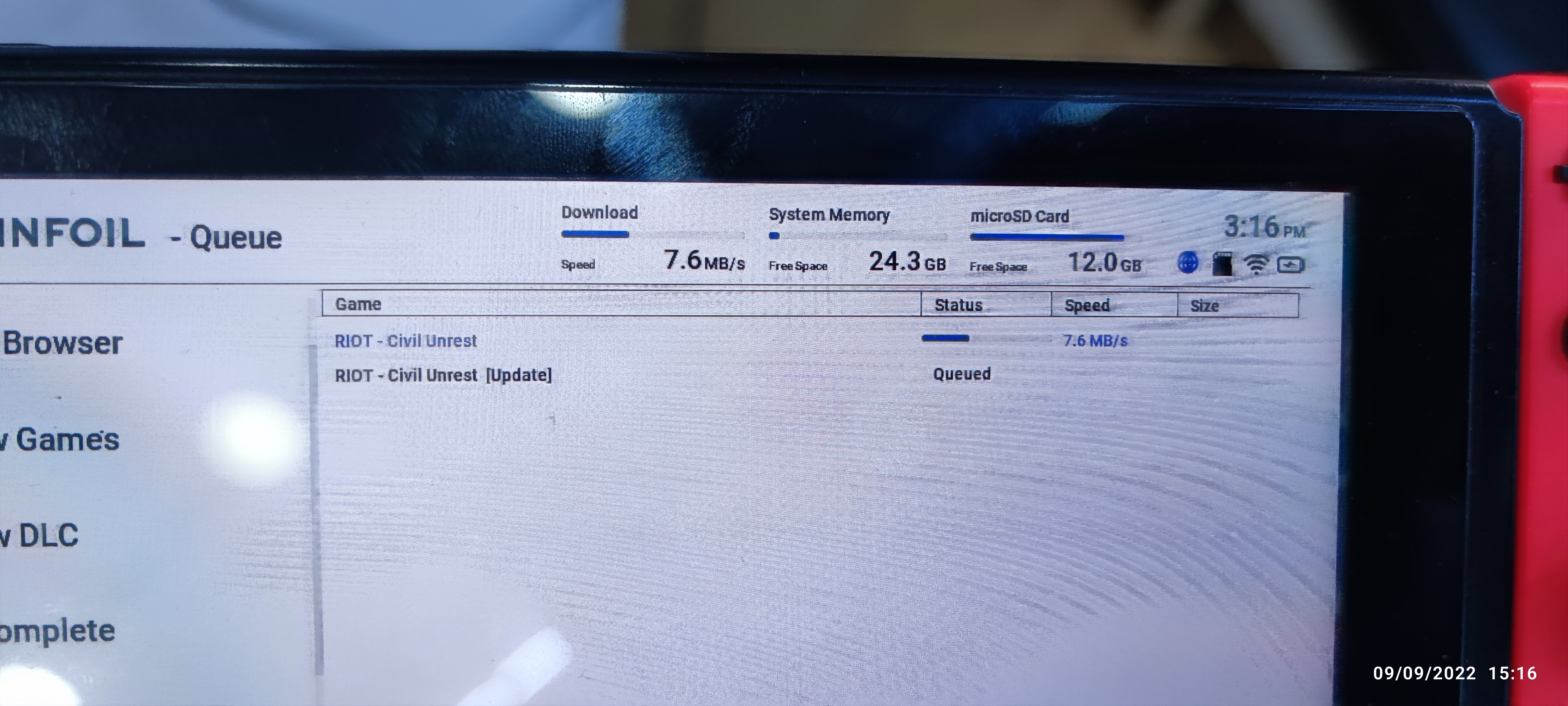

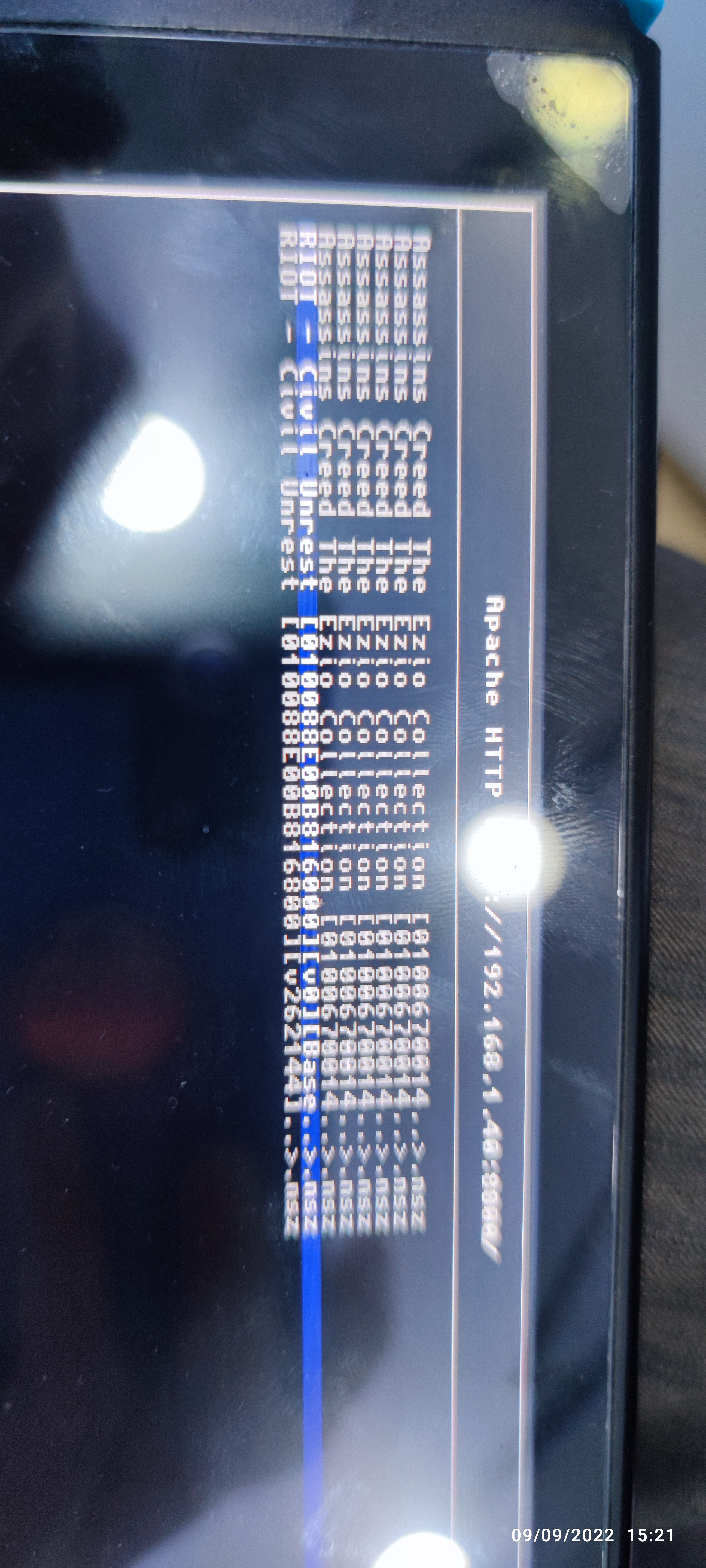
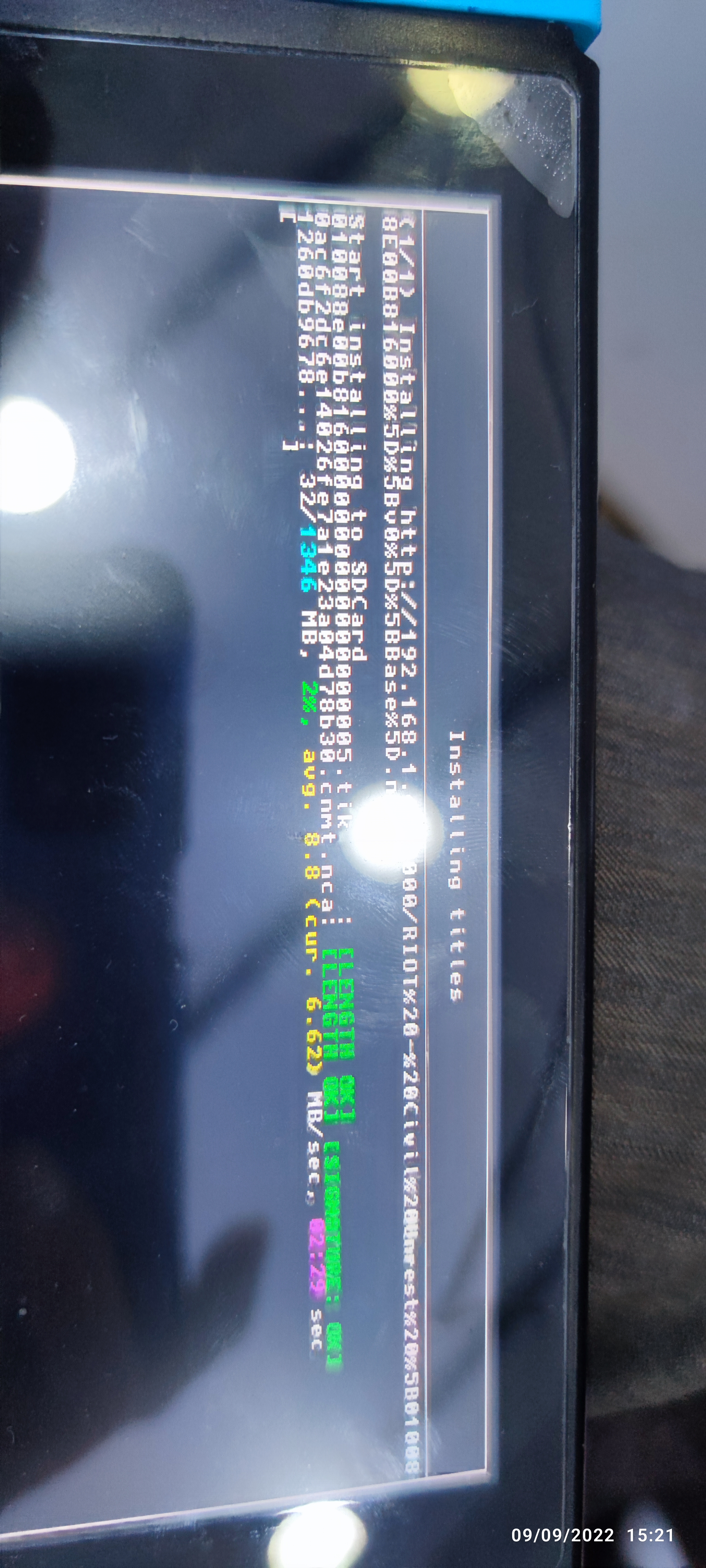
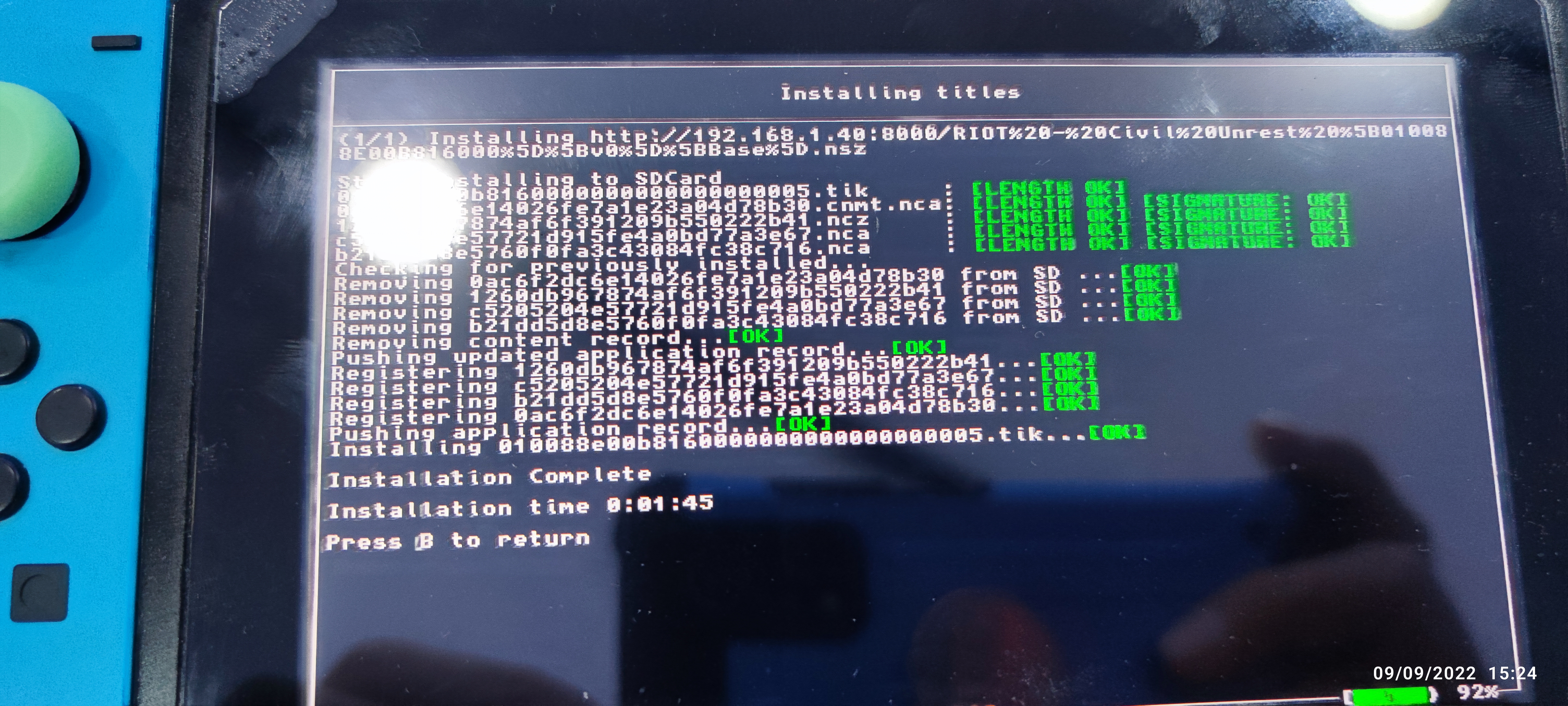
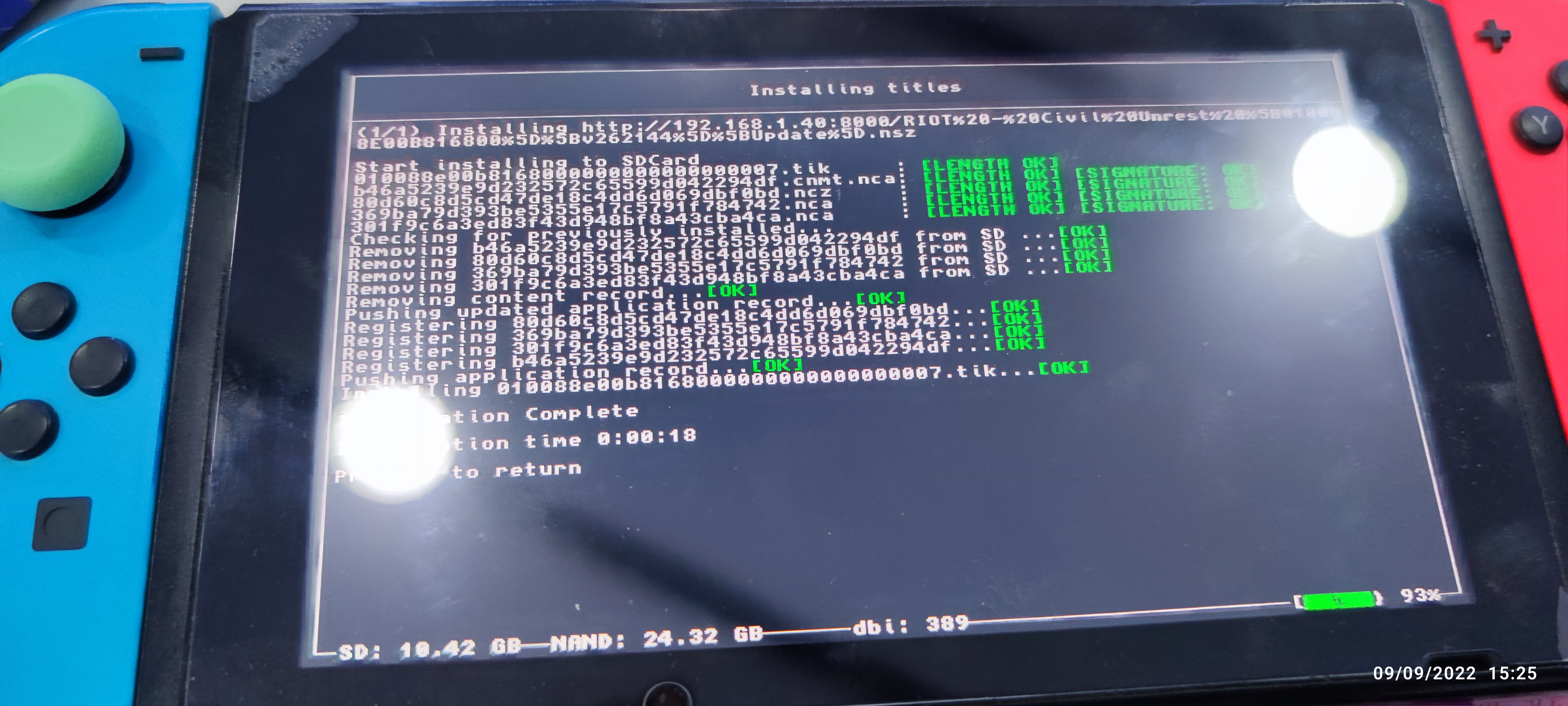

I'm having the same issue. All packages were packaged and verified with level 22, they install just fine, NCAs are clean and confirmed, then when trying to start, I get the corrupted data message. 4.1.0 with 14.1.2 keys. Update: I got corrupted install for all installers, tinleaf, tinwoo, etc etc. I'll try tomorrow with a exFAT drive to see if it helps. All my NSZ are solid compression.

Update: DBI 415 works perfectly either through USB (MTP listener) or USB Drive, no other title installer software seems to be working and are all producing a corrupted installation when using level 22 compression with 4.1.0, solid compression. Didn't try any other options yet, will do soon.
Can you post the error that you got from tinfoil? Should be in the console section.

@blawar , sorry for the delay, I just tried it again, got the new Tinfoil update for 15.0, restarted, but still having the same issue, the nsz's install just fine (no complaints about signature, hash, nothing), no errors are shown during the installation, however, after intalling the software, they start briefly and then the corrupted data comes up. What I noticed is that Tinfoil installed much quicker than DBI itself, not sure if those are related. Everything shows green on DBI so I believe this might not be due to the nsz algorithm itself, but rather due to some change which wasn't implemented on the title installers after the 4.1.0 update (?). Not sure, though with nsz 4.0.1 I never got this corrupted data error with any Tinfoil version. What I noticed is that the used storage after installing with Tinfoil was much lower (as in, more storage was still available on the Switch) than with DBI (installation with Tinfoil took 4 GB of storage, installation with DBI took 6.2 GB).
Can you please try to compress the exact same game with NSZ 4.0.1 to see if it works there? Does this issue occur with every game or only for some specific ones? If it only occurs for specific games please give an example. If you conveard such a non-working NSZ back to NSP does it still have issues with Tinfoil? There should be no changes to the file format between NSZ v4.0.1 and v4.1.0 (except it's now skipping the content meta xml like many other NSZ compressers do) so if this issue only occurs in NSZ v4.1.0 something is likely quite wrong that version. It's really strange that this only seems to happen for Tinfoil (and related projects like tinleaf) while there is no issue with other title installers. Tinfoil is known to have quite good NSZ support so this is quite surprising. I would expect a corrupted NSZ file to lead to a corrupted installation no matter what title installer you use. Given that --verify marks it as fine indicates that there is no corruption. The size difference makes it look as if Tinfoil forgets to install something other title installers do. Honestly no idea but I will give my best to fix this once I can reproduce it unless it’s a bug in Tinfoil in which case blawar would need to fix it.

I just tested the new versions of tinfoil and lithium and I couldn't proceed at all. The same 2TB ExFAT HDD that was recognized by the softwares back in 14.1.2 doesn't show up any longer so I can't even test installing. DBI does see the HDD, it installs NSZs perfectly, however, it cannot install XCZs, either block or solid, but I'm assuming that's a problem with DBI #https://github.com/rashevskyv/dbi/issues/145 so I opened an issue there. Using Atmosphere 1.4.0, HOS 15.0.0, nsz 4.1.0. I tested TinLeaf as well, it does see and installs the XCZs, however, the same error as before happens, 2002-4000 I believe. @blawar , Neither Tinfoil nor Lithium (both v 15.0) are closing properly with HOS 15.0.0 (EDIT: downgraded to 14.1.2, both errors persist) either, both hang on the "Shutting down" screen forever and never go back to hbmenu (I waited 1 minute to no avail with both), at least for me.
@nicoboss , another update after some testing this morning. Summary of my findings is here: https://github.com/rashevskyv/dbi/issues/145#issuecomment-1304565177 and here https://imgur.com/a/Xcd9pOy Block compression did work with DBI. A file that was produced using a XCI, which by itself, came from a "non-functional" solid compression XCZ (which refused to install due to "invalid length" on DBI). I cannot test any other title installers since they all seem to be having some sort of issue and DBI is currently the only one that "partially" works.
@jacoghi Can you or anyone else test if NSZ 4.0.1 also has this issue or if this is something introduced with the latest NSZ 4.1.0 update. Does this issue affect every game or only certain games? I'm now taking this issue very seriously as it seems to affect many users and affects booth NSZ and XCZ.
According to https://github.com/rashevskyv/dbi/issues/145 there should be a wrong hash-table in the XCZ header and the hfs0_header_size be wrong. I don't remember to even have touched any of that in the last update so knowing if NSZ 4.0.1 has the same issue would be quite important. But even if true there also seam to be issues with NSZ files. They don't even have a hfs0_header_size field so there has to be more to this.
NSZ 4.0.1 had this issue as well. I started noticing this issue almost a year ago when I upgraded my Python from 3.7 to 3.10. If I went back to 3.7 then it seemed fine. Don't know if it's due to the newer version of Python or the newer version of the dependency module.

NSZ 4.0.1 had this issue as well. I started noticing this issue almost a year ago when I upgraded my Python from 3.7 to 3.10. If I went back to 3.7 then it seemed fine. Don't know if it's due to the newer version of Python or the newer version of the dependency module.
This is actually really interesting. Never thought about something like that. I always assumed Python versions to behave equally. The CI/CD pipeline only checks Python 3.6.0, 3.6.8, 3.7.6 and 3.8.3 so if there is something wrong with Python 3.10 I would never have noticed. One of the few major NSZ 4.1.0 changes that isn’t mentioned in the changelogs was packing the Windows release with Python 3.10 instead of a much older version. If true this affects everyone who uses the latest Windows release. This could also explain why I'm having troubles reproducing this issue. This is definitely something I will try.
@nicoboss, I personally don't recall ever running into this issue with 4.0.1, however, as @tonyzzz321 wisely brought up, I always used Py 3.9.3 (pre-bundled or cloned from repo), and recently upgraded to 3.10.5 when I started using 4.1.0. I assumed this was related to the nsz package since all title installers are giving me headaches except for DBI, and at least when it comes to nszs, I haven't faced any issues with that installer, just xczs. I guess we could try cloning the repo and using an older version of Python to test?
@jacoghi It would be very helpful if you could test with some older Python versions and test NSZ 4.0.1 with a game you know has the issue. Do you get this issue with every game or only for some specific games? If it's only for some games can you please give me an example?
I myself will try with the latest Python version and the latest dependencies and see if I can finally reproduce this.
@nicoboss, every single xci game I tried. Every nsz as well, using installers other than DBI. It's kinda complicated to narrow it down since I upgraded my keys file, Python and nsz all at once. I'll give 3.9 a go with 4.1.0 from source tonight and see if it helps for both formats using other title installers.
@blawar, would it make any sense for the sigpatches to only affect nsz / xcz (and some title installers) and not nsp / xci (which install just fine with every single title installer)?
@nicoboss, I cloned the repo and checked out 4.1.0. Uninstalled Py 3.10 and went back to 3.9.13. Decompressed and recompressed. First interesting thing, the files compressed with 3.9.13 are 1 ~ 1.5 MB smaller than the the ones produced with 3.10, exactly the same settings. Unfortunately, that didn't solve the problem, they still install correctly but give an error when running for the first time. Downgrading to latest 3.7, will post results later.
@jacoghi which version of python zstandard do you have installed? Newer versions are bugged, you have to use older version.
try zstandard==0.15.2
@blawar The one currently being used for 3.7 is 0.19.0, didn't check the newer Python versions. I'll give that version a shot, I just compressed the first ones using 3.7 and they did go further. The games opened, but eventually crashed, something that didn't happen before. I'll try downgrading zstandard and we'll see how it goes, I just checked out version nsz 4.0.1 and am compressing with the same packages to see if nsz is directly the culprit or not.
You misunderstand @jacoghi , it’s not the version of python, it’s the version of zstandard. Install zstandard 0.15.2
@blawar I understood that, no worries. What I said is that with 3.7, from pip, what I got is 0.19.0. I just finished compressing with 3.7, zstandard 0.19.0, nsz checked out at 4.0.1, still no go, hangs at the exact same spot as with 4.1.0. Now I'll downgrade zstandard and give it a go.
@blawar , you were spot-on. Checked out nsz master, kept python at 3.7, downgraded zstandard to 0.15.2. Games installed properly and running properly, no more crashes. @nicoboss, I'll upgrade python to 3.11, keep nsz at master and keep zstandard at 0.15.2 to confirm this hypothesis checks out. In that case it would mean DBI is being built with 0.19.0 whereas everything else out there is outdated?
@jacoghi its likely because Facebook added some backwards compatibility breaking feature into zstandard, and most installers are using an older zstandard library. I will likely update tinfoils at some point, I just hate to risk introducing bugs.
@blawar Why am I not surprised at all when you say Facebook... But man, great hunch here, I'll finish testing this up with newer python and see what version of zstandard did interoduce this buggy behavior (at least for us) between 0.15.2 and 0.19.0
Py = 3.10.8 NSZ = master zstandard versions: 0.18.0 = no go 0.17.0 = no go 0.16.0 = no go 0.15.2 = no wheel por cpython 3.10, so I guess we should go with 3.9 and 0.15.2?
EDIT: Just confirming, downgraded Py back to 3.9.13, nsz = master, zstandard = 0.15.2 as suggested by @blawar = works just fine with all installers. This is a bit complicated cause it will create fragmentation in the system since my files created with zstandard 0.19.0 probably won't be decompressed by nsz with zstandard 0.15.2...