

 ni
ni
Unclear NI-SCOPE Python API 'Simulate' Attribute Documentation
Description of issue
In the NIMI-Python documentation for the 'simulate' attribute, there is not a clear indication of how to use/modify that attribute.
Steps to reproduce issue
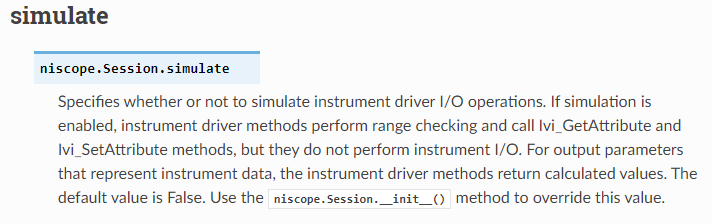
- Searched the nimi-python niscope module documentation for information on the 'simulate' property:
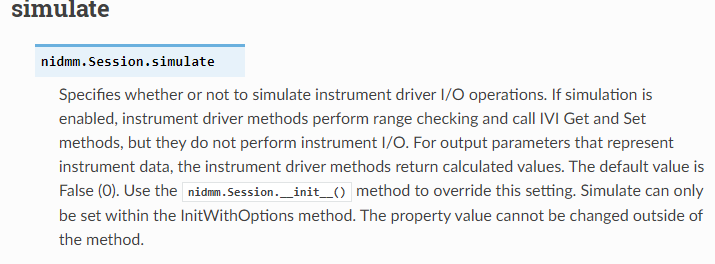
- Searched the nimi-python nidmm module for information on how that module implements the 'simulate' property:
- Looked at the documentation for the 'Session' class for the nimi-python niscope module. This provides information on setting 'simulate' in the options attribute, but unless a customer knew that 'Session' is how nimi-python implements "InitWithOptions" and also that "InitWithOptions" is how 'simulate' is set in LabVIEW/C, the customer would not know to look there based on the niscope documentation for 'simulate'.
I provided the proper syntax to the customer:
with niscope.Session("Dev1", options={‘simulate’:True}) as session:
However, I think there should be a clear conceptual link in the documentation between the 'simulate' property and how that property is modified.

I can confirm the problem. I opened a ticket (02599636) on the NI request support because I had unrecognized properties due to an unclear default behavior of the simulation.
I was usind the nidcpower library, but the issue is exactly the same.
A clear example should be provided in the documentation, such as:
nidcpower.Session( resource_name="PXI1Slot2", channels=None, reset=True, options={'range_check': True, 'simulate': True, 'driver_setup': {'Model': '4163', 'BoardType': 'PXIe'}}, independent_channels=True)
