nhn
nhn
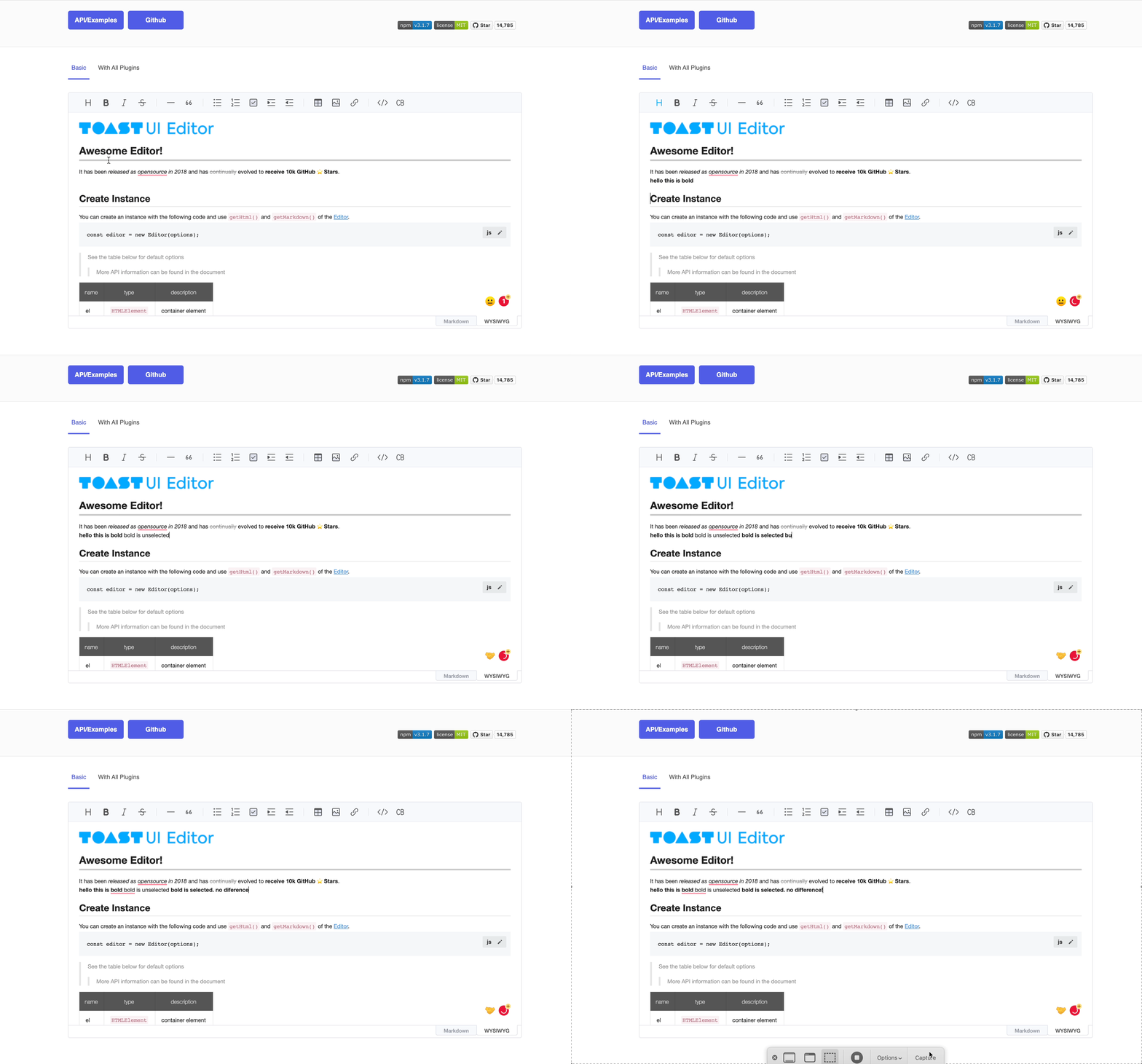
If Bold is selected, it will not appear in the toolbar.
Describe the bug
the user doesn't know if Bold is selected while writing in the editor.
To Reproduce
Steps to reproduce the behavior:
- In WYSIWYG editor
- Click on Bold and start to write
- It doesn't show whether bold is selected unless the cursor is between bold letters.
Expected behavior
A bold button on the toolbar should indicate that it has been selected so that the user can distinguish it while writing in the editor.
Screenshots
Desktop (please complete the following information):
- OS: [Mac M1]
- Browser [chrome]
- Version [12.1]
Additional context
Add any other context about the problem here.


@jwlee1108 Is there a link to the known issue? This is a pain point for our team and we would love to be able to track any progress.
I would like to add the following details that may be helpful.
Problem:
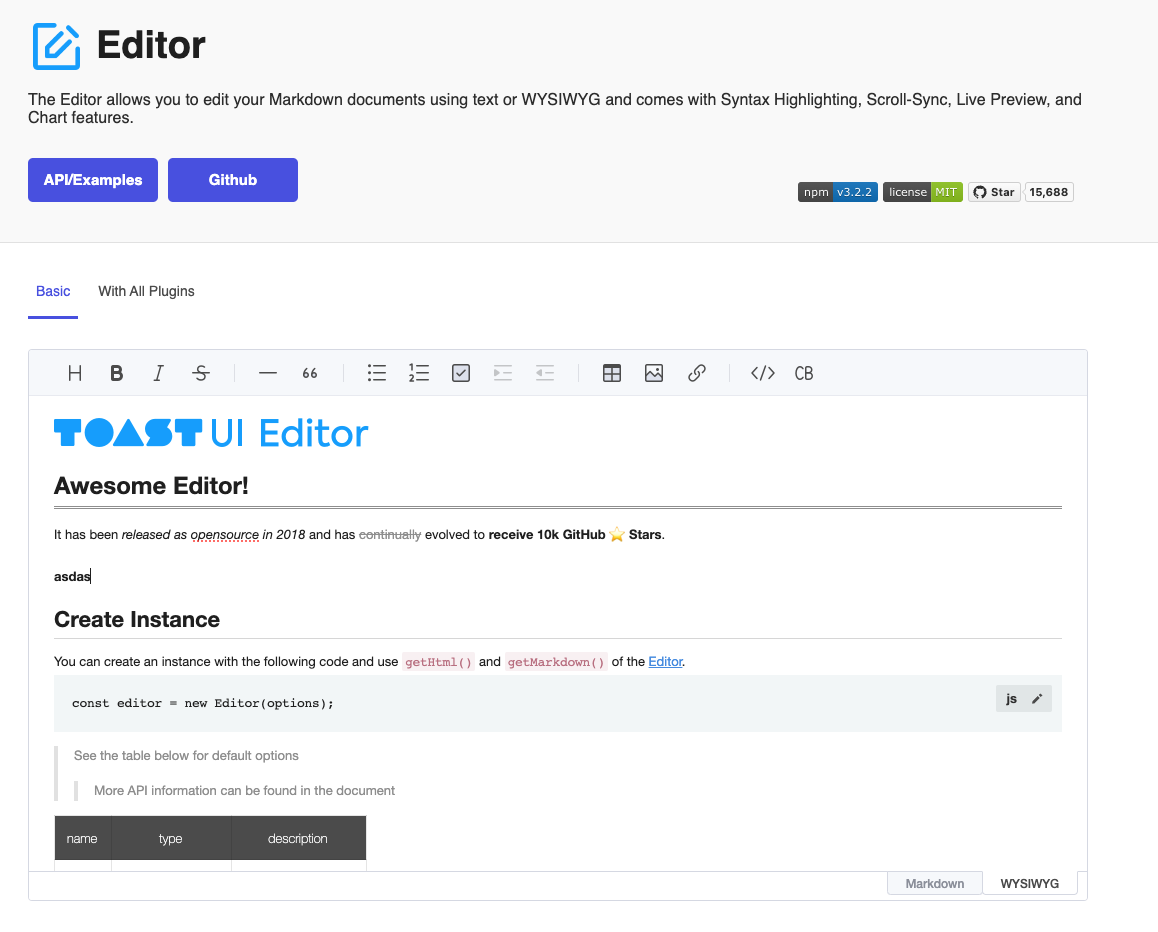
When the editor is in WYSWIG mode some of the buttons in the header do not show (change color to blue) when they are selected. This happens specifically when the cursor is at the end of line but not when the cursor is in the middle of the line. This behaviour is true for the following:
- Bold
- Italics
- Text color (never gives any indication)
- Strikethrough
- Inline Code
Broken Behaviour: when the cursor is at the end of the line (please note that the button for bold is NOT highlighted):
Partially working behaviour: when the cursor is in the middle of the line (please note that the button for bold is highlighted):