clerk
 clerk copied to clipboard
 nextjournal
alt key triggers full re-render of all components
there is something pretty weird going on on my clerk page, on version ec666210f11763fce4fec74072acca1e6525d29f.
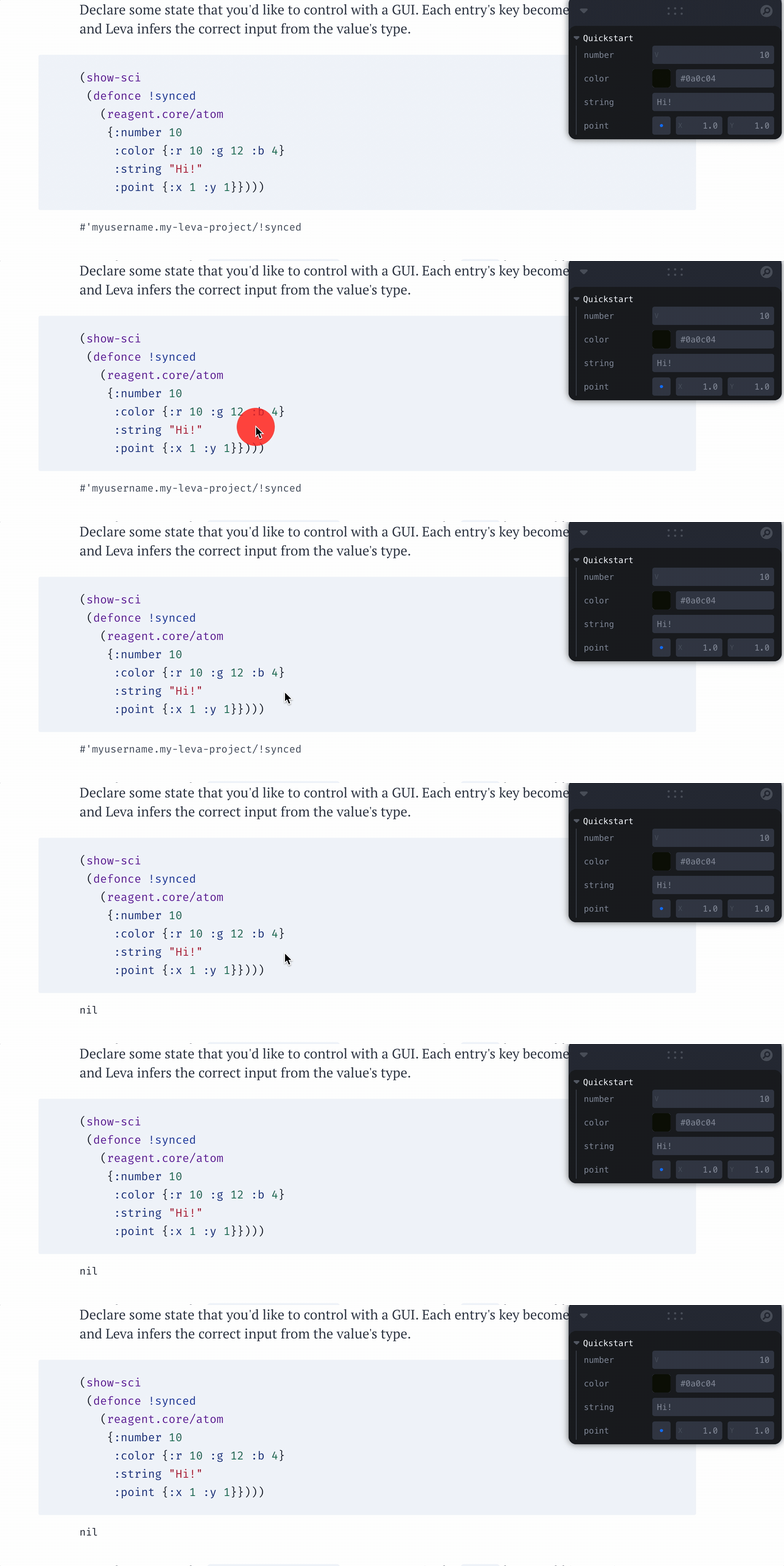
If I press the alt (option on OS X) key on a clerk page, it seems to trigger a re-evaluation of everything on the page:
 .
.
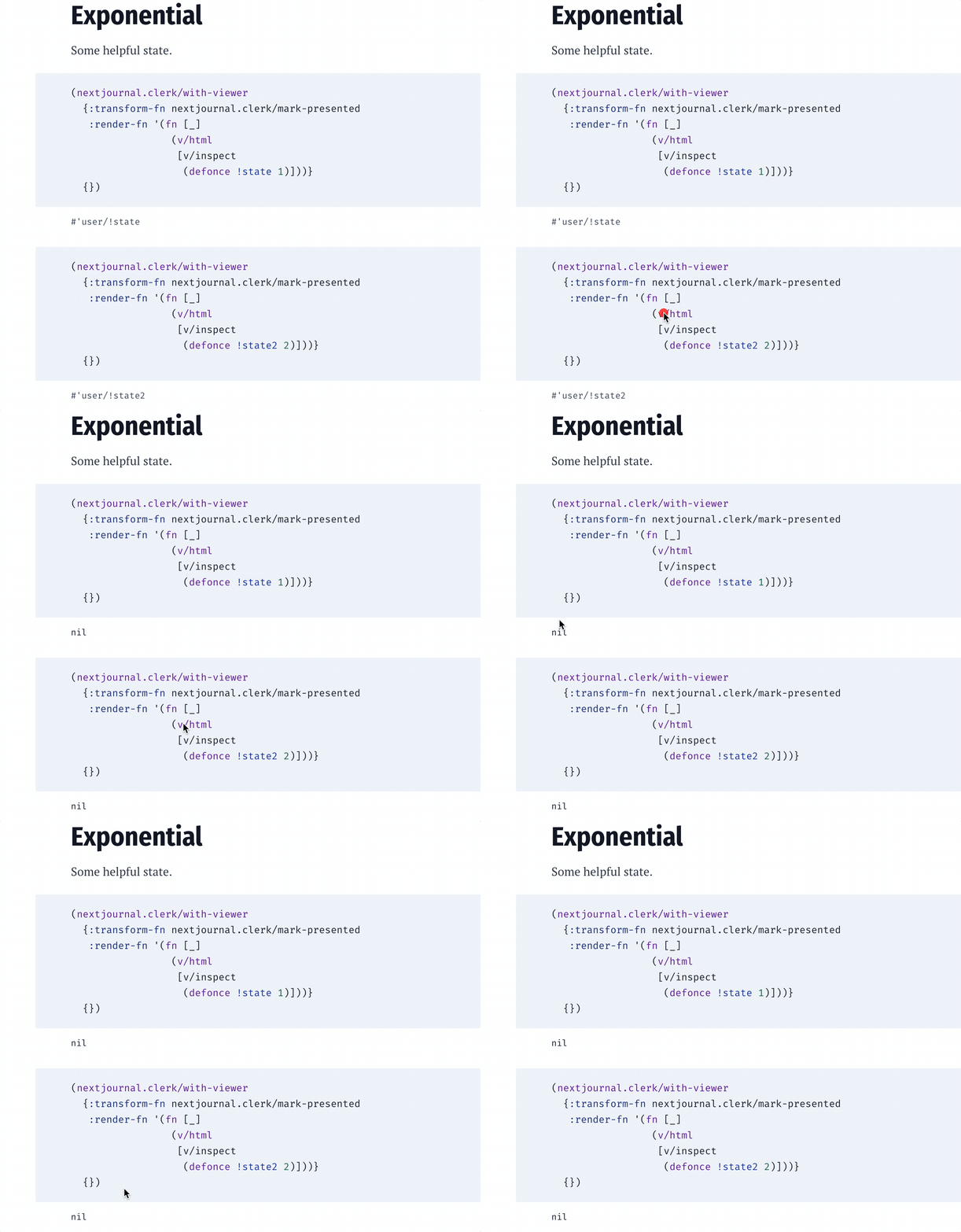
Notice that on pressing alt (weirdly it’s not showing keystrokes), both defonce forms change to nil result instead of their var.
Is this a React 18 thing?

This must be the culprit: https://github.com/nextjournal/clerk/blob/6ca1ffd55e6fdae4cbeb7400f0f5cd79ddd4b086/src/nextjournal/clerk/render.cljs#L289-L292
I'm not sure what that option is doing, but it would be great to not force a re-render if we don't have to.
@joe-loco , this comes from https://github.com/nextjournal/clerk/pull/186... I wonder if there is a way that we can prevent that new kv pair you're adding from triggering a re-render...
If you look at a page like https://jsxgraph.mentat.org/, pressing the alt key without doing anything else freezes the page as all of the heavyweight graphs re-render.

I failed to reproduce it so going to close it as I try to get an handle on the open issues. Please reopen if it's still a problem.
I will give it a closer look Monday but I tried to recreate this Friday on the latest Clerk and couldn't do it. Thank you!
This is back on the latest clerk (main)... notice the nil when I press option on my mac: