

 nextcloud
Open embedded image in original size
Is your feature request related to a problem? Please describe. Embedding images is very useful. However, I often have photos of whiteboards in my notes and need to open the photo in full resolution to be able to read the content. It would be nice if this would be possible out of the box.
Describe the solution you'd like There are different possible solutions:
- being able to control the size of the embedded image (to embed a higher resolution in the first place)
- opening a popup when clicking the image
- opening the original image (in a new browser tab?)
Describe alternatives you've considered My current workaround is to add a link on top of the image, but this way I have to select the image source twice (first to add the image itself, second to add the link to the file).
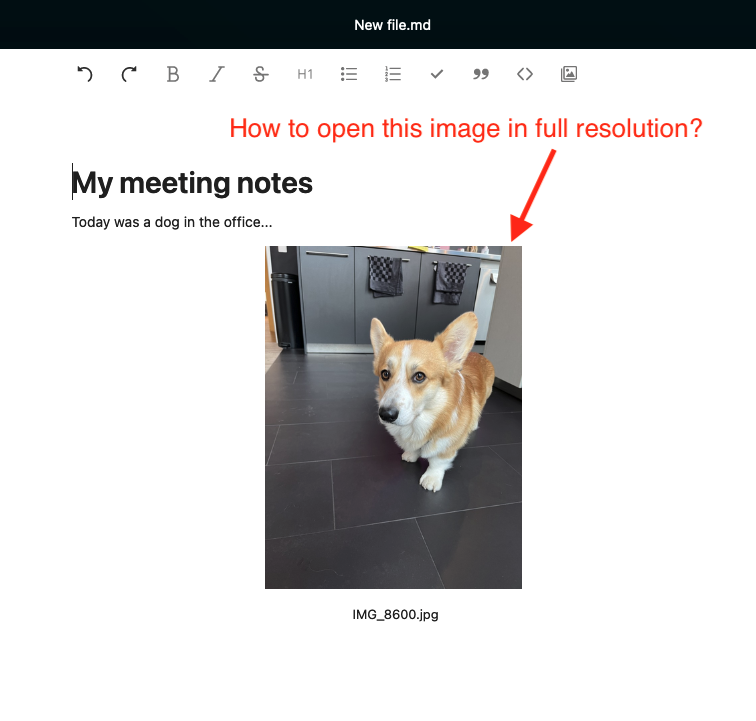

Thanks for raising this issue, I stumbled open the same problem. I think both of these options should be possible:
- Control how images are displayed within the document. Maybe limited options like "full width", "half width", "quarter width" are sufficient and require less effort wrapping text around or implementing free form controls.
- Clicking an image should open the regular full page image viewer. (Which in turn might get zooming, paging (last/next image) or even simple editing capabilities (e.g. rotate, crop) in the future.)
- Opening the original image is always possible via context menu (right click / two finger click / long press / …). This is sufficient in my view.
Its not only going bigger, sometimes you want images to appear smaller. If you write a documentation in Text or Collectives and insert screenshots of certain parts of the UI they can get very big quickly and consume much of your layout which hinders readability. This ist especially true for high DPI screens (2x) where your screenshot appears twice as big.
I therefore propose to change the title to "Handle size of embedded images" or something similar.

Also relevant for collectives https://gitlab.com/collectivecloud/collectives/-/issues/364

@jancborchardt Maybe you can write some quick spec about how this should look from the UX perspective, so @luka-nextcloud can look into this :)
Yep, so for the first version, it should simply be possible to click the image to open it in the Viewer.
As an added bonus, it would be nice to be able to use the viewer next-previous control arrows on the sides to go through the images inside the current document.
Any further display controls as @ya-d suggested are something for a separate issue. (Great proposal though! :)
