
health

health copied to clipboard
 nextcloud
Date and time selection
Steps:
- Choose one of the modules.
- Click "+" to add data.
When entering the date of the event, you should be able to select the date and time by clicking on the selection icon next to the edit window. Currently, the date and time are not very user-friendly and it is difficult to edit them.


I would also love this. Currently it is not possible to have multiple measurements per day because they are all logged at 12:00

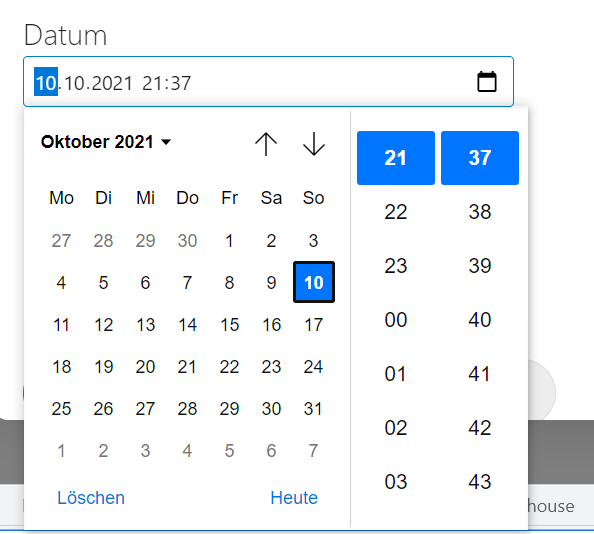
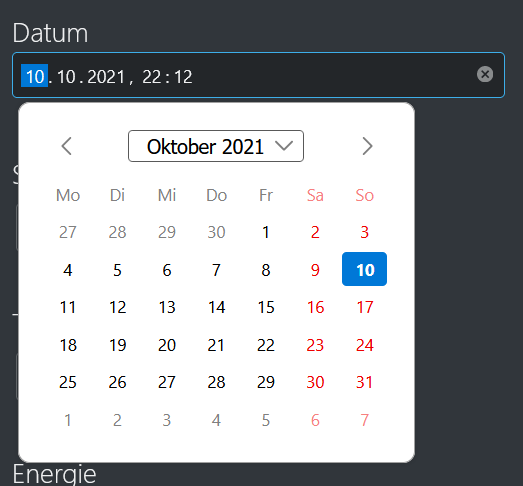
Still does not work for me on Linux, tested with Chromium 94.0.4606.71 and Firefox 93.0, using v1.3.0 of the Health plugin.