

 nextcloud
CSV files do not load - OCP\Files\NotFoundException for Editor.bin
Nextcloud 18.0.1 Ubuntu 18.04.4 Apache 2.4.29 PHP 7.2.24 MariaDB 10.1.44
Whenever I attempt to open an existing CSV file, OPENOFFICE loads and gets stuck at "Loading spreadsheet." I was able to reproduce this on multiple CSV files that were previously saved on my Nextcloud storage.
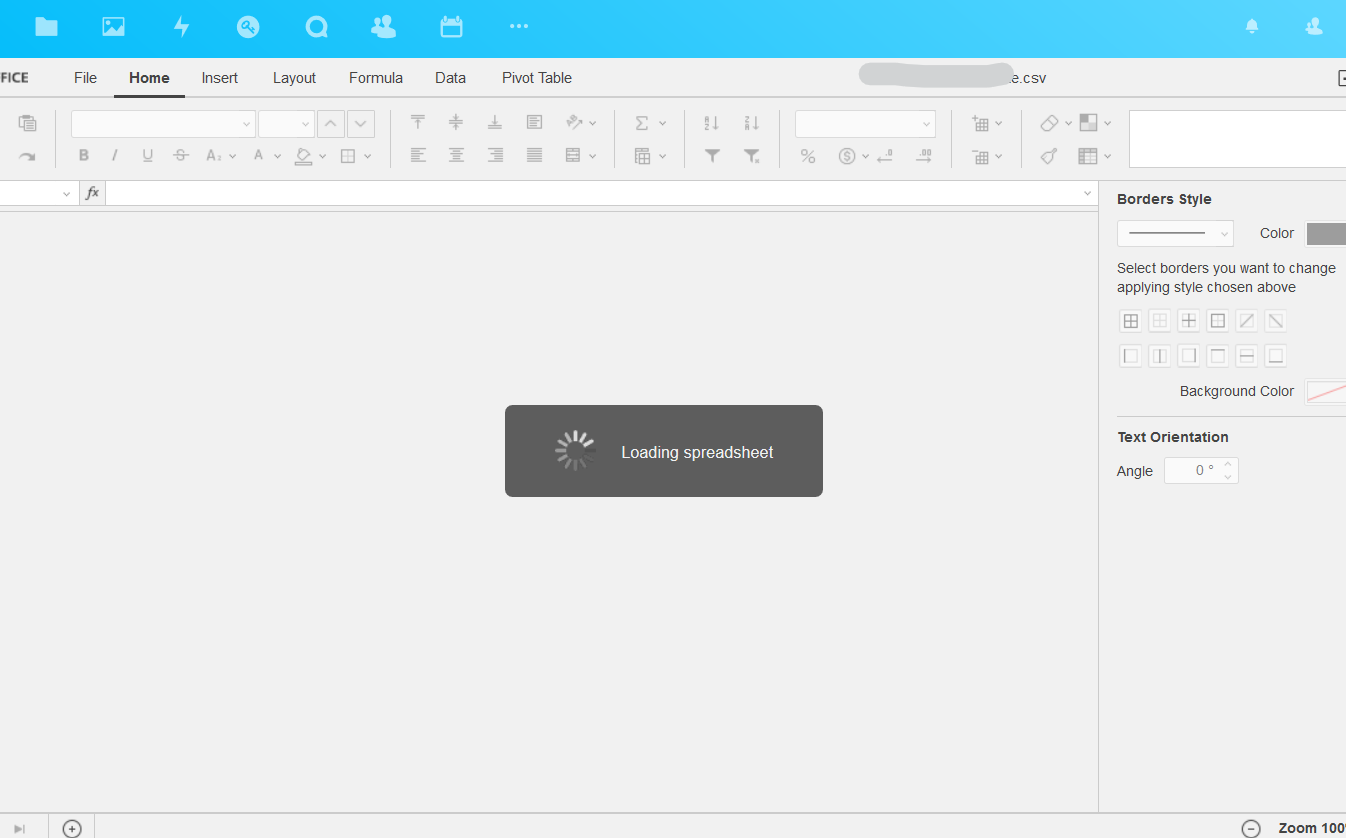
I am able to load and edit XLSX spreadsheet files successfully without this issue, so it seems to be affecting only the CSV file format.
Logging shows the following error (repeats a few times every 3 seconds that I leave OPENOFFICE open at the "Loading spreadsheet" screen):
[index] Error: OCP\Files\NotFoundException: /appdata_ocrd5xXXXXXX/documentserver_community/doc_2252673686/Editor.bin at
- /var/www/nextcloud/lib/private/Files/Node/Folder.php line 137 OC\Files\Node\Root->get("/appdata_ocrd5x ... n")
- /var/www/nextcloud/lib/private/Files/SimpleFS/SimpleFolder.php line 74 OC\Files\Node\Folder->get("Editor.bin")
- /var/www/nextcloud/apps/documentserver_community/lib/Document/DocumentStore.php line 99 OC\Files\SimpleFS\SimpleFolder->getFile("Editor.bin")
- /var/www/nextcloud/apps/documentserver_community/lib/XHRCommand/OpenDocument.php line 99 OCA\DocumentServer\Document\DocumentStore->getDocumentForEditor(2252673686, OC\Files\Node\File {}, "csv", null)
- /var/www/nextcloud/apps/documentserver_community/lib/XHRCommand/AuthCommand.php line 133 OCA\DocumentServer\XHRCommand\OpenDocument->openDocument({c: "open",id: " ... e}, OCA\DocumentServer\IPC\IPCChannel {})
- /var/www/nextcloud/apps/documentserver_community/lib/XHRCommand/CommandDispatcher.php line 45 OCA\DocumentServer\XHRCommand\AuthCommand->handle({type: "auth",do ... }}, OCA\DocumentServer\Channel\Session {}, OCA\DocumentServer\IPC\IPCChannel {}, OCA\DocumentServ ... {}, OCA\DocumentServ ... {})
- /var/www/nextcloud/apps/documentserver_community/lib/Channel/Channel.php line 106 OCA\DocumentServer\XHRCommand\CommandDispatcher->handle({type: "auth",do ... }}, OCA\DocumentServer\Channel\Session {}, OCA\DocumentServer\IPC\IPCChannel {}, OCA\DocumentServ ... {})
- /var/www/nextcloud/apps/documentserver_community/lib/Controller/SessionController.php line 114 OCA\DocumentServer\Channel\Channel->handleCommand({type: "auth",do ... }})
- /var/www/nextcloud/lib/private/AppFramework/Http/Dispatcher.php line 170 OCA\DocumentServer\Controller\SessionController->xhrSend(null, "2252673686", "393", "dvlx1cr0")
- /var/www/nextcloud/lib/private/AppFramework/Http/Dispatcher.php line 99 OC\AppFramework\Http\Dispatcher->executeController(OCA\DocumentServ ... {}, "xhrSend")
- /var/www/nextcloud/lib/private/AppFramework/App.php line 125 OC\AppFramework\Http\Dispatcher->dispatch(OCA\DocumentServ ... {}, "xhrSend")
- /var/www/nextcloud/lib/private/AppFramework/Routing/RouteActionHandler.php line 47 OC\AppFramework\App::main("OCA\DocumentSe ... r", "xhrSend", OC\AppFramework\ ... {}, {documentId: "22 ... "})
- <
> OC\AppFramework\Routing\RouteActionHandler->__invoke({documentId: "22 ... "}) - /var/www/nextcloud/lib/private/Route/Router.php line 299 call_user_func(OC\AppFramework\ ... {}, {documentId: "22 ... "})
- /var/www/nextcloud/lib/base.php line 1008 OC\Route\Router->match("/apps/documents ... d")
- /var/www/nextcloud/index.php line 38 OC::handleRequest()
POST /apps/documentserver_community/3rdparty/onlyoffice/documentserver/doc/2252673686/c/393/dvlx1cr0/xhr_send?t=1581630672890 from 10.X.X.X by USERNAME_REMOVED at 2020-02-13T21:51:14+00:00


I too have this exact issue running on
CentOS 8.1 SELINUX - Enforcing NextCloud 18.0.3 Redis Running Nginx PHP-FPM Running PHP 7.4.x APCu Installed Running the latest Document Server Both Bundled Apps of Document Server and OnlyOffice Connector enabled
I tried various things but seems that Nextcloud and OnlyOffice integration are fraught with tons of odd glitches and various issues as I trolled the support pages. Definitely does not work out of the box as advertised.
Not complaining just wishing for better, I know the developers are doing their best. Thanks folks.
My errors are very similar but does it for all doc types when trying to use the fancy Document Server integration>
OCP\Files\NotFoundException: /appdata_ocnfgb58bypo/documentserver_community/doc_2422533838/Editor.bin
It creates the subfolder but then the Editor.bin is missing.

I'm also having the same problem with the same OCP\Files\NotFoundException: /appdata_xxxxxx/documentserver_community/doc_xxxxxxxx/Editor.bin error message. And like @stephenitpro this happens for all doc types for me to.
Was anybody able to solve this?


I confirm this issue. / Nextcloud 24.0.2 / Community Document Server 0.1.12 / ONLYOFFICE 7.5.2

Same problem with Nextcloud 24.0.3 / Community Document Server 0.1.12 / ONLYOFFICE 7.5.2
And further: csv does not open default by Only Office (it is disabled in the Only Office settings) and before the update a simple editor opened instead, which is also not working anymore. Now the file is downloaded if I click on it. If I disable the ONLY Office and Document Server app the Nextcloud internal Editor opens.

As I understand, LibreOffice always opens csv files via the import module. This does not (yet) seem to exist in the online versions. Nevertheless, Nextcloud binds the extension .csv with the Office. The problem also occurs in the combination Nextcloud Office - Collabora Online - Built-in CODE server.
(Nextcloud 24.0.4, Collabora Online - Built-in CODE Server 22.5.502, Nextcloud Office 6.2.0 on Ubuntu 20)

This issue has been marked 'stale' due to lack of recent activity. If there is no further activity, the issue will be closed in another 60 days. Thank you for your contribution!
Retaking repo management include inheritance of old, not treated, and probablty obsolete issues, this is why it was decided to mark issues as stale.
![github-actions[bot] avatar](https://avatars.githubusercontent.com/in/15368?v=4 "Published by a pub.dev verified publisher")
The problem still exists as described above from me.
NC 28.0.4, Community Document Server 0.1.16, ONLYOFFICE 9.1.2
Office is now throwing an error:
