

 nextcloud
Community Server 0.1.11 unusable
When upgrading to 0.1.11 from NC 21 or 22 i can't open old files. Just new ones. It shows this message, but doesn't reload anything.
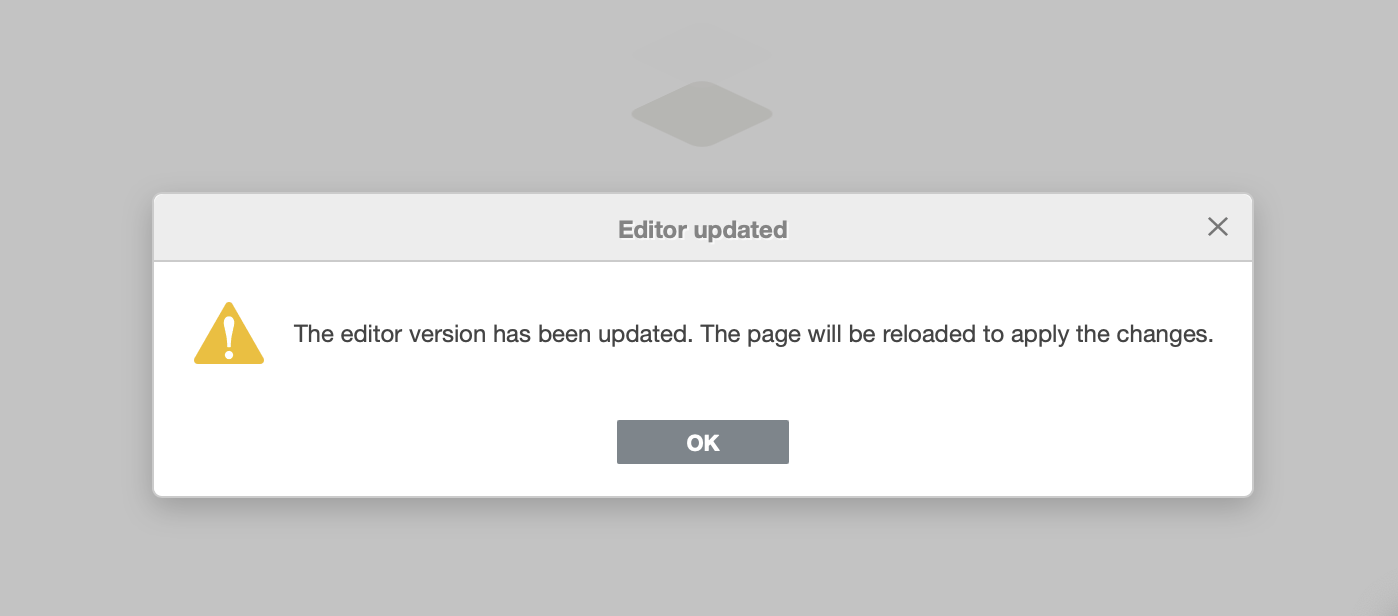

I'm having the same issue, just tried to open some older files and i get the same error!

Even if i don't update the app, as soon as updating 22.0.0 it is updated to 0.1.11 even if i don't want to. Results in this and not being able to open old files.
app check error:
Technical information
The following list covers which files have failed the integrity check. Please read the previous linked documentation to learn more about the errors and how to fix them.
Results
- documentserver_community
- EXCEPTION
- OC\IntegrityCheck\Exceptions\InvalidSignatureException
- Signature data not found.
- EXCEPTION
Raw output
Array ( [documentserver_community] => Array ( [EXCEPTION] => Array ( [class] => OC\IntegrityCheck\Exceptions\InvalidSignatureException [message] => Signature data not found. )
)
)

Faced the same problem. This error occurred during manual installation. When installing from the app store, the server crashes.

Same issue in v.0.1.10, see: https://github.com/nextcloud/documentserver_community/issues/220 and https://github.com/nextcloud/documentserver_community/issues/224

has anyone a fix for this?
Not yet. Downgrading to 0.1.9 might help: https://github.com/nextcloud/documentserver_community/issues/220#issue-938857087
As far as i know, you can‘t downgrade apps If someone, who is not aware of this issue, upgrade, because this is what you do… they can‘t open files anymore…
As far as i know, you can‘t downgrade apps
Sure, you can, but only manually – and that works.
Well, actually it's simple, even if it's a bit dirty without the official install progress:
- Deinstall the current app Community Document Server (not ONLYOFFICE) in NextCloud.
- Download/Upload/extract the lower version v0.1.9 of documentserver_community.tar.gz to /webrootwhatever/apps
- Give some rights via chmod.
- Activate the 'old' version in your NextCloud (and don't update).
Keep in mind that I had to fix the ConverterBinary.php (see https://github.com/nextcloud/documentserver_community/issues/195) and the database (https://github.com/nextcloud/documentserver_community/issues/188#issuecomment-805951663) in my case. But that's all.
Weill but it is nothing you do if you manage like a hundret nextclouds... so no solution for me unfortunatly
curious - is the issue behind our errors known / being worked on by the devs? I've been staying on 0.1.9 also and scared to updated it for fear of breaking things again. Just did a nextcloud system update to 22.1.0 and the old version of document server is still working fine. I'm a little concerned the days are numbered with this approach though.

I tried to reach out to nextcloud on twitter and different ways, also in the past regarding onlyoffice and they told me to use different apps since this app is not meant for production use. I don't know why, but it seems like they don't care.
This issue has been marked 'stale' due to lack of recent activity. If there is no further activity, the issue will be closed in another 60 days. Thank you for your contribution!
Retaking repo management include inheritance of old, not treated, and probablty obsolete issues, this is why it was decided to mark issues as stale.
![github-actions[bot] avatar](https://avatars.githubusercontent.com/in/15368?v=4 "Published by a pub.dev verified publisher")
This issue has been closed due to inactivity. If you feel this is in error, please reopen the issue or file a new issue with the relevant details.