

 nextcloud
Black screen while updating
When upgrading to the new version 3.3.3 and 3.3.2 for Windows (during installation), after a while only a black screen with the update progress window appears (Windows Explorer is not working properly). All icons on the desktop and the taskbar disappear. After the update is complete, icons appear on the desktop and some icons in the Tray. After refreshing with the F5 key, everything returns to normal.
Operating system: Windows 10 Home 20H2


yes we kill explorer to be able to remove or replace the shell extensions dll how is this a problem ? what is the impact ?

Today i updated to Version 3.5.3 (with chocolatey).
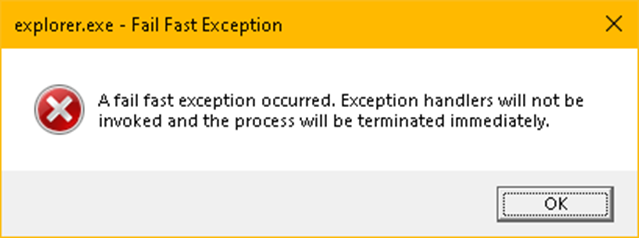
explorer (windows 10 21h2 june-patched) is crashed :(
Try restart this -> error
need an "hard" restart (ctrl+alt+del -> restart) to run normaly
