

 nextcloud
Make horizontal scrolling easier
Is your feature request related to a problem? Please describe. I use a board with more lists than fit on the screen, due to the cards having to go through many phases. In order to scroll to a list outside of view, I cannot simply grab a white space in between the lists and drag left or right, this sometimes actually moves the position of a list. This makes me have to use the scroll bar underneath the screen which is very tedious to use.
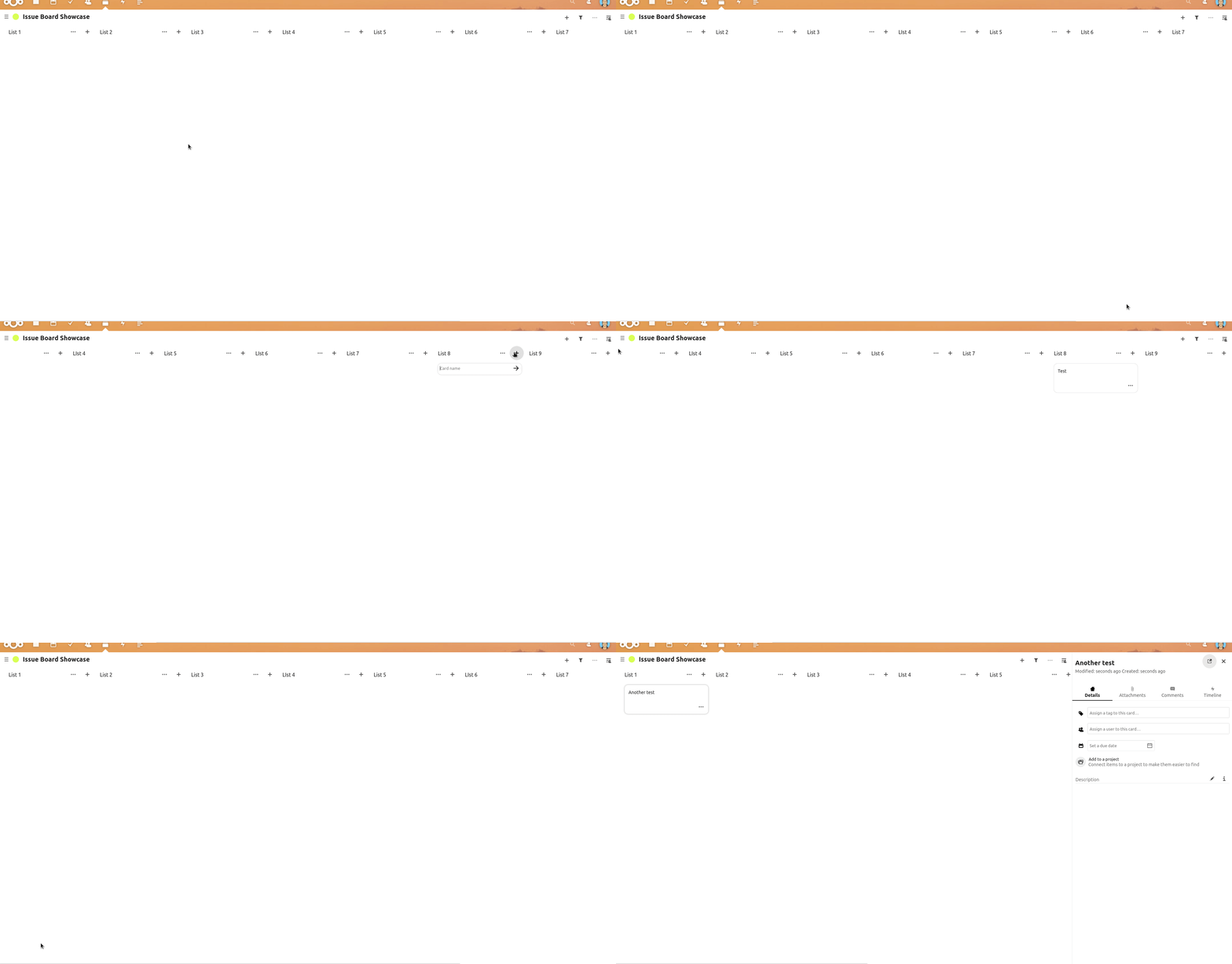
Describe the solution you'd like Being able to grab any white space in the board to scroll left or right, such is possible with Trello.



The current way how scrolling work makes virtually unable to use decks on tablets. (I have an iPad for myself, but I assume it;'s the same with other tables and browsers.) It would be much more appreciated if it would be integrated with touch events properly like for example simple touch and drag would scroll horizontally and vertically within a column, while a long press and drag would pop a card (or column) out and move.

As a temporary workaround until this is implemented (when using a computer); use shift+mouse scroll to scroll horizontally.
The current way how scrolling work makes virtually unable to use decks on tablets. (I have an iPad for myself, but I assume it;'s the same with other tables and browsers.) It would be much more appreciated if it would be integrated with touch events properly like for example simple touch and drag would scroll horizontally and vertically within a column, while a long press and drag would pop a card (or column) out and move.
This is the real solution to the problem. The grab-whitespace solution only works while there is whitespace available to grab, which may not be true for non-trivial sized lists.
Worth highlighting that vertical scrolling is also affected on touch devices. I can’t scroll down to see the ends of longer lists because doing so will move a card’s position. As a result, the webapp can’t be navigated on touchscreen devices and is barely useable on them.

May I ask, is there an update on this? #2495 says it's going to fix this, but that very PR fails.
@juliushaertl I looked at your PR and it seems you tried to add another library to it to solve the problem. Would it not be a simpler approach to make only the header line of a stack be reactive to change the order? This way accidental moving would be prevented and usability is still granted for moving lists.
