

 nextcloud
Tags in a subfolder of a shared folder do not propagate to other users
Describe the bug The list of tags is badly updated when the links are in a folder "shared with you". Tags do not appear in the left column and in the auto-completion.
To Reproduce
- With the first account create a folder and share it the the 2nd user with parameters "Allow Editing" and "Allow resharing" enabled, create a sub folder
- Create a link in this folder, with tags
- Go to the 2nd account and check the tags Additionals steps
- With the 2nd account create a link with tags in the non shared space : this tags can be see
Expected behavior All tags should appear. If tags are added in the personal space then the tag appear in the left column. Clicking it show both personnal and shared tags, but the amount of items taged counter stay to 1 (only counting personal files)
Desktop (please complete the following information):
- OS: Windows 10 pro and 11
- Browser:Chrome
Server (please complete the following information):
- OS: TrueNAS-13.0-U3.1
- Nextcloud version: 25.0.3
- Bookmarks app version: 12.0.0
PS I'm not sure i've added enought usefull informations, it's my first bug report : tell me what I can do better :)


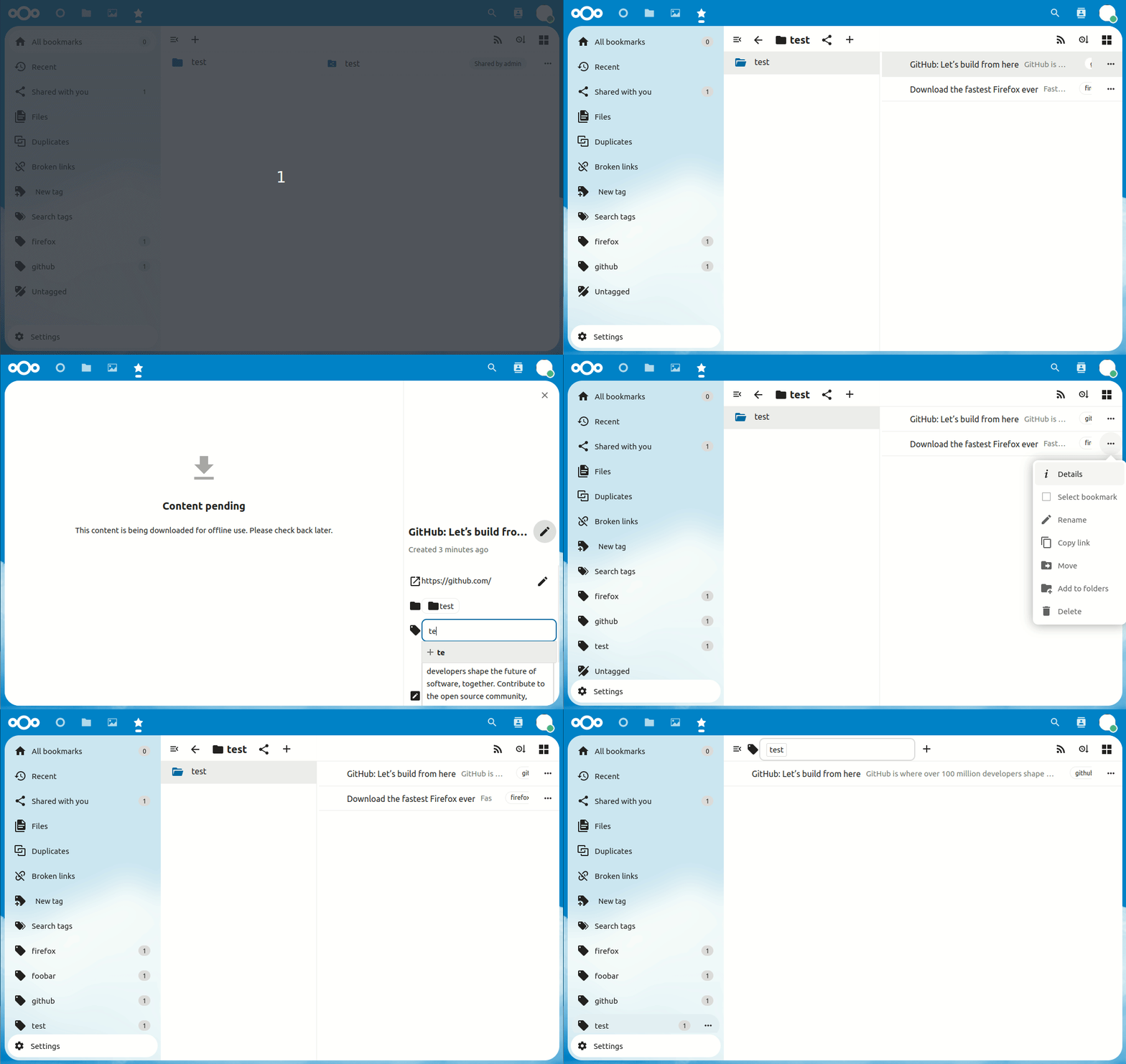
Yes in this case it works sorry, I forgot to add: created a folder in the shared folder, and a link in it