

 nextcloud
Several Issues by starting from scratch
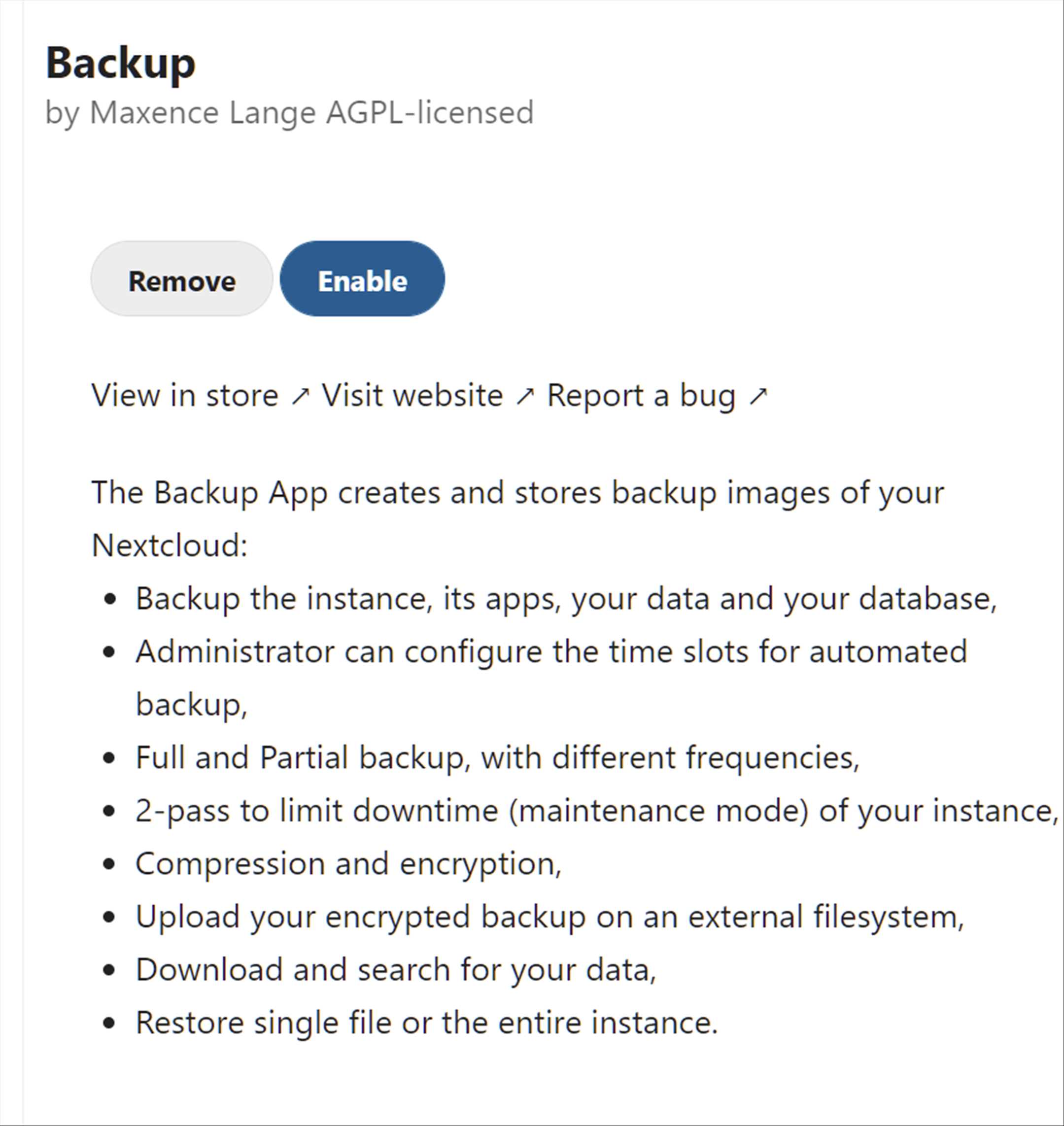
Very good idea having a backup application. Thx for this good work.
Just one hour ago, i did:
- Enable the App:backup
- my local time: 23:30
- After checking all the options, i did login via ssh (Linux) and i realized the backup did start without any intervention from my side (i think, it's about the schedule preset schedule time was 23:00 - 05:00)
- in general, there must be a flag "enable" backup schedule into the app, to make sure, that the backup will not start accidentically (as in my case) (indeed there is flag - but the flag is enabled per default - so when the user will enable this app the 1rst time and the schedule time does match the current time - backup will start)

- i did only see backup did start by chance - optimal case would be, when there would an indication, too - when backup is running (every backup application has got some indications into the gui).
- That backup has started without my will, gave me some stress, because i've got a very powerfull server & the backup app did already save 20G into the appdata_ocxxxx/backup folder in a couple of minutes (in general this is good - but in this case, i want to decide when & where i want to backup the data)
- i searched for options to stop the backup - but there was no option to stop the backup, which - in general - is bad, because stopping a backup is a core function from a backup application.
- i saw there is a reset option, but i did finally not execute this command to the end, because it's not 100% clear (at least for me), it will not harm the productive data ! (i would appreciate, if anyone could confirm, that this command would only have an effect to the Backup data (-set), but not on the real user data:
================================================ occ backup:reset
WARNING! You are about to delete all data (and Restoring Point) related to the Backup App! Do you really want to reset the Backup App? (y/N) y
WARNING! This operation is not reversible. Please confirm this destructive operation by typing 'reset':
================================================
( i think, the app should better say: " WARNING! You are about to delete all backup-data (and Restoring Point) related to the Backup App! (this has no effect to your real data))
Finally - i did disable the backup app, but the backup continues to backup, so i decided to reboot the whole server. After booting up the PHP-FPM application did not start (which i saw the 1rst time on this server). Fortunately the restart of PHP-FPM was successful.
One other improvement:
by chance i also saw that the app has BETA status. But such information also belongs on the Nextcloud App Store in Nextcloud - so that the admin knows that he installs a BETA version & not the final (stable) version.
At the end - i don't know, if is's a good idea that the Backup App does per default backup productive data on its own server/data directory (yes, i know the .backup flag is set there), but - as in my case - if i did not had checked the Linux shell, after enabling the Backup app, my data went full for 100%.
As i've got the data on a seperate VG, this would not have led to a server crash - but there are certainly admins who also have the data folder under root and a 100% file system full condition can crash the server, the database and more also the backup is very likely corrupt. At least there must be a mechanism (when backup is done on the same structure, where Nextcloud is), where the Backup App can check the file system filling and stops the backup, when the file system filling is too high.
