
dijo
 dijo copied to clipboard
 nerdypepper
scriptable, curses-based, digital habit tracker

About
dijo is a habit tracker. It is curses-based, it runs in
your terminal. dijo is scriptable, hook it up with
external
programs
to track events without moving a finger. dijo is modal,
much like a certain text editor.
Features
- vim like motions: navigate
dijowithhjkl! dijois modal: different modes to view different stats!- vim like command mode: add with
:add, delete with:deleteand above all, quit with:q!. - fully scriptable: configure
dijoto track yourgitcommits!
Install
To get the latest release of dijo, prefer installing it
via cargo. Unofficial packages exist for some package
managers as well. You can also browse the
Releases
page for prebuilt binaries.
Cargo
# dijo requires rustc >= v1.42
$ rustup update

$ cargo install dijo
If you aren't familiar with cargo or Rust, read the complete
installation
guide.
Nix
dijo on nixpkgs (maintained by @Infinisil):
$ nix-env -f channel:nixpkgs-unstable -iA dijo
Snap
dijo on sanpstore (maintained by @purveshpatel511):
$ sudo snap install dijo
Arch Linux
Install dijo-bin or dijo-git from the AUR.
Windows
# the default termion backend dosen't run on windows yet
$ cargo install --no-default-features --features "crossterm-backend"
Usage
dijo has a detailed
wiki, here are
some good places to start out:
Gallery
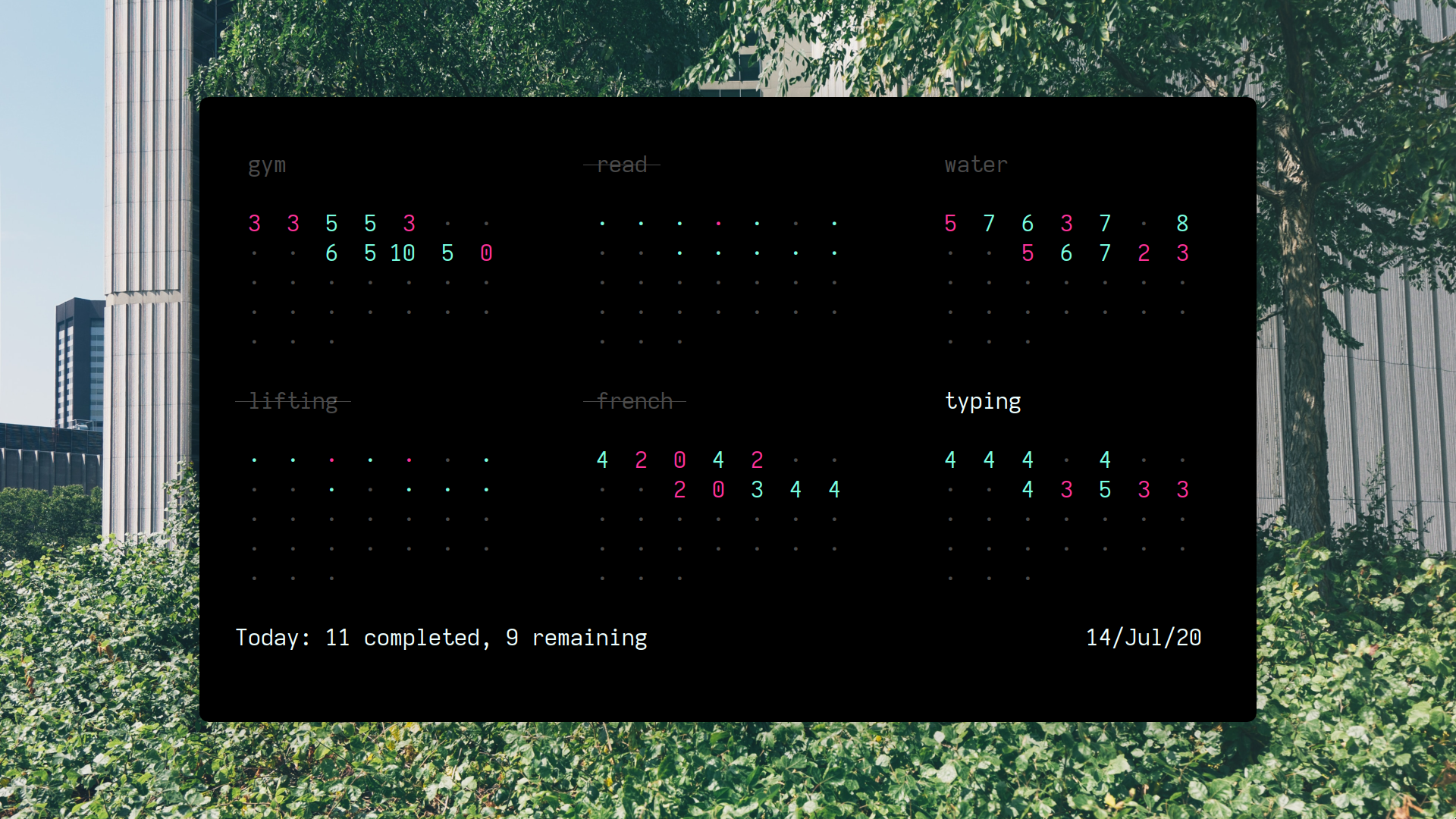
Day mode, shows days of the current month:
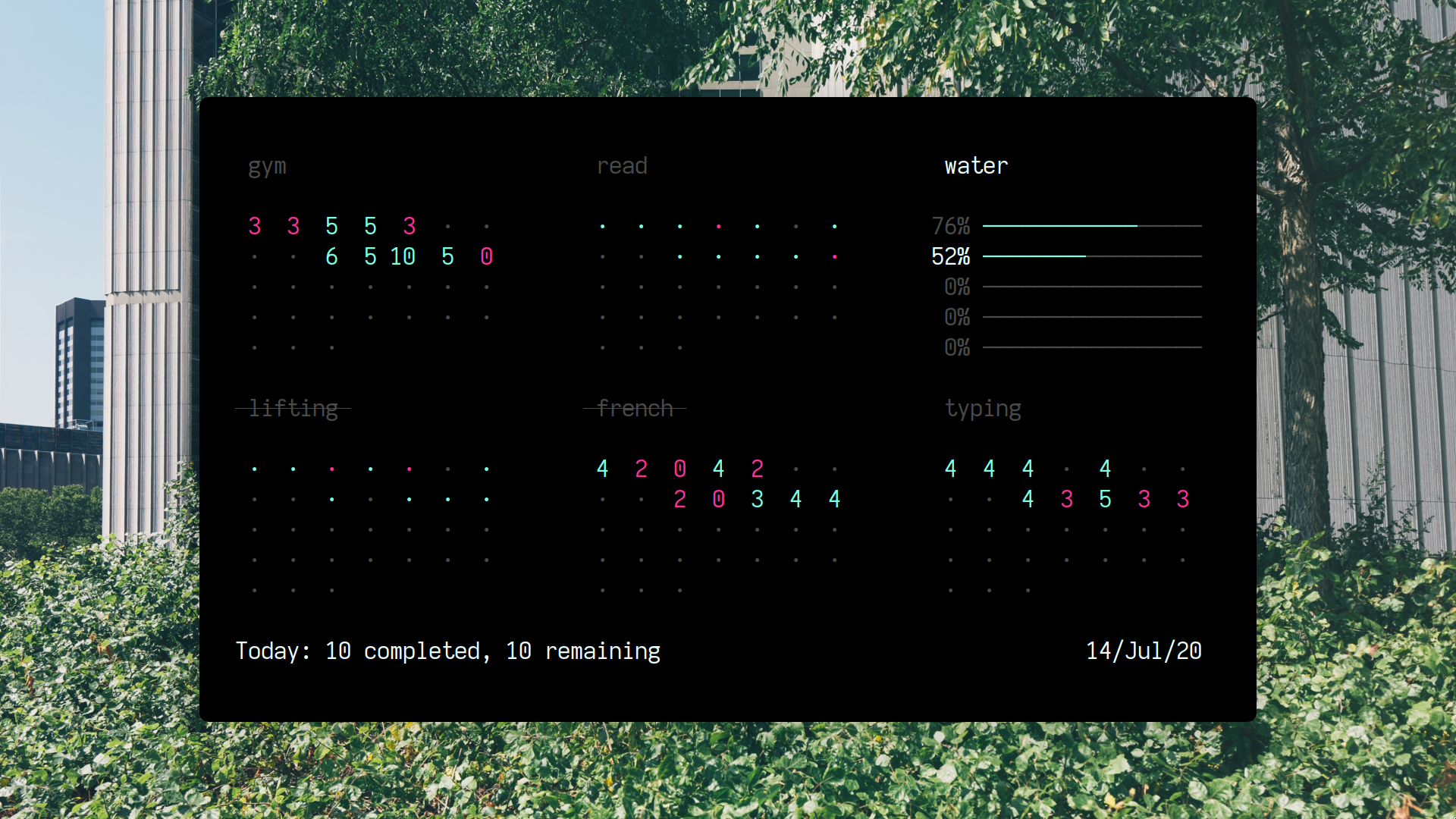
Week mode, shows weekly summary for the weeks of the month:

Metadata
Owner
 nerdypepper
Metadata
scriptable, curses-based, digital habit tracker