

 neovide
Frameless Window
Can we have frameless window support.
I am using a modified version of neovim-qt in which I remove the window frame to make it clean. It is draggable resizable and everything.
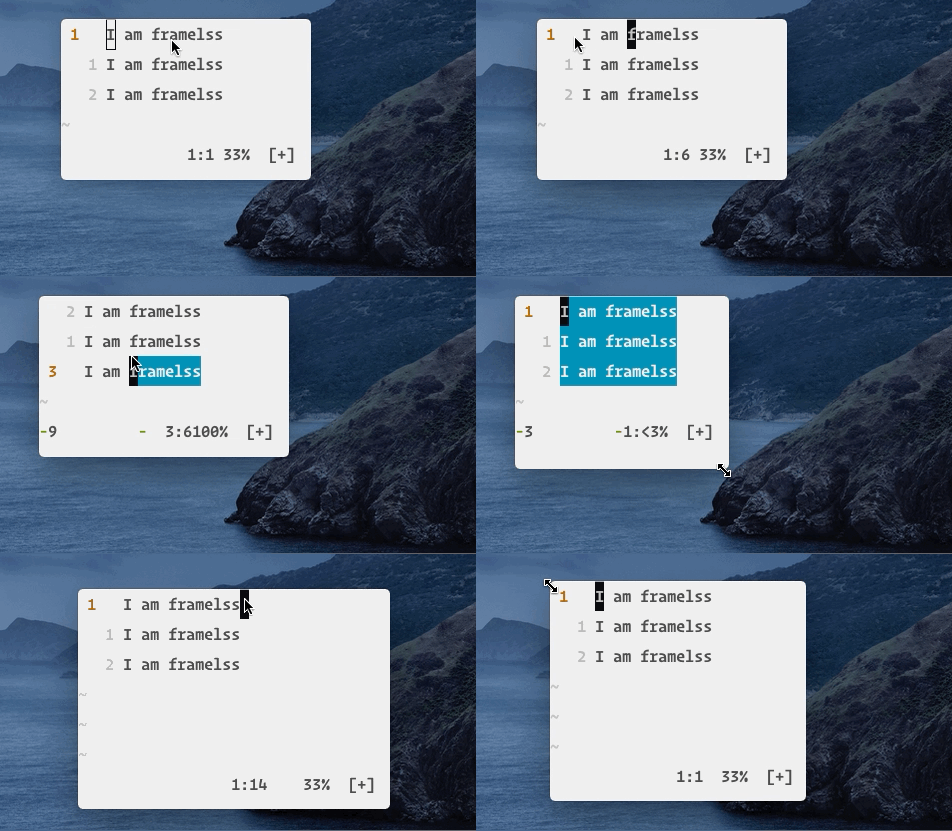


I did some fiddling and I think I could emulate resizing and window movement, but getting it to feel exactly right is going to be hard. For example on windows, window key plus arrow key should move it automatically which will be hard to do exactly right...
Heres the branch of what I have so far. https://github.com/Kethku/neovide/tree/testing-frameless
Any chance someone can try this branch and see if resize works on other platforms? This issue mentions the windows platform issue, but doesn't say if linux and mac work: https://github.com/rust-windowing/winit/issues/725
I get a panic running the specified branch.
$ RUST_BACKTRACE=1 ./neovide
thread 'main' panicked at 'Failed to parse emoji font data: Parse', src/libcore/result.rs:1165:5
stack backtrace:
   0: std::io::Read::read_exact
   1: core::fmt::ArgumentV1::show_usize
   2: std::io::Write::write_fmt
   3: std::panicking::default_hook::{{closure}}
   4: std::panicking::default_hook
   5: <std::panicking::begin_panic::PanicPayload<A> as core::panic::BoxMeUp>::get
   6: std::panicking::continue_panic_fmt
   7: std::panicking::try::do_call
   8: std::thread::local::fast::Key<T>::try_initialize
   9: std::thread::local::fast::Key<T>::try_initialize
  10: core::result::Result<T,E>::expect
             at /private/tmp/rust-20191221-83947-1gnlhtt/rustc-1.40.0-src/src/libcore/result.rs:960
  11: neovide::renderer::caching_shaper::build_collection_by_font_name
             at src/renderer/caching_shaper.rs:88
  12: neovide::renderer::caching_shaper::FontSet::new
             at src/renderer/caching_shaper.rs:110
  13: neovide::renderer::caching_shaper::CachingShaper::new
             at src/renderer/caching_shaper.rs:149
  14: neovide::renderer::Renderer::new
             at src/renderer/mod.rs:30
  15: neovide::window::ui_loop
             at src/window.rs:33
  16: std::rt::lang_start::{{closure}}
             at /private/tmp/rust-20191221-83947-1gnlhtt/rustc-1.40.0-src/src/libstd/rt.rs:61
  17: std::panicking::try::do_call
  18: panic_unwind::imp::find_eh_action::{{closure}}
  19: std::sys_common::cleanup
  20: neovide::main
note: Some details are omitted, run with `RUST_BACKTRACE=full` for a verbose backtrace.
Everything works nicely on Mac OS except for the part that I cannot drag the window around. In the patched version of neovim-qt I can drag the window using the top region of the window. The region where the top bar would have appeared if not frameless.
Frameless Neovide on Mac OS:)
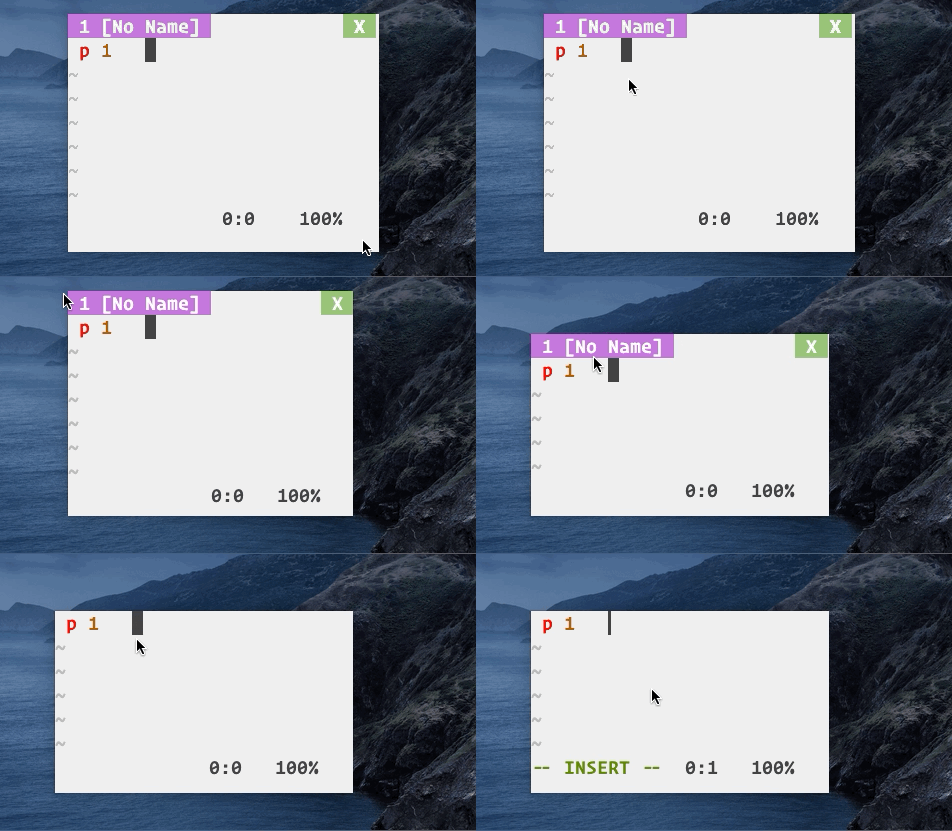
Okeydokey. That shouldn't be too hard and I could even merge a version of this for mac and linux where it actually works and then merge windows support later. Dragging the window around shouldn't be too hard. This is encouraging :)
Hi @Kethku, Since https://github.com/Kethku/neovide/issues/97 is close what is the status of this? No pressure I was just asking :)

on Mac, iTerm2 uses a technique to embed the frame with the terminal window [action buttons only show up when mouse over]. This works fairly well.
yes, frameless would make neovide way more slick.


Some more requests for this have arrived. I think this is blocked on upstream winit support as toolbar-less windows are not resizable. I am open to PRs for this though if anybody wants to dig in
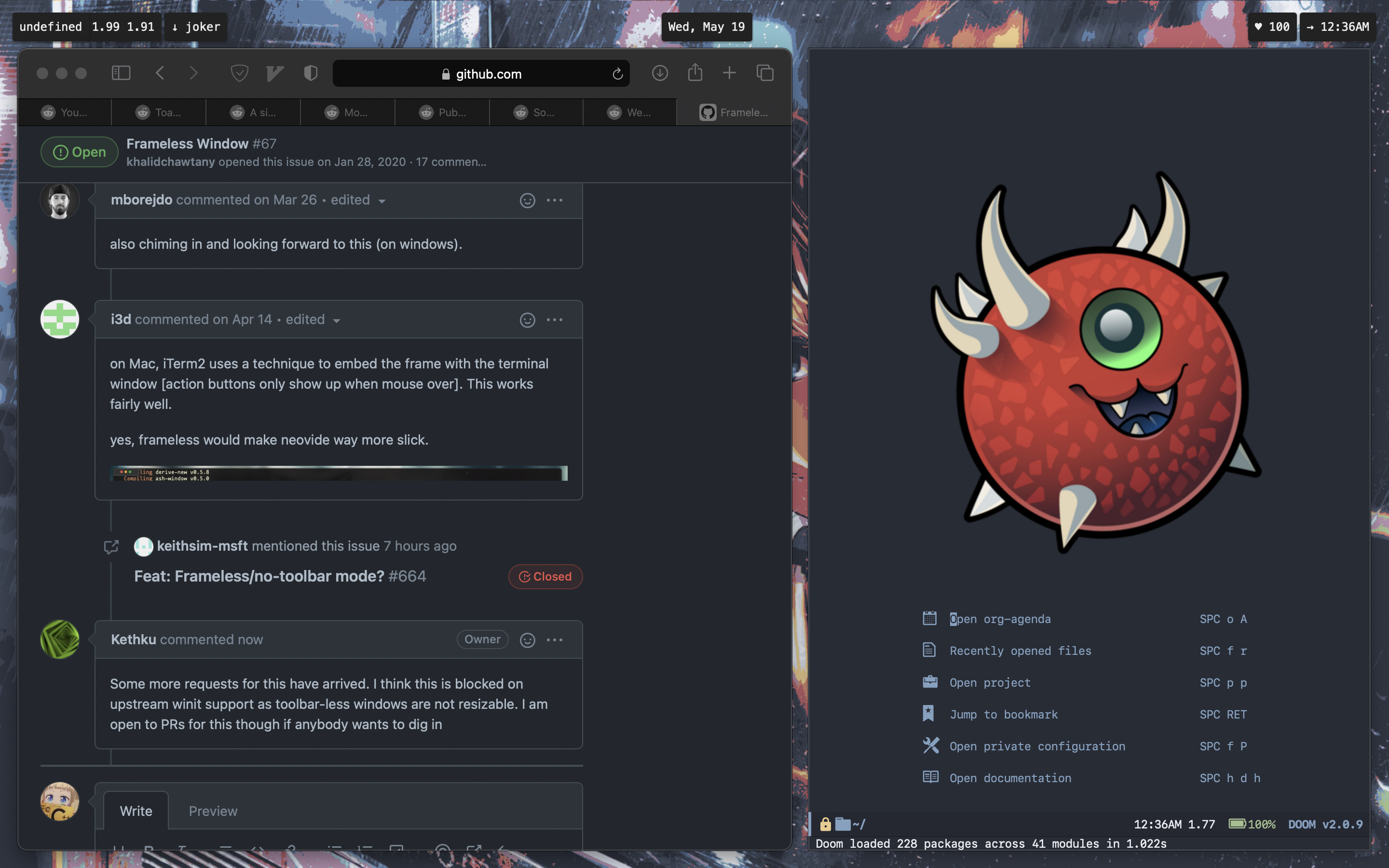
Chiming in to say it would be nice to have this even without window resizing. For those of us with tiling window managers it takes care of it. Doom emacs does this without resizing and rounded corners and its comes out quite nice

One issue I've run into is that a frameless window can't be moved to a fullscreen space:
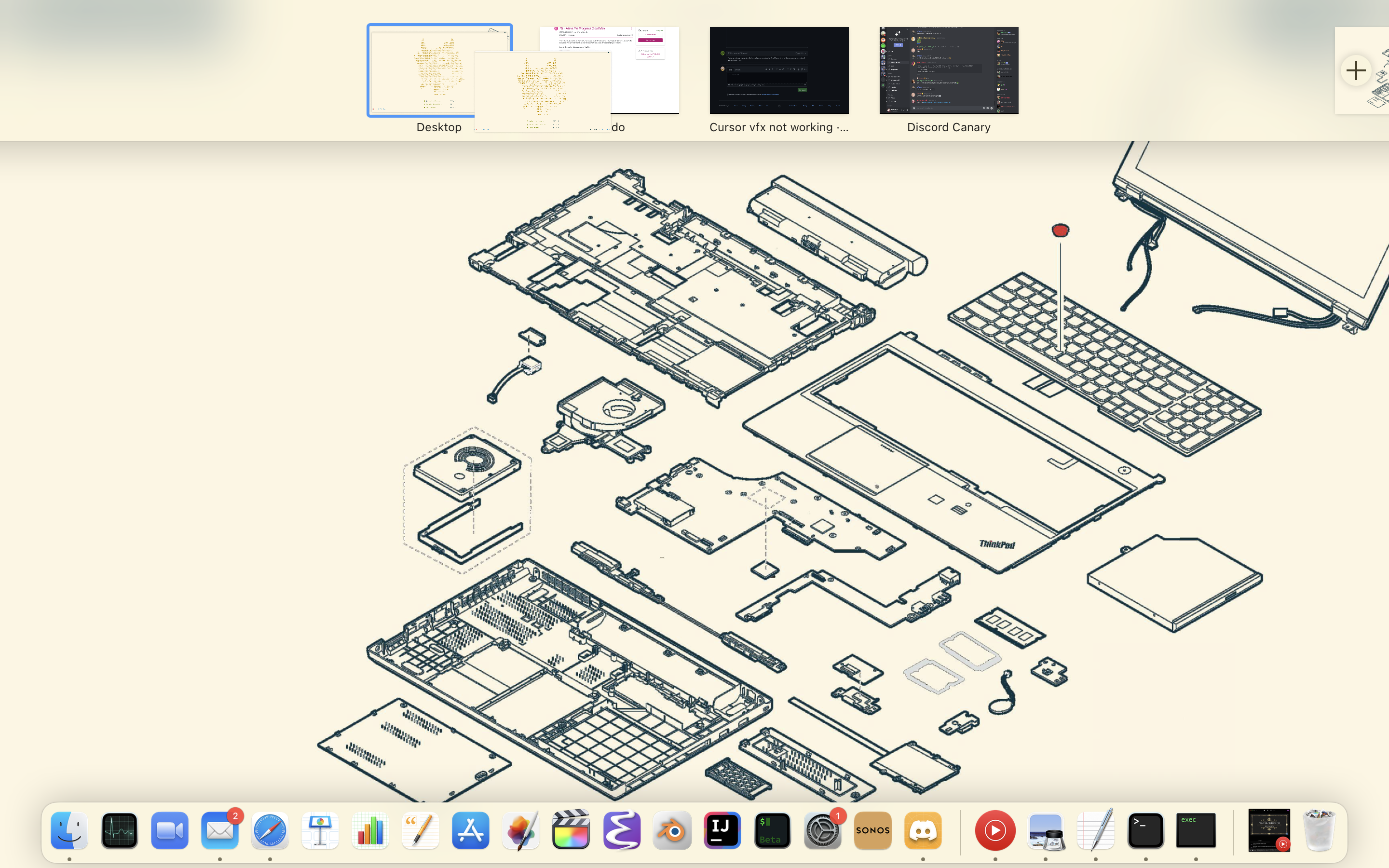
(it doesn't show in the screenshot but theres a grey error symbol on top of the neovide window)
Frameless emacs and iterm seem to work fine.
This might just be an issue with rust/something upstream and can't be fixed with neovide. alacritty has the same behavior

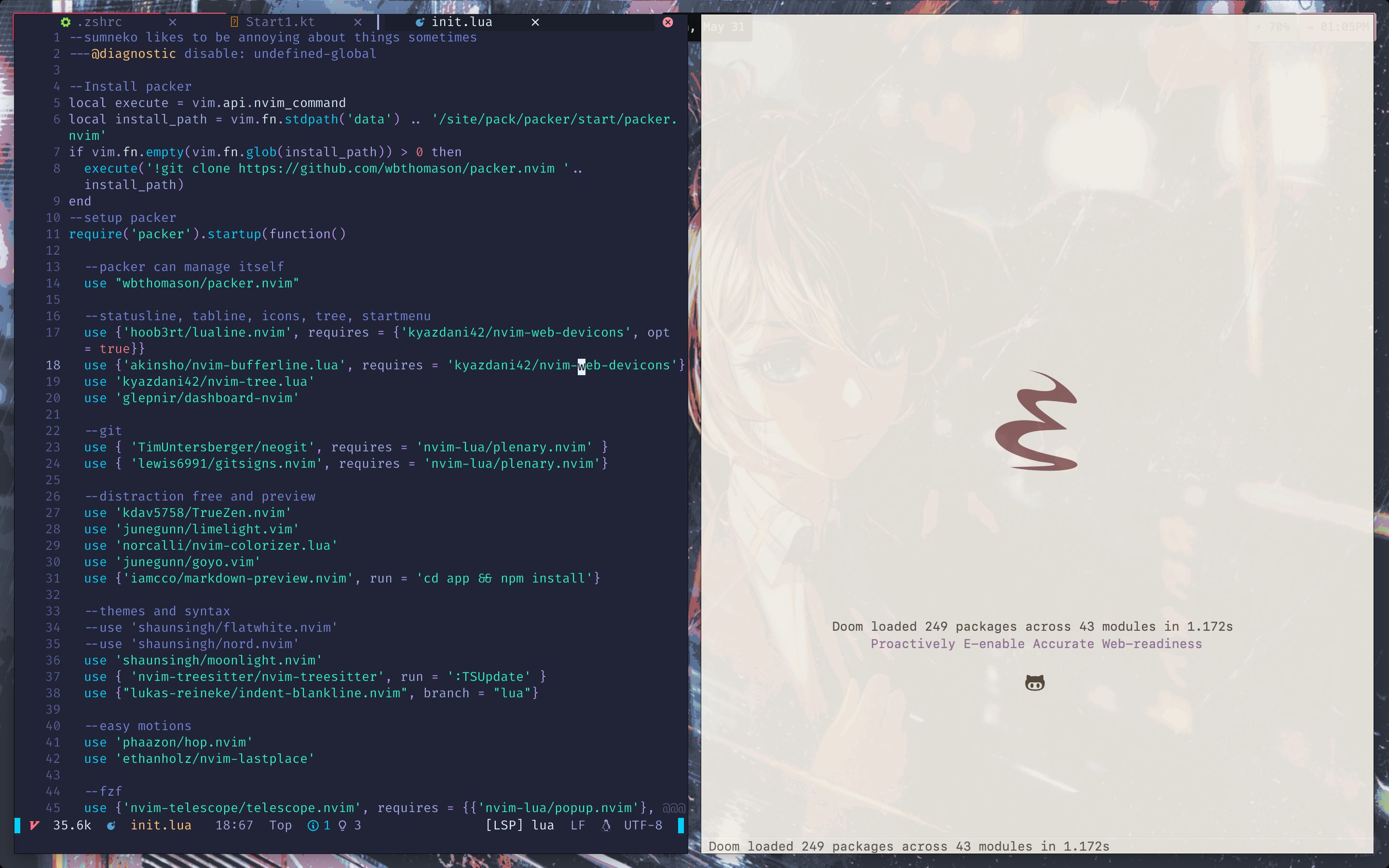
works well on macOS, thanks!
Which WM you're using? And how r u making it fool screen using keyboard?

Which WM you're using?
I'm using yabai
And how r u making it fool screen using keyboard?
Both windows are still in windowed mode. The PR implemented a while back makes it frameless, i.e. removes the corners and window decorations
@shaunsingh how do you start neovide?
I already have in my .zprofile
export NEOVIDE_FRAMELESS=true
export NEOVIDE_FRAME=none
Running in the terminal: neovide --frame none fixes it for me.
But I need it to open frameless when called in Mac's Spotlight.

@shaunsingh how do you start neovide? I already have in my
.zprofileexport NEOVIDE_FRAMELESS=true export NEOVIDE_FRAME=noneRunning in the terminal:
neovide --frame nonefixes it for me. But I need it to open frameless when called in Mac's Spotlight.
@chardskarth
For MacOS gui apps you need to put the values into /etc/launchd.conf. Its covered in the answer to this stack overflow question. https://stackoverflow.com/questions/135688/setting-environment-variables-on-os-x

That still doesn't work with the window manager of choice. Attaching a video of the current behavior here.
https://user-images.githubusercontent.com/25615887/172051186-84c10820-4e10-402c-bd9b-c36fecb09d8f.mov

@sinnrrr is that running neovide with --frame none? I have noticed that doing so makes the window behave differently from regular macOS windows.
Could you try with --frame buttonless, it is similar to frame none having no window borders/buttons, plus it is draggable if you click and drag towards the upper portion of the window (where the window title bar usually is) and also has a nice window shadow.
edit: there is also frame transparent which keeps the macos window buttons but removes everything else.
p.s. Alacritty too can be configured using the same values.

@ankushKun better, now it can be moved with the cursor, but still doesn't work with yabai
https://user-images.githubusercontent.com/25615887/174196214-1f4a626e-a1ea-4349-90db-017a13b24926.mov
@Kethku Thank you for this great project :) I am interested in this issue and made a pilot PR in #1459. I am also interested in continuously maintaining this change. Could you kindly review or introduce another maintainer? Thank you 🙇
Also, I would like to ask people here whether this PR can meet our requirements.
https://user-images.githubusercontent.com/28551465/183240179-b7d15744-3d9d-47c6-8008-30a5a250ae7b.mov
