

 neos
neos
Fullscreenmode for secondary editor
Description
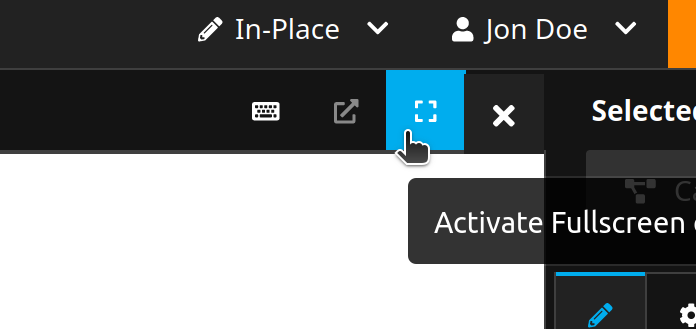
currently we have the fullscreen button, but its only meant for the inline editable content:
https://user-images.githubusercontent.com/85400359/161242164-2014af45-0764-4c2a-a0c0-045f3cd82cb1.mp4
so clicking on it with changes, wouldnt work:
https://user-images.githubusercontent.com/85400359/161242398-da1a6e6f-c131-4703-a634-def56e6c04d2.mp4
Steps to Reproduce
- Open an HTML element of the Neos.Demo and edit it.
- Click on the full screen button.
Expected behavior
that there this button would be also working for secondary editors - or that this whole toolbar is switched or hidden.
Actual behavior
the button is pretty stubborn and always wants me to focus only on the editable content ^^
- which is also fine - but i wanted to discuss that.
Affected Versions
UI: since ever.
More details
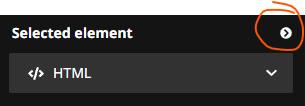
when one clicks toggle Inspector the secondary editor is closed aswell...
Afterthought
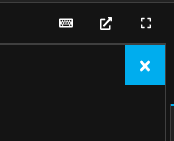
i really like the idea of switching the toolbar, then we can also put this X button in the toolbar:

In the media ui I toggle the left sidebar when opening the secondary editor. It's a bit hacky and when reloading while the editor is open, the left sidebar is still hidden... So a better solution would be cool.

i took a look at the architecture, to implement this idea we would need some refactoring, as currently the right <Inspector> makes just some <Portal> which is completely absolute positioned ...
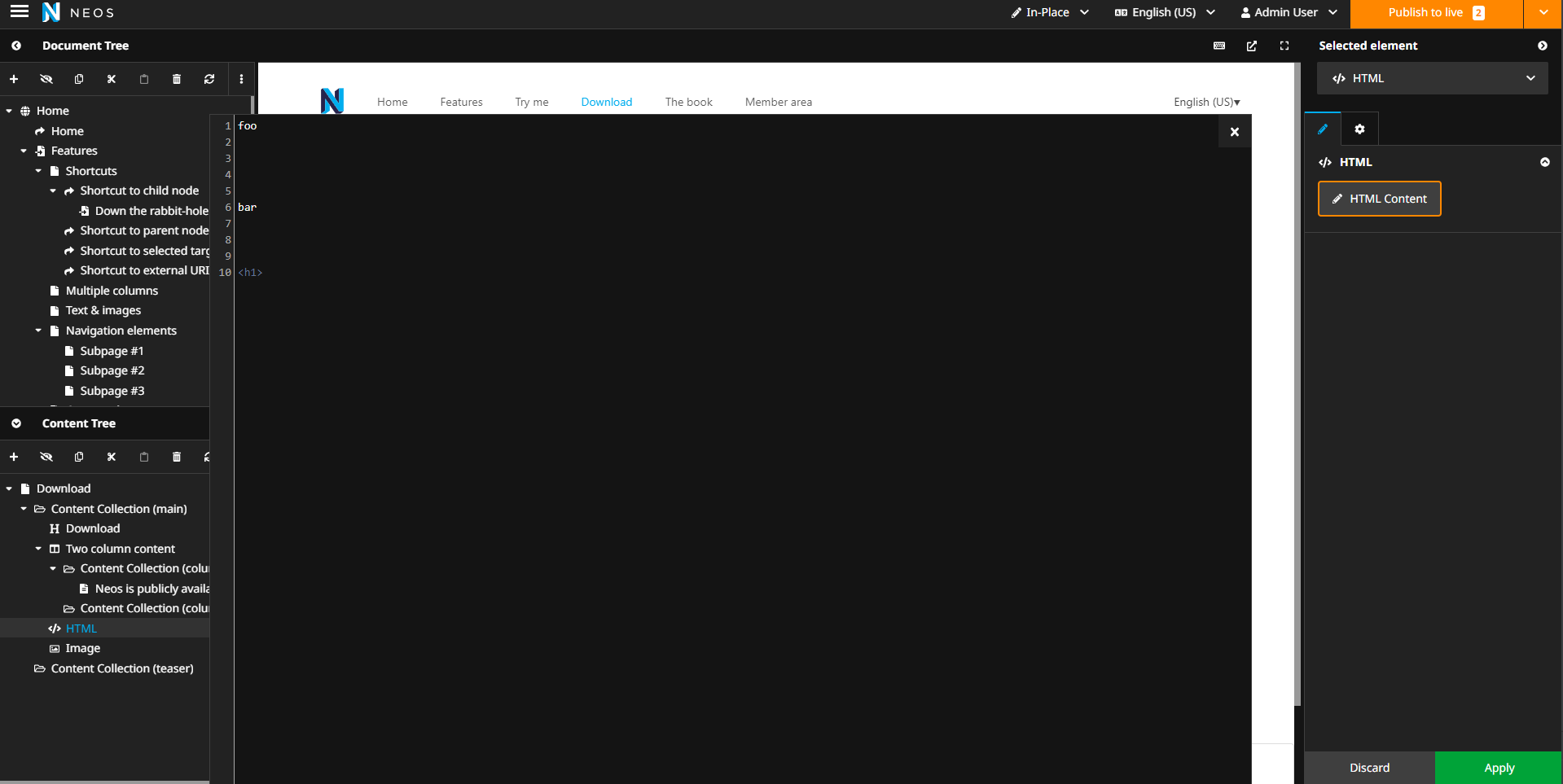
@Sebobo so your ideal fullscreen would still include the right inspector? (or i guess you only hid the left side since only that is possible...)
I would like to keep the top area and optionally the right sidebar, because it might be helpful for context of the secondary editor.
i solved it for now by using
htmlElement.requestFullscreen()
to also get native fullscreen (triggered via shortcode F11)
Thought about it some years ago. Probably something in the line of this?
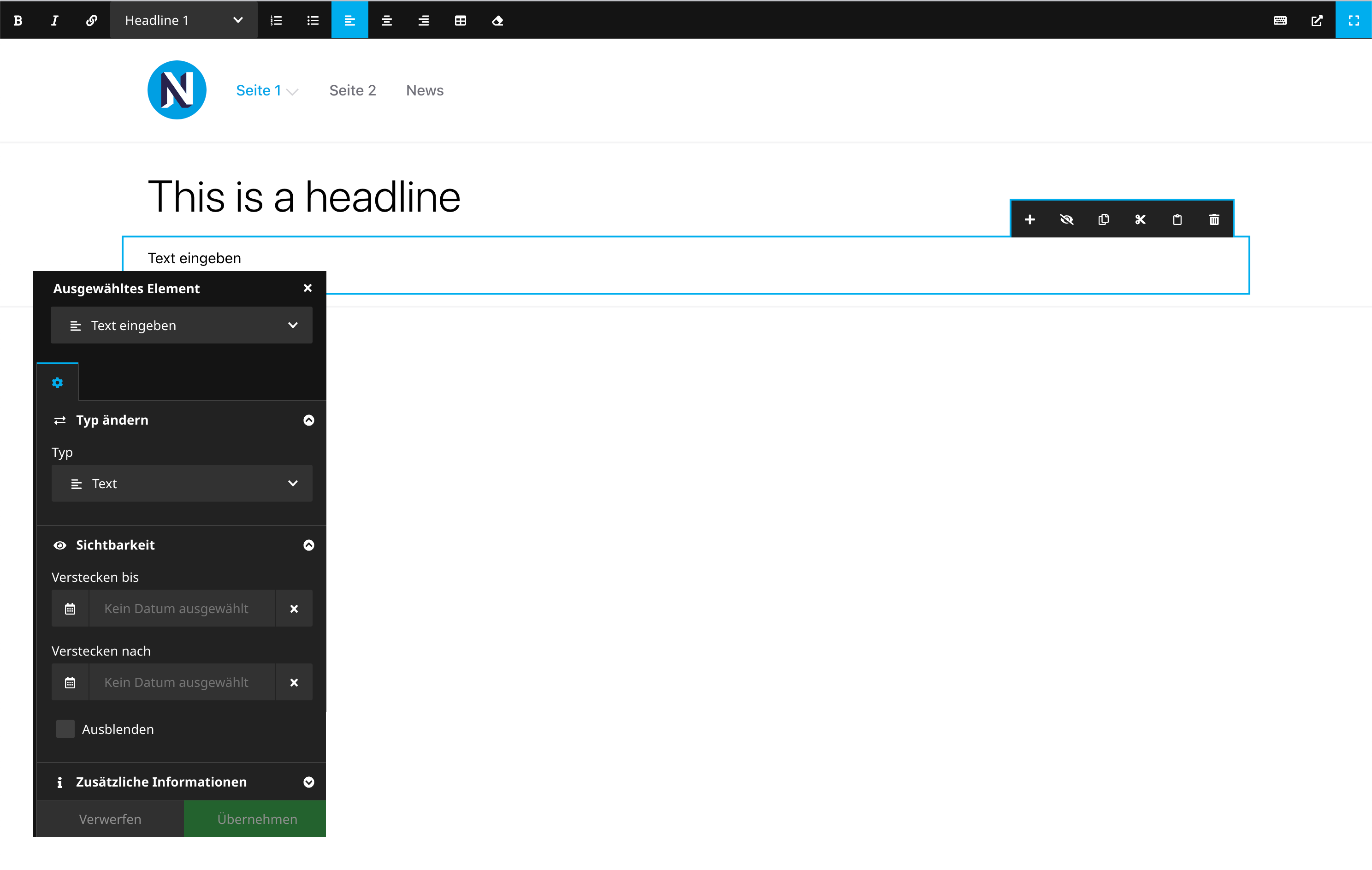

I would prefer it like this: And make it configurable, what happens with your editor when clicking that button:
Options:
A. - Like I suggested secondaryInspector.requestFullscreen()
B. - Keep the 40px secondary toolbar at the top and just fold everything back.
C. - Keep the 40px secondary toolbar at the top and just fold everything back but the inspector like @Sebobo suggested.
secondary toolbar:

I also like what i hacked here ^^
 Basically i moved the editor up a bit (40px), and made the toolbar my own.