
naturesnap
 naturesnap copied to clipboard
 neondatabase
JSWorld demo
Getting Started
- Clone the
mainbranch of the repo, move to the directory and run the following command:
npm install
- Create Neon project along with a
naturesnaprole and two databases:naturesnapandshadow. Then add theDATABASE_URLandSHADOW_DATABASE_URLto the.envfile:
DATABASE_URL=postgres://naturesnap:******@ep-....neon.tech/naturesnap?sslmode=require&connect_timeout=0
SHADOW_DATABASE_URL=postgres://naturesnap:******@ep-....neon.tech/shadow?sslmode=require
- Run the following command to migrate the schema:
npx prisma migrate dev
-
Populate the database using the SQL queries in the
/sql/init.sqlfile:INSERT INTO users ("username", "avatar") VALUES ('[email protected]', 'me.png'); INSERT INTO users ("username", "avatar") VALUES ('[email protected]', 'user1.jpeg'); ... -
Run the following command to start the app:
npm run dev
- Open http://localhost:3000 with your browser to see the result.
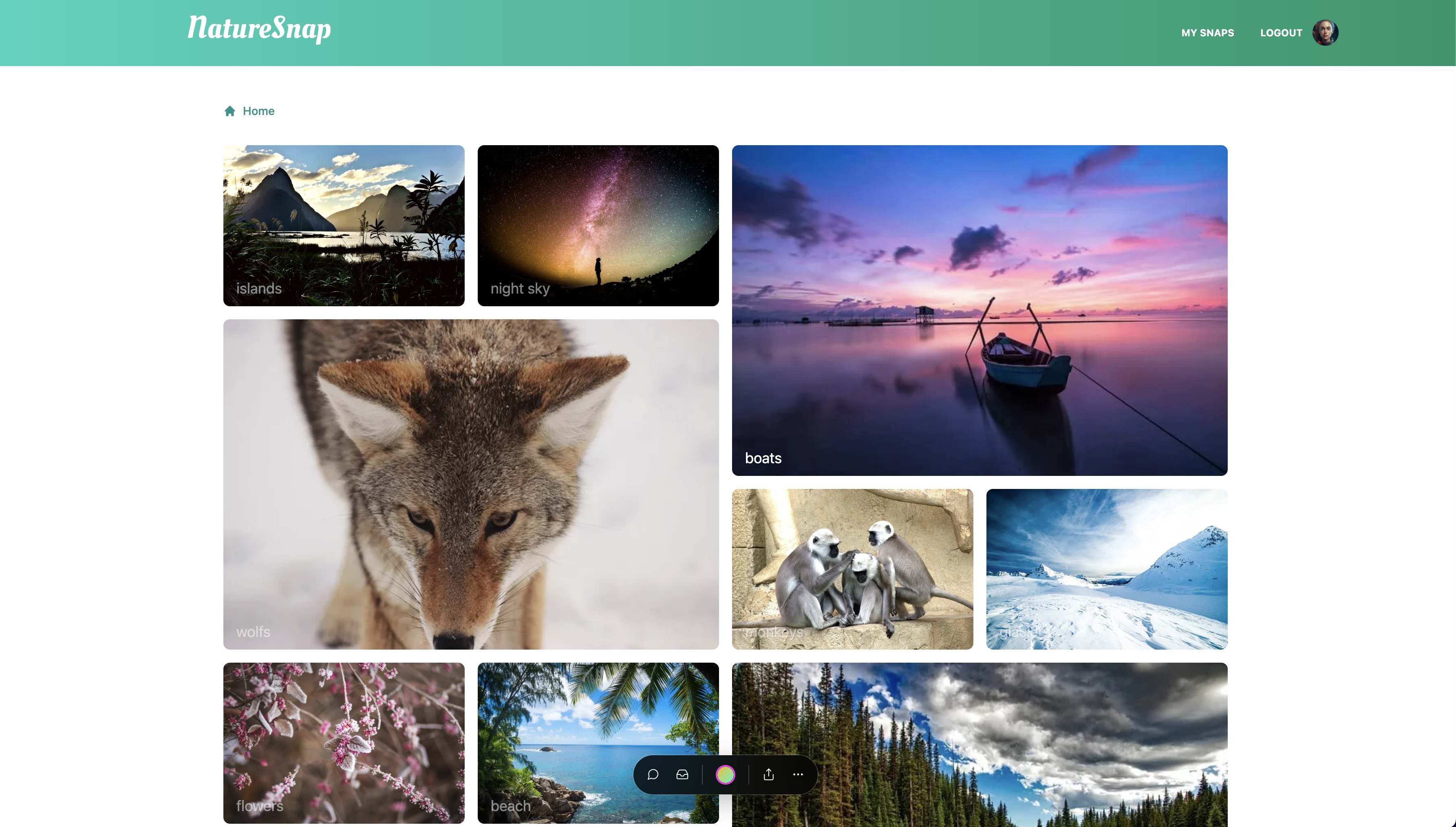
Make Schema changes
- Create a new git branch
devusing the following command:
git checkout -b add_user_topics
- Create a Neon branch from the
mainbranch and copy the newDATABASE_URLandSHADOW_DATABASE_URLto the.envfile:
3.1 In the schema.prisma, uncomment lines 20, 40 and from 44-51:
model User {
  id      Int    @id @default(autoincrement())
  username String @unique
  avatar String
  snaps   Snap[]
  // topics  UserTopics[]
  @@map("users")
}

...
model Topic {
  id    Int    @id @default(autoincrement())
  name  String
  snaps Snap[]
  // users UserTopics[]
  @@map("topics")
}

// model UserTopics {
//   id      Int    @id @default(autoincrement())
//   user    User @relation(fields: [userId], references: [id])
//   userId  Int
//   topic   Topic @relation(fields: [topicId], references: [id])
//   topicId Int
//   @@map("user_topics")
// }
3.2 In the pages/index.tsx, uncomment line 22 and 32:
// users: { select: { user: true }, distinct: ['userId'] },
and
// users: topic.users.map((u) => u.user),
- Run prisma migrate command and follow the instructions:
npx prisma migrate dev --name add_user_topics
- Run the follow SQL query in the SQL Editor to populate the
user_topicstable with data:
INSERT INTO user_topics ("userId", "topicId")
SELECT "authorId", "topicId"
FROM snaps
WHERE NOT EXISTS (
  SELECT *
  FROM user_topics
  WHERE user_topics."userId" = snaps."authorId"
    AND user_topics."topicId" = snaps."topicId"
)
- Run the app using the following command:
npm run dev
-
Open http://localhost:3000 with your browser to check the result.
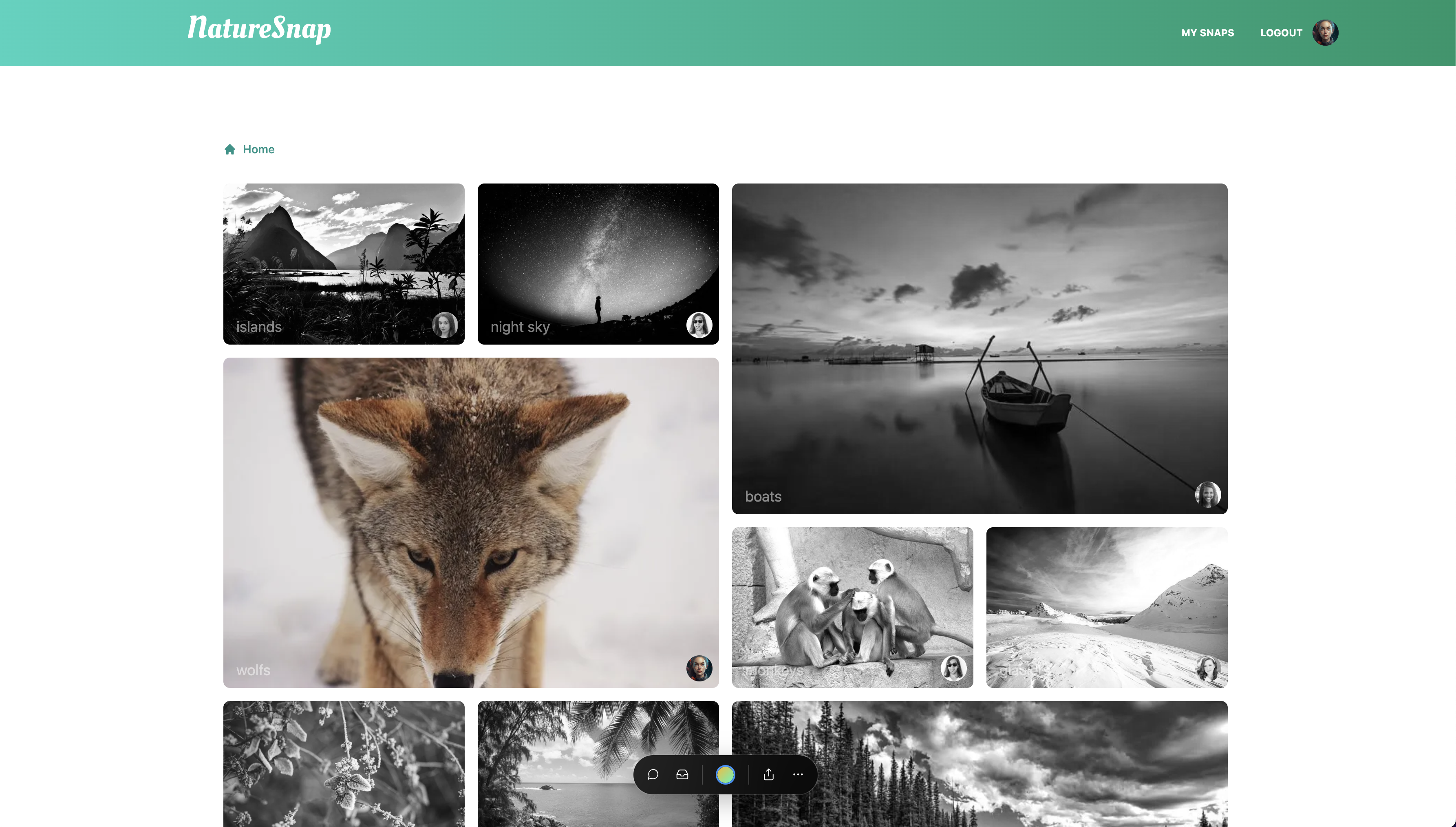
-
Commit the changes
git add pages/index.tsx && git add prisma/* && git commit -m 'add user topics'
- Push changes to a new branch on github
git push --set-upstream origin add_user_topics
- Have fun
 neondatabase