

 munificent
Add support for dark theme
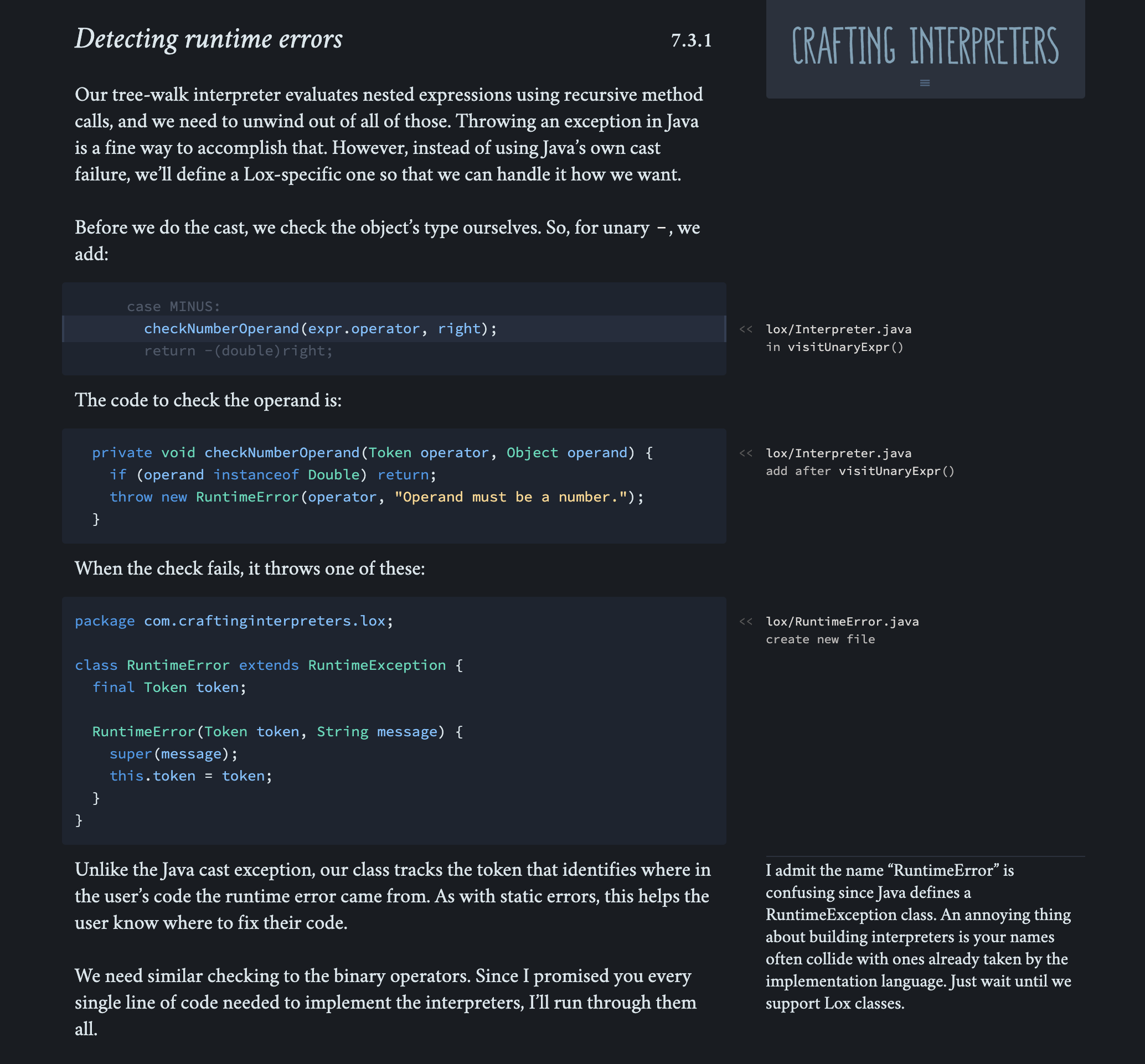
Add support for a dark theme (#732)
- Automatically follow user's OS theme settings
- Keep white/blue scheme default
- Correctly handle images which should be "negated" (eg. muffin)
- Only colours altered. No new elements, attributes, images, JS or classes*.
Note: *One rarely used class has been added, .negate, for images that should not be inverted. That's it!
Should not require any dedicated maintenance moving forward.
Credit to @dannymcgee for most of the colour scheme (thanks!)
Before and after preview
https://user-images.githubusercontent.com/6763222/104812302-373ab680-57f9-11eb-84ff-f722be480120.mp4
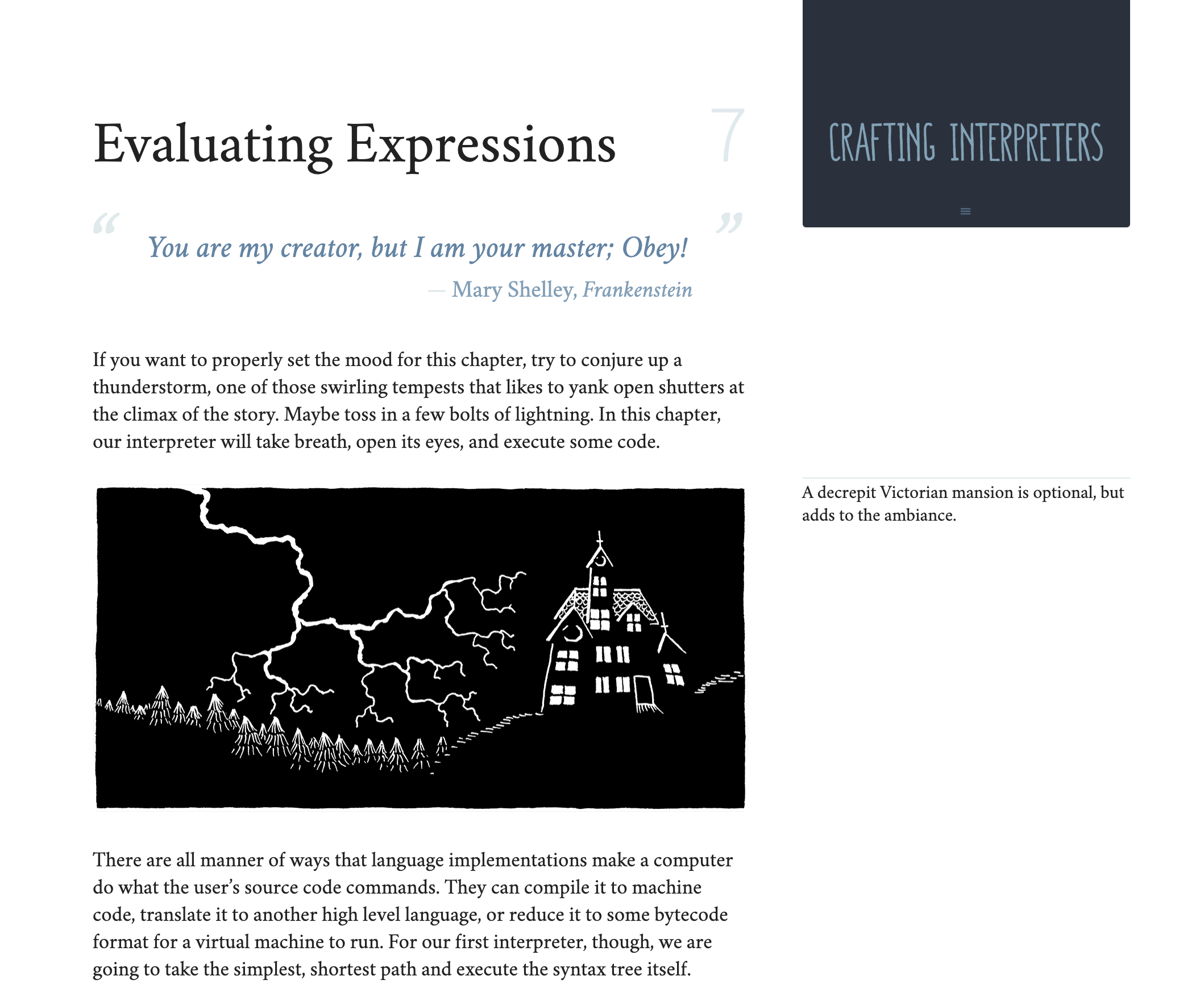
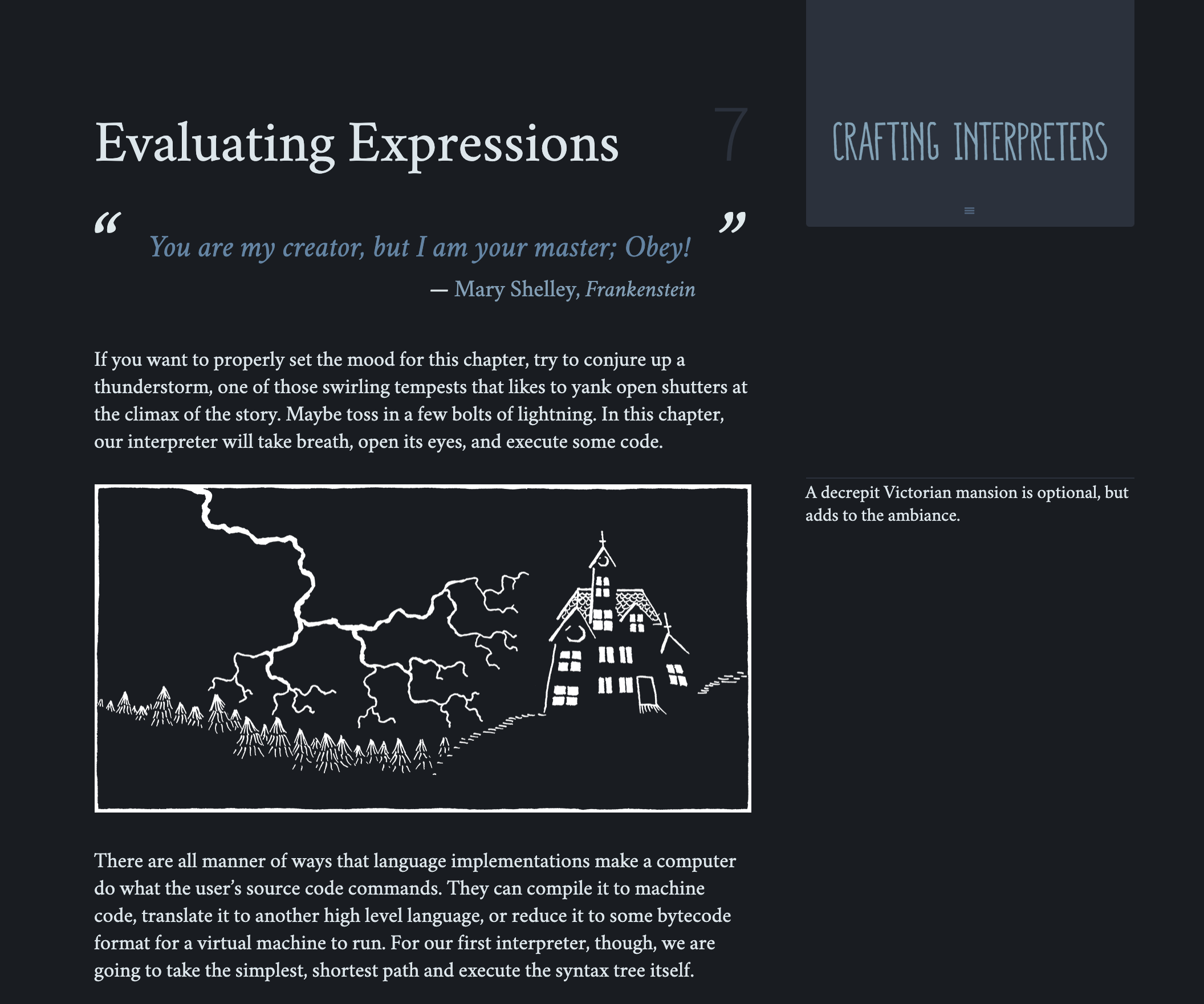
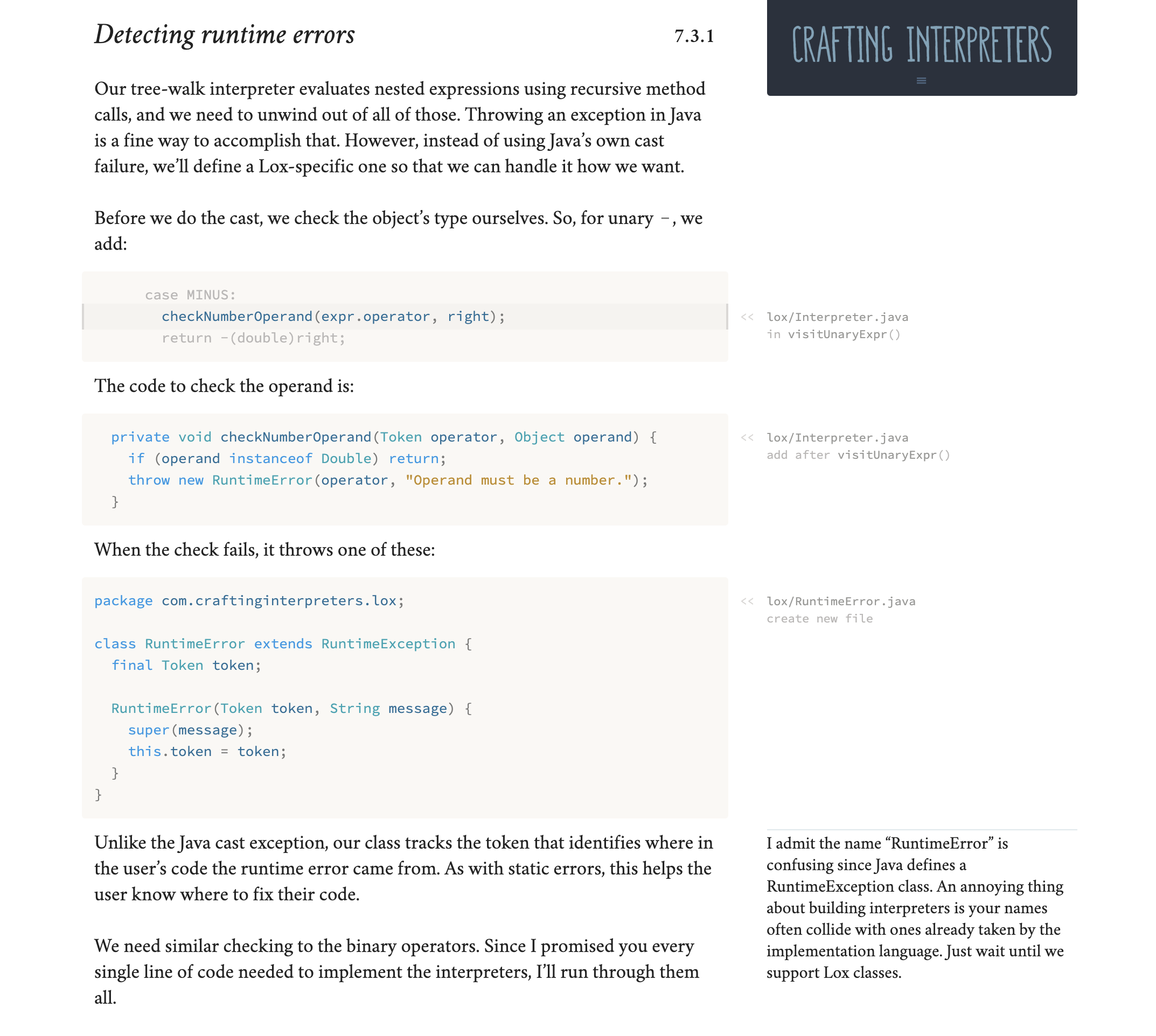

I'm also prepared to do any maintenance or updates should it ever be required. Looking through the project history the styles have been rarely changed (and with good reason, they look great).
This looks really nice. I spent some time this morning poking around at it. I don't think I can merge at as-is for at least a few reasons:
- It's not clear that all users who have their device in dark mode actually want the site in dark mode too. That implies some UI to let them toggle dark mode explicitly. This is something I'd need to design and figure out how to integrate into the various layouts for the site.
- The cool colors look nice, but they do make the greenish design note sections look pretty garish. The light mode colors are warm in the content area in large part to address that.
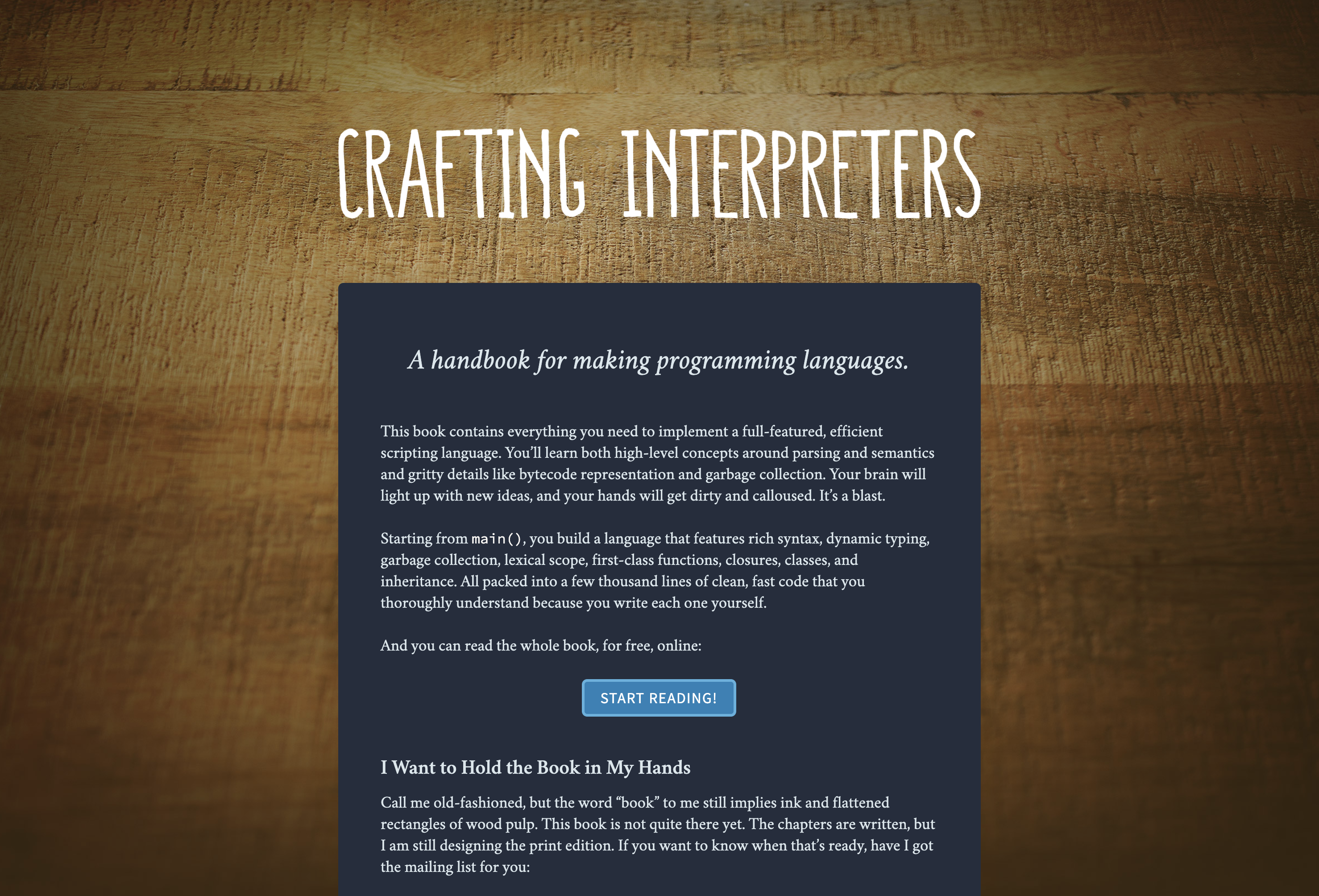
- The front page (and the front page image) look pretty weird with the dark mode text.
- I'd rather have the dark mode styles all in one place much like the other media query stuff is instead of spread throughout the styles.
That's a decent amount of work, at least some of which I feel I'd need to do myself. Right now, I'm trying to focus on getting the print edition done, so I'm not going to have the time to look at this. But I'll leave the PR open. I do think it's an improvement and looks good. Thanks for putting so much work into it!

Thanks for the feedback, Bob! I will consider the points you've raised and get back soon. (I agree Design Note sections are the worst of the dark mode theme -- that's my poor design skills, I'm afraid.)
Hi @munificent, I've addressed all the points you made.
I've refactored the "dark mode" CSS styles so that they're self-contained at the bottom of the .scss documents, mirroring the way other media queries are handled. I think it works well and easily allows you to see what's being changed. I've also added a couple of missing styles I spotted.
In addition to this I've tried to add some warmth into the Design Note sections to counter the feeling of garishness in the prior version of the dark theme.
Regarding the design of the homepage. I took a look and, I guess it's my eyes, but I think it works quite well. If you can pinpoint what you find jarring I can work at finding a solution.
Finally, regarding your comment about user preferences. I'm not sure that an additional UI element is required. Here's the HI guidance that Apple gives to its developers regarding apps:
In [the OS] settings, people can choose Dark Mode as their default interface style and schedule automatic changes between the appearance modes. Because people make these choices at a systemwide level, they generally expect all apps to respect their preferences.
Their guidelines for best practice implementation are:
Comply with the appearance mode people choose in [their OS] settings. If you offer an app-specific appearance mode option, you create more work for people because they have to adjust more than one setting. Worse, they may think your app is broken because it doesn't respond to their systemwide appearance choice.
These guidelines are for the native apps, but the logic is consistent with guidelines for modern web apps. Just like the prefers-reduced-motion or prefers-reduced-data media queries, the prefers-color-scheme media query was created to allow websites to respect a user preference. Often a preference borne out of necessity.
Personally I cannot follow something as technical as your book in a black-on-white colour scheme. It causes me discomfort and eyestrain, which is why I have put the effort I have into making this theme: I personally need it in order to read and digest your book. (I run my local version when getting back into it.)
Thanks for your time! I hope we can get this theme added one day.
I hope we can get this theme added one day.
Me too! I'm looking forward to circling back to this once the print edition is (finally) out the door.
@munificent Nearly a year has gone by! How are you feeling about this?
I had to create an ad-hoc dark theme user style when I was reading the book. It would be nice if this gets merged for future readers.
And for what it's worth, I'm pretty sure that if someone has a dark theme selected in their system then there's a higher chance of them also preferring a dark theme for any website they visit. But I agree that a button to switch is always appreciated.

@munificent Two years!
I assume you've moved onto other projects now?