

 mui
mui
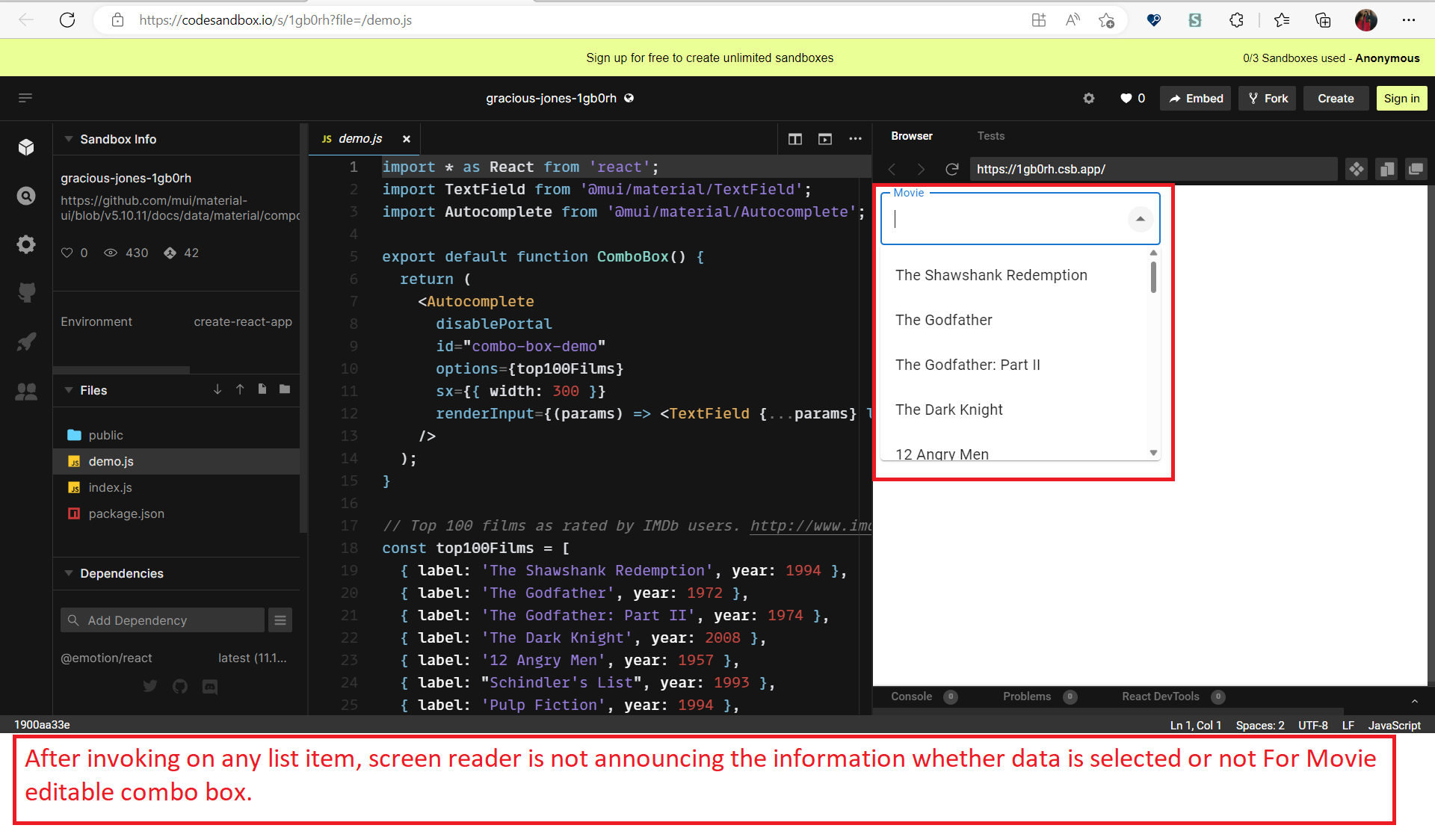
[a11y] After invoking on any list item, screen reader is not announcing the information whether data is selected or not for Movie editable combo box.
Duplicates
- [X] I have searched the existing issues
Latest version
- [X] I have tested the latest version
Steps to reproduce 🕹
Link to live example: gracious-jones-1gb0rh - CodeSandbox Steps: 1.Open Sample app as provided- gracious-jones-1gb0rh - CodeSandbox 2.Focus lands on the code editor as soon as page gets opened 3.Press Ctrl+f6 key from keyboard then press 1 tab, then again press CTRL+M from keyboard and then press 1 tab to move focus out of editor pane. 4.Press 6 times tab to reach out to combo box control until focus lands on it. 5.Now turn on Screen reader, invoke the combo box control, select any data from editable field and capture the screen reader narration. 6.Verify whether after invoking on any list item, screen reader is announcing the information whether data is selected or not in Movie editable combo box.
Current behavior 😯
After invoking on any list items, screen reader is not announcing the information whether data is selected or not for 'Movie' editable combo box.
Observation:
Screen Reader (Narrator/NVDA/JAWS) remains silent, after invoking any control.
Expected behavior 🤔
After invoking on any list items, screen reader should announce the information whether data is selected or not for 'Movie' editable combo box.
Example: After pressing any list items button either “Screen Reader should remain silent” or Screen Reader should announce status message i.e., List items has been selected.
https://user-images.githubusercontent.com/93735775/224003896-c8026a5b-f089-48ae-9b4e-506f4729ae5f.mp4
Context 🔦
Users dependent on-a screen reader to navigate the page will face difficulty if the screen reader is not announcing the information either data is selected or not hence will face difficulty to getting the exact information. User will be unaware of the content if screen reader does not announce the information whether data is selected or not for 'Movie' editable combo box.
Your environment 🌎
Test Environment: OS Version: Windows 22H2 (OS Build 22621.1265) Browser: Chrome Version Version 110.0.5481.178 (Official Build) (64-bit) Screen Reader: JAWS 2023.2212.23 ILM, NVDA 2022.3.2 and Narrator #URL: gracious-jones-1gb0rh - CodeSandbox

I cannot reproduce this error using NVDA on Windows or VoiceOver on Mac. The navigation within the Autocomplete with Windows Narrator is pretty hard, though, and selecting items does not work. Could you confirm this error occurring on NVDA also on your machine?

Hi michaldudak,
Thanks for your response. We are able to reproduce this error with NVDA and Narrator on our machine. Agreed that while selecting items with narrator is hard, but the same error occurs with Narrator too. We have worked with these versions:OS Version: Windows 22H2 (OS Build 22621.1265) Browser: Chrome Version Version 110.0.5481.178 (Official Build) (64-bit) Screen Reader: JAWS 2023.2212.23 ILM, NVDA 2022.3.2 and Narrator
We will check with our engineering team and get back to you regarding the codepen.