

 muckSponge
Suggestion/Request: Exit Fullscreen
Are we able to change this:

Into a Chrome styled:
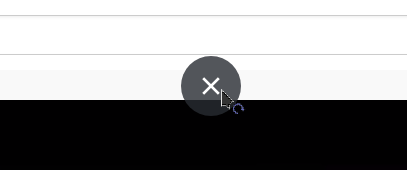
Seems possible, but with some work

This is certainly possible but where are you seeing that Chrome-style exit button? Mine looks like this:
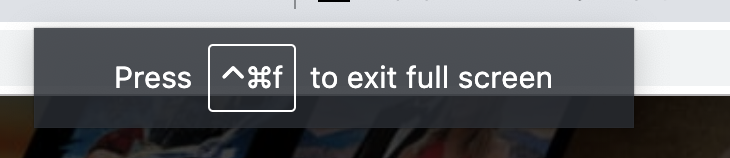 I'd be more inclined to use a toast notification style.

This is what I've implemented at the moment:
 Follows the Material guidelines for snackbars with long buttons.
I'd love to change the button text to something shorter but not really an option. I could replace it with an X button but then it is ambiguous whether it dismisses the popup or exits full screen.
An alternative is to maybe use the exit full screen icon (see app menu) instead of an X.
This is certainly possible but where are you seeing that Chrome-style exit button?
FYI, this appears after the toast popup when hovering on the top edge of the screen.

Maybe this is a Windows-only thing because all I see is the toast popup when entering full screen and then it doesn't appear again, no matter where the cursor is (macOS), probably because it uses the native full screen behaviour.
Do you think the current snackbar solution is good enough or would you like me to try to replicate that X button when hovering on the top edge? I think the snackbar looks better than Chrome's toast popup (more Material-like) so I'd like to keep that when entering, but the behaviour can be changed for hovering on top edge.
Yes, it probably works different on a Mac.
The problem (or a feature?) with Firefox is that its full screen is also inconsistent - autohides toolbars if initiated manually and shows just the popup when initiated by the website.
I would prefer the snackbar at first and X on hover, if it is indeed possible.
I prefer the toolbars to hide when I enter fullscreen (and have added a userChrome customisation to remove it), and not come back when hovering at the top, however people may not be like me, and you probably don't want to alter the behaviour of Firefox.
I'm also not sure how easy it would be to implement the "x"
Gif of Chrome's "x" you couldn't get to work:
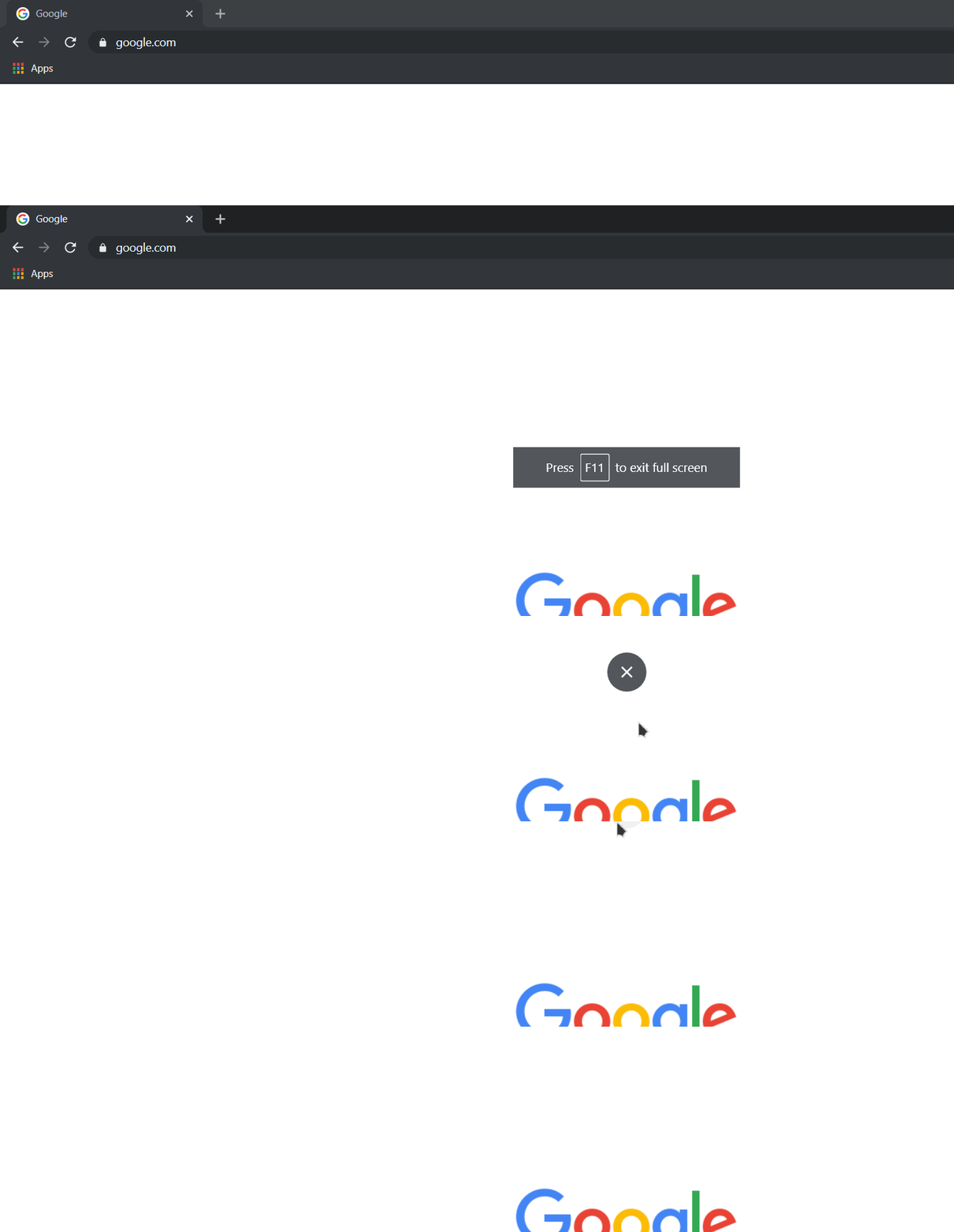
But if you add the "x" AND the toolbars coming back(?) I think it might be messy for some people, so I guess only the snackbar should be fine
I've been using this snippet below to hide the stuff at the top when in fullscreen, so I don't know the behavour of the toolbars in fullscreen well
#main-window[sizemode=fullscreen] #navigator-toolbox {
    display: none !important;
}