
RTCMultiConnection
 RTCMultiConnection copied to clipboard
 muaz-khan
Video + Screen share at the same time!
Hello,
I want to develop a small app where the user can share their video and share screen. The idea is to share video and screen to multiple users and receive video from multiple users (Technically like minimalistic Skype).
I'm using code similar to demo which you've posted https://github.com/muaz-khan/RTCMultiConnection/tree/master/demos.
I've seen the method addStream method which might allow to broadcast both screen and video over WebRTC.
I didn't see any live implementation (at-least with my little research). It'd be great if you can point any resource or a sample code to achieve my task.
The idea is to let users share their video (which I'm already doing using RTCMultiConnection) and have a button on clicking which a screen share media is added to the stream and automatically broadcasted.
Kindly help me.
Thank you!

You can try this lib: https://github.com/muaz-khan/MultiStreamsMixer
connection.dontCaptureUserMedia = true;
connection.attachStreams.push(videoAndScreenMixer.getMixedStream());
connection.openOrJoin('room-id');
and it will work.
I'll add a demo as well.

I tried with RTCMultiConnection itself where I used connection.addStream(stream); after getting the stream with getScreenID.
It apparently works but the problem is whenever stream is ended, on the other side, the media element is not removed. It just freezes.
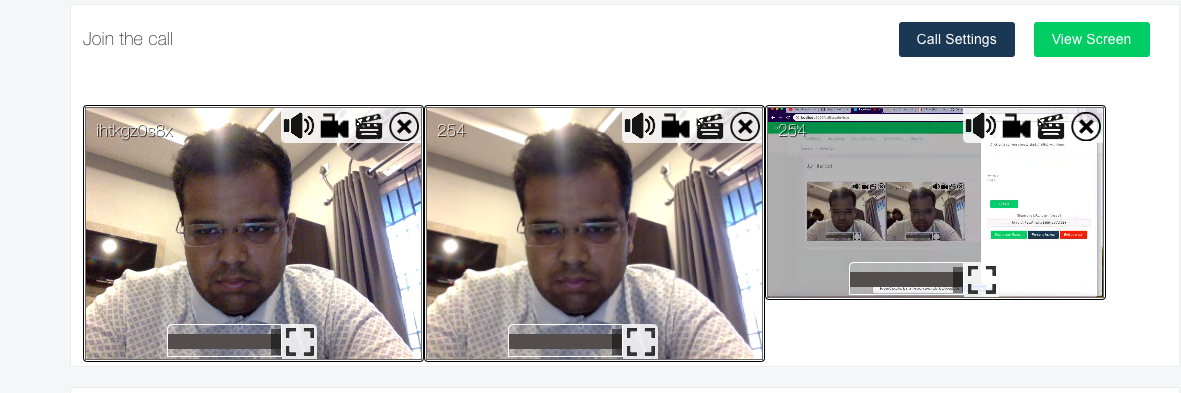
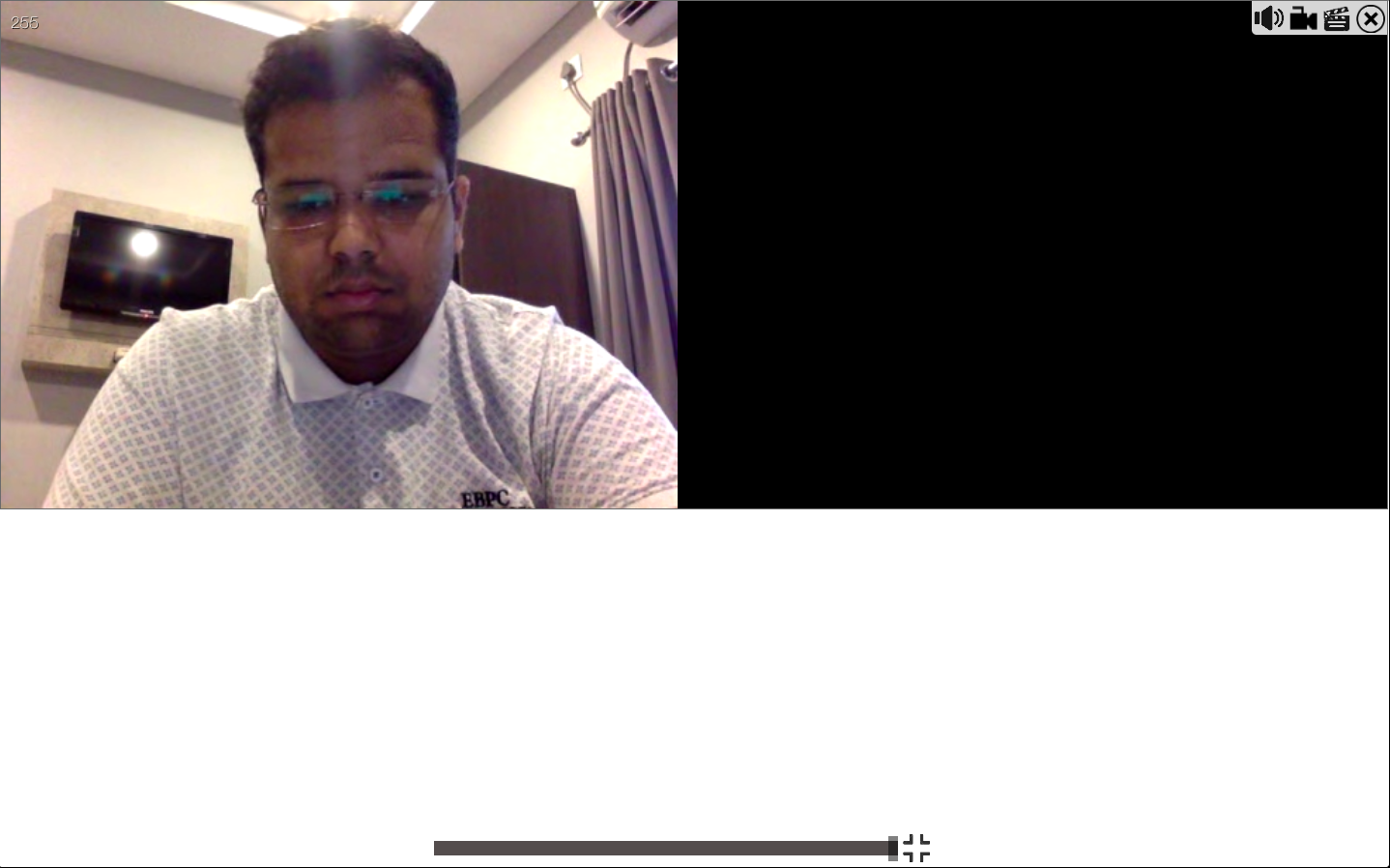
Also, when the screen is taken to a full screen mode, it doesn't work. It shows a black screen beside the screen.
Like this:
Also, since the addition of this addStream mechanism, the connections which left are still visible to users. Probably the streams not being removed from the connection. So currently if I join the call, exit and then join, the starting user still sees 3 div media elements where he has to see only 2. the same goes with screen share.. I share, then stop sharing then again share.. This is how it looks like. Probably I've to manually remove them with onStreamended function. What say?
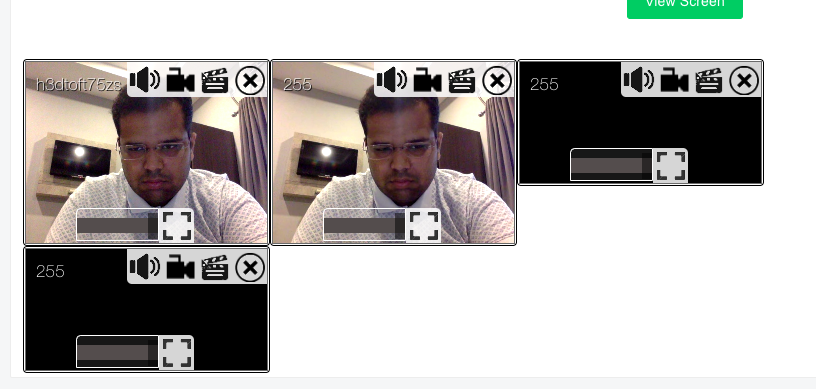
Please add your inputs on how to fix these.
Thanks.
You must remove streams using onstreamended event listener. E.g.
connection.onstreamended = function(event) {
    var video = document.getElementById(event.streamid);
    if (video && video.parentNode) {
        video.parentNode.removeChild(video);
    }
};
Above code relies on following snippet:
connection.onstream = function(event) {
    var video = event.mediaElement;
    video.id = event.stream.id; // check this line ---<<------
    document.body.appendChild(video);
};
Please also listen for onleave to remove user from both users list as well as all of his videos:
connection.onleave = function(event) {
    var remoteUserId = event.userid;
    var remoteUserFullName = event.extra.fullName;
    alert(remoteUserFullName + ' left.');
};
You can use streamEvents.selectAll to access and remove all his streams:
connection.onleave = function(event) {
    connection.streamEvents.selectAll({
        userid: event.userid
    }).forEach(function(event) {
        var streamid = event.stream.id;
        var video = document.getElementById(streamid);
        if (video && video.parentNode) {
            video.parentNode.removeChild(video);
        }
    });
};
If you're using beforeunload on your webpage, then please make sure to close sockets manually:
connection.closeBeforeUnload = false;
window.onbeforeunload = function(event) {
    connection.peers.getAllParticipants().forEach(function(participant) {
        connection.multiPeersHandler.onNegotiationNeeded({
            userLeft: true
        }, participant);

        if (connection.peers[participant] && connection.peers[participant].peer) {
            connection.peers[participant].peer.close();
        }

        delete connection.peers[participant];
    });
    connection.attachStreams.forEach(function(stream) {
        stream.stop();
    });
    connection.closeSocket();
};
Best practive
You must not only set id for every HTMLVideoElement but also add additional attribute named as data-userid. E.g.
connection.onstream = function(event) {
    var video = event.mediaElement;
    video.id = event.stream.id; // check this line ---<<------
    video.setAttribute('data-userid', event.userid); // check this line as well ---<<------
    document.body.appendChild(video);
};
Now onstreamended, onleave and onUserStatusChanged listeners can access all videos by data-userid e.g.
document.querySeletorAll('video[data-userid="' + event.userid + '"]').forEach(function(video) {
    if (video && video.parentNode) {
        video.parentNode.removeChild(video);
    }
});
You also need to send your own custom message to all participants as soon as onbeforeunload fires. E.g.
window.onbeforeunload = function(event) {
    connection.send('i-am-leaving'); // check this line ------- <<<<<<< ----------


    // rest of the codes goes here:
    // e.g. closeSocket, disconnectWith, attachStreams.stop etc.
};
Now you can listen for onmessage to check if someone left:
connection.onmessage = function(event) {
    if (event.data === 'i-am-leaving') {
        // remove all of his videos
        document.querySeletorAll('video[data-userid="' + event.userid + '"]').forEach(function(video) {
            if (video && video.parentNode) {
                video.parentNode.removeChild(video);
            }
        });
    }
};
Conclusion
- You must listen for all events e.g.
onstreamended,onleaveandonUserStatusChanged. onstreamevent must set bothvideo.id=event.stream.idas well asvideo.setAttribute('data-userid', event.userid).- If you're using
beforeunloadon your own page then please make sure to setconnection.closeBeforeUnload=falseand also manuallyconnection.closeSocket(). It is recommended even if you're not already usingbeforeunloadbecause this gives you full control over how/when you stop the socket and streams. - Please set
connection.session.data=trueto open WebRTC data connection. This allows you send messages like'i-am-leaving'or{userLeft:true}etc. Youronmessageevent listener can check for all such notifications and remove videos accordingly.
If you're using addStream:
connection.addStream({
    screen: true,
    oneway: true,
    streamCallback: function(screen) {
        addStreamStopListener(screen, function() {
            connection.send({
                screebEnded: true,
                streamid: screen.id
            });

            var video = document.getElementById(screen.id);
            if (video && video.parentNode) {
                video.parentNode.removeChild(video);
            }
        });
    }
});

connection.onmessage = function(event) {
    if (event.data.screebEnded === true) {
        var video = document.getElementById(event.data.streamid);
        if (video && video.parentNode) {
            video.parentNode.removeChild(video);
        }
    }
};
Otherwise if you're using getUserMedia API yourselves:
navigator.mediaDevices.getUserMedia({
    video: screenParameters
}).then(function(screen) {
    screen.streamid = screen.id;
    screen.isScreen = true;
    connection.attachStreams.push(screen);
    screenVideoElement.srcObject = screen;

    addStreamStopListener(screen, function() {
        connection.send({
            screebEnded: true,
            streamid: screen.id
        });

        screenVideoElement.srcObject = null;
    });
});

connection.onmessage = function(event) {
    if (event.data.screebEnded === true) {
        var video = document.getElementById(event.data.streamid);
        if (video && video.parentNode) {
            video.parentNode.removeChild(video);
        }
    }
};
addStreamStopListener
Here is the addStreamStopListener function:
function addStreamStopListener(stream, callback) {
    var streamEndedEvent = 'ended';
    if ('oninactive' in stream) {
        streamEndedEvent = 'inactive';
    }
    stream.addEventListener(streamEndedEvent, function() {
        callback();
        callback = function() {};
    }, false);
    stream.getAudioTracks().forEach(function(track) {
        track.addEventListener(streamEndedEvent, function() {
            callback();
            callback = function() {};
        }, false);
    });
    stream.getVideoTracks().forEach(function(track) {
        track.addEventListener(streamEndedEvent, function() {
            callback();
            callback = function() {};
        }, false);
    });
}
via: https://www.webrtc-experiment.com/webrtcpedia/#stream-ended-listener
How about this issue?
Like this:
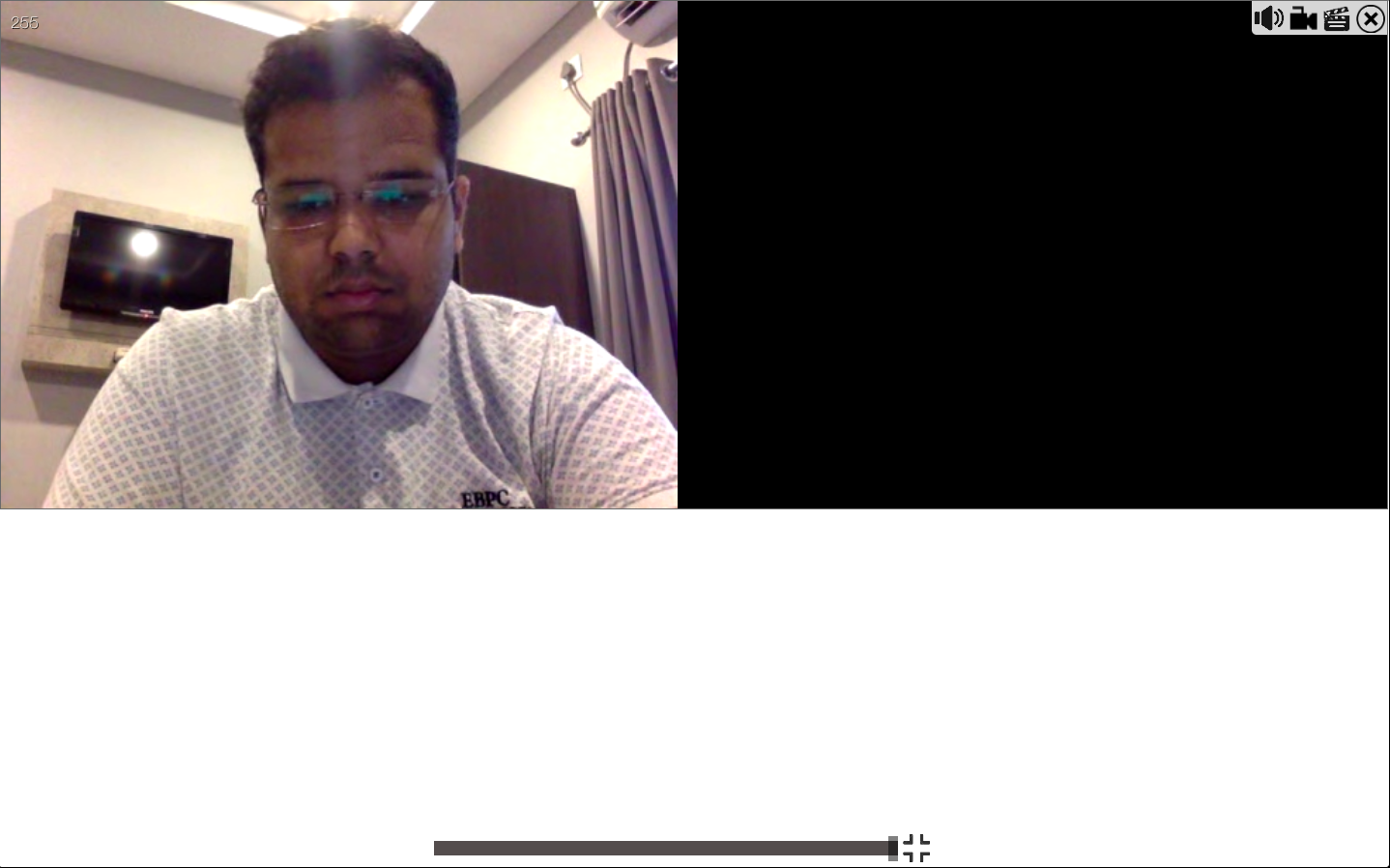
When I press full screen for any video or audio, it shows a black screen. How can I fix it?
@muaz-khan , Also I've observed that when I use connection.addStream(stream); and when I close any tab/video/screenshare , onstreamended is not called and this results in the stream not ending and freezing (not just screen, even the normal video onstreamended doesn't work).
This is my screen capture code : https://gist.github.com/pbssubhash/5534f61a5dfded6b6cbfe67560d98edf
And this is my normal connection opening code: https://gist.github.com/pbssubhash/f9a8f78390e097676a637b1d36746895
What I want to achieve is have a screen share by clicking a button while a video-call is going on.
What's going wrong in my code?
Please help me.
Here is a demo that switches between video and screen:
- https://rtcmulticonnection.herokuapp.com/demos/video-and-screen-sharing.html
Video and screen are NOT shared at the same time, though. You either share screen or camera.
Advantage: You can stop and share screen many times without any failure or errors.
Hey @muaz-khan , Thanks for the demo.
There's a small bug with the demo.
Here's a scenario : User1 joins the call and Invites User2 with the room ID. User 2 joins the call as well. User1 starts sharing the screen and brings in User3. But when User3 joins the call when there is already a screen sharing going on, User3 sees the camera of User1 but not the screen. It works perfectly once all the users are connected and then the screen is shared but doesn't work when the user shares the screen and then people join the call.
Can you please check what's wrong with that?
Thanks.
connection.attachStreams array is still containing old camera track. The screen track is never added or replaced in the attachStreams array.
I'll fix and update the demo shortly.
Is there any web app that allows multiple screen shares at the same time? it's like a monitoring system where 50 - 100 persons share the screen at the same time and will able to see all of them together on the same screen at the same time
