
AiForms.SettingsView
 AiForms.SettingsView copied to clipboard
 muak
muak
How to remove the extra space at the bottom of the setting view
there is a lot of unnecessary space at the bottom of the view. how can i remove them ?

@ghatighorias
Though I don't know your situation so much, it might solve by setting the settings view to height request.
Thank you.

I have a problem with this as well. This is my code (XAML):
<sv:SettingsView x:Name="settings" HeightRequest="{Binding VisibleContentHeight,Source={x:Reference settings}}" BackgroundColor="Magenta" HeaderHeight="0"> "Some Content here" </sv:SettingsView>
Which has the following result:
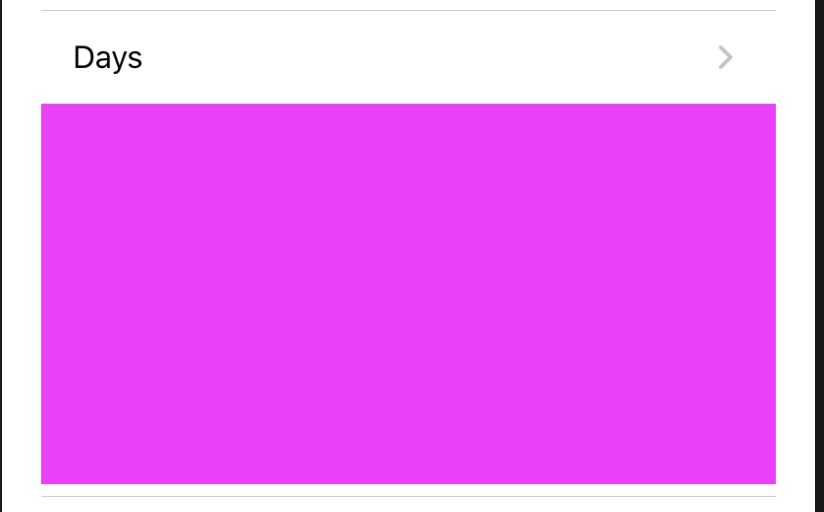
As you can see there is a (footer) space below the cell. And the backgroundcolor of the SettingView highlights it with the magenta color.
Do you have any tips on how to solve this?

This problem still exists, can anyone please let me know how to handle this one without HeightRequest being set.
