
vscode-better-folding

vscode-better-folding copied to clipboard
 mtbaqer
Shown default `}`
If fold, } shown
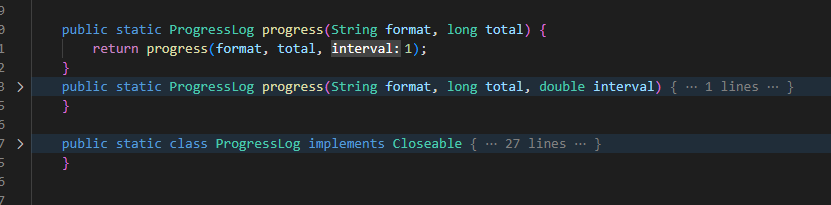
Language: Java
Operating System: Windows 10
Visual Studio Code: 1.75.1
Better Folding: v0.5.0

It works on my machine. Can't reproduce it.
Did you try disabling all other extensions to see if one of them is interfering with it?

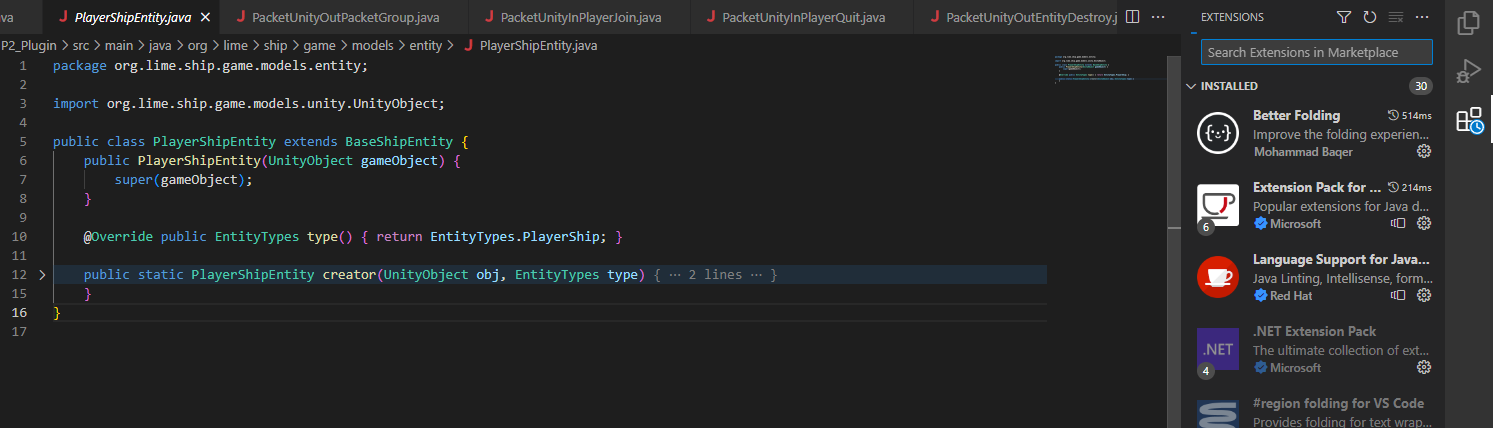
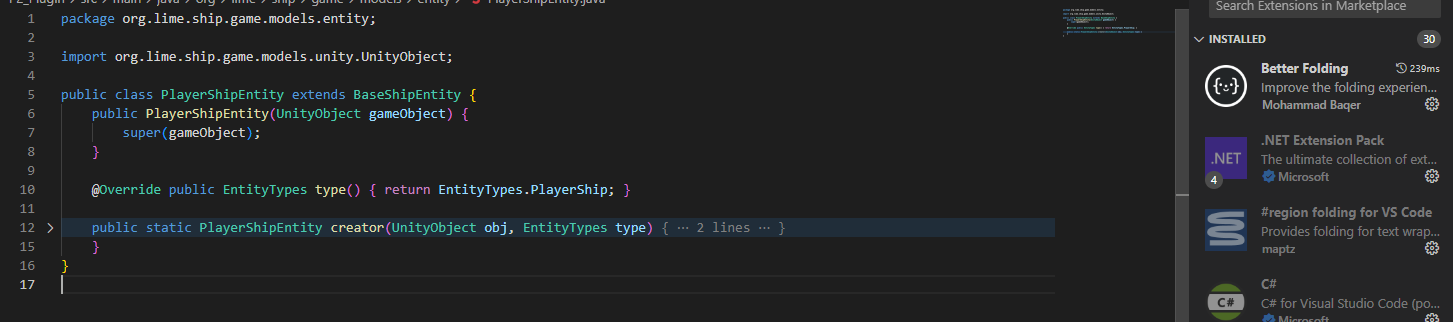
Maybe you can add debug logger to extension and add enable debug property in settings

Same problem here. Newest version, Windows 11. I've noticed Explicit Folding doesn't work either. Maybe it's not the extensions but something bugged out in an update to Code?
