

 msys2
msys2
neovim does not work inside tmux
Describe the issue
Neovim cannot be run inside of tmux. Launching neovim inside of tmux yields an empty screen and pressing ctrl+c returns me to the terminal. Vim works just fine.
Steps to Reproduce the Problem
- Install the Windows version of neovim
- Open tmux inside of msys2
- Launch neovim
Additional Context: Operating System, Screenshots
- OS: Microsoft Windows [Version 10.0.19043.1889]

Try this. Add MSYS=enable_pcon environment variable system wide in Control Panel. Now run neovim in tmux.

Thanks, nvim now launches, but text alignments become very weird and unstable in lots of places (the issue does not occur with msys2 outside of tmux)
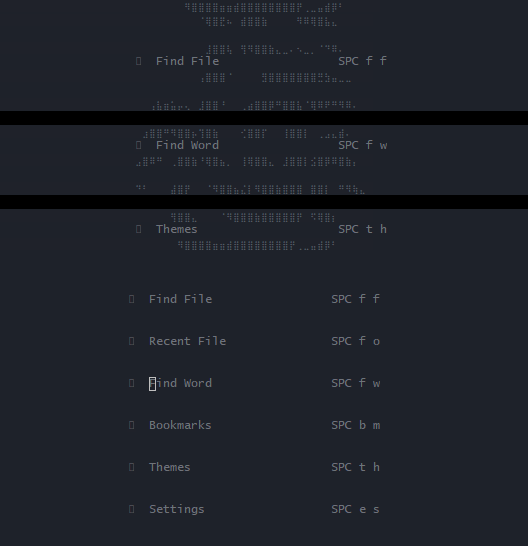
It seems that nvim does not like TERM=screen.
Try:
env MSYS=enable_pcon tmuxenv TERM="" nvim

Setting TERM="" seem to make nvim have a ridiculous startup time (minutes).
I instead tried setting TERM=xterm-256color and it made it mostly work (the previous value was tmux-256color)
Now there are 2 remaining issues.
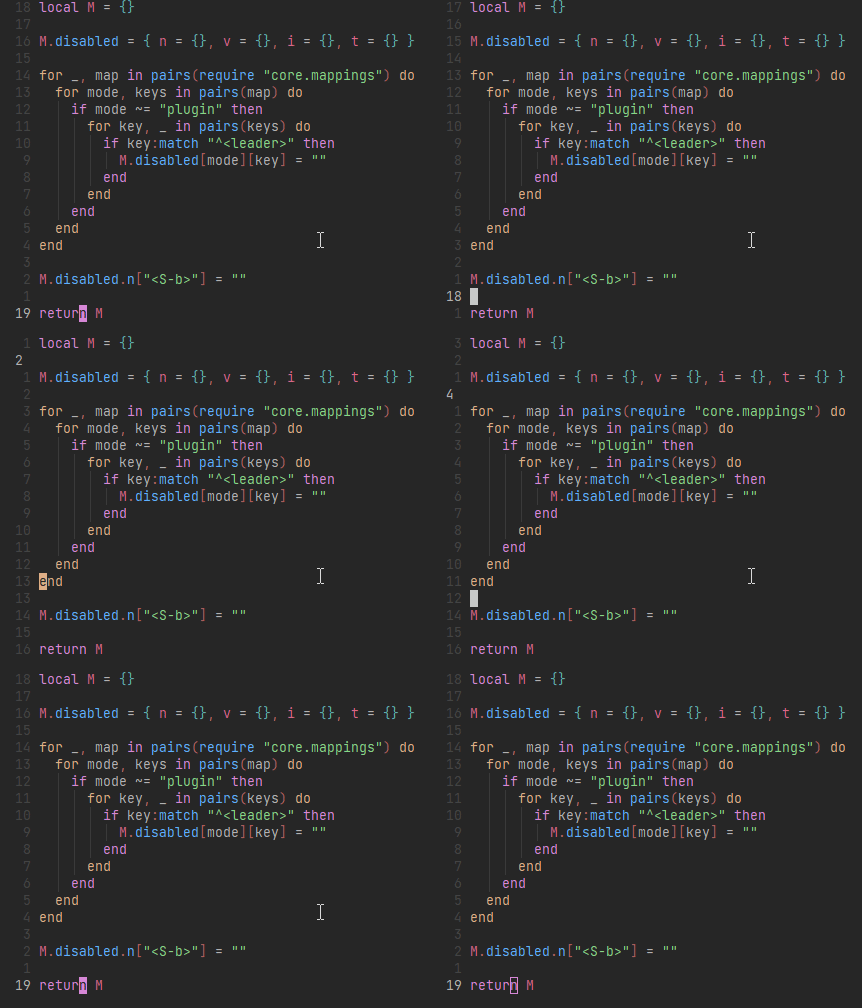
- Rapid cursor flicker when moving the cursor:
- When running tmux within a msys2 bash shell via terminal emulator other than
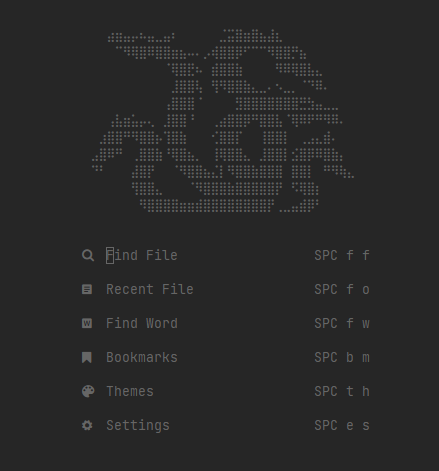
mintty(alacrittyin my case, using the trick mentioned here: https://github.com/alacritty/alacritty/issues/1687), the colors show up all wrong: outside of tmux: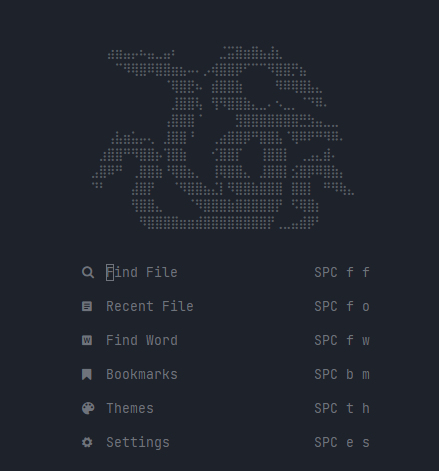 within tmux:
Setting
TERM=""seem to make nvim have a ridiculous startup time (minutes).
Sorry. I was wrong. This disables pseudo console feature, so windows native nvim could not start.
I instead tried setting
TERM=xterm-256colorand it made it mostly work (the previous value wastmux-256color) Now there are 2 remaining issues.
This is right thing if you set TERM=xterm-256color only for nvim. (use env command or run TERM=xterm-256color nvim in bash.)
- Rapid cursor flicker when moving the cursor:
I have confirmed that this also happens with windows native vim (not nvim).
- When running tmux within a msys2 bash shell via terminal emulator other than
mintty(alacrittyin my case, using the trick mentioned here: tmux will not open on Windows with error "open terminal failed: not a terminal" alacritty/alacritty#1687), the colors show up all wrong:
I am not sure what is wrong in your case. In my environment, both (inside and outside tmux) case draw with the same color.
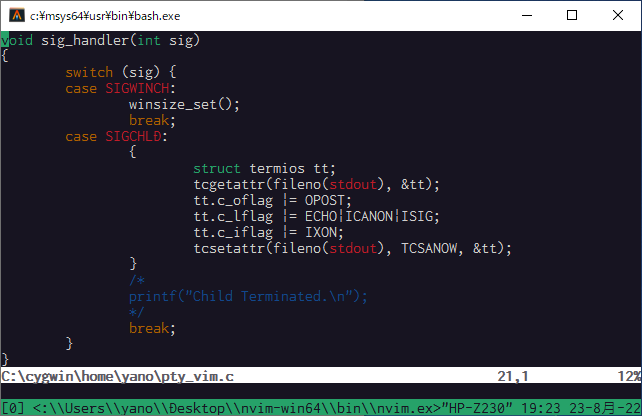

2. When running tmux within a msys2 bash shell via terminal emulator other than
mintty(alacrittyin my case, using the trick mentioned here: tmux will not open on Windows with error "open terminal failed: not a terminal" alacritty/alacritty#1687), the colors show up all wrong:
Perhaps, this problem will be solved by starting tmux with script -c "tmux -T RGB" /dev/null.
@tyan0 Thank you, that fixed the colors issue for me! As for the flickers, I don't have an elaborate config to test on vim, so I did a comparison with no config on a plain text file:
- vim: flickers when cursor moves
- vim + tmux: flickers when cursor moves (slightly more severe?)
- neovim: no flickers
- neovim + tmux: flickers when cursor moves (definitely feels more severe than vim to me)
- neovim + tmux + my config + syntax-highlighted file: cursor flickering and randomly popping up here and there around the buffer
@musjj Did you come up with a solution to this? I find the flickering terrible too. What do you need tmux for? I wanted a windowing console thing so I can have multiple PowerShell instances, and instead now I am using nvim's :term which seems MUCH faster. It of course does not persist sessions etc like Tmux, but it does not require a behemoth CPU.

Did you come up with a solution to this?
Unfortunately, no.
What do you need tmux for?
I'm just interested to see what it's like to wield the full power of tmux, since I've heard a lot of praises about it. But with neovim being buggy in it, I've mostly abandoned that idea and ended up mostly relying on the built-in terminal like you. I wonder if anyone will ever attempt to do a modern cross-platform rewrite of tmux? Due to it being such a behemoth of a tool, I guess it's pretty unlikely.