

 ms-iot
ROS1 Melodic on Windows 10 Icons not displaying in rqt_graph and rqt_plot
When going through the ROS tutorial for Beginners after Melodic install on Windows 10, the ros_graph and ros_plot within the window icons are not displaying at all - please notice the blank gray rectangles where the icon for 'Refresh', 'Help', etc. should be.
I went all the way through the whole tutorial, step-by-step, up to Section 6.


I'm having this issue (rqt_gui, rqt_graph and I'm sure others) and I expect it's related to this:
https://answers.ros.org/question/60017/rqt-not-showing-icons-in-osx/
https://github.com/ros-visualization/qt_gui_core/pull/17
I was able to get some of the icons to work by adding the icon theme to C:\usr\share\icons (any convenient directory is fine) and modifying the code in C:\opt\ros\melodic\x64\lib\site-packages\qt_gui\main.py.
In the function _check_icon_theme_compliance() after the Darwin check for macOS I added:
if platform.system() == 'Windows' and \
    'C:/usr/local/share/icons' not in QIcon.themeSearchPaths():
    QIcon.setThemeSearchPaths(QIcon.themeSearchPaths() + ['C:/usr/share/icons'])
Then I installed the Tango theme at that C:/usr/share/icons path.
I actually did this with a symbolic link to the Tango theme that I installed on my WSL Ubuntu 18.04 installation with apt:
On WSL:
sudo apt install tango-icon-theme
On Windows (where I had a C:\usr directory for other things mimicking a Linux installation for libraries, etc.)
C:\usr > mkdir share
mklink /D icons \\wsl\Ubuntu-18.04\usr\share\icons
I still have some blank buttons but it might be that the Tango theme is not the only one missing. Will update if I fix it.
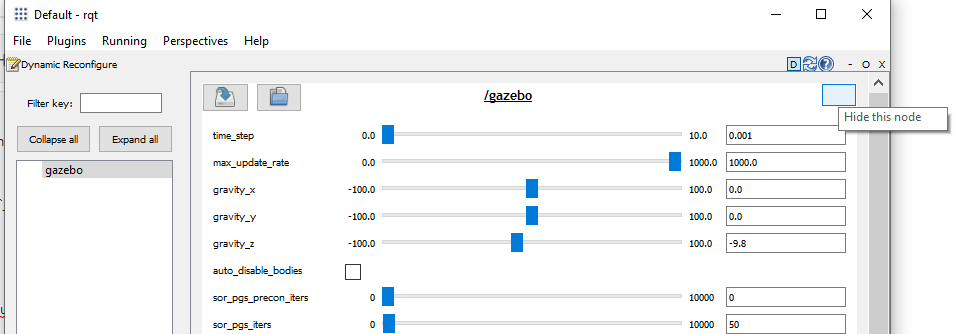

@danzimmerman Thank you for the investigation.
I think we need to create an analog of the icons within the ROS on Windows distro and override the path lookups in the code.

@ooeygui No problem. It looks like some missing icons might just require some more icon themes (gnome and crystalsvg) that Tango depends on.
For example, in C:\opt\ros\melodic\x64\lib\site-packages\rqt_graph\ros_graph.py in ROSGraph.__init__(...) at line 175 I have
self._widget.refresh_graph_push_button.setIcon(QIcon.fromTheme('view-refresh'))
self._widget.refresh_graph_push_button.pressed.connect(self._update_rosgraph)

self._widget.highlight_connections_check_box.toggled.connect(self._redraw_graph_view)
self._widget.auto_fit_graph_check_box.toggled.connect(self._redraw_graph_view)
self._widget.fit_in_view_push_button.setIcon(QIcon.fromTheme('zoom-original'))
self._widget.fit_in_view_push_button.pressed.connect(self._fit_in_view)
Seems like everything comes from the same theme. Inspecting C:\usr\share\icons\Tango\index.theme seems to show inheritance from gnome and (or?) crystalsvg.
[Icon Theme]
Name=Tango
Comment=Tango Icon Theme
Inherits=gnome,crystalsvg
Example=x-directory-normal
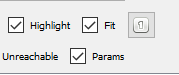
Adding the gnome icons (sudo apt install gnome-icon-theme on my WSL Ubuntu 18.04 installation) does fill in some blanks on rqt_gui but and rqt_graph, but the "fit graph" icon seems a little weird :
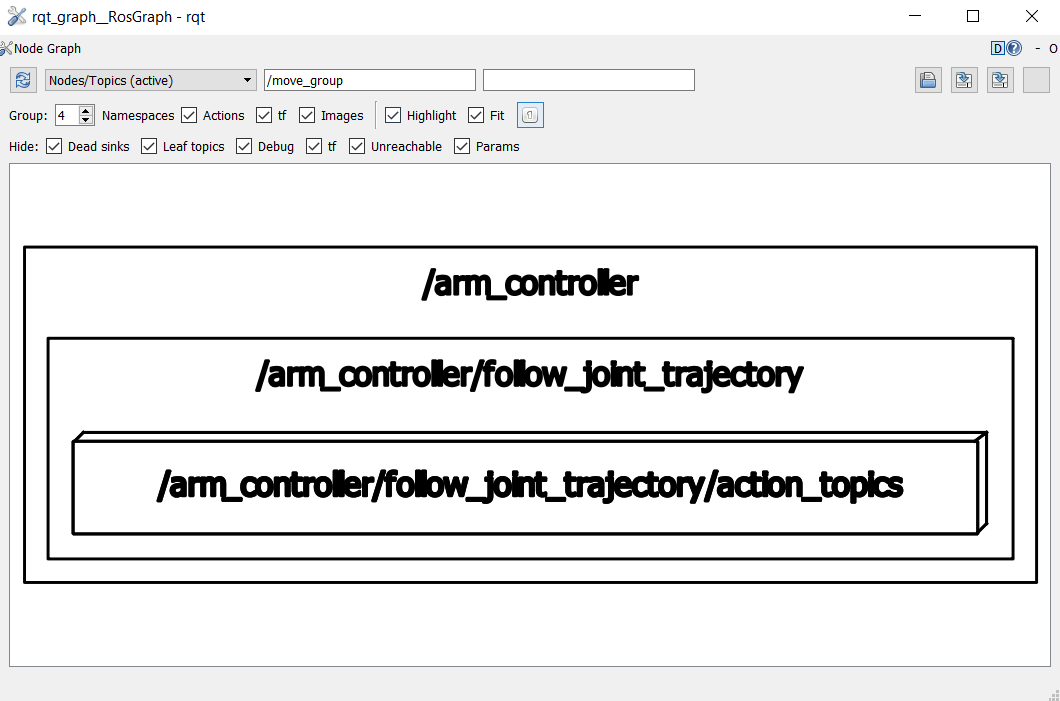
Also rqt_graph is still missing Save as image (see below)
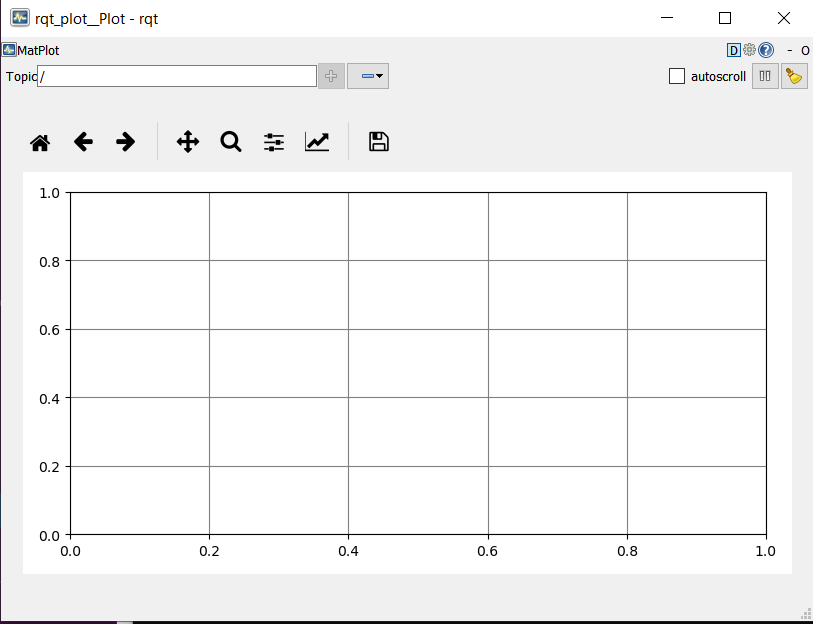
Guess it'll take some detective work to track everything down, but looks like installing Tango and gnome themes will fix usability in the short term:
rqt_graph
rqt_plot
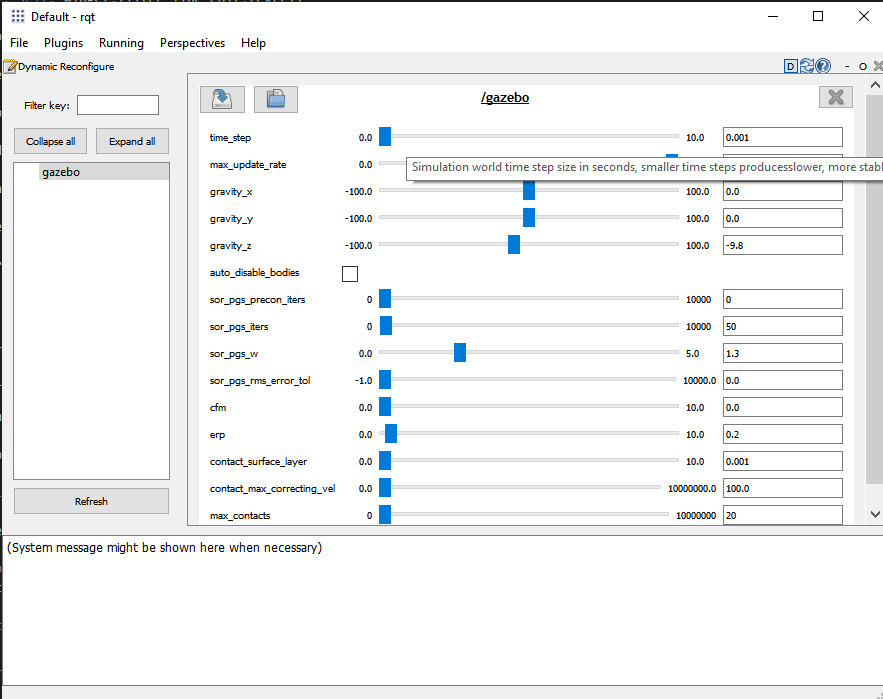
rqt_gui
I didn't try to install crystalsvg yet.