

 mpv-player
How do I reduce subtitle canvas size?
How can I reduce the size of the canvas the subtitles appear on so they don't obstruct information? This is a big problem when watching BBC sport from Freeview. They get in the way of the scoring and time information and can't move them down. They also get in the way of editor names on the news unless I move them up.
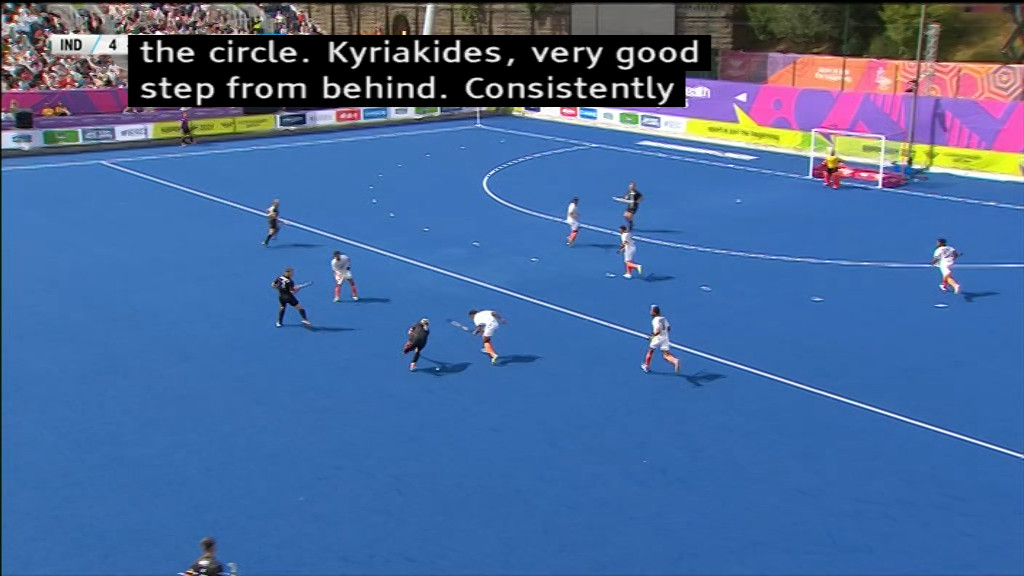 I have tried reducing the size using the
 sub-scale option but that doesn't work properly. The end up looking like this:
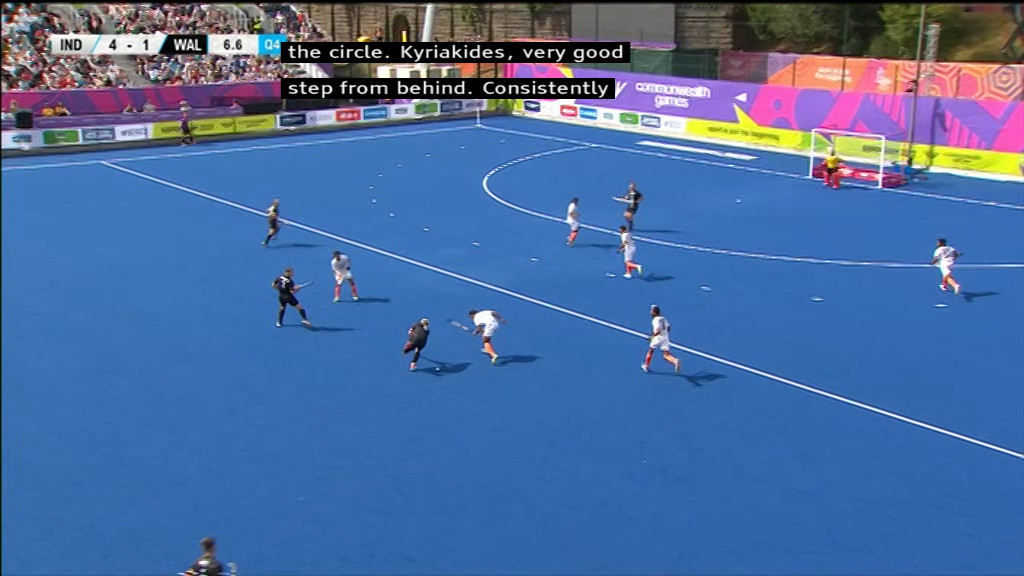


Does using
--sub-posfix the problem, or--sub-margin-y?
--sub-margin-y makes no difference.
I rather have the canvas shrunk just like what TV's do than them just moved. I take it that mpv doesn't have such an option. Is it possible at all using ffmpeg's filters? I know mpv supports ffmpeg's audio and video filters but does it support subtitle filters?
Try using --filter-complex with sub2video and see if you can get something out of that. Do note that sub2video and overlay is much slower in software than doing so in hardware.
Try using
--filter-complexwithsub2videoand see if you can get something out of that. Do note thatsub2videoandoverlayis much slower in software than doing so in hardware.
I have no idea how to go about doing that. Can someone help such as providing an example?