

 mpetroff
multires vs. equirectangular
I built an examplepage with more Pannellum-Scenes one from typ equirectangular and one from type multires. I used on both Scenes the same equirectangular-panorama-jpg. For the multires I create the necessary files with generate.py ...
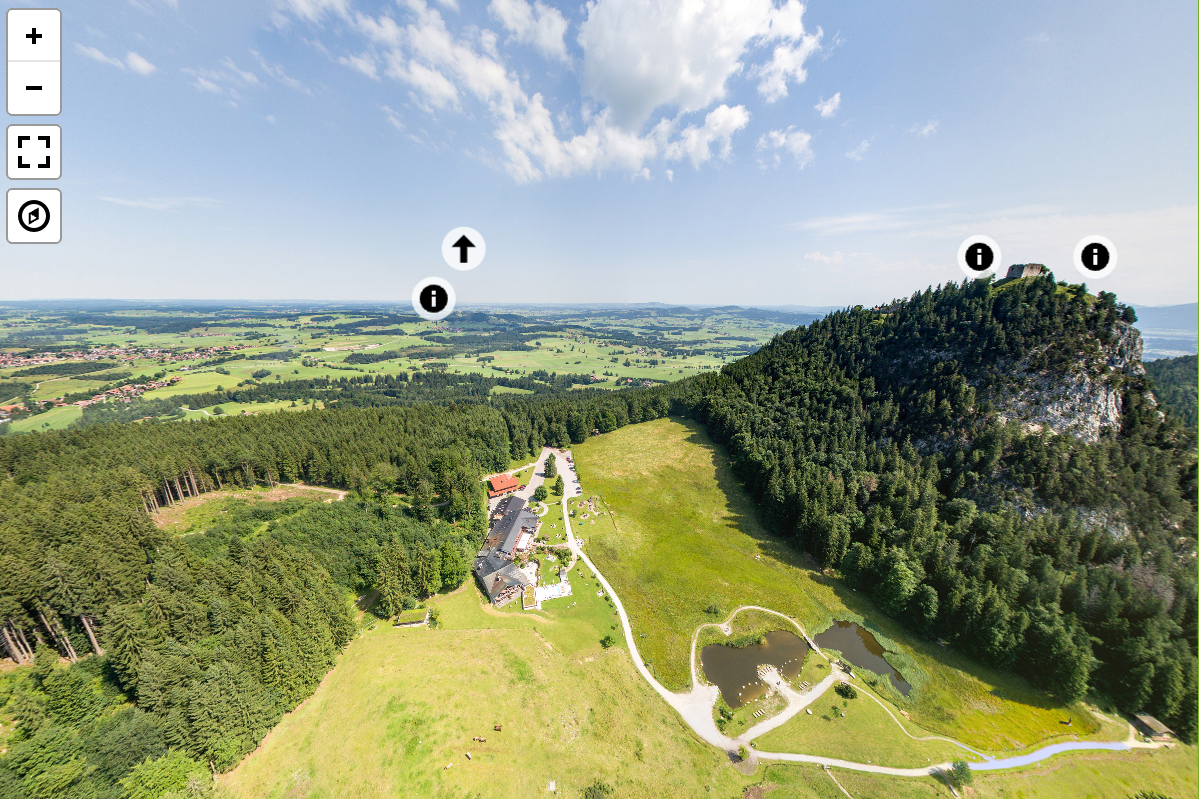
Now, when I start the Page and load the scenes in an small (600x400px) div the mulires panorama looks not so good like the other. A part on the left and right side is "cloudy". It seems that this part is not loaded fully, but I can wait view minutes, nothing will change. When I move the cloudy part to center, it will clear.
type: eqirectangular ->
type: mulitres ->
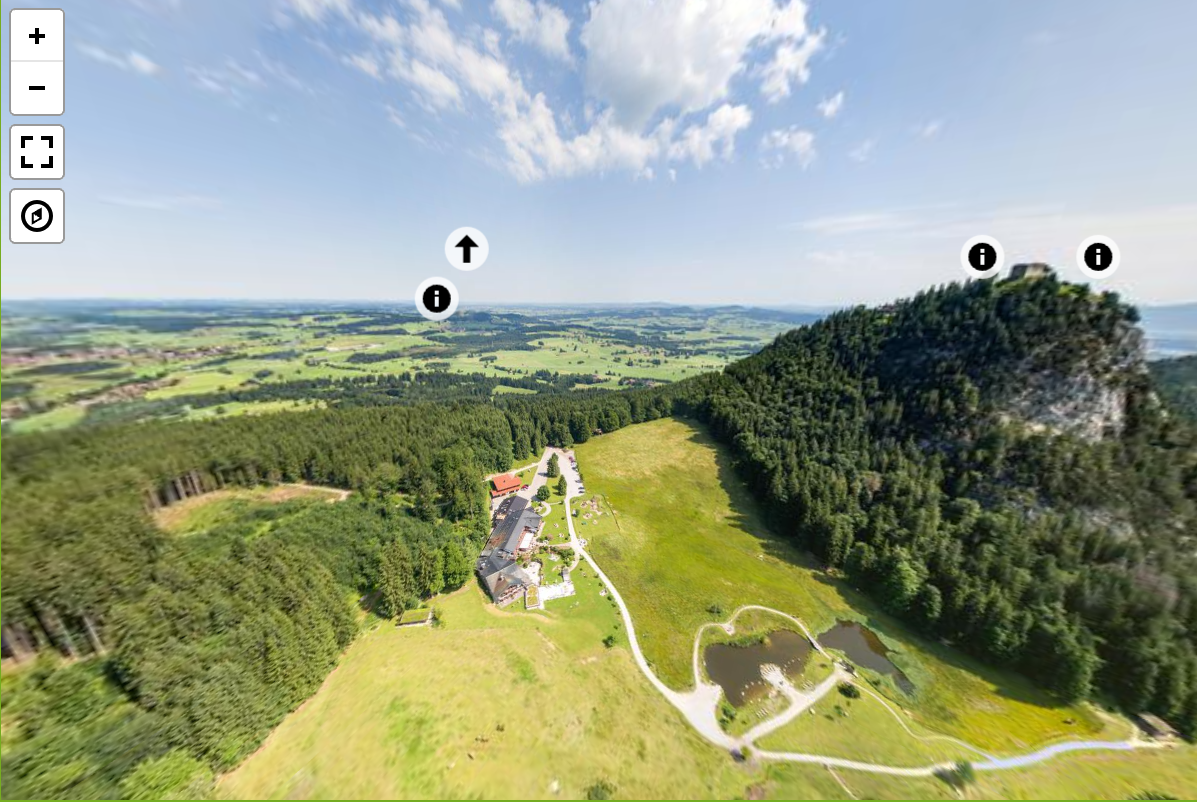
Is this a normal effect? Is there a possibility for me, to change this?
Thanks

There are a few things about the multiresolution renderer that aren't optimal; this is one of them. The tile resolution used is currently the same across the field of view; the resolution is fine in the center, but higher resolution should be used at the periphery but isn't. Since the equirectangular rendering is using the full resolution image, it is sharper at the edges.

OK, what a pity. I thought multires is the "perfect" solution :-) But as always, everything has its advantages and disadvantages.
But why the panorama from the George Paebody Library on the pannellum-Website ist so much sharper on the edges?
Since each subsequent zoom level has twice the linear resolution as the previous level, there's "extra" resolution right after the threshold that triggers loading the next zoom level, which makes the edges sharper than right after a zoom level change than right before (when zooming in). The edge fuzziness also becomes more apparent the more one zooms out. There's also a dependency on viewer size.
Do we have any update for this task? Can we fix blur on the left and right side?

Since each subsequent zoom level has twice the linear resolution as the previous level, there's "extra" resolution right after the threshold that triggers loading the next zoom level, which makes the edges sharper than right after a zoom level change than right before (when zooming in). The edge fuzziness also becomes more apparent the more one zooms out. There's also a dependency on viewer size.
Hi, First of all, thank you for building this software. It is pretty impressive. I am running into the same blurriness issue mentioned by MiMoWe. How did you get the "extra" resolution for Peabody Library? Is there some trick, or did you use just a better camera. If so, could you let me know which camera you used? Thanks!

@ZooeyHe If you're only seeing edge fuzziness with a multires panorama and not a equirectangular panorama, you're indeed seeing the issue described here. It has nothing to do with the quality of your source image. As I mentioned earlier in this thread, whether or not the issue manifests itself has to do with a number of factors including the viewer size and the exact image size. There's no straightforward fix.
If you're seeing edge fuzziness when using the equirectangular mode, then the problem is with your source image. I captured the Peabody Library panorama with a DSLR, 18mm lens, and a panoramic tripod head that rotates the camera around the no parallax point. The panorama was stitched from around five dozen bracketed image stacks; in equirectangular projection, the panorama has a resolution of ~350 megapixels.