

 mozilla
Trigger volume broken
Description At our company, we have successfully used the experimental feature Trigger volume to play and pause videos, both 2D and 360 videos.
Since approx second week of February this functionality becomes broken when a room gets modified. Old rooms work until they get updated/modified.
The problem is both in the private hubs and public version. We have verified this in both private and public.
To Reproduce See screenrecording published on youtube where we show the problem. Here is the link https://youtu.be/rU9F7TEXiu0
Steps to reproduce the behavior: See the properties of trigger volume in the screenrecording that previously worked, but now the same trigger volume does not work at all with same settings. No changes made by us, but something must have been changed in the platform behavior. No error message is displayed, neither in Spoke or in the room itself.
The Spoke file is attached. Since the room has many triggers, I want to say that "Trigger E" is shown in the screenrecording.
Expected behavior When visitor comes close to a video, it should start playing automatically without clicking any button.
Screenshots See screenrecording link above
Hardware
- Device: Desktop (have not tested VR Headset and phone)
- OS: Windows 11, 10
- Browser: Firefox, Chrome, Edge
Additional context diggger and Subhadeep#7938 had a meeting with matthewbcool last Tuesday to discuss this error. He asked for a developer from our company that might be able to tackle this task. That could be kumar_unity. spokefile.zip

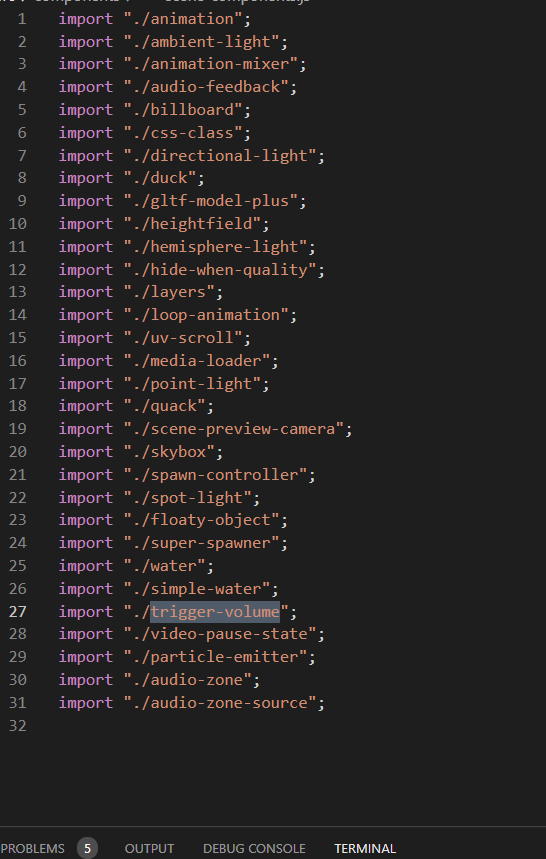
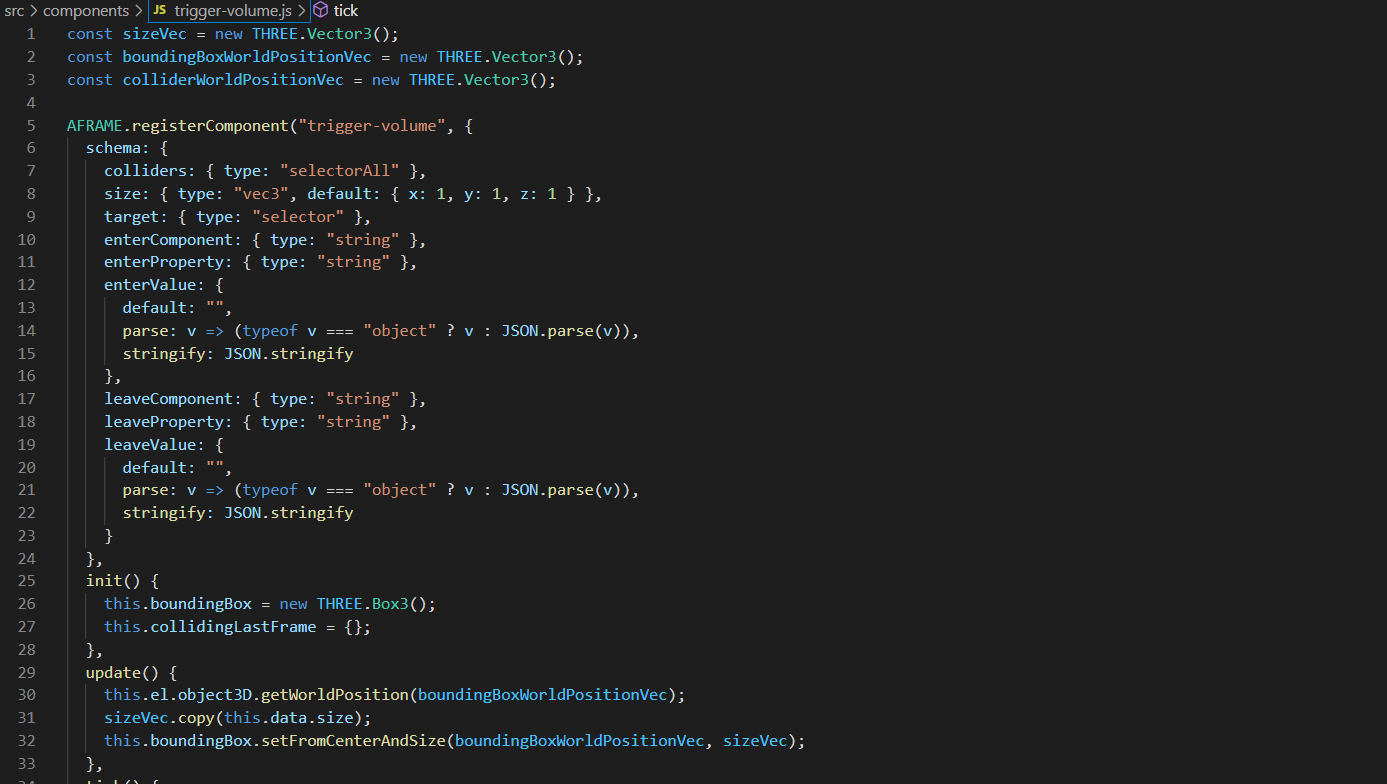
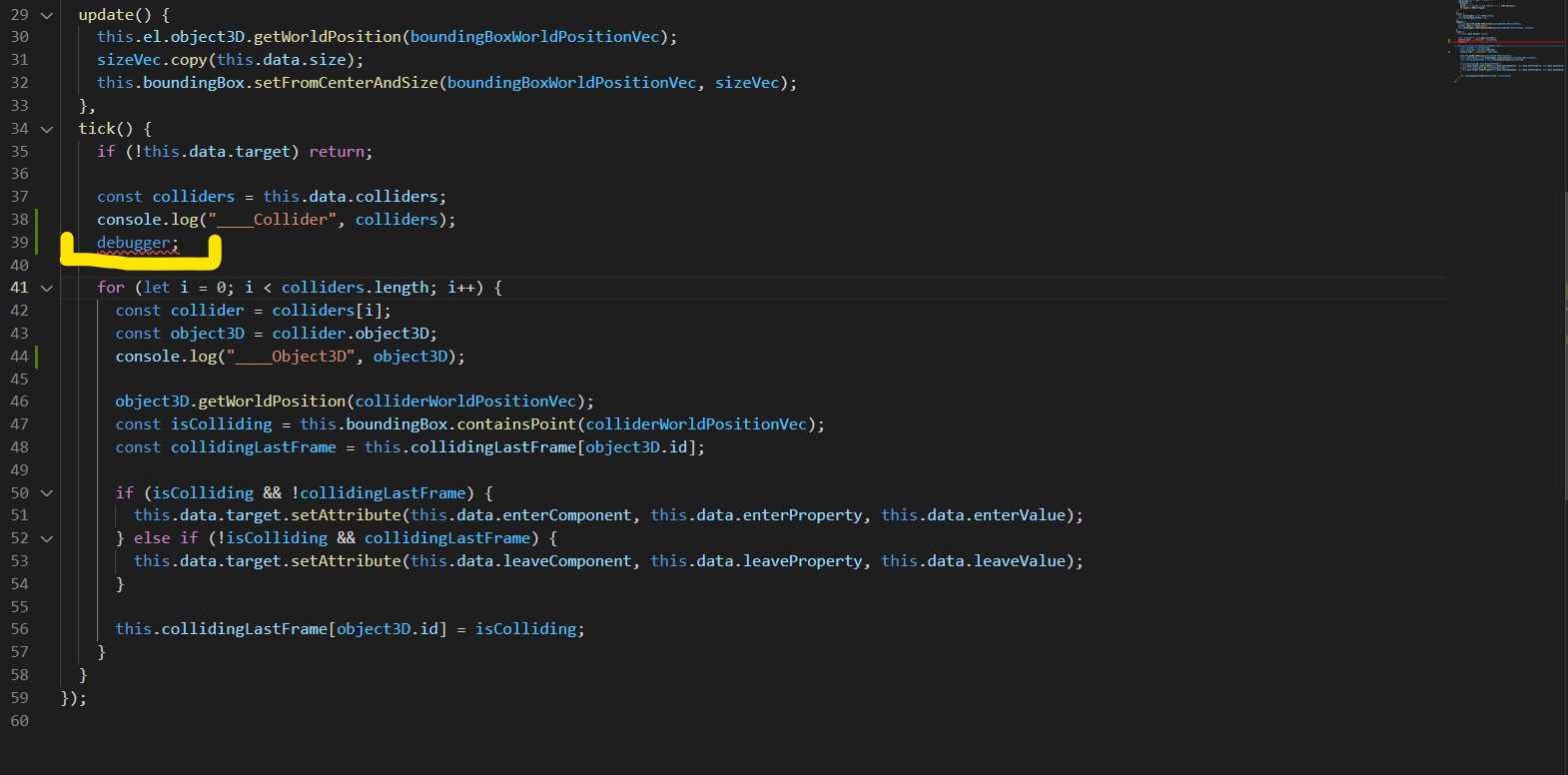
Tried to debug Trigger Volume Issue : Found Script is not executing a Single Line of Code, even it is attached in JS headers No Debug result show in Web Debugger Console Panel. Code Snippets are below.
Does Anyone have solution fixed this Experimental Feature : Trigger Volume ?

@redhatpanda noticed this scene is still functioning fine: https://hubs.mozilla.com/scenes/vTzZ9QG Understanding why may help us debug this.

Thanks for the notification! I replied in github and include below
Agree with redhatpanda. I want to add this: Old implementations of trigger volume work fine abut,as soon as you do any updateto the same room in Spoke and then publish it again,trigger volume stops working. According to a developer I talked to, the trigger volume code isn't executing after the update.
David
31 mars 2022 18:28:33 +02:00, skrev Matt @.***>:
@redhatpanda https://github.com/redhatpanda noticed this scene is still functioning fine: https://hubs.mozilla.com/scenes/vTzZ9QG Understanding why may help us debug this.
— Reply to this email directly, view it on GitHub https://github.com/mozilla/hubs/issues/5162#issuecomment-1084817753, or unsubscribe https://github.com/notifications/unsubscribe-auth/ATIFS6ERF7FELHMOJIY7JNLVCXHDDANCNFSM5OXZLSVQ. You are receiving this because you authored the thread.Message ID: @.***>
@godunity3d @davidzdavidz Thanks for taking a look @godunity3d. If the scene you are testing in does not have a trigger volume, I would not expect any of the code in the tick function to run so the results you are getting would be the expected results. Can we confirm what scene you are trying this in?
I can confirm that videos don't respect Trigger Volume in newly published scenes (they work correctly in previously published scenes). Animations work fine, though.
Example scene, note the mirror ball is paused when you are away from the character and rotates when you are directly in front of the character, but the video does nothing. https://hubs.mozilla.com/scenes/pmmRK3Z/trigger-volume-test

Trigger volumes are still an experimental feature. Thank you for letting us know about this bug.


The only target gltf-component-mappings are able to get is a weird object without id or el. I think there is something wrong with the way Spoke exports this

I, too, think there is a problem with the Spoke export part.
Nodes that inherit from EditorNodeMixin have their MOZ_spoke_uuid set on export, but nodes(AudioZone, Audio, Video) that inherit from AudioParamsNode do not have their MOZ_spoke_uuid set.
https://github.com/mozilla/Spoke/blob/master/src/editor/nodes/EditorNodeMixin.js#L264 https://github.com/mozilla/Spoke/blob/master/src/editor/nodes/AudioParamsNode.js#L71
